
Every copy.
One keystroke away.
A free clipboard manager for Mac that remembers everything you copy: text, images, files, and links, bringing it back the instant you press ⌘⇧V.✦ Native · Keyboard-first · Private
Copy. ⌘⇧V. Paste.
No setup, no learning curve. It just sits in your menu bar and remembers so you never lose a copy again.
Copy like you always do
Hit ⌘C anywhere. Cubix Clip quietly captures it in the background, text, an image, a file, a link, whatever it is.
Press ⌘⇧V
The floating panel appears in under 100ms, right where you're working. Type to filter or just arrow down the list.
Press ↩ & it's pasted
Your clip drops straight into the app you were in. Or tap 1-9 to paste a recent item instantly. Done.
Built for speed. Obsessed with it.
A clipboard manager you'll touch hundreds of times a day should never make you wait. Cubix Clip doesn't.
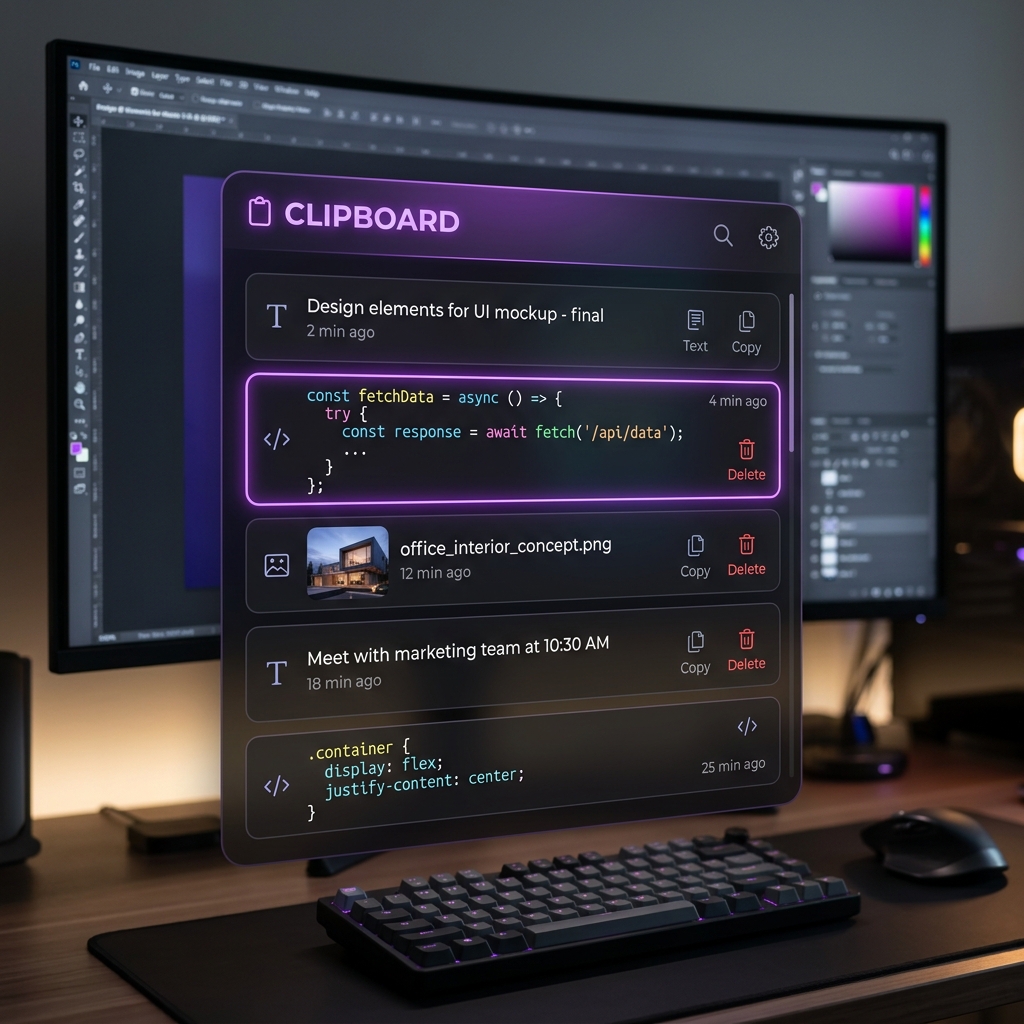
Sub-100ms Panel
Built to feel instant. The floating panel snaps open in under a tenth of a second, every single time, hundreds of times a day.
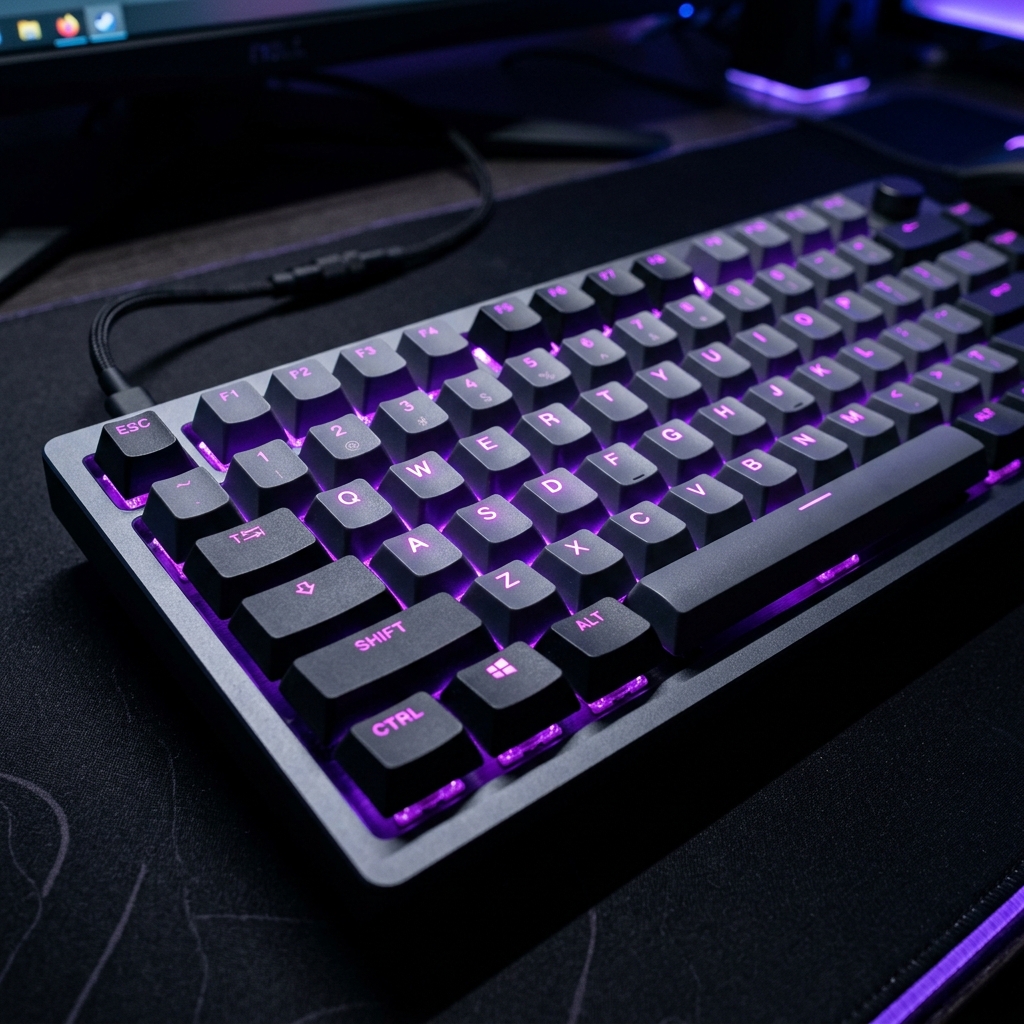
Keyboard-First
Hit ⌘⇧V, type to filter, press ↩ to paste. Or smash 1-9 to paste your most recent clips instantly. Your hands never leave home row.
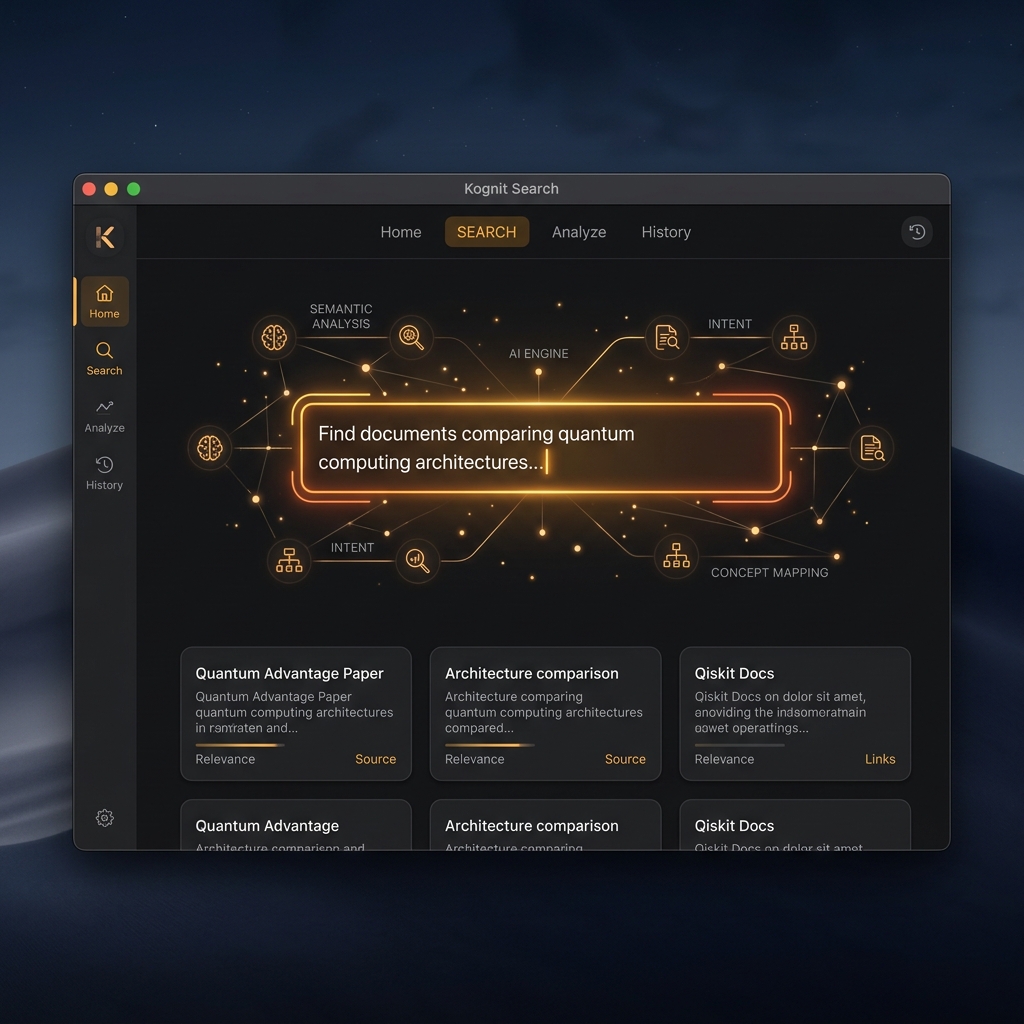
AI Search
Pro semantic search understands what you mean, find clips by idea, not just keywords. Runs entirely on your Mac, no cloud.

Instant Search
Fuzzy search across your entire history the moment you start typing. Find the exact clip, fast.

Pin & Organize
Pin the snippets you reach for daily and reorder them with ⌘⇧↑↓. Group everything else into custom collections.

Local & Private
Your history lives in a local SQLite database on your Mac. No account, no servers, no network calls. It never leaves your device.
If you can copy it, Cubix Clip keeps it.
Not just text. Every kind of thing you put on your clipboard is captured, previewed, and one keystroke away.
Plain Text
Code & CLI commands
Rich Text
Formatted copy & chat
Images
PNG, SVG & WebP images
Files
Documents & folders
Links
URLs & web endpoints
Your hands never leave the keyboard.
Every action has a shortcut. Recall, search, pin, reorder and paste, all without reaching for the mouse. The panel is designed to be opened, used, and dismissed in a single fluid motion.
Your clipboard is yours. Full stop.
Everything you copy can be sensitive, passwords, API keys, private messages. That's why Cubix Clip stores your entire history in a local SQLite database on your Mac. No account. No cloud. No network calls in the core app. It physically can't leak what never leaves your device.
How Cubix Clip stacks up
Native speed, real privacy, and a one-time price.
One small price. Forever.
Start free. Upgrade once. Never see a subscription.
Free
Everything you need to get hooked.
- Last 200 clips of history
- Text, images, files & links
- Instant fuzzy search
- Pinned items
- Quick-paste 1–9
- Fully local & private
Pro
Pay once, use forever. No subscription.
- Unlimited clipboard history
- Unlimited collections
- AI-powered search
- iCloud sync across MacsComing soon
- Everything in Free
- Priority support
Frequently Asked Questions
What is Cubix Clip?+
Is Cubix Clip really free?+
Is my clipboard data private?+
Does it work on Apple Silicon (M1/M2/M3)?+
How is it different from Paste or Maccy?+
What can it remember?+
Does it clutter my Dock?+
Can I change the keyboard shortcut?+
Stop losing what you copy.
Free for Mac. No account required. Installs in seconds.
Cubix Clip is a free clipboard manager for Mac with full clipboard history, instant search, pinned items and collections. It's free to download, no account, no credit card and the best free, private Paste and Maccy alternative for macOS, remembering text, images, files and links so you can recall everything you've copied with a single keyboard shortcut. Optimized for Apple Silicon and Intel Macs.