
Capture·Beautify·Share
Don't share dull screenshots. Transform raw captures into presentation-ready visuals instantly with AI background removal, auto-redaction, and vibrant gradients.
6 Intelligent Capture Modes
Every pixel exactly how you want it, accessible via global shortcuts even when minimized.
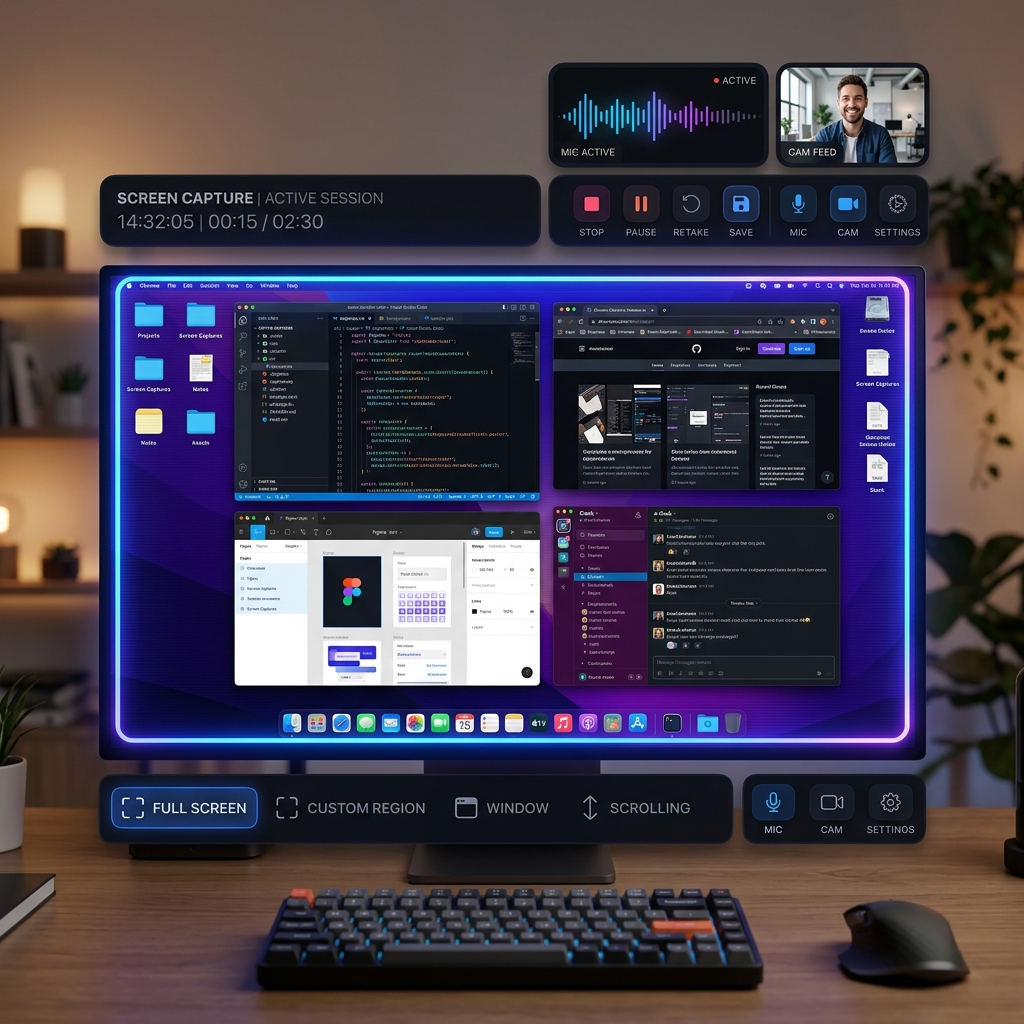
Full Screen
Capture your entire display instantly.
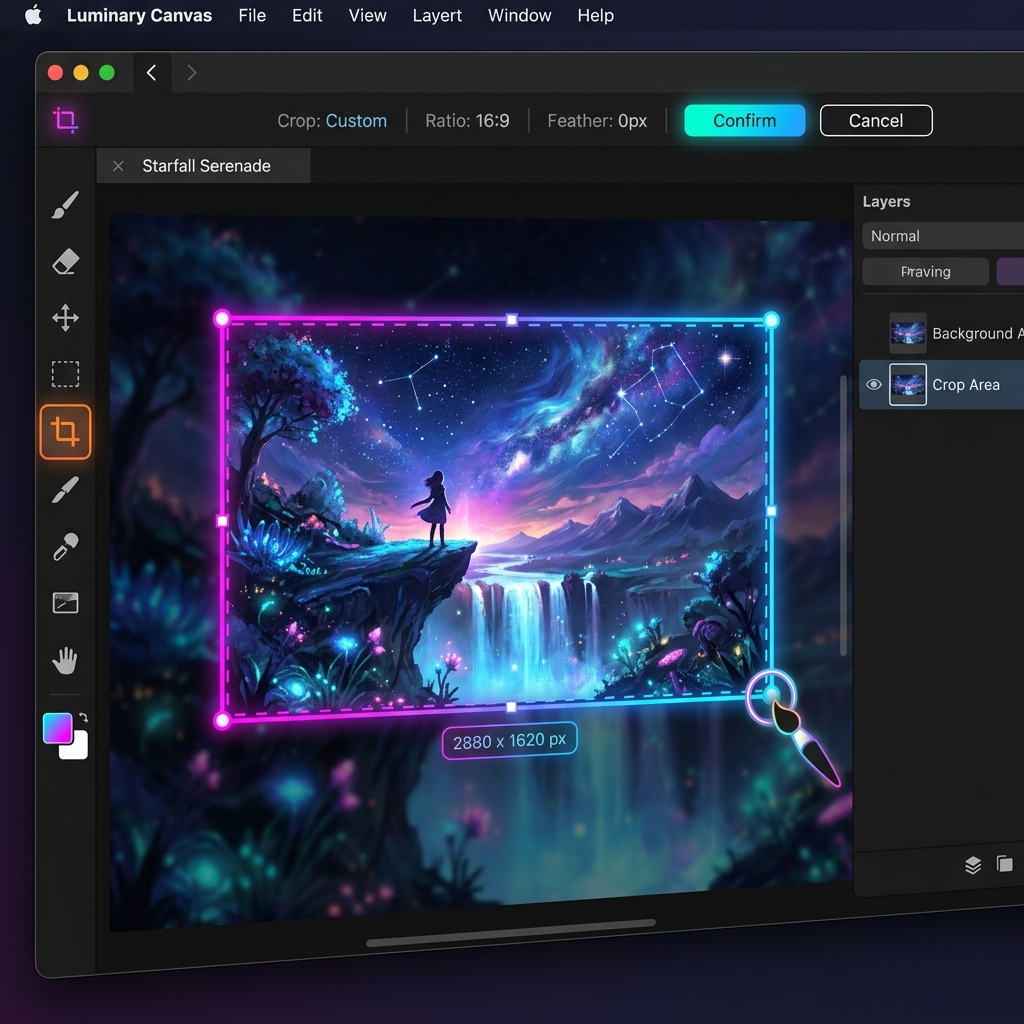
Select Area
Draw a custom precision region.
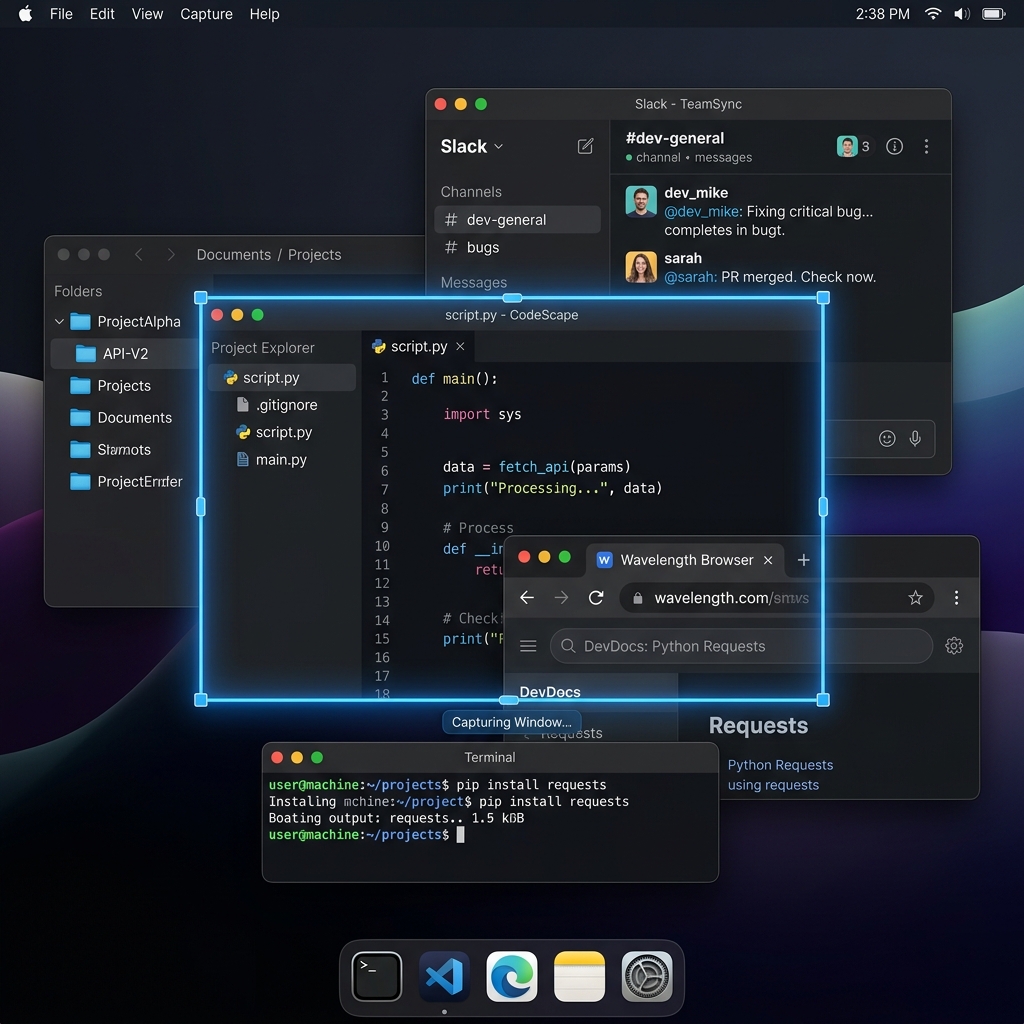
Window Capture
Visual picker of your open app windows.
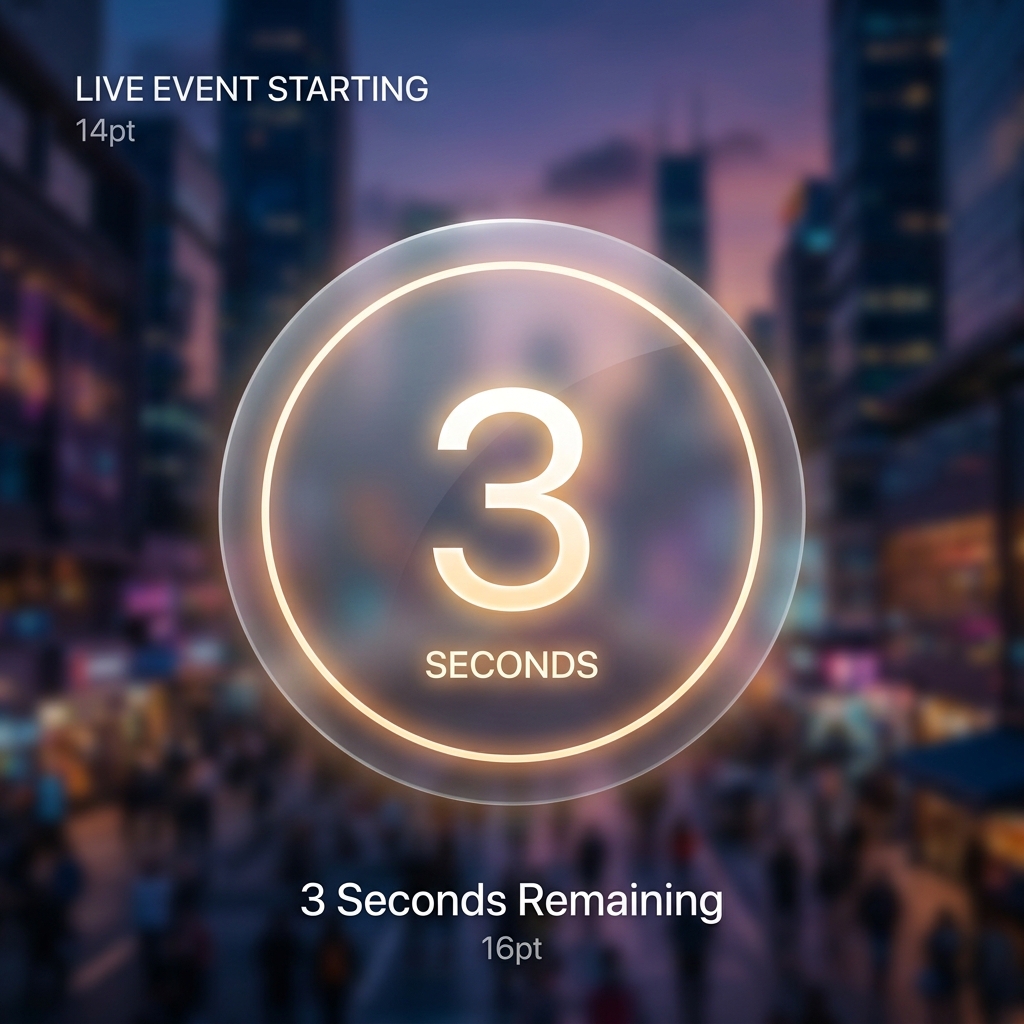
Timed 3s
3-second countdown before auto-capture.
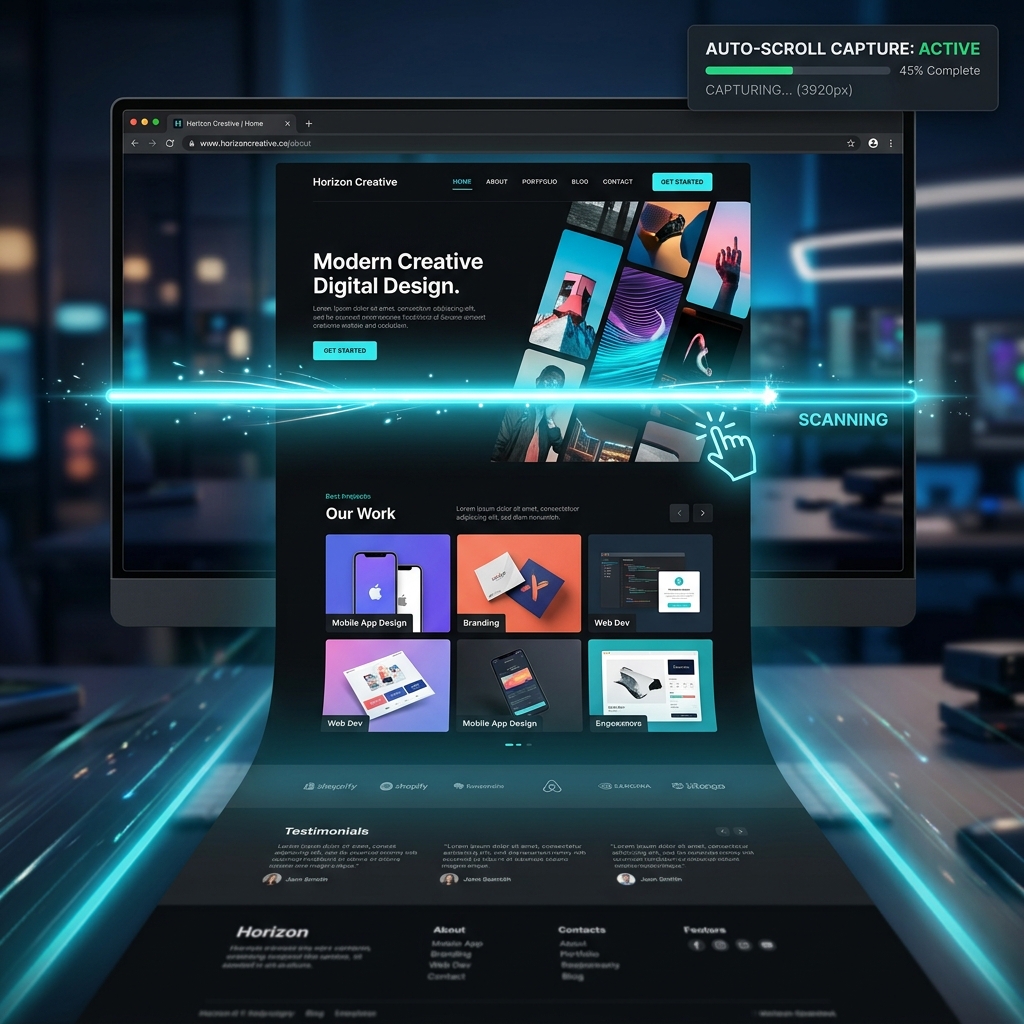
Scroll Capture
Auto-scrolls long web pages & stitches frames perfectly.
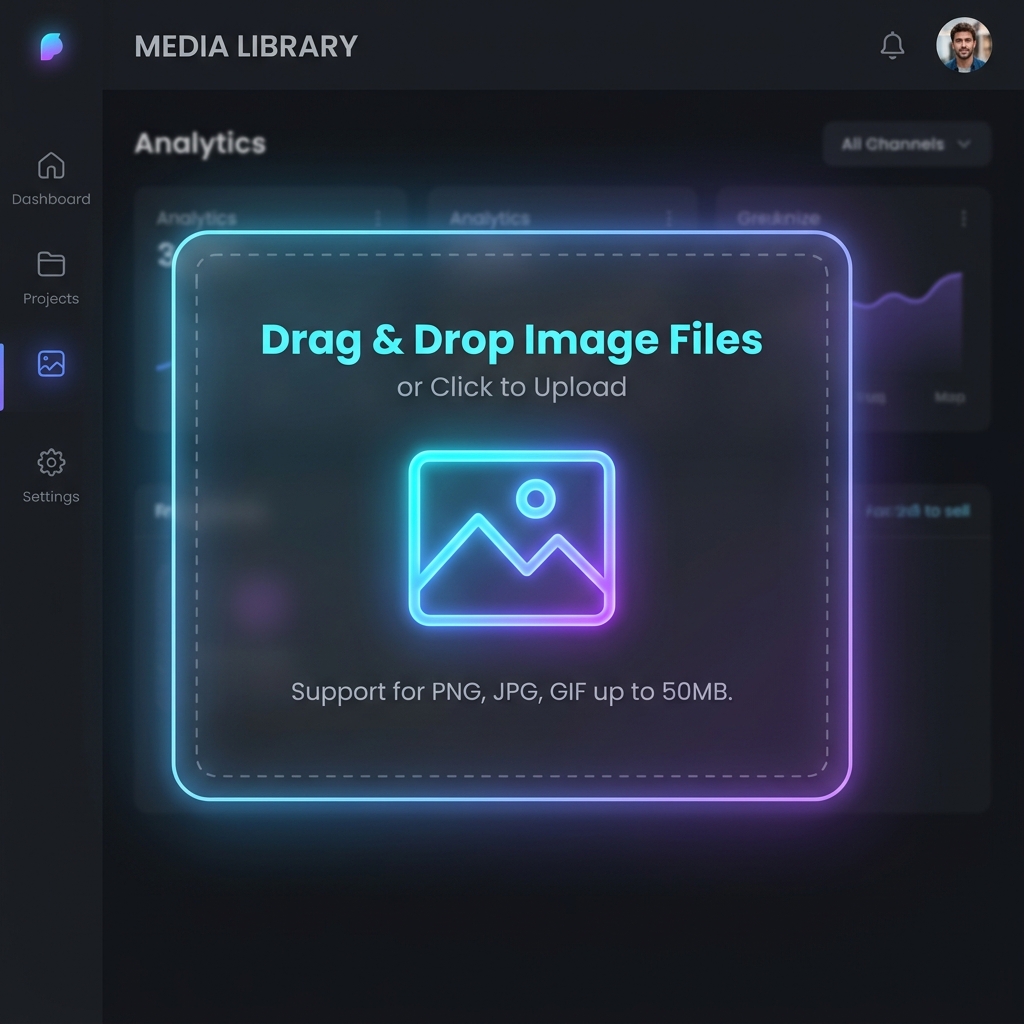
Upload
Import any existing image from your disk.
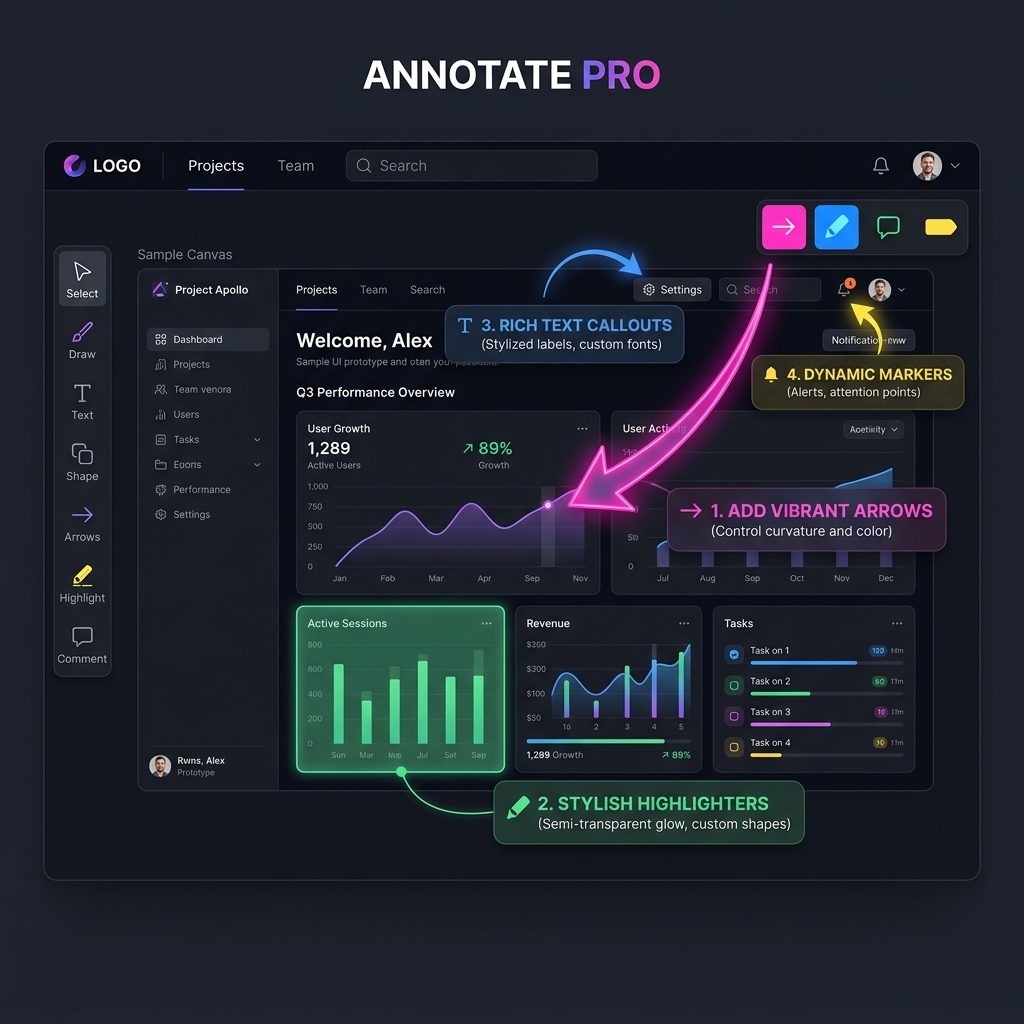
Markup that actually looks beautiful.
Stop using clunky red boxes. Tailor every element with an intuitive UI and a powerful multi-tab interface.
Freehand pen with auto-smoothing & colorful highlighters
Rectangles, ellipses, lines, and curved/double arrows
Text tool featuring 5 premium font families (Sans, Serif, Mono, Heavy, Script)
Emoji stickers, chat bubbles, and numbered step counters
Color picker with instant TAB-to-copy hex codes
Let the machine do the heavy lifting.
Protect privacy instantly and extract data from images in a single click without opening another tool.
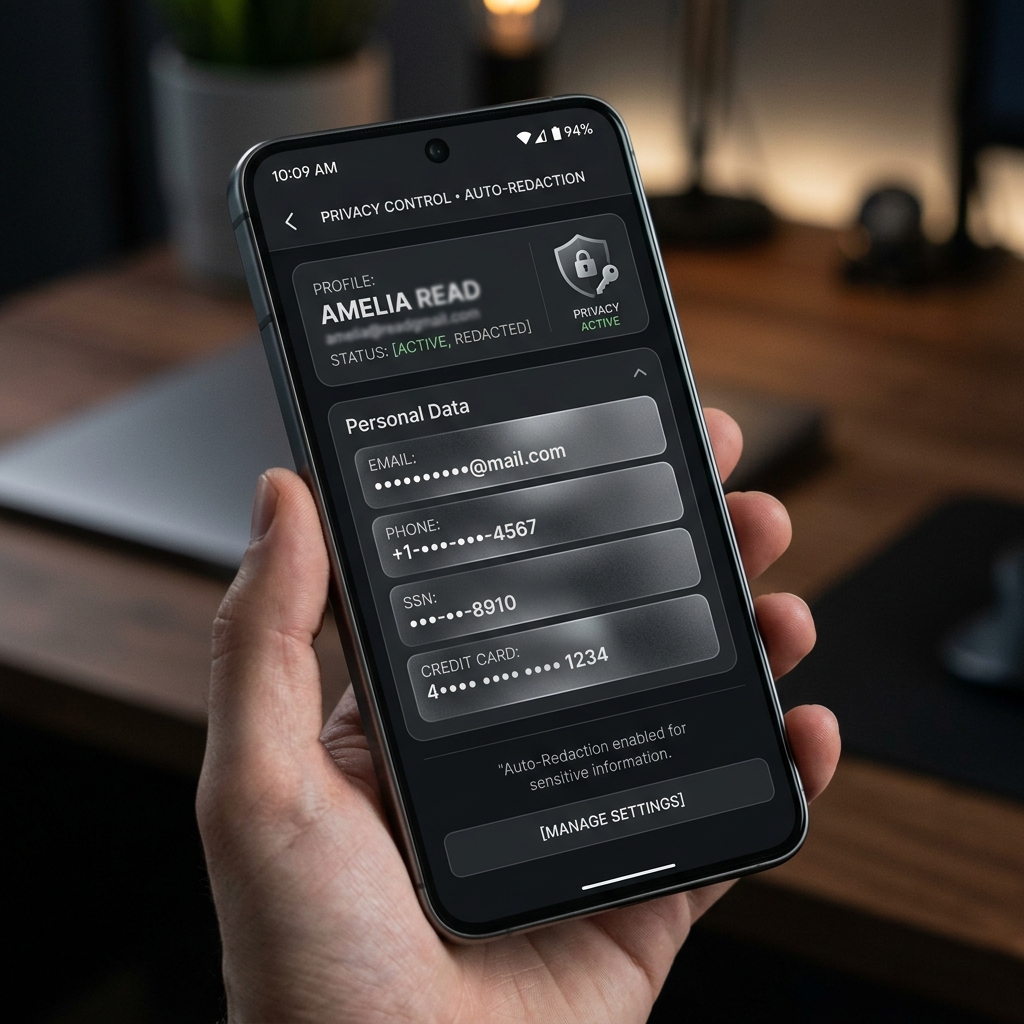
Auto Redaction
Auto-detects & blurs emails, IPs, cards, & phone numbers.
Background Removal
Clean, perfect subject cutouts locally without the cloud.
OCR Text Scanning
Extract text directly from images via local Tesseract.js.
QR Code Detection
Scan and decode instantly from any captured region.
Studio-grade beautification.
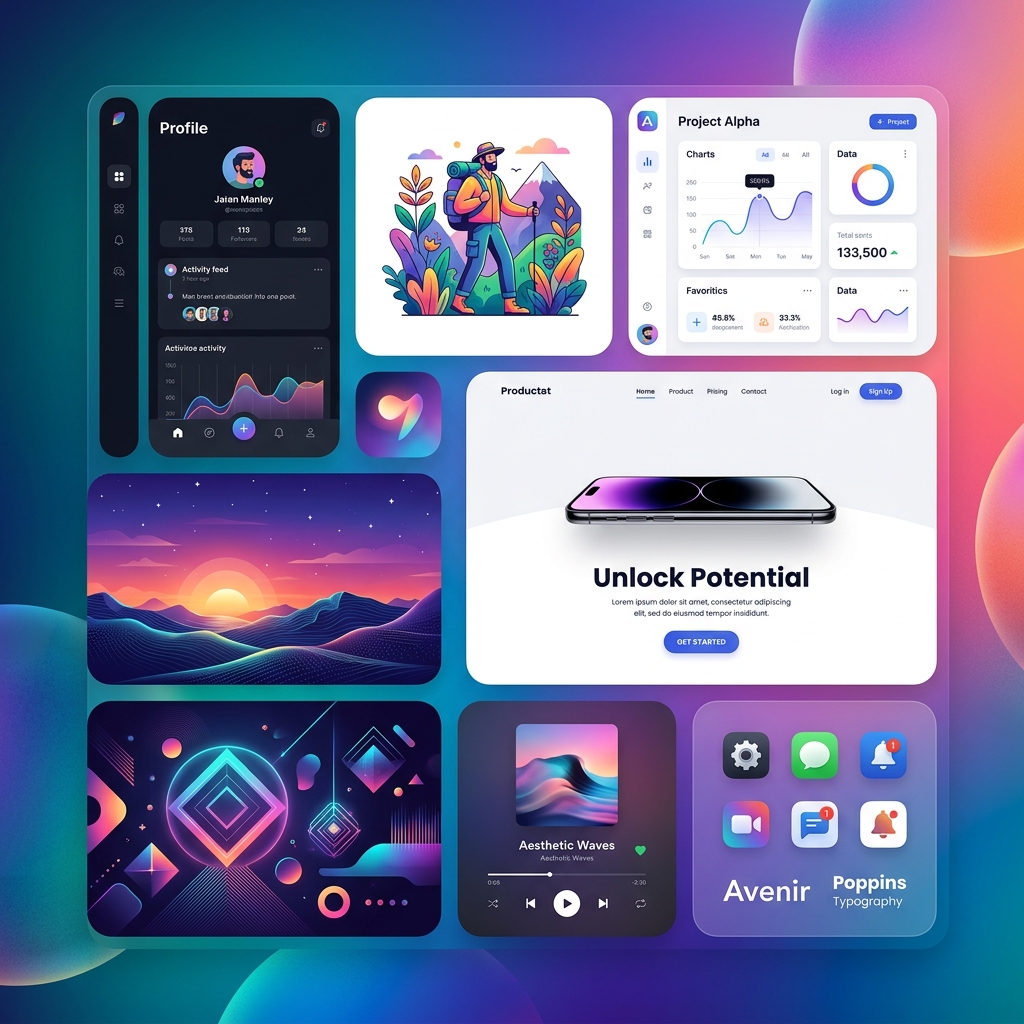
Wrap your captures in stunning gradients, add drop shadows, build seamless collages, and export perfectly sized for any platform.
Backgrounds & Frames
70+ wallpaper presets, 8 premium gradients (Cosmic, Sunset, Ocean), solid colors, custom images, plus macOS & Windows OS Frames.
Collage Builder
15+ layout templates (1x1, 2x1, 3x3), drag-and-drop assignment, and standard aspect ratios (16:9, 9:16) with custom gaps.
The Complete Workflow
From raw capture to a stunning, share-ready asset in seconds.
Capture
Any mode, globally.
Edit
Multi-tab deep editing.
Enhance
Backgrounds & AI.
Export
13 Platform Presets.
Organize
Local library metadata.
Built for Professionals
Content Creators
13 social media presets built-in for one-click sizing.
Developers & Tech Writers
Annotated docs, tutorials, and full-page scroll captures.
Designers & PMs
Clean feedback markup and premium typography.
Privacy-Conscious Users
Auto-redact sensitive data locally before sharing.
The Cubix Snap Advantage
Everything is Local
All screenshots save to your `~/Pictures/Cubix Snap/` local library. Absolutely zero cloud uploads required.
Platform-Ready Exports
13 presets including Instagram, X/Twitter, LinkedIn, Product Hunt, App Store, and Open Graph. Export as PNG, JPEG, or WebP.
Intelligent Scrolling
Seamless frame stitching for long web articles or docs, baked right into the core app.
Pricing
Single node progression. No recurring subscriptions.
Basic Access
Pro Authorization
Ready To UPGRADE.
Download Cubix Snap free for Mac & Windows. Capture, beautify, and deploy in seconds.