
Choose PNG when preserving text edges or transparency matters; try JPG when a smaller photographic image is the priority. For screenshots, keep a PNG original and compare a JPG copy at the actual display size if you need a smaller upload. Neither format is always the smaller or better choice.
JPG and JPEG are names for the same format family. Changing a filename extension alone does not convert its encoded contents.
PNG vs JPG: the practical differences
| Property | PNG | JPG/JPEG |
|---|---|---|
| Compression | Lossless: PNG encoding can retain the supplied pixels. | Common JPEG export is lossy: quality settings trade fidelity for size. |
| Text and UI | A useful master format for sharp edges and small labels. | May introduce ringing, color changes or block artifacts; inspect the actual export. |
| Photographs | Can retain pixels, but may need more bytes than a lossy copy. | Often useful for compact photos when the chosen quality looks acceptable. |
| Transparency | Supports an alpha channel. | Ordinary JPEG does not retain an alpha channel; choose a background when flattening. |
| Repeated work | Retain the original; edits, resizing and color conversion can still change pixels. | Re-encoding can introduce further changes. Copying the file without re-encoding does not. |
| Best decision test | Check retained detail and the destination's requirements. | Check retained detail, selected quality and actual byte size. |
The W3C PNG specification defines its lossless image storage and optional alpha channel. Adobe's JPEG/PNG comparison explains the common format tradeoffs. Our measurements below use our own files rather than another site's benchmark.
Matched screenshot example: real files and byte sizes
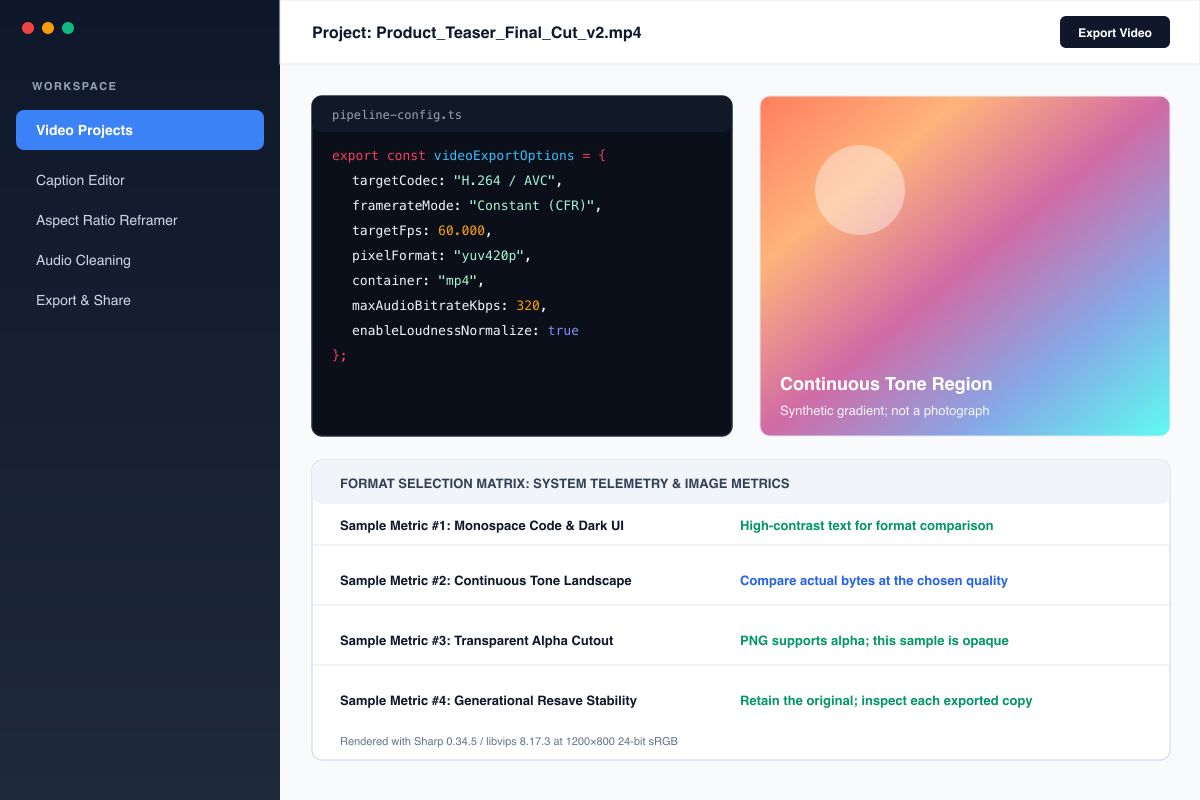
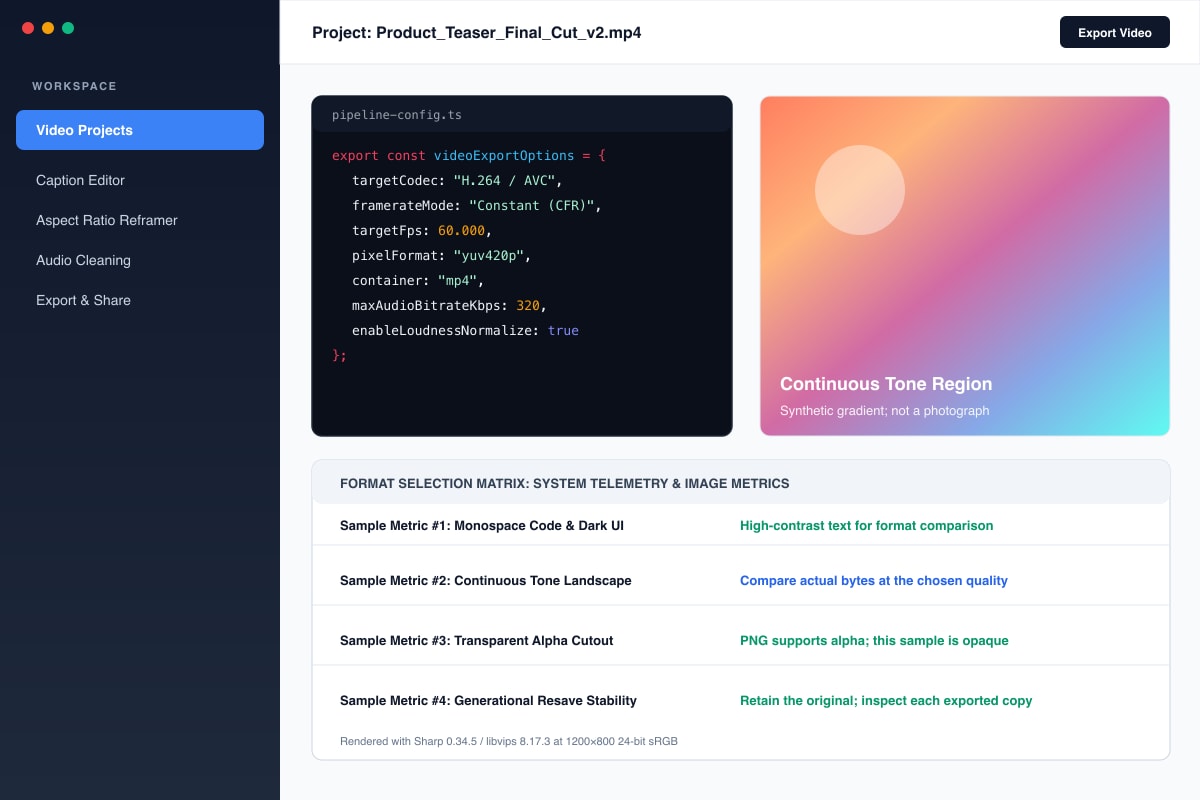
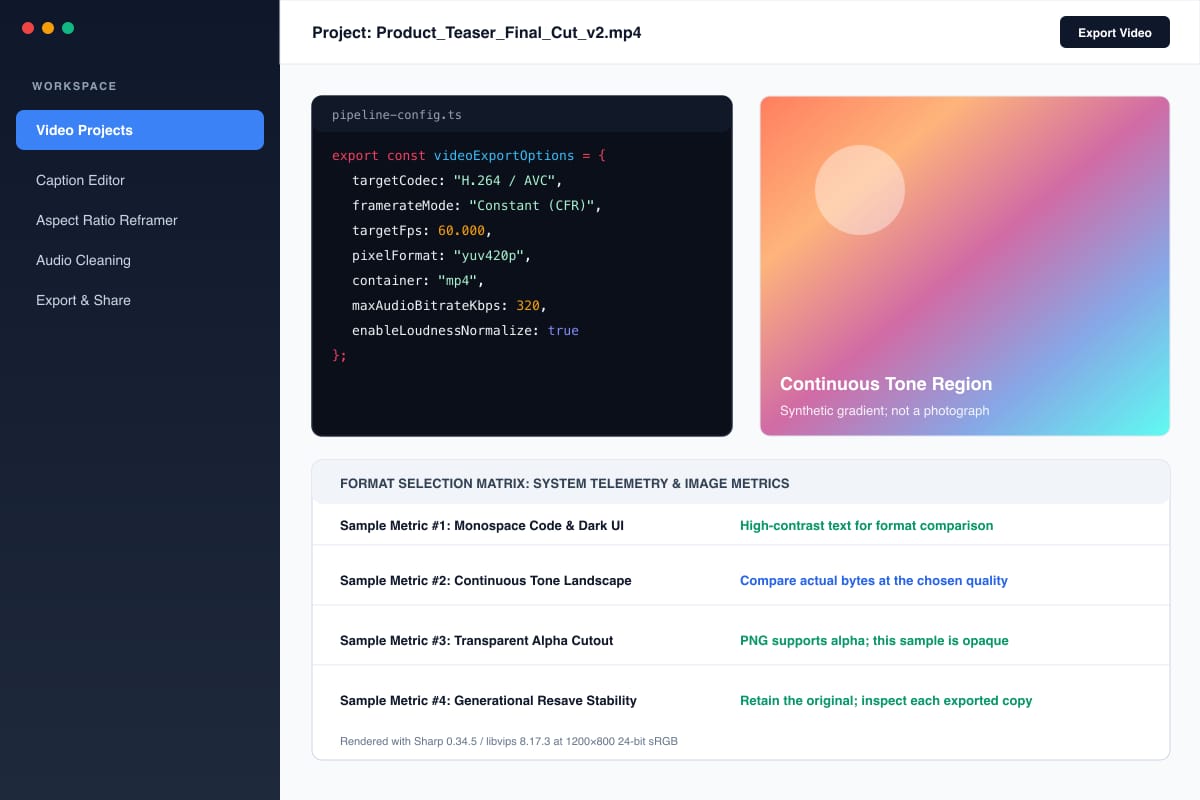
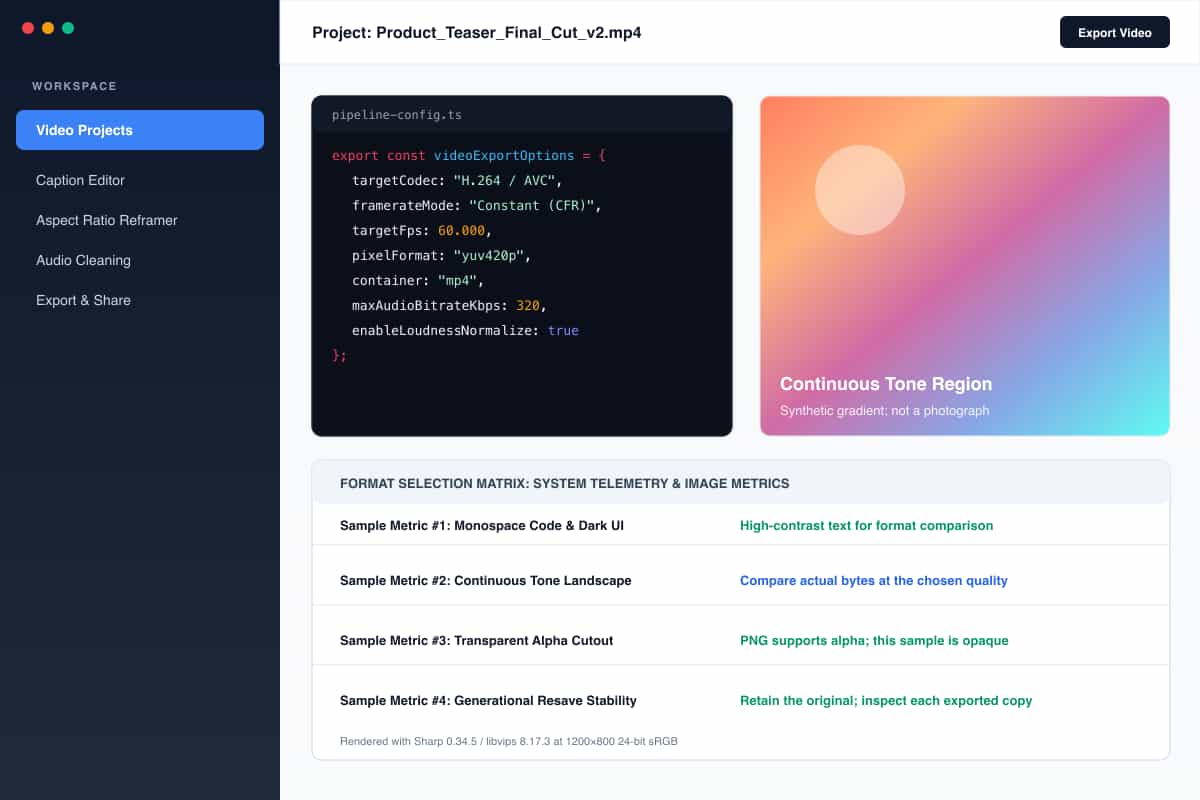
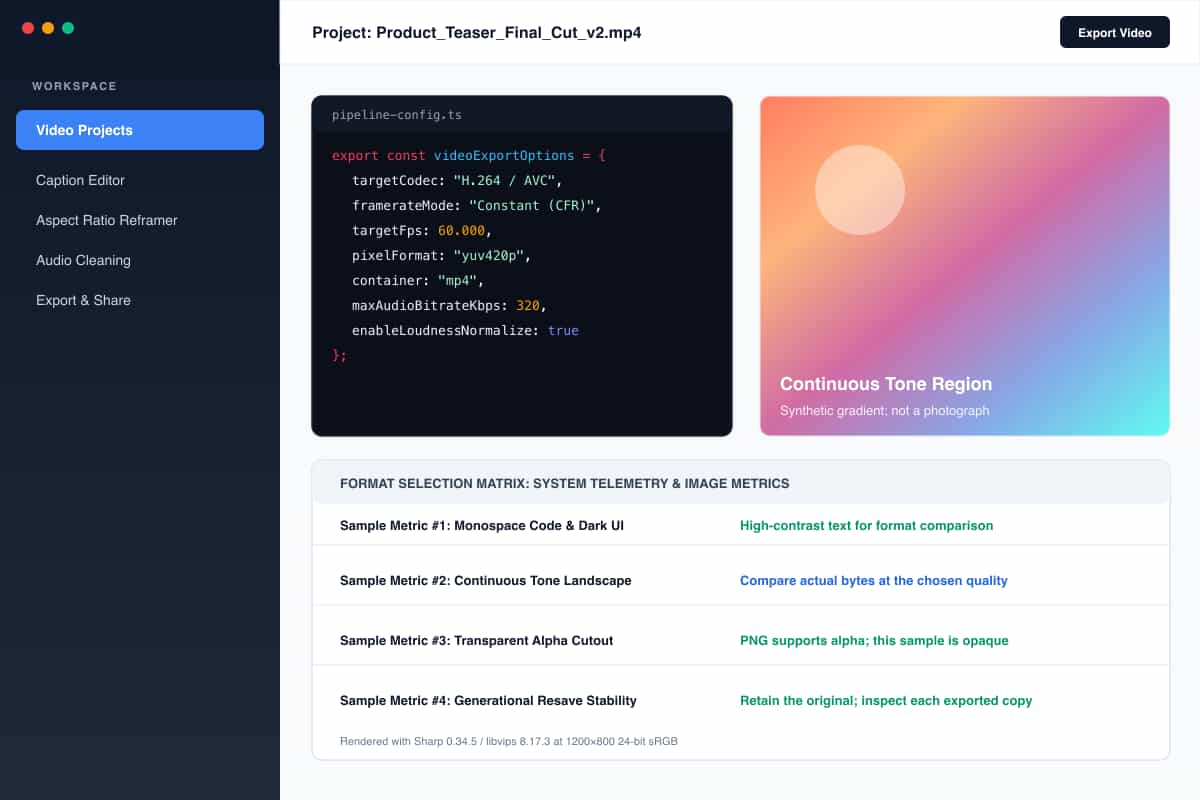
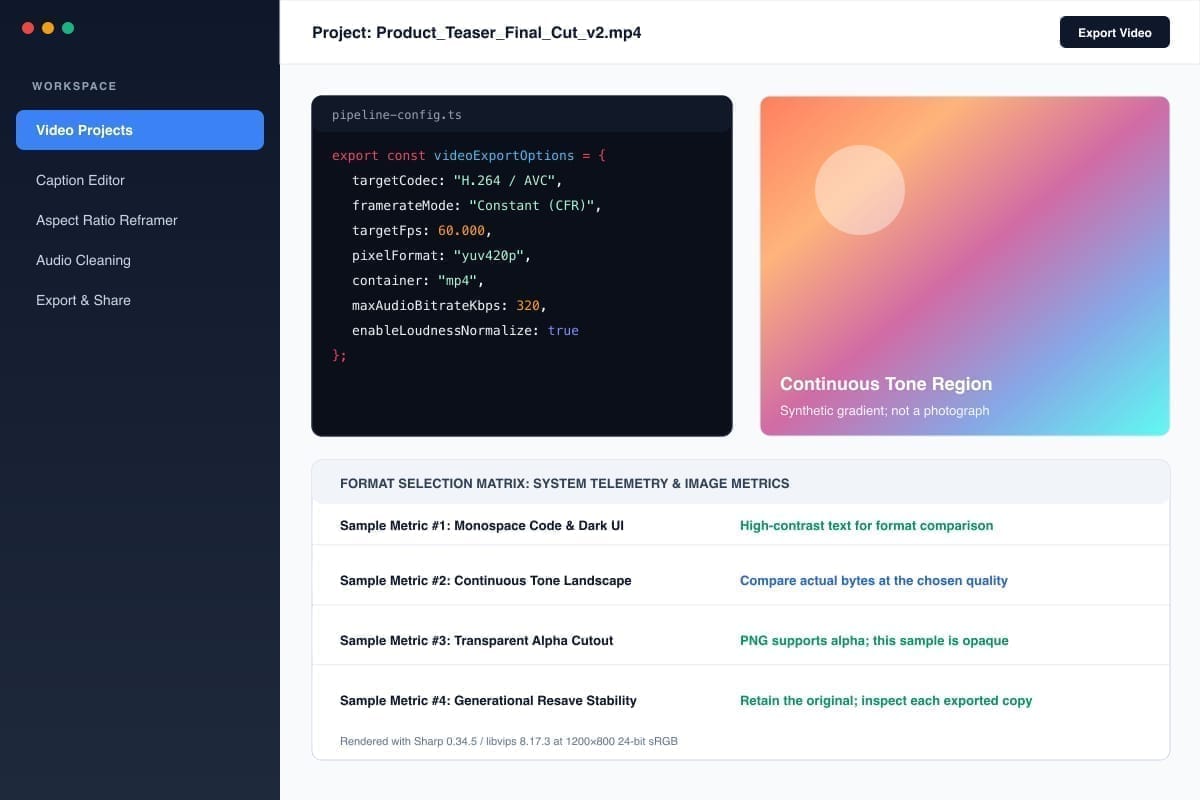
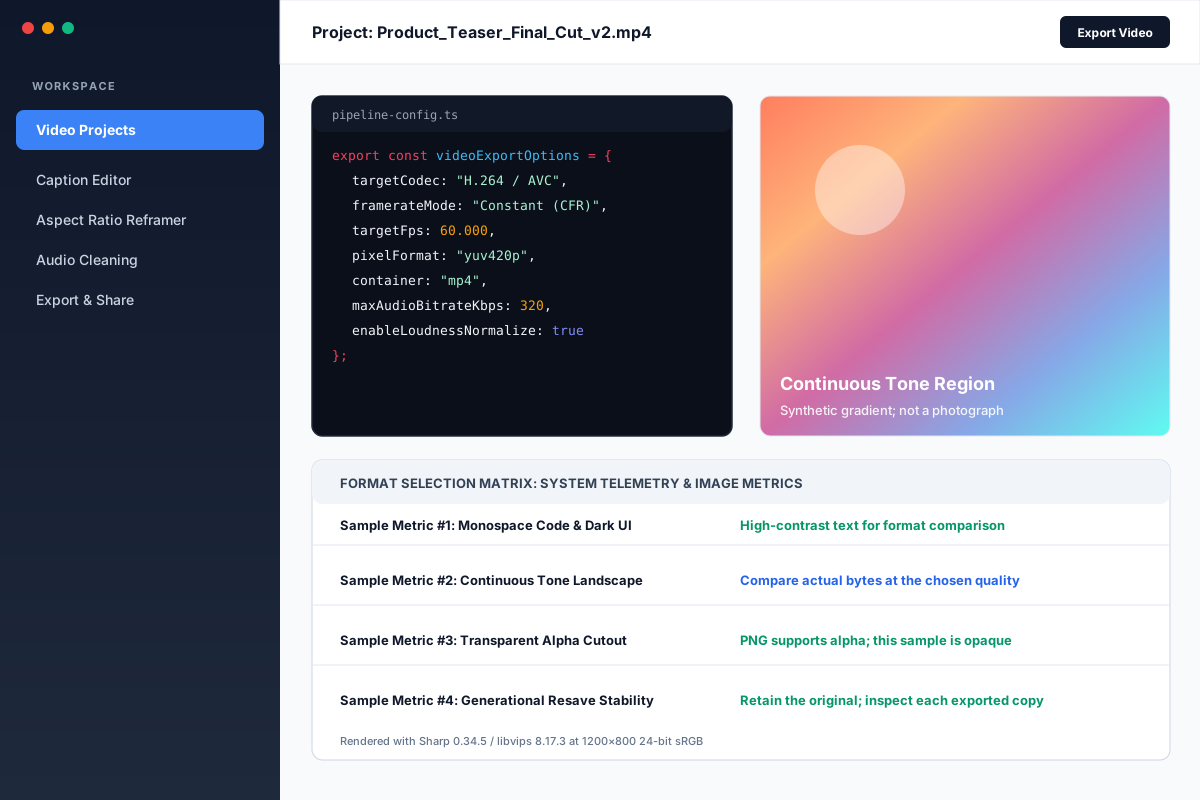
We rendered a synthetic 1200 × 800 UI image, including code text, flat colors and a smooth gradient region. The gradient is constructed artwork, not a photograph or a camera-texture benchmark. Every JPEG below starts from the same PNG raster at the same dimensions.
The test used Sharp 0.34.5 / libvips 8.17.3, PNG compression level 9 and mozjpeg with 4:2:0 chroma subsampling. Quality values belong to these encoder settings; another tool's “80” need not produce the same output.
| Output | Actual bytes | KiB (bytes ÷ 1024) |
|---|---|---|
| Original PNG | 113,087 | 110.44 |
| JPEG quality 90 | 90,073 | 87.96 |
| JPEG quality 80 | 65,010 | 63.49 |
| JPEG quality 50 | 38,895 | 37.98 |
| Q80 JPEG after five additional Q80 encodes | 61,502 | 60.06 |
| Q50 JPEG decoded and saved as PNG | 330,783 | 323.03 |
These are measurements of one constructed screenshot, not predicted sizes for your files. This sample demonstrates that a JPEG can be smaller even when the image contains text. The remaining question is whether its text quality is acceptable for the destination.
Compare actual text crops at 200%
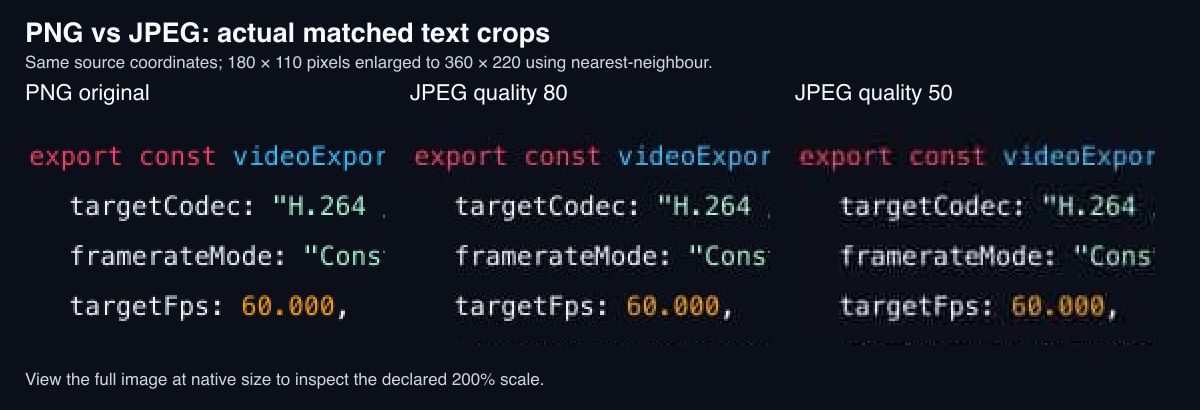
Each panel extracts the same 180 × 110 region at source coordinates left 330, top 140, then enlarges it to 360 × 220 using nearest-neighbour sampling. Open the full comparison image at native size for the declared 200% view; the article scales it to fit your screen.
In this crop, the PNG retains the source raster's text edges. The JPEG copies introduce visible changes around the colored letters and dark background; the Q50 sample shows more pronounced artifacts. The enlargement makes differences easier to inspect, but it is not a claim about readability on every device or at normal size.
Download the PNG original, JPEG Q90, JPEG Q80 and JPEG Q50. Compare them at your intended display size as well as zoomed in. No OCR accuracy, eye-strain or numeric perceptual-quality test was performed.
Enjoying this read?
Get weekly insights on video editing, AI workflows, and creator growth straight to your inbox.
Does converting JPG to PNG improve quality?
It can preserve the pixels decoded from that JPG for subsequent lossless storage, but it cannot reconstruct detail discarded by the earlier lossy encode.
In this experiment, converting the 38,895-byte Q50 JPEG to PNG produced 330,783 bytes: about 8.5 times the JPEG's size, and about 2.9 times the original PNG's size. We compared decoded RGB pixels and confirmed that the converted PNG matched the Q50 JPEG's decoded pixels exactly. The existing artifacts remained.
Inspect the converted PNG yourself. This outcome is specific to the sample and encoding; converting a different image does not guarantee the same size increase.
Does saving JPEG repeatedly always make it larger?
No. File size is not a quality score. In our no-edit experiment, decoding and encoding the Q80 file five additional times produced a smaller file: 61,502 rather than 65,010 bytes. That does not establish an improvement. Re-encoding can alter pixels, while some settings and images may stabilize across saves.
Keep the original instead of repeatedly exporting over it. See the five-resave JPEG, source SVG, encoder/measurement record and reproduction script. The script records dimensions, hashes, settings and the exact decoded-pixel check. Font availability and encoder versions can change a reproduced raster and its byte sizes.
Choose an output for your screenshot
- Keep an original. Retain a PNG screenshot or another appropriate lossless master. Export copies for specific destinations.
- Check transparency. Use PNG when the transparent background must survive. If JPEG is required, select and inspect a solid background first.
- Compare at the destination size. Read small labels, punctuation and colored text at the scale people will actually see. A zoomed comparison helps locate artifacts but does not replace this check.
- Check actual bytes and requirements. If a PNG fits, there may be no reason to convert. If a JPEG meets the limit and remains readable, it can be a practical delivery copy.
- Verify any text extraction separately. OCR depends on the source, contrast, size, language and tool. PNG cannot repair text that was already illegible. See copying text from a screenshot on Windows 11 for that workflow.
After deciding on a format, use the PNG-to-JPG converter or JPG-to-PNG converter if needed. Inspect the downloaded output; changing formats alone does not restore missing detail or automatically extract text.
Don’t miss the next one.
Join our newsletter for exclusive tips, product updates, and the latest from the Cubix team.