
If you are building an online course, a digital academy, or premium training curriculum, you already know that clear, readable video is your highest priority asset. If your students cannot follow along with your clicks, or if they get bored watching a flat, stagnant image map of your desktop, your course completion rates will plummet.
For nearly a decade, ScreenPal (formerly known as Screencast-O-Matic) has been a reliable staple for educators. It’s an all-in-one suite providing basic recording, a traditional linear editor, and video hosting.
But as we navigate 2026, the online education landscape has drastically shifted. More than half of your students are accessing your course material via smartphones. This shift has propelled Cubix Capture to the top of the conversation. Instead of forcing you into long editing hours, Cubix Capture builds presentation mechanics directly into your recording session.
If you are trying to scale your lecture output without losing your afternoons to video post-production, here is the honest, side-by-side comparison of ScreenPal versus Cubix Capture for online course creators.
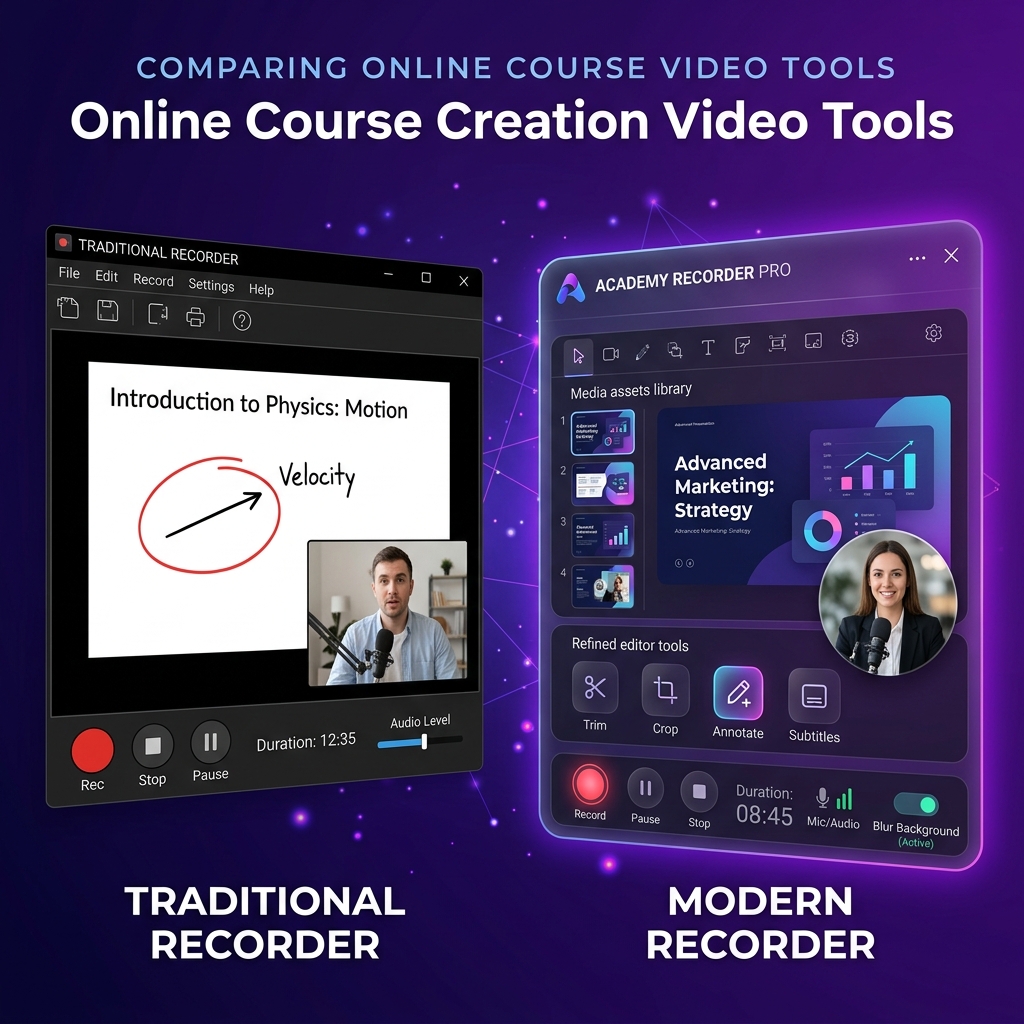
The Workflow Philosophy: Post-Capture Assembly vs. Capture-Time Directing
The primary divide between these platforms comes down to a choice: Do you want to build your visual edits manually on a timeline, or do you want software to automate the video production while you speak?
ScreenPal: The Traditional Multi-Tool Suite
ScreenPal treats video creation like an assembly line. You record a raw, flat image of your screen, your webcam, or a static picture-in-picture layout. Once you hit stop, the file opens in ScreenPal’s built-in linear desktop or browser editor.
From there, you must manually refine the lesson. If you want to cut out silence, you can use their handy AI silence detection. But if you want to highlight a button, emphasize a specific text input, or zoom in on a small menu, you have to manually cut the clip on the timeline, apply scale transformations, and drop text callouts or drawing arrows over the frame step-by-step. It is a proven system, but it demands an active post-production time investment for every single module you publish.
Cubix Capture: The Smart Virtual Director
Cubix Capture shifts the heavy visual layout labor entirely into the capture phase. It functions as an automated digital director that monitors your presentation data streams natively.
Instead of leaving you with a rigid, flat pixel map of your monitor, Cubix Capture watches your cursor tracking and application boundaries. The exact millisecond you select a dropdown menu or input a string of code, the camera automatically triggers a smooth, cinematic zoom into that visual field. It delivers a fully polished, presentation-ready lecture file the exact second you hit stop recording.
Feature Breakdown: Slicing Course Engagement
To maintain student retention across a 20-module syllabus, your visual pacing needs to feel dynamic. Let's compare how both apps execute the core pillars of an educational video.
1. The Mobile Readability Crisis (Smartphone Optimization)
- ScreenPal: Records your display exactly as it sits. If you are teaching complex software (like Photoshop, Excel, or a coding environment) on a large desktop monitor, everything looks perfectly legible to you. But when a student opens that file on an iPhone or Android device, the text shrinks aggressively and becomes microscopic. To keep it readable, you must spend considerable time manually inserting zoom points throughout ScreenPal's editing interface.
- Cubix Capture: Solves mobile legibility out of the box. Its core Algorithmic Focal Zooming smoothly frames your active work regions dynamically. Buttons, code syntax, and database rows comfortably survive small 6-inch screens with zero manual keyframing.
2. Mouse Cursor Mechanics
- ScreenPal: Records your raw, physical mouse pointer path. While you can add graphical highlight halos or larger pointer styles in their editor afterward, any natural hand jitters or frantic trackpad circles you make while trying to remember your lecture notes are permanently baked into the footage.
- Cubix Capture: Applies real-time AI Cursor Path Smoothing. It intercepts your raw tracking data and translates your physical hand movements into a silky-smooth, fluid glide that confidently anchors the student's eye to your point of focus.
3. Course Aesthetics & Webcam Staging
- ScreenPal: Places your camera feed into a traditional, square picture-in-picture box that sits squarely over your desktop workspace, often blocking critical application buttons or side panels.
- Cubix Capture: Automatically isolates your open application windows and frames them against gorgeous, dynamic Gradient and Live Backdrops. Concurrently, it sets your facecam into a clean floating geometric bubble and applies a seamless, hardware-accelerated studio background blur automatically, keeping your messy home office completely private.
Enjoying this read?
Get weekly insights on video editing, AI workflows, and creator growth straight to your inbox.
Comparison Matrix
| Feature / Metric | ScreenPal | Cubix Capture |
|---|---|---|
| Primary Workflow | Raw capture followed by linear timeline editing | Automated real-time layout polish |
| Zoom Execution | Manual zoom-and-pan properties in editor | Algorithmic, click-triggered auto-zooms |
| Cursor Delivery | Physical path with post-capture highlights | AI-powered real-time path smoothing |
| Webcam Framing | Square box overlay overlaying screen | Clean floating geometric bubble with native blur |
| Interactive Elements | Excellent (Quizzes, polls, storyboards) | Focus on core video clarity and output speed |
| Distribution Model | Integrated hosting, LMS channels, link shares | Instant zero-render cloud link or local save |
The Verdict: Which Is Better for Your Academy?
Choose ScreenPal if: You are building an enterprise-level training course where you need built-in interactive video features like embedding quizzes directly into the playback stream, creating custom video storyboards, or building comprehensive slide-to-video assets from scratch. If you prefer a traditional linear editor with an expansive stock media library and don't mind spending an hour editing every few minutes of screen recording, ScreenPal is a highly robust educational utility.
Choose Cubix Capture if: Your core objective is course production velocity and flawless mobile legibility. If you want to film high-end, studio-grade software tutorials and product lessons complete with cinematic auto-zooms, smooth mouse trajectories, and modern background presentation frames—without losing your entire weekend to a tedious post-production video editing timeline, Cubix Capture provides an immediate efficiency advantage for modern course creators.
Don’t miss the next one.
Join our newsletter for exclusive tips, product updates, and the latest from the Cubix team.