
YouTube tutorial growth depends on two things most creators underestimate: visual clarity and publishing consistency.
If your tutorials are hard to follow on mobile, retention drops. If production takes too long, upload cadence drops. The right screen recorder directly affects both.
Here is a practical comparison of the top screen recorders YouTube tutorial creators are using in 2026.
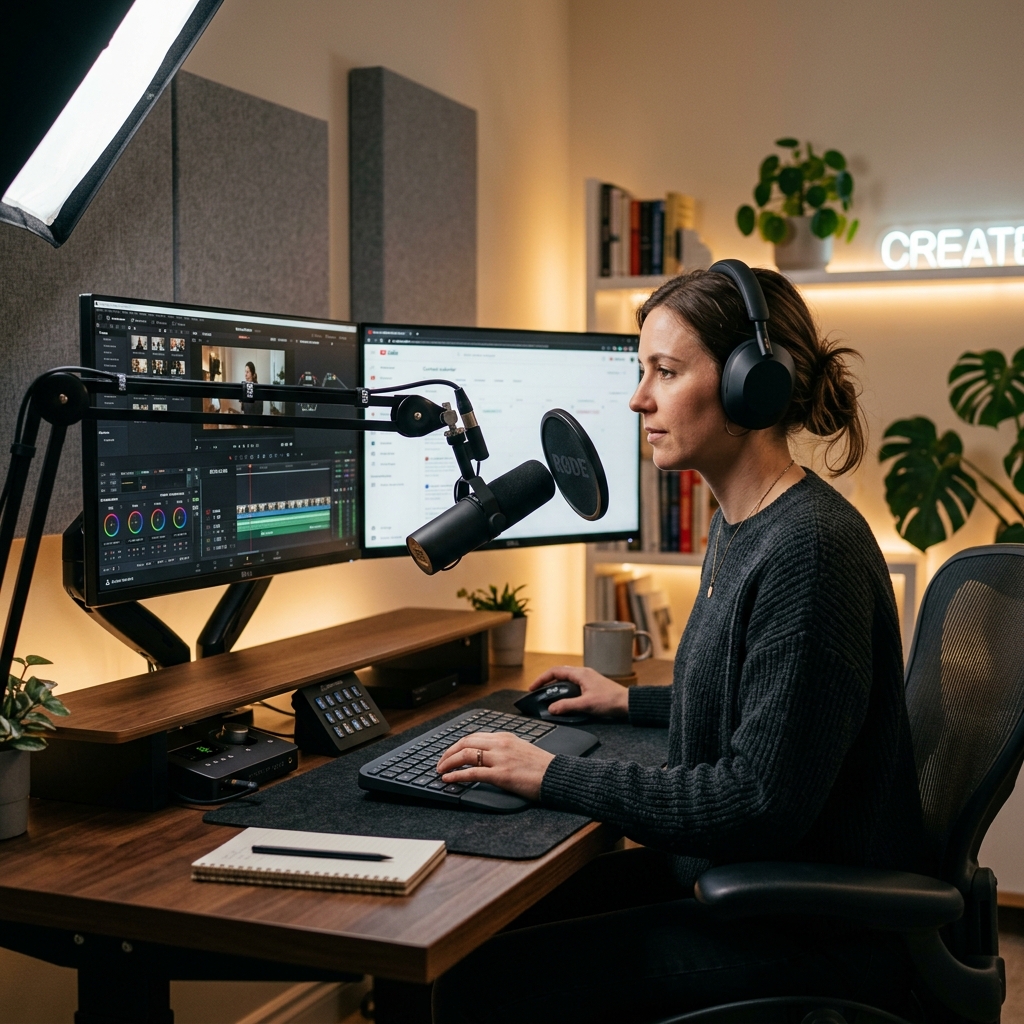
How We Evaluated These Tools
For tutorial channels, we prioritized:
- readability on laptop/mobile
- recording-to-publish speed
- built-in focus features (zoom/cursor clarity)
- ease for solo creators
- long-form tutorial suitability
Best Screen Recorders for YouTube Tutorial Creators
1) Cubix Capture - Best for fast, polished tutorial production
Cubix Capture is ideal when you want clean tutorial visuals without a heavy edit-after workflow.
Best for: Creators who care about retention and consistent uploads.
Strengths: Live auto-zoom, smooth cursor behavior, polished backgrounds, low editing overhead.
Tradeoff: Not designed as a deep timeline compositor.
2) Screen Studio - Best for high-end visual presentation
Strong visual polish and motion styling make this a favorite for premium tutorial aesthetics.
Best for: Creators prioritizing cinematic style.
Strengths: Attractive output and smooth visual feel.
Tradeoff: Workflow/platform fit varies by creator setup.
3) Loom - Best for quick explainer/tutorial iterations
Loom is excellent for fast recording and sharing, especially for straightforward walkthroughs.
Best for: Speed-first creators and frequent quick uploads.
Strengths: Minimal friction from record to share.
Tradeoff: Less cinematic control compared with style-focused tools.
4) OBS Studio - Best for advanced creator control
OBS remains powerful for creators who want full capture customization.
Best for: Technical creators comfortable with setup complexity.
Strengths: Flexibility and deep control.
Tradeoff: Steeper learning curve and more manual production effort.
Enjoying this read?
Get weekly insights on video editing, AI workflows, and creator growth straight to your inbox.
5) Camtasia - Best for edit-heavy educational courses
Camtasia suits creators who prefer full timeline editing and lesson packaging.
Best for: Course creators with heavier post-production workflows.
Strengths: Mature editing and education-oriented features.
Tradeoff: Slower for rapid upload cadence.
6) Tella - Best for creator-led narrative videos
Tella works well for face-plus-screen content with personal delivery style.
Best for: Personality-driven tutorials and explainers.
Strengths: Friendly recording experience.
Tradeoff: Not always optimized for dense software walkthrough depth.
Platform Support Snapshot (Mac vs Windows)
- Cubix Capture: Mac + Windows
- Screen Studio: Mac only
- Loom: Mac + Windows
- OBS Studio: Mac + Windows
- Camtasia: Mac + Windows
- Tella: Browser-first (cross-platform usage)
For YouTube consistency, creators with mixed devices should prefer tools that preserve the same output style on both Mac and Windows.
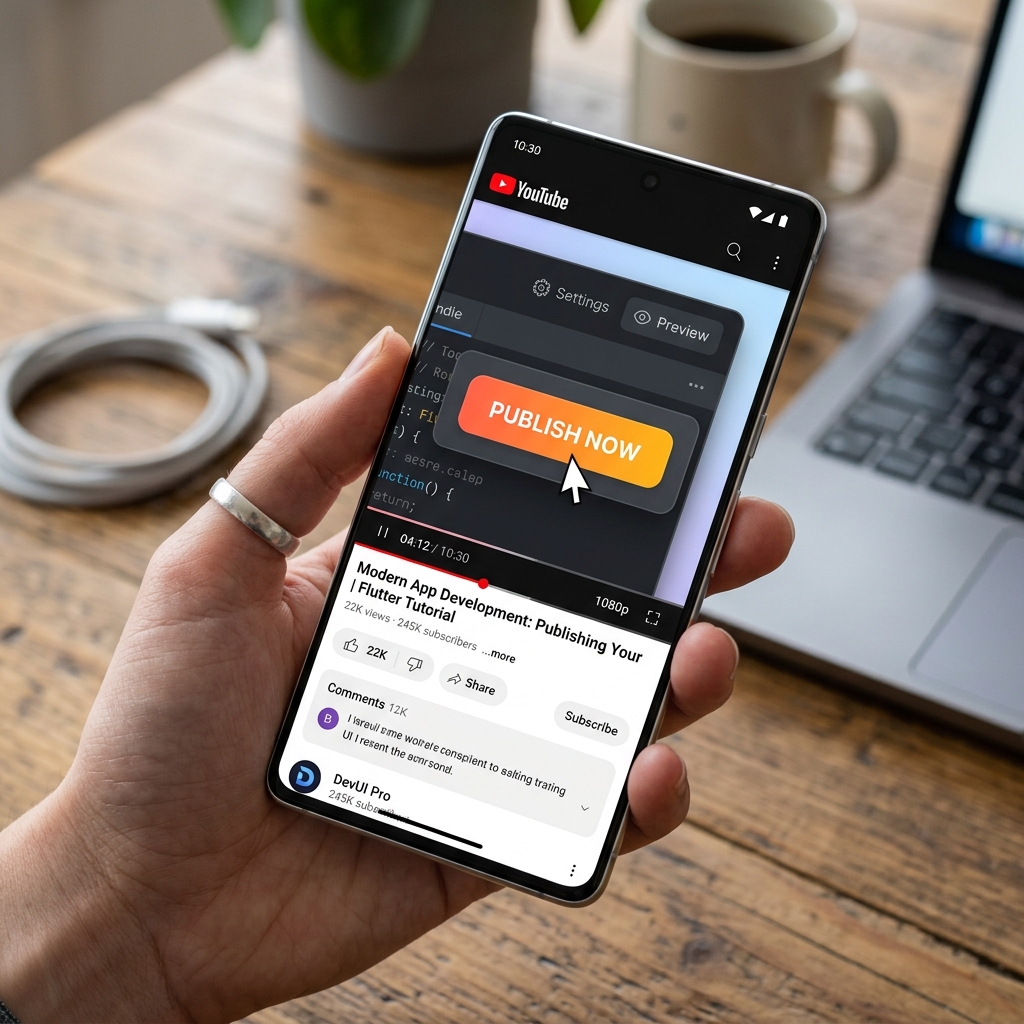
Which Tool Should You Choose?
- Need fast, professional software tutorials with low editing effort -> Cubix Capture
- Need premium visual style and polished motion -> Screen Studio
- Need quick record/share loops -> Loom
- Need advanced scene control -> OBS
- Need full timeline editing -> Camtasia
Mistakes That Hurt Tutorial Retention
- Recording full-screen with no focus control.
- Leaving text too small for mobile.
- Over-editing transitions while under-editing clarity.
- Uploading inconsistently due to heavy post-production.
Final Recommendation
If you are Mac-only and style-first, Screen Studio can be a strong fit.
If you are cross-platform and publish frequently, prioritize tools that reduce edit time while keeping clarity high.
For most tutorial creators balancing retention, output speed, and Mac/Windows compatibility, Cubix Capture is one of the strongest all-around options.
Related reading:
- Best Screen Recorder for SaaS Founders in 2026
- Best Screen Recorder for Developer Walkthroughs & Code Demos
📖 Keep reading: the best screen recorder for YouTube tutorials with no editing.
Don’t miss the next one.
Join our newsletter for exclusive tips, product updates, and the latest from the Cubix team.