
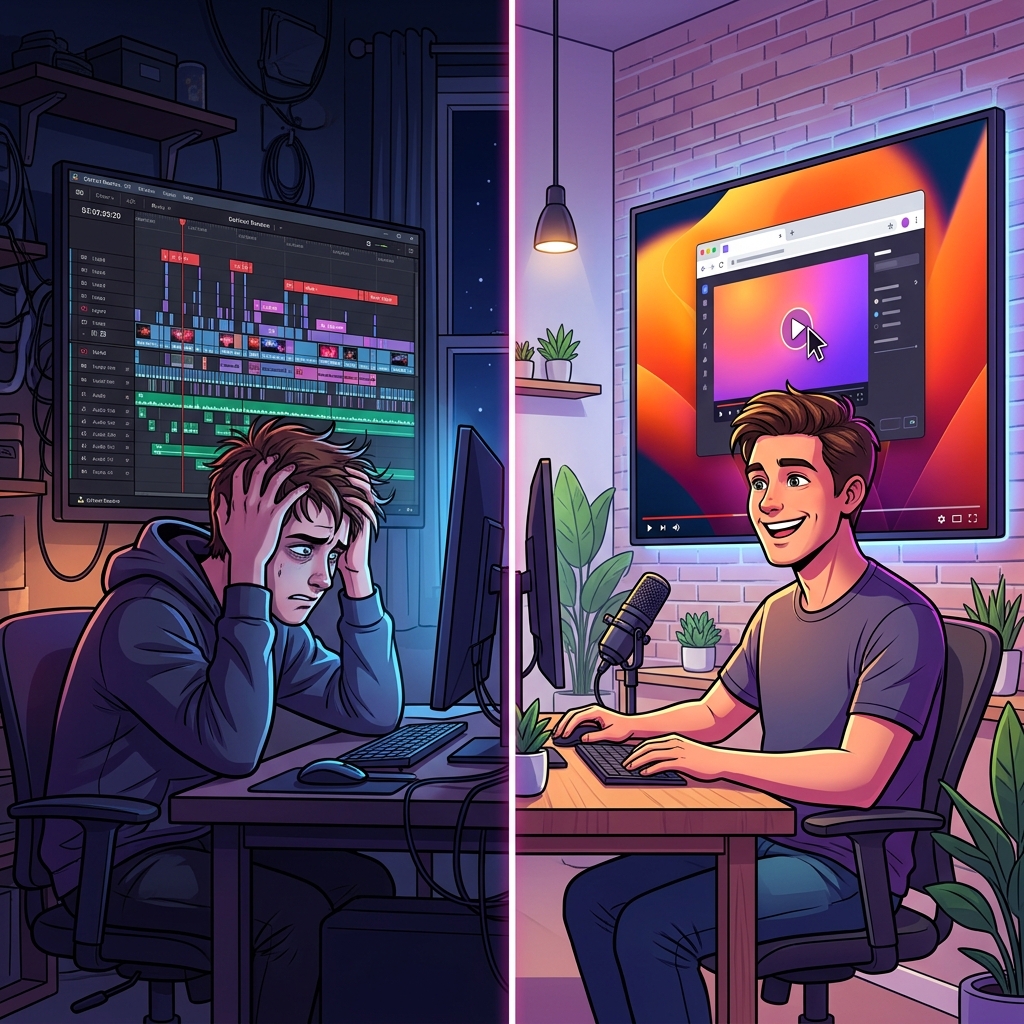
Ask any successful YouTube creator what the worst part of making a software tutorial is, and they will all give you the exact same answer: the editing.
Recording the actual video is the easy part. It takes ten minutes to talk through a new feature or demonstrate a coding workflow. But taking that raw, static screen capture and turning it into an engaging, watchable YouTube video takes hours. You have to import heavy files into Premiere Pro or DaVinci Resolve, manually keyframe zoom effects so viewers can actually read the microscopic text, and painstakingly try to edit out your erratic, shaky mouse movements.
In 2026, the era of manual zooming is over. A new generation of intelligent screen recorders has emerged, designed specifically to edit your tutorial while you record it. If you want to launch a YouTube channel or scale your educational content without spending your weekends trapped in a video editor, here are the best "no-edit" screen recorders on the market, ranked.
1. Cubix Capture (Best Overall for Zero-Edit Publishing)
If your goal is to record a YouTube tutorial and instantly upload a flawless, studio-quality video the moment you hit stop, Cubix Capture is the undisputed king of the category. It completely eliminates the post-production pipeline by operating as an intelligent virtual camera operator.
Why it wins:
- Real-Time Cinematic Auto-Zoom: This is the feature that will save your life. Cubix Capture actively tracks your clicks and keystrokes. When you interact with a specific menu or text field, the software automatically applies a buttery-smooth pan and zoom to that area. Your mobile YouTube viewers will never have to squint again, and you never have to touch a manual keyframe.
- AI Cursor Smoothing: Physical mouse movements are inherently jerky and distracting. Cubix Capture intercepts your raw mouse data and translates it into a beautiful, deliberate glide that naturally guides your audience's eyes to the right spot.
- Instant Studio Backgrounds & Webcam Masking: It automatically frames your application window against stunning, dynamic gradient backgrounds. If you want your face on screen, it drops your webcam feed into a sleek floating bubble and intelligently blurs your messy bedroom, no green screen required.
- The Verdict: Cubix Capture is the ultimate all-in-one producer. It gives you maximum cinematic polish with absolute zero time spent in an editing timeline.
2. Screen Studio (Best Alternative for Mac-Only Users)
Screen Studio is the software that originally popularized the auto-zoom trend. If you are exclusively tied to the Apple ecosystem and want a native, downloadable macOS application rather than a cloud-first tool, Screen Studio is a phenomenal piece of software.
Why it’s a strong contender:
- High-Quality Export Rendering: It delivers incredibly crisp, high-bitrate video files that look fantastic on 4K YouTube uploads.
- Customizable Easing Curves: If you do want to tweak the automatic edits, Screen Studio gives you incredible control over the physics of the zoom. You can change the speed, bounce, and easing of the camera movements after you record.
- The Drawback: It is strictly restricted to macOS, Windows and Chromebook users are entirely locked out. Furthermore, because it relies heavily on post-recording local rendering, exporting a long YouTube tutorial can tie up your computer's resources for quite a while.
Enjoying this read?
Get weekly insights on video editing, AI workflows, and creator growth straight to your inbox.
3. Cursorful (Best for Lightweight Browser-Only Demos)
If you do not want to download any desktop applications and all of your YouTube tutorials take place entirely inside a web browser (like demonstrating a SaaS product or a Canva workflow), Cursorful is an excellent, lightweight extension.
Why it makes the list:
- Click-Triggered Focus: Cursorful runs directly inside Chrome, Edge, or Brave. It automatically detects when you double-click or interact with web elements and applies automatic zooms based on that browser data.
- Automatic Clutter Hiding: With a single click, it can automatically hide your messy bookmarks bar, excessive open tabs, and browser extensions, ensuring your YouTube video looks clean and professional.
- The Drawback: It cannot record your entire desktop. If your tutorial requires you to open a desktop app, browse your local files, or switch away from Chrome, Cursorful cannot track your cursor or apply automatic zooms.
📖 Keep reading: the best screen recorder for YouTube tutorial creators, the complete guide to recording a tutorial video for YouTube, and how to make professional tutorial videos without a video editor.
Stop Editing, Start Publishing
The biggest bottleneck for new YouTube creators is not a lack of ideas, it is the overwhelming friction of post-production. Spending three hours manually editing a ten-minute tutorial is a fast track to creator burnout.
If you are strictly working in a browser, Cursorful is a great starting point. If you are a die-hard Mac power user who loves tweaking physics settings, Screen Studio is a gorgeous tool.
But if you want the absolute best all-around platform that works flawlessly across different systems, automatically fixes your shaky mouse, frames your webcam perfectly, and guarantees a mobile-optimized tutorial the exact second you finish speaking, Cubix Capture is the ultimate unfair advantage for your YouTube channel.
Don’t miss the next one.
Join our newsletter for exclusive tips, product updates, and the latest from the Cubix team.