
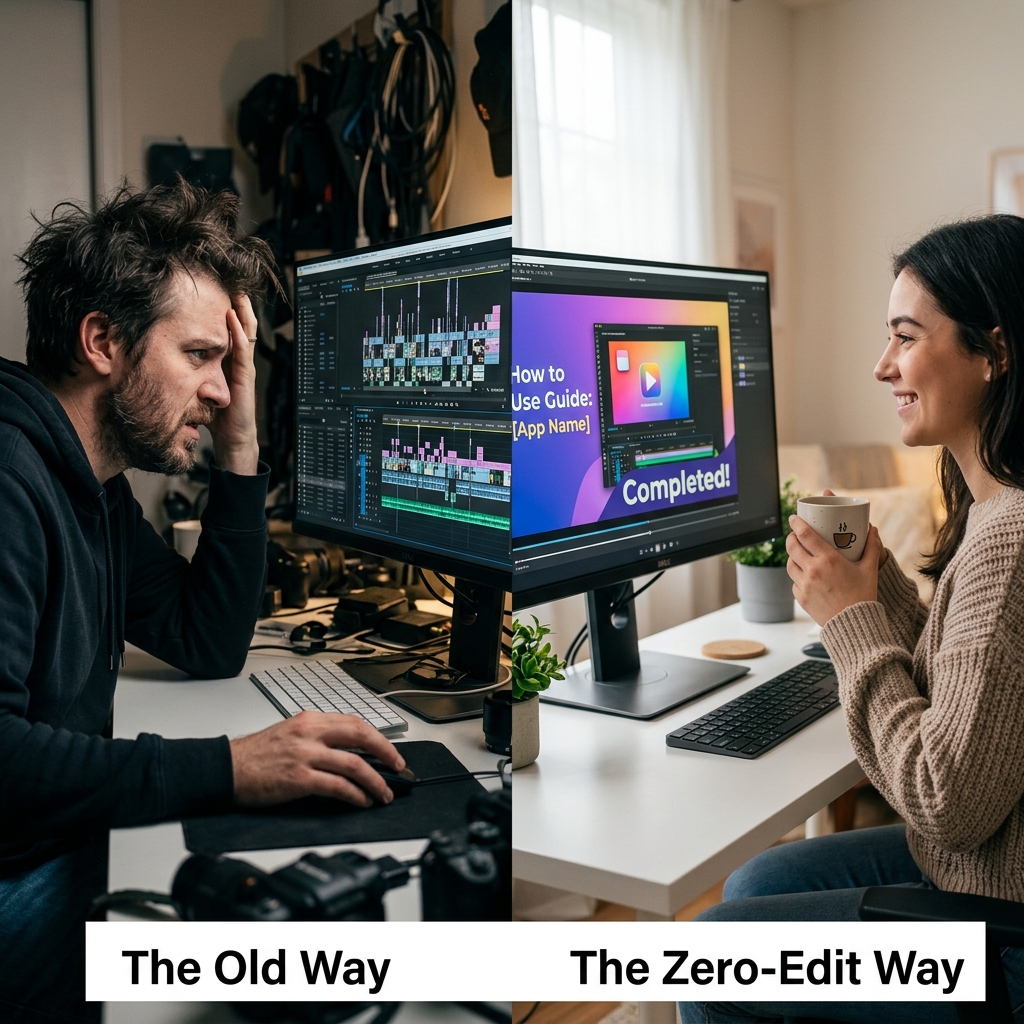
There is a dark secret in the world of online video creation, course building, and software tutorials: a five-minute video usually takes two hours to make.
You hit record, explain your software perfectly, and hit stop. But the raw video looks terrible. Your high-resolution monitor makes your text look microscopic, your mouse cursor is flying around the screen chaotically, and your personal desktop clutter is distracting. To fix it, you have to drag that file into a heavy video editing program, manually keyframe zoom effects, and try to hide your messy background.
Your time is your most valuable asset. You should be building products, teaching students, or closing deals—not watching YouTube tutorials on how to use Premiere Pro.
In 2026, the standard has shifted. The most productive creators and teams have completely abandoned the editing room. They are using smart software that does the heavy lifting in real-time. Here is a look at the "no-edit" movement and the best screen recorders that give you a highly polished video the exact second you hit stop.
The Three Pillars of a "Ready to Share" Video
If a screen recorder promises a "no-edit" workflow, it cannot just be a basic capture tool. It has to automatically replicate the exact things a professional video editor would do manually. To bypass the editing phase completely, the software must automate these three pillars:
- Dynamic Auto-Zoom: If a viewer is watching on a mobile phone, they cannot read your raw desktop recording. A zero-edit tool must track your clicks and automatically magnify the active area of the screen, guiding the viewer's eyes without you having to add a single keyframe.
- Cursor Smoothing: Human hands are shaky and erratic. A professional presentation requires a calm visual guide. The software must intercept your jagged mouse movements and redraw them as slow, elegant sweeps.
- The Studio Stage: Showing your Windows taskbar or Mac dock ruins the magic of a premium tutorial. The software must automatically isolate your application and place it on a calm staged composition—gradient, soft pattern, or live background—rather than against your operating system's chrome.
If a tool can do all three of these things while you speak, you never have to open an editing timeline again. Here are the top tools that deliver on that promise.
1. Cubix Capture (Best for Cinematic Polish)
If you want your videos to look like high-end, studio-quality commercial demos without spending a single second editing, Cubix Capture is the ultimate tool on the market for both Windows and Mac.
Think of it as a production team baked into the recorder. You pick a stage, hit record, and start narrating. While you talk, the framing and cursor decisions a video editor would normally make in post are made live—the camera tightens on whatever you click, the cursor path is interpreted into a weighted line instead of mirroring every twitch, and the chosen stage stays anchored under your application. The file you stop on is the file you ship.
- The Zero-Edit Factor: 10/10. When you finish recording, there is no rendering timeline and no tweaking required. You are instantly handed a cinematic, highly readable video that is ready to be embedded on your website or uploaded to YouTube.
Enjoying this read?
Get weekly insights on video editing, AI workflows, and creator growth straight to your inbox.
2. Screen Studio (Best for Mac Loyalists)
Screen Studio was one of the first tools to popularize the beautifully animated, auto-zooming tutorial format. It is a fantastic, highly polished application that automatically applies gradients, cursor smoothing, and zoom effects to your recordings.
- The Zero-Edit Factor: 9/10. It does a phenomenal job of automating the polish. It also features a very simple editor if you want to quickly adjust where the camera zoomed. The only major drawback is that it is strictly limited to macOS, leaving PC users out of luck.
3. Loom (Best for Quick, Raw Async Chats)
Loom is the undisputed king of fast, asynchronous communication. It captures your screen, puts your face in a little bubble in the corner, and instantly uploads the video to the cloud so you can copy a shareable link in seconds.
- The Zero-Edit Factor: 8/10. Loom is entirely "no-edit," but it achieves this by skipping the cinematic polish completely. It captures your raw, unzoomed screen and your erratic mouse movements. It is the perfect zero-edit tool for a quick internal team update, but it lacks the premium visual clarity needed for a professional marketing demo or a paid online course.
Stop Wasting Your Time
The days of recording a raw screen and spending your evening making it look presentable are over.
If you are just sending a quick, casual message to a coworker, use a tool like Loom. But if you are building an audience, training a customer, or selling a product, your videos need to look world-class. By switching to an automated, cinematic tool like Cubix Capture, you can reclaim hours of your week and ensure your content always looks as professional as the work you do, no editing required.
Related reading:
- How to Add Auto-Zoom to Screen Recordings (No Editing)
- How to Create Cinematic Screen Recordings Without a Video Editor
- How to Record a Software Tutorial in Under 10 Minutes
Don’t miss the next one.
Join our newsletter for exclusive tips, product updates, and the latest from the Cubix team.