
The way we share information has completely evolved. Whether you are training a new team member, showing a client how to use a software dashboard, or building an audience on YouTube, sending a long, text-heavy manual is a thing of the past. Today, people expect a quick, clear video tutorial.
However, if you are using a Windows PC, you have probably noticed a major problem. The built-in tools, like the Snipping Tool or Xbox Game Bar, are incredibly basic. They simply record your raw, entire computer monitor. When you share that raw recording, your viewers are forced to look at your messy desktop, your private browser tabs, and text that is way too small to read.
If you are looking for the best screen recorders for Windows in 2026, you do not just need another basic capture tool. You need a solution that makes your videos look professionally edited, without actually requiring you to learn video editing. Here is the modern recipe for finding the perfect Windows recording software this year.
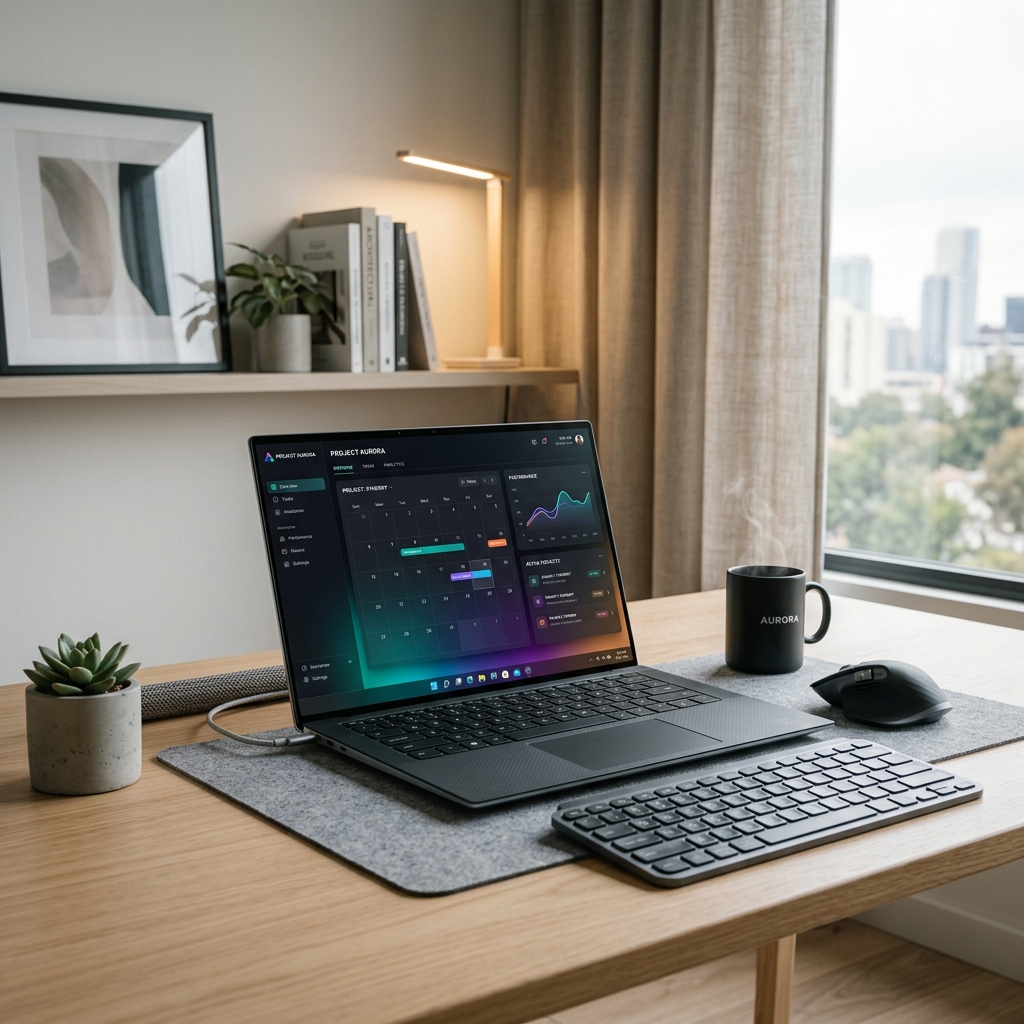
The Trap of Traditional Capture Tools
When most people search for screen recording software for a Windows PC, they end up downloading heavy, complicated programs. These traditional tools capture every single pixel on your screen, which creates a massive headache later.
Because modern Windows monitors have incredibly high resolutions, recording the whole screen shrinks your software down. If someone watches your tutorial on their mobile phone, the buttons and menus become tiny, blurry dots. To fix this, you are usually forced to open a secondary video editing program, spending hours manually zooming in on the footage and cutting out mistakes.
The best screen recorder in 2026 should completely eliminate that editing process.
Essential Feature 1: Automated Zooming
A great video tutorial never makes the viewer work hard to see the information. Instead of making your audience search a massive, wide screen, your video should guide their eyes directly to the action.
The most important feature to look for today is auto-zoom. When you use a smart screen recorder, the camera automatically tracks your clicks and typing. It smoothly zooms in on the exact area of the screen you are working on. This instantly magnifies the text, removes all the distracting clutter on the edges of your monitor, and ensures your viewers know exactly what step to take next.
Enjoying this read?
Get weekly insights on video editing, AI workflows, and creator growth straight to your inbox.
Essential Feature 2: A Professional, Calm Cursor
Windows allows you to move your mouse incredibly fast. While this speed is great for getting your own work done, it is visually exhausting for someone trying to watch your video.
When you explain a concept, you naturally wiggle the mouse or flick it across the screen. On Windows, where many creators run a wired mouse at high DPI, those flicks are amplified—every twitch lands as several pixels of motion in the recording. The fix is a recorder that interprets the input stream rather than mirroring it, so the cursor settles where you mean it to settle and never overshoots in the final video. The end result is a path that looks like it was deliberately animated in Premiere, without you ever opening a timeline.
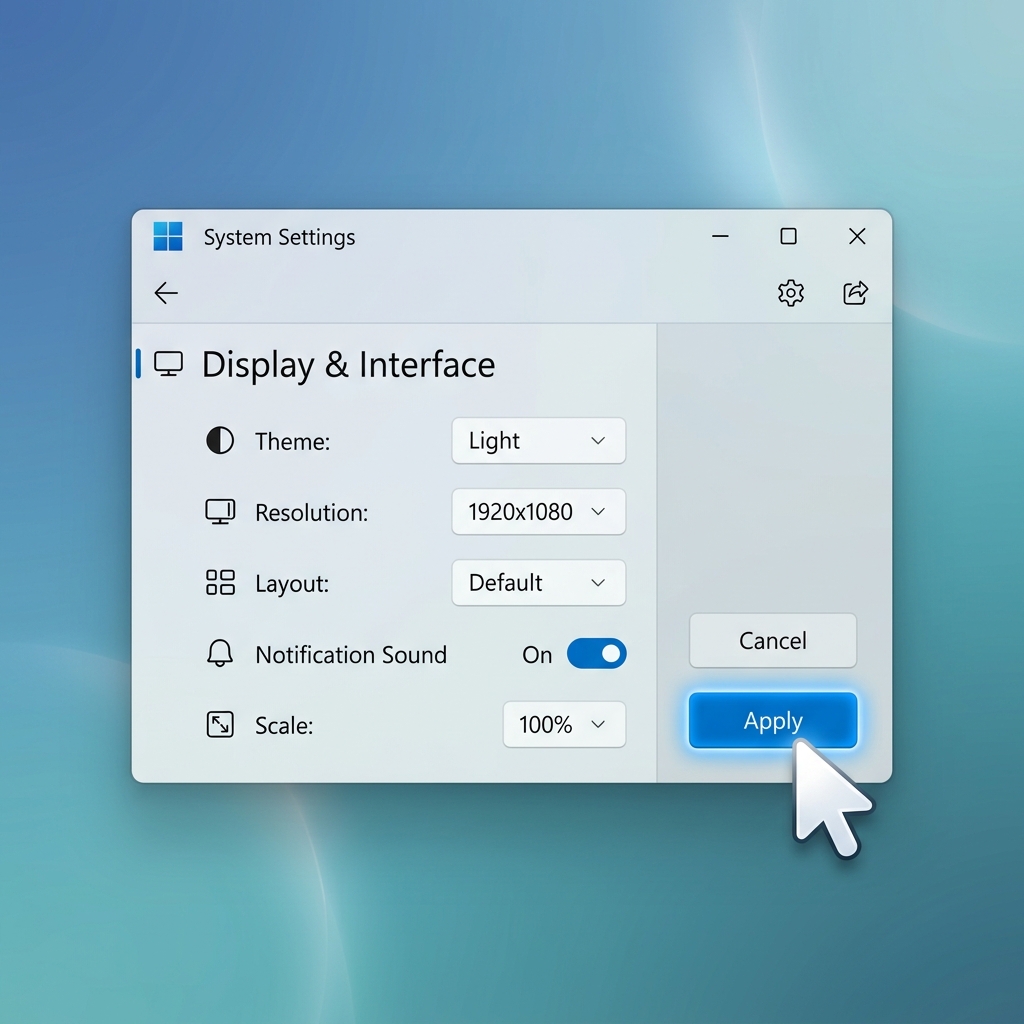
Essential Feature 3: Hiding the Windows Desktop
Even if you have the best software to demonstrate, showing your personal Windows taskbar ruins the illusion of a premium presentation. Seeing the weather widget, the time, unread notifications, and a messy desktop wallpaper instantly lowers the perceived value of your video.
The top recording tools today allow you to isolate your application. By placing your software window over a beautiful color gradient or a dynamic live background, you instantly hide your operating system. It frames your screen recording on a professional stage, giving it a high-end, studio-quality look.
The Clear Winner for Windows in 2026
If you try to achieve this cinematic look using traditional Windows software, you will waste hours of your valuable time editing videos.
To get the perfect presentation instantly, Cubix Capture is the ultimate screen recorder for Windows this year. It is built specifically to automate this entire premium recipe. The framing follows your active window across multi-monitor setups, the cursor inside that window is interpreted into a weighted path even when you are running a high-DPI mouse, and the busy Windows 11 desktop—taskbar, search widget, system tray—is replaced with a single clean stage during capture.
You do not need any video editing skills, and you do not need to waste your afternoon adjusting keyframes. You simply hit stop, and you immediately have a world-class, engaging video ready to share with your audience. By upgrading your recording tools, your Windows presentations will finally look as professional as the work you do.
Related reading:
- How to Record a Product Walkthrough on Windows in 2026
- How to Add Auto-Zoom to Screen Recordings (No Editing)
- Why Your Screen Recordings Look Unprofessional (And How to Fix It)
Don’t miss the next one.
Join our newsletter for exclusive tips, product updates, and the latest from the Cubix team.