
Every SaaS team has seen this pattern: traffic is healthy, prospects click "Watch demo," and then drop off before the value is clear. It is easy to blame pricing, onboarding, or copy, but the real leak is often the demo itself.
When a product demo feels cluttered, viewers assume the product will feel cluttered too. When a demo feels calm, focused, and outcome-driven, the same product suddenly feels easier to adopt.
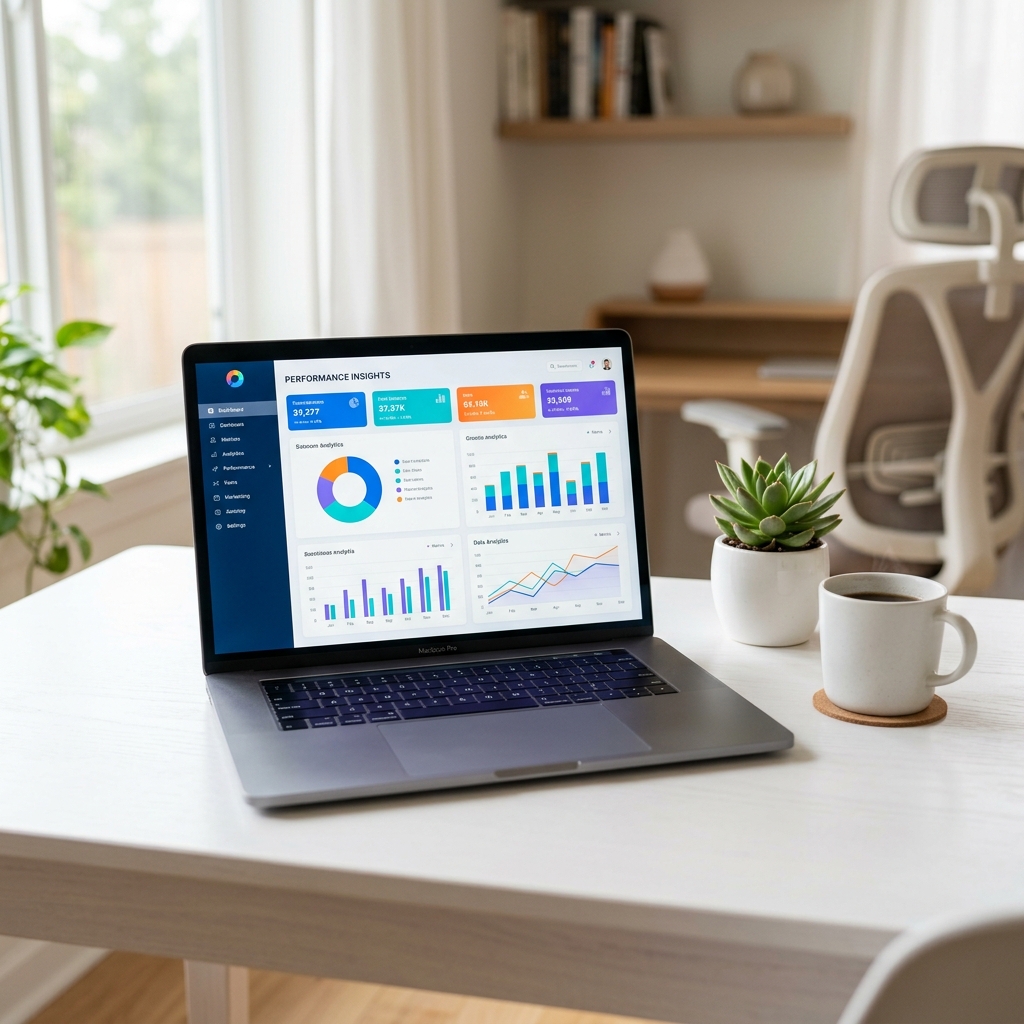
Why Most SaaS Demos Underperform
Most demos underperform for one reason: they try to show everything.
A viewer does not need a full product tour on first watch. They need confidence that your tool can solve one problem quickly. If your video jumps from dashboard to settings to analytics and back again, attention drops fast.
The best approach is to pick one use case and tell one short story.
The Script Pattern That Converts Better
Think of your product demo as a three-minute narrative.
Open with a specific pain point your audience immediately recognizes. Then show the end result early, before the walkthrough. After that, walk through the exact steps that produce that result. End with one call to action.
That structure works because it mirrors buyer psychology: pain, proof, path, next step.
A Reusable Demo Outline for Teams
If your team publishes demos regularly, use this repeatable outline:
- Context (10-15 seconds): who this is for and what they are trying to do.
- Pain point (15-25 seconds): what is currently slow, messy, or risky.
- Outcome preview (20-30 seconds): what "done" looks like in your product.
- Walkthrough (90-150 seconds): one realistic workflow from start to finish.
- Proof point (20-30 seconds): measurable result, before/after, or customer signal.
- CTA (10 seconds): one clear next step.
Avoid generic claims. Specific actions and specific outcomes are what create trust.
Record for Trust, Not Just Information
In software demos, visual clarity is not decoration. It is persuasion.
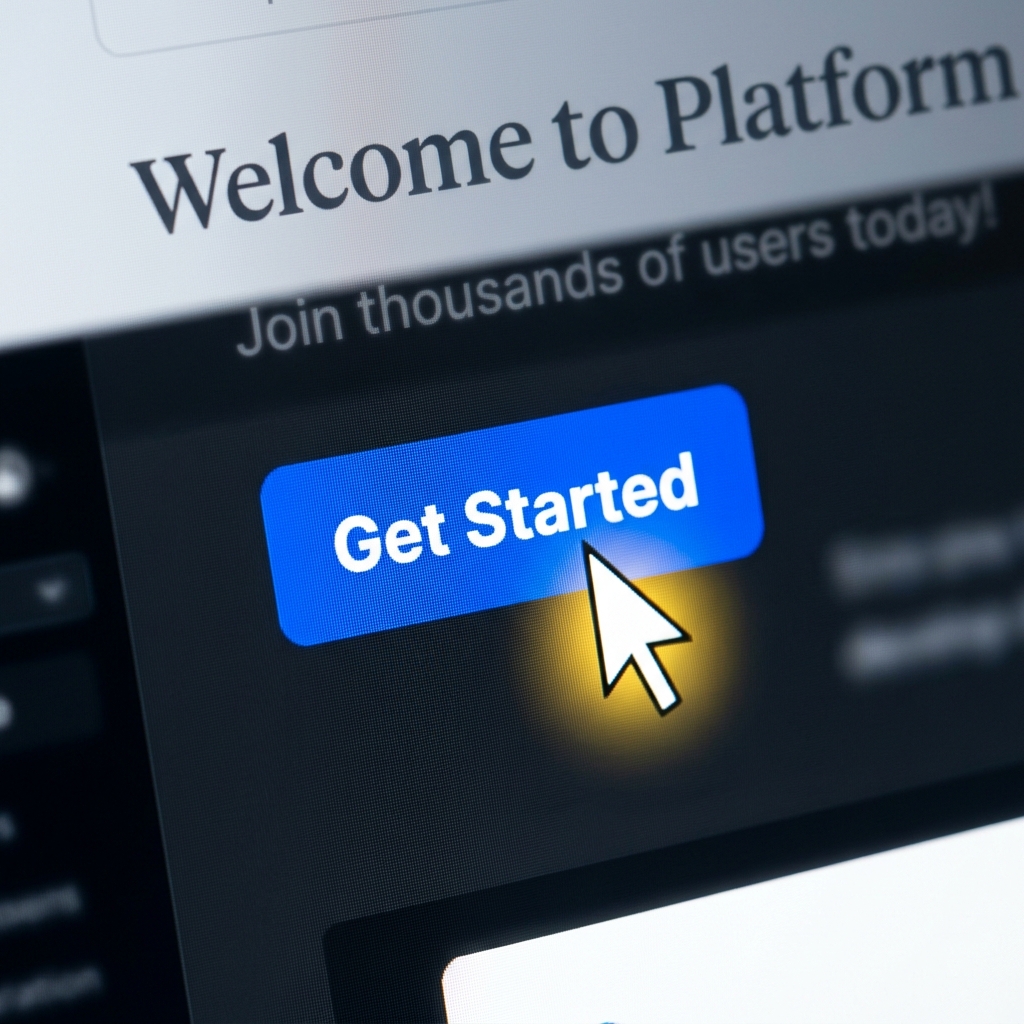
Do not force people to search for your cursor. Keep focus on the active part of the product, remove unnecessary UI clutter, and maintain text readability for smaller screens. A clean frame makes the product feel easier before a single feature is explained.
Cursor movement matters more than most teams realize. Fast, jittery movement raises cognitive load; deliberate movement improves comprehension.
Example: Weak Demo vs Strong Demo Framing
Weak version: "Here is our dashboard. You can do a lot of things here. Let me click around and show features."
Strong version: "If your support team spends 3 hours per day triaging duplicate tickets, this workflow reduces that to 40 minutes. I will show you how in three steps."
The second version wins because it is concrete. Specificity builds belief.
Enjoying this read?
Get weekly insights on video editing, AI workflows, and creator growth straight to your inbox.
Choosing the Right Demo Length by Context
Different stages need different demo lengths:
- Landing page demo: 2-4 minutes, fast outcome-first narrative.
- Sales follow-up demo: 4-8 minutes, role-specific workflow and objections.
- Onboarding demo: 6-12 minutes, slower pacing and implementation details.
Do not force one master video to do every job. One audience, one intent, one video.
Production Standards That Actually Scale
You do not need a heavy production setup to look professional. You need consistency: stable framing, clear audio, readable zoom behavior, and a predictable flow from intro to CTA.
Teams that produce demos regularly usually save the most time by reducing post-production friction. If your team spends hours adding zooms or fixing cursor motion after recording, tools like Cubix Capture can handle those visual refinements while you record.
Mistakes That Quietly Kill Demo Performance
-
Feature dumping instead of storytelling.
Too many features in one video creates confusion, not confidence. -
No clear audience.
A demo for founders is different from a demo for ops managers. -
Too much setup before value.
Show the payoff early, then explain the steps. -
Unclear CTA.
If the ending says "learn more" instead of a specific action, conversion drops. -
Visual noise.
Messy UI context and chaotic cursor movement make even good products feel complex.
Turn One Demo Into a Content System
A strong demo can do more than convert one viewer.
Repurpose it into supporting tutorials, short clips for specific features, and internal onboarding snippets so your team gets more value from each recording.
A Better Post-Publish Improvement Loop
After publishing, improve the demo with evidence, not guesses:
- Track watch drop-off moments.
- Review where viewers pause or rewatch.
- Compare conversion between different hooks.
- Test alternate CTA phrasing.
Small updates to the opening 20 seconds often create outsized lift.
Final Takeaway
High-converting SaaS demos are not flashy. They are clear, specific, and intentional. Frame one real problem, show one meaningful outcome, and guide viewers through one complete workflow. Conversion usually improves faster than teams expect.
Related reading:
- How to Add Auto-Zoom to Screen Recordings (No Editing)
- How to Record a Software Tutorial in Under 10 Minutes
Don’t miss the next one.
Join our newsletter for exclusive tips, product updates, and the latest from the Cubix team.