
One travel vlog can support different editing jobs: a shorter landscape version, a compact social clip, or a captioned version that keeps more of the original timing. This comparison puts the supplied recording and three Cubix exports side by side, with the brief for each edit.
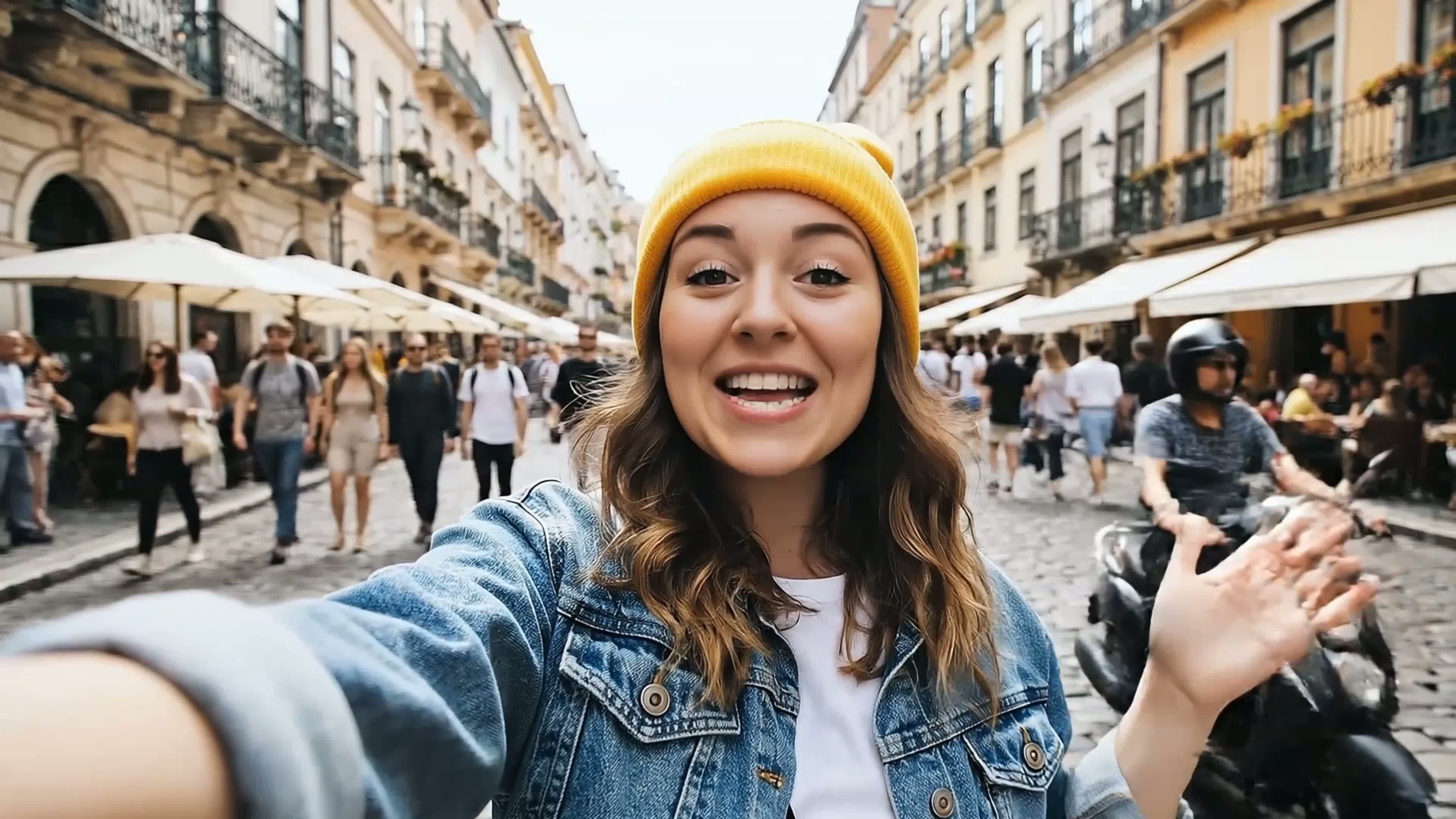
The source is a 64-second travel vlog. It includes a person speaking to camera in a market and on a bridge, along with a city view. The three outputs use that same footage. Choose a video below, turn on sound and seek through the passages you want to compare.
Compare the original and three exports
One recording, three editing briefs
Compare the supplied recording and exports. Use the player controls for sound, seeking and fullscreen.
Source
A travel vlog with speaking-to-camera passages, market scenes, a city view and a bridge at sunset.
What to compare
- 64.04-second supplied source file.
- Landscape footage with its original audio.
- Use this recording as the reference when comparing the three exports.
The source is 3840 × 2160. The two landscape exports are 1280 × 720, and the social export uses a 720 × 1280 canvas. Those are the dimensions of these files, rather than a statement about the maximum resolution available in Cubix.
How to read this comparison
The prompts below are the briefs supplied with the finished exports. We measured each file's duration and dimensions and inspected its visible composition and captions. The comparison describes those outputs; intermediate chat histories and manual adjustments were not documented with the files.
Use the original to judge whether a shorter version keeps the passages you need. A duration reduction alone cannot establish that meaning was preserved, that every caption is accurate, or that an edit will improve viewer retention. Listen around cuts and check the words against the recording.
Edit A: Natural cleanup
Supplied brief
Clean up this recording. Shorten long pauses and remove false starts. Keep the full explanation and natural pacing. Add readable captions and keep the original aspect ratio.
What the export shows
The natural-cleanup file is 46.68 seconds, compared with 64.04 seconds for the source: approximately 27% shorter. It keeps a landscape canvas and adds captions over the travel footage.
Compare the market and bridge passages with the original. Listen to the start and end of each retained line and decide whether the shorter timing suits the story. Check whether any removed passage matters to your intended version; this comparison does not assign a perfect-preservation score.
This is the version to inspect when your brief asks for a shorter recording while keeping the original viewing format. For your own video, identify the details that must remain before requesting cleanup.
Edit B: Short social clip
Supplied brief
Turn this recording into a vertical 9:16 clip under 30 seconds. Pick one useful takeaway that makes sense by itself. Remove unnecessary setup, keep the speaker framed, and add readable captions.
Enjoying this read?
Get weekly insights on video editing, AI workflows, and creator growth straight to your inbox.
What the export shows
The social file is 28.05 seconds, approximately 56% shorter than the source. Its 720 × 1280 canvas intentionally keeps landscape shots fitted inside the frame, with black space above and below. Captions sit below the fitted picture. This composition is the chosen presentation for this example.
A 9:16 deliverable can use a fitted picture or a crop, according to the composition you want. Here, the surrounding space and retained landscape shots are part of the edit. Review the caption size and the story at the actual size your audience will see.
The important editorial question is whether the selected passage has a clear opening and ending. Check it without relying on the longer version for context. A shorter export does not by itself prove that it is a stronger social post.
Edit C: Visual emphasis
Supplied brief
Keep the full explanation and original aspect ratio. Add subtle punch-in zooms on the important points and readable captions. Keep the pacing natural.
What the export shows
The visual-emphasis file is 64.02 seconds, approximately the same duration as the source. It keeps a landscape canvas and includes captions. Use the viewer to compare the framing and text treatment with the original.
The brief asks for visual emphasis while retaining the explanation. Assess the delivered framing across the complete video, including shot changes and the presenter’s headroom. Keeping approximately the same duration does not by itself prove that every requested change occurred.
File comparison
| File | Duration | Dimensions | Visible format |
|---|---|---|---|
| Original recording | 64.04 seconds | 3840 × 2160 | Landscape travel vlog |
| Natural cleanup | 46.68 seconds | 1280 × 720 | Shorter landscape edit with captions |
| Short social clip | 28.05 seconds | 720 × 1280 | Fitted landscape shots inside a vertical canvas, with captions |
| Visual emphasis | 64.02 seconds | 1280 × 720 | Landscape version with captions |
The percentages compare complete file durations, rounded to the nearest whole percent. They measure a shorter output, rather than the amount of silence removed or a change in audience performance.
Use a brief on your own footage
Start with the outcome you need: a shorter full video, a self-contained clip or a different visual finish. State which passages and details should remain, choose the desired composition, and review the resulting timeline with sound.
If a result needs a correction, identify the affected passage and request one specific adjustment, or make a manual timeline change. For example, adapt this template to your own recording:
At [current timeline timestamp], the cut after [exact spoken line] feels rushed. Leave more breathing room there. Keep the surrounding caption text and let me review the new transition.
This is a follow-up template, not a reported correction from these exports. Review the changed passage and the downloaded video before publishing.
Related workflows
- Edit Video by Chat: bring your recording, write an editing brief and inspect the result.
- AI Talking Head Video Editor: review pacing, captions and framing for speaking-to-camera footage.
- Agentic Video Editor: explore the broader instruction-led editing workflow.
- Creator Videos: choose the finishing steps your recorded video needs.
- Correct or change an AI edit: choose a targeted follow-up or manual adjustment.
- First-pass review checklist: check cuts, captions, framing and sound before export.
Don’t miss the next one.
Join our newsletter for exclusive tips, product updates, and the latest from the Cubix team.