
Before comparing anything: the $149 in the question is out of date. Screen Studio retired its one-time licences. The comparison people think they are making — pay once versus free — is not the comparison that is actually on the table.
What is on the table is a recurring subscription against a free tier with an optional one-time upgrade, which is a different decision with a different break-even point. This page works through it honestly, including the places where Screen Studio is genuinely the better tool.
What Each One Actually Costs Now
Screen Studio is subscription-only: roughly $20 a month, or $9 a month billed annually — about $108 a year. The $89 and $149 one-time licences that dominate search results have been retired, and there is no functional free tier; the trial watermarks exports. The price increase, and why the $149 is still being searched for covers that history.
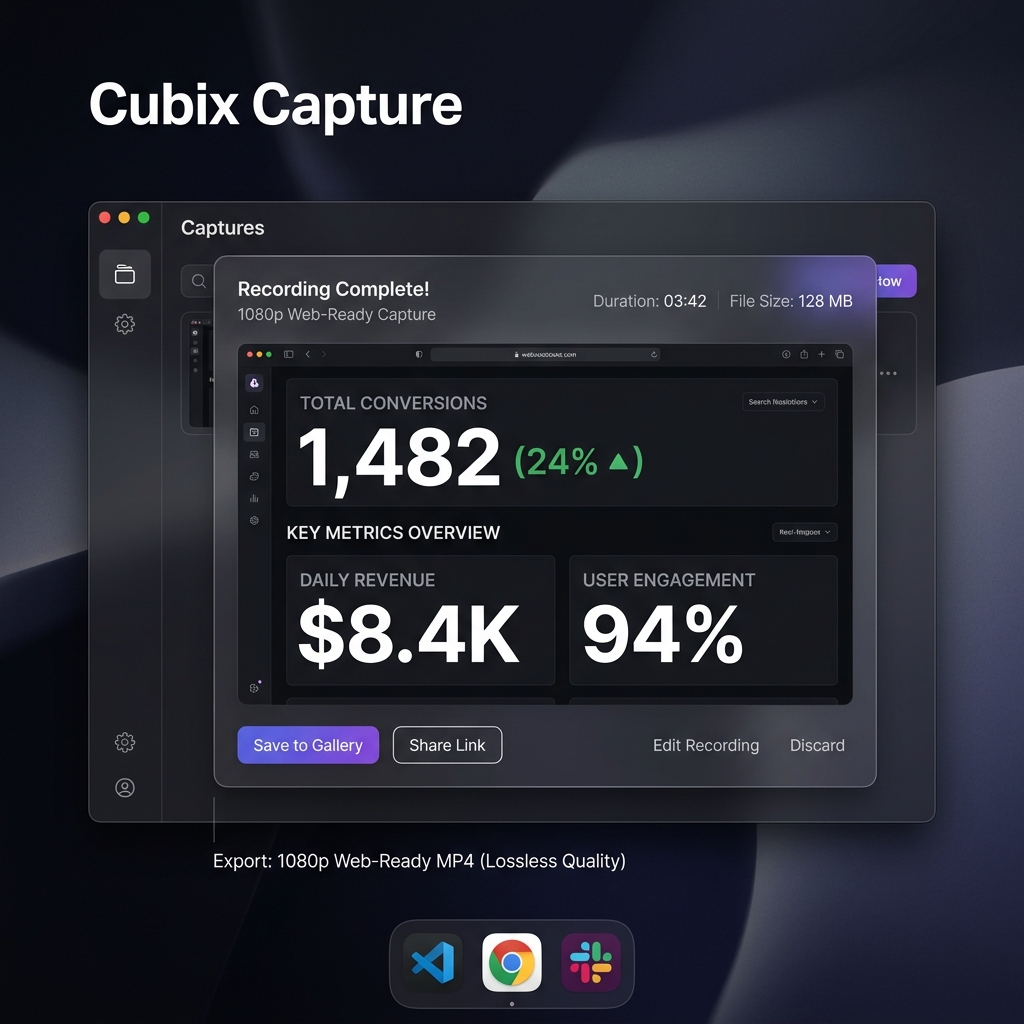
Cubix Capture runs three tiers:
- Starter — free. Auto-zoom, backgrounds and webcam capture, at a starter recording quality and length. No account required to start.
- Pro — $14.99 a month. 4K at 60fps, unlimited recording length, no watermark, AI cursor smoothing.
- Lifetime — $49 once. Everything in Pro, paid once. Roughly three months of Pro.
Check the current Starter limits against the length of videos you actually make before building a workflow on the free tier — that is the one number worth verifying yourself rather than taking from a comparison page.
Three-Year Cost, Which Is the Number That Decides It
Subscriptions are compared badly because people compare the monthly figure. Compare the commitment instead.
| Year 1 | Year 2 | Year 3 | Total | |
|---|---|---|---|---|
| Screen Studio (annual billing) | $108 | $108 | $108 | $324 |
| Screen Studio (monthly billing) | $240 | $240 | $240 | $720 |
| Cubix Capture Pro (monthly) | $180 | $180 | $180 | $540 |
| Cubix Capture Lifetime | $49 | $0 | $0 | $49 |
| Cubix Capture Starter | $0 | $0 | $0 | $0 |
The honest read: Screen Studio on annual billing is not expensive software in absolute terms. It is expensive relative to a $49 one-time payment for a comparable capture-time feature set, and it is unavailable at any price if you are on Windows.
What They Do Identically
Both tools exist to solve the same problem — a raw full-screen capture is unreadable on a phone and looks unproduced — and both solve it the same way, by making production decisions at capture time instead of in an editor.
- Zoom that follows your clicks. Both detect where you are working and move the frame there, without keyframes.
- Cursor smoothing. Both replace raw pointer motion with a smoothed path, which is a surprisingly large share of the perceived polish.
- Background and padding staging. Both crop desktop clutter and place the window on a background with a shadow.
- Webcam overlay. Both support a floating camera on top of the capture.
On output alone, for a typical software walkthrough, this is a genuine tie. Anyone claiming a dramatic quality gap in either direction is selling something.
Where Screen Studio Is Genuinely Ahead
Worth saying plainly, because a comparison that finds no advantages on one side is not a comparison.
- Maturity on macOS. It has been refined against one platform for years. That shows in edge cases — Retina scaling, multi-display setups, unusual aspect ratios — where a cross-platform tool has more surface to cover.
- Post-capture zoom editing. Its strongest feature is not the automatic zoom, it is that you can adjust the automatic zooms afterwards on a timeline: move one, change its duration, delete one that landed on the wrong click. If you need per-zoom control rather than a good automatic result, this matters.
- Export presets and platform sizing. A mature set of output presets for common destinations.
- Track record. It defined this category. If your work depends on the tool being unsurprising, longevity is a real input.
Where Cubix Capture Is Genuinely Ahead
- It runs on Windows. Screen Studio does not, and no pricing tier changes that. For most people asking this question, the comparison ends here.
- A free tier that produces usable output, rather than a watermarked trial.
- A one-time price that still exists. $49 once, which is the deal people are searching for when they type "$149 lifetime."
- Mixed-OS teams. One tool, consistent output, whichever laptop someone was issued. A Mac-only tool means either your Windows colleagues produce visibly different videos or they do not produce them.
- Monthly billing without an annual commitment at $14.99, for people who need it for one launch.
Enjoying this read?
Get weekly insights on video editing, AI workflows, and creator growth straight to your inbox.
The Question That Actually Decides It
Are you on Windows? If yes, this is not a comparison, it is an availability check, and Screen Studio fails it. Is Screen Studio available for Windows? is the direct answer, and why it is Mac-only explains the technical reason it is unlikely to change.
If you are on a Mac, the decision is real, and it comes down to two questions: how much per-zoom manual control you need after recording, and whether $324 over three years or $49 once fits your situation better.
Side by Side
| Screen Studio | Cubix Capture | |
|---|---|---|
| Platforms | macOS only | macOS and Windows 10/11 |
| Free tier | Trial only, watermarked exports | Starter plan, no account needed |
| Subscription | $20/mo, or $9/mo billed yearly | $14.99/mo Pro |
| One-time option | Retired | $49 Lifetime |
| Zoom on click | Yes | Yes |
| Cursor smoothing | Yes | Yes |
| Background staging | Yes | Yes |
| Webcam overlay | Yes | Yes |
| Adjust zooms after recording | Yes, on a timeline | Automatic result |
| Three-year cost | $324 (annual) / $720 (monthly) | $0 / $49 / $540 |
Who Should Still Pay for Screen Studio
- Mac-only creators who publish constantly and need per-zoom timeline control on every video. At high volume the subscription is small against the time it saves.
- Anyone already on it and happy. A working tool you know is worth more than a marginal saving.
- People who need a specific export preset or workflow it already supports.
Who Should Not
- Anyone on Windows. It is not available.
- Mixed-OS teams. Standardising on a Mac-only tool means half the team cannot participate.
- Anyone who makes videos occasionally. $108 a year for a handful of recordings is poor value against a free tier that clears the same bar.
- Anyone specifically looking for a one-time purchase. That option is gone, and there is no lifetime deal coming back.
Test Both Before Deciding
Neither tool is expensive enough to justify weeks of research, and both can be evaluated in an afternoon on the footage you actually make.
Screen Studio's trial watermarks exports, so you can assess the look but not ship anything from it — worth knowing before you plan around it, along with how long the trial runs and the refund policy, since a subscription you regret is harder to unwind than a $49 payment.
Cubix Capture's Starter plan produces real output on Windows and macOS without an account. Record the same two-minute walkthrough in both, watch both on a phone, and the decision usually makes itself.
Keep Reading
- Is Screen Studio Worth $149? Honest Answer for the buy-or-skip case on its own terms.
- Screen Studio Free Alternative: Do You Actually Need to Pay? for the wider free landscape including OBS and Cap.
- Best Screen Studio Alternatives in 2026 for the full shortlist.
- Cubix Capture vs Screen Studio: Free Alternative for Windows for the Windows-specific version of this comparison.
Don’t miss the next one.
Join our newsletter for exclusive tips, product updates, and the latest from the Cubix team.