
Both of these tools do the same visible thing: they follow your cursor and zoom in on it, so the viewer can read what you are clicking. The comparison that matters is not which zoom looks nicer. It is where the recording is captured from, because that decides what can be in the video at all.
Screen Studio is a native macOS application recording the operating system. Cursorful is primarily a Chromium browser extension recording a tab. That single architectural difference explains almost every practical difference between them.
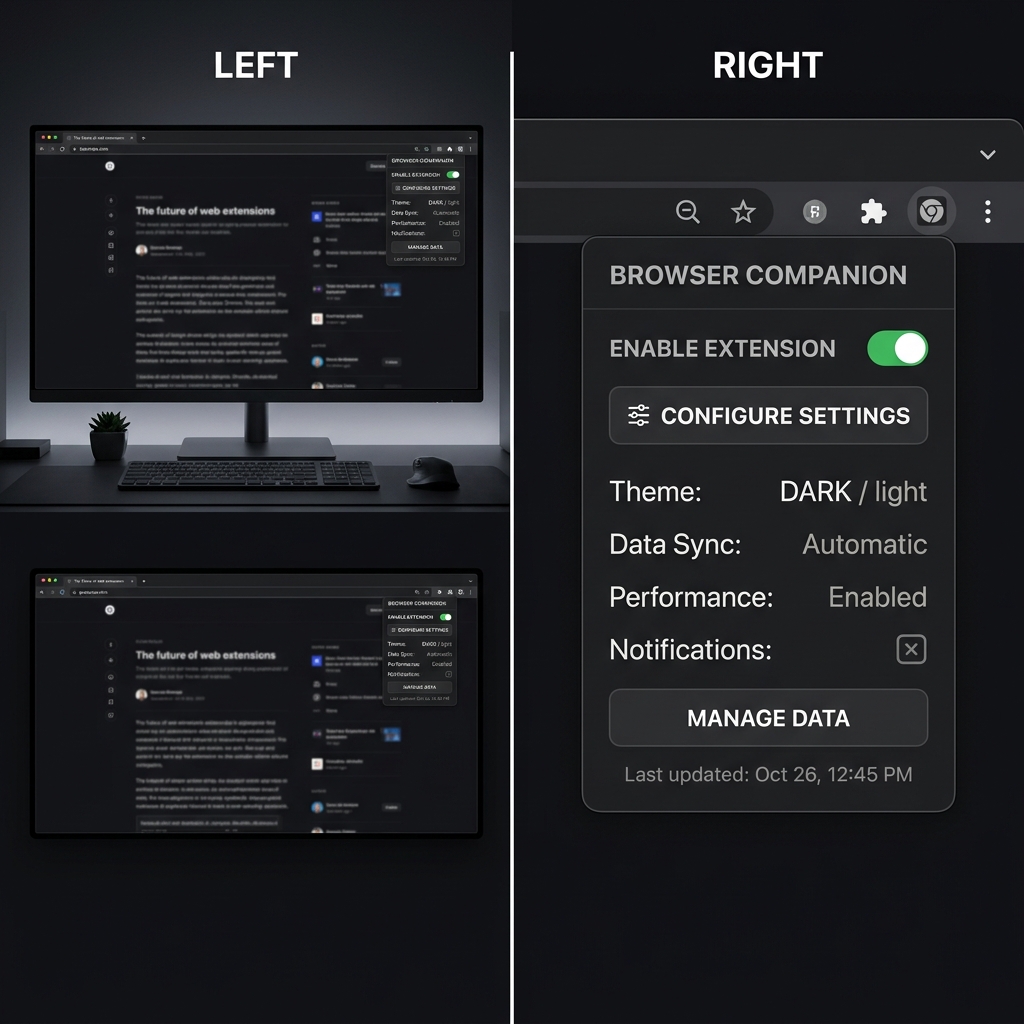
What a Browser Extension Can and Cannot See
A browser extension records through the browser's own capture APIs. Depending on what you pick when you start, that is a tab, a window, or a screen, and the tab case is the one people actually use because it is the one that produces a clean, correctly cropped recording without the browser chrome.
What that gets you: a fast start, no install beyond the extension, no OS permissions to fight, and a recording that is already framed on the web app you are demonstrating. For a browser based product this is genuinely efficient, and it works the same on Windows, macOS and Linux because the browser is the platform.
What it cannot get you, and this is not a limitation the vendor can fix:
- Anything outside the browser. A desktop app, a terminal, a code editor, an installer, Finder or Explorer, a native dialog. If your demo starts in the browser and ends in a native app, the recording ends at the browser.
- Native OS menus and system dialogs, including the file picker in many cases, which is exactly the moment in an upload flow you wanted to show.
- Reliable capture of other browser windows or a second monitor in the tab mode people default to.
- Anything after the tab closes or navigates somewhere the extension is not permitted.
Screen Studio has the mirror image profile. It captures at the OS level, so overlapping windows, native menus, dropdowns and multi application workflows all record correctly, and the trade is that you must be on macOS.
Screen Studio
Strengths. The motion is the reference standard: zooms with real acceleration and settle, a synthesised cursor drawn along a smoothed path, rendered click effects. Capture is at the OS level so nothing on your machine is off limits. Zooms remain editable afterwards, so a mistimed one can be moved or removed rather than re-recorded.
Limits. macOS only, permanently, which is not a pricing tier you can buy your way past. And it is subscription only: $20 a month, or $9 a month billed annually, which works out to $108 a year, with no free tier, since trial exports are watermarked. If the price is the obstacle rather than the platform, Screen Studio alternatives that cost less covers the field.
Cursorful
Strengths. It is cheap to start and cheap to own. The free tier is unlimited and non commercial, and Pro is a one time payment, around $79 at the current promotional price against a $119 list, which for a tool you will use for years is a completely different financial shape from an annual subscription. Because it lives in Chrome, Edge or Brave, it runs on Windows, macOS and Linux with nothing to install at the OS level, and its editor gives you automatic zoom and pan, background padding, cursor styling and multiple aspect ratio exports.
Limits. The browser sandbox, as above, which is a hard boundary rather than a rough edge. The zoom motion is good rather than best in class: the easing is flatter than Screen Studio's and the cursor is smoothed rather than fully redrawn, which is visible on a side by side of the same interaction. Firefox is not supported. And the licensing distinction is real: the free tier is for non commercial use, so a product demo on your company site needs the paid tier.
A desktop version has been announced, which would change the architecture story. Check the current state before you decide on that basis.
Enjoying this read?
Get weekly insights on video editing, AI workflows, and creator growth straight to your inbox.
Head to Head
| Screen Studio | Cursorful | |
|---|---|---|
| Architecture | Native macOS app, OS level capture | Chromium extension, tab level capture |
| Records desktop apps | Yes | No |
| Records native menus and dialogs | Yes | Not reliably |
| Platforms | macOS only | Windows, macOS, Linux via Chrome, Edge, Brave |
| Zoom motion | Best in class easing, synthesised cursor | Automatic, flatter easing, smoothed cursor |
| Free tier | No | Yes, non commercial |
| Paid | $108 a year on annual billing | One time, around $79 promotional |
Pricing on both moves. Verify on each vendor's page.
Which One, By Situation
| Your situation | Pick |
|---|---|
| Your product is entirely a web app, and you are on a budget | Cursorful |
| Your demo touches a desktop app, terminal or installer | Screen Studio, or another native recorder |
| You are on Windows or Linux | Cursorful, Screen Studio is not available to you |
| The video is a public launch asset and motion quality is the point | Screen Studio |
| You object to subscriptions | Cursorful, for the one time licence |
| You need commercial rights on a free plan | Neither, read the licence terms carefully |
The honest summary: Cursorful wins on cost and reach, Screen Studio wins on capture scope and motion. The deciding question is not which zoom is prettier, it is whether your demo ever leaves the browser tab.
The Third Option, and What It Is For
If you are on Windows and looking at Screen Studio with envy, Cursorful looks like the obvious substitute right up until the recording needs to show something outside Chrome.
Cubix Capture is a native desktop recorder on Windows and macOS, so it has the capture scope of the Screen Studio side of this comparison without the platform requirement. It applies the same automated camera model, zoom that follows your clicks, cursor smoothing, background framing, and adds manual zoom points for the moments the automation misses. It also blurs sensitive on screen information before the file leaves your machine, which matters as soon as you are recording a real account rather than a demo one.
Pricing is a free Starter plan, $14.99 a month for Pro, or $49 once for Lifetime. The direct pairing is covered in Cubix Capture vs Cursorful if that is the comparison you actually need.
Keep Reading
- Cubix Capture vs Cursorful for the direct free against paid pairing.
- Auto Zoom Screen Recording on Windows: Your Only Options if Screen Studio is off the table for platform reasons.
- Screen Studio vs FocuSee for a breakdown of what makes a zoom look good.
- Screen Studio Too Expensive: 5 Cheaper Alternatives if price is the real blocker.
- Best Free Auto Zoom Screen Recorders for what is genuinely free in this category.
Don’t miss the next one.
Join our newsletter for exclusive tips, product updates, and the latest from the Cubix team.