
The honest definition of “free”
When creators search best free screen recorders with auto-zoom, they usually mean one of two things:
- Free dollars (no subscription today)
- Free calendar (minimal post-production)
Those are not the same stack.
A workflow can be free in dollars but brutally expensive in minutes—which is how teams quietly stall publishing calendars.
This guide separates:
- Capture-time auto-zoom (finish while recording)
- Post-time zoom (keyframes in an NLE)
Educational primer: What Is Auto-Zoom Screen Recording? (Complete Guide).
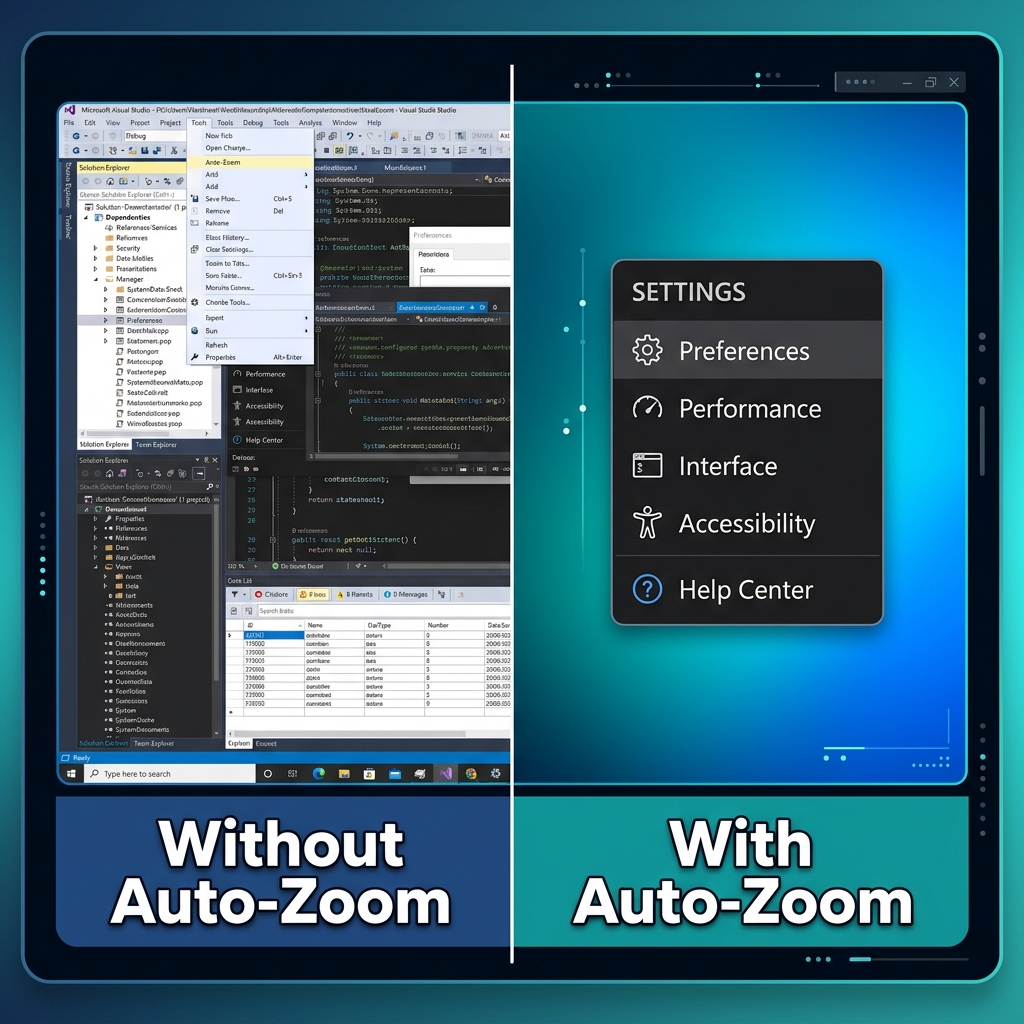
Why auto-zoom became non-negotiable
Zoom is not an aesthetic flex—it is how software tutorials remain legible on phones.
If your viewer cannot read the UI, they cannot follow the logic. That single constraint drives most “professional vs amateur” perceived quality gaps.
Retention angle: The Psychology of Zoom: Why It Matters for Viewer Retention.
Common “free” paths (and the hidden invoice)
Path A — OBS + DaVinci Resolve (free apps, paid time)
OBS captures faithfully. Resolve can zoom. The invoice is:
- keyframes
- reframing decisions
- render iterations
Works—especially for editors—but scales poorly for weekly tutorial publishing.
Deep critique: OBS vs Cubix Capture.
Path B — Browser extensions (free scope, narrow coverage)
Great when demos live entirely in Chrome.
Breaks the moment you touch desktop apps, IDEs, terminals, installers, or OS settings.
Related comparison lane: Cubix Capture vs Cursorful.
What we recommend for most creators in 2026
If your goal is desktop-native tutorials with minimal timeline time, Cubix Capture is the clearest cross-platform answer:
- Auto-zoom tracks interaction for mobile readability
- Smooth cursor motion improves subconscious clarity
- Live backgrounds reduce accidental desktop leakage
Enjoying this read?
Get weekly insights on video editing, AI workflows, and creator growth straight to your inbox.
Comparison snapshot (how teams should decide)
| Approach | Dollar cost | Typical time cost | Best when… |
|---|---|---|---|
| OBS + NLE | Often $0 software | High | You already live in an editor |
| Browser zoom tools | Often $0–low | Medium–high | Web-only journeys |
| Cubix Capture | Positioned for broad access | Low for many tutorial workflows | You publish frequently |
FAQ
Is Cubix Capture really “free auto-zoom” in practice?
Cubix Capture is built so creators can reach presentation-grade capture without funding polish through an edit bay—especially meaningful when alternative stacks bill you in Resolve hours.
What about watermarks?
Watermark frustration usually signals a tool optimizing for upsell rather than throughput—evaluate policies on official sites as they evolve.
What if I need Screen Studio–style outcomes specifically?
Read Best Screen Studio Alternatives in 2026 — Full List and Cubix Capture vs Screen Studio.
Bottom line
If you want free where it matters—your week—prioritize capture-time polish.
Start here: Cubix Capture.
Related reading
Don’t miss the next one.
Join our newsletter for exclusive tips, product updates, and the latest from the Cubix team.