
Keep
- One clip that says where and when
- The main moment, with its action complete
- One full spoken thought, in your own voice
- An ending that closes the day
Bring the clips you filmed in one day. Choose a few moments, keep the thought you said out loud, add text or music if you want it, and shape them in Cubix into a short diary with a clear ending.
Made from your own clips, not generated footage. The plan below is one fictional Saturday; swap in the moments from yours.
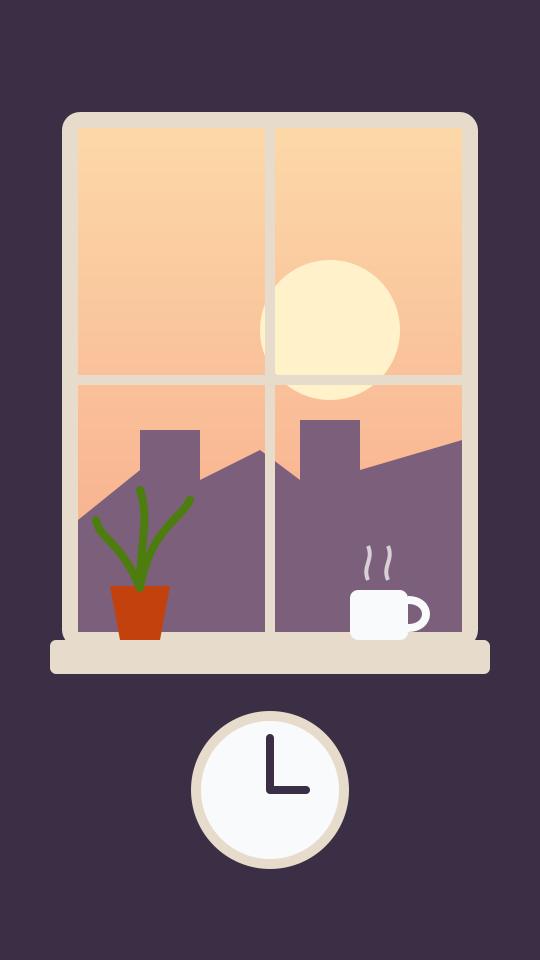
08:10
Opening
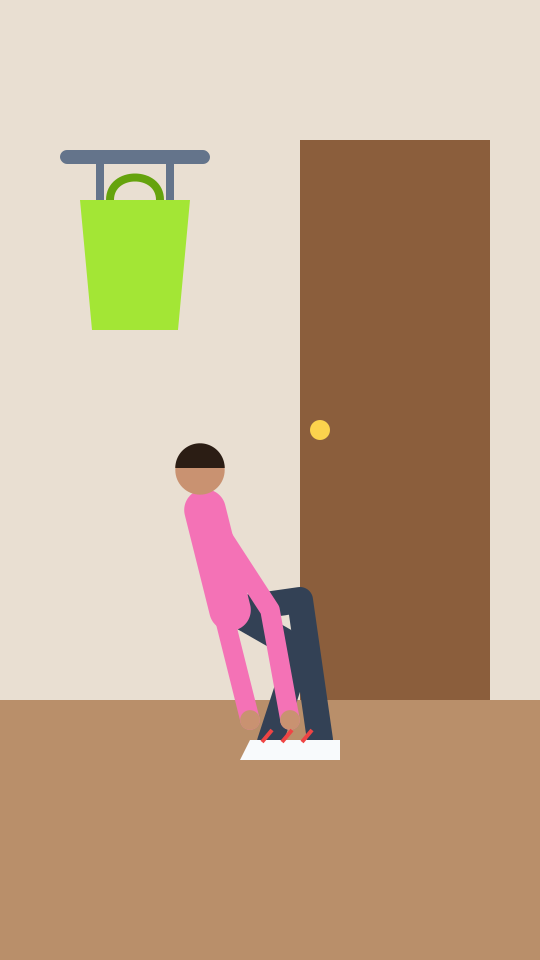
09:00
Getting ready

10:30
Into the day
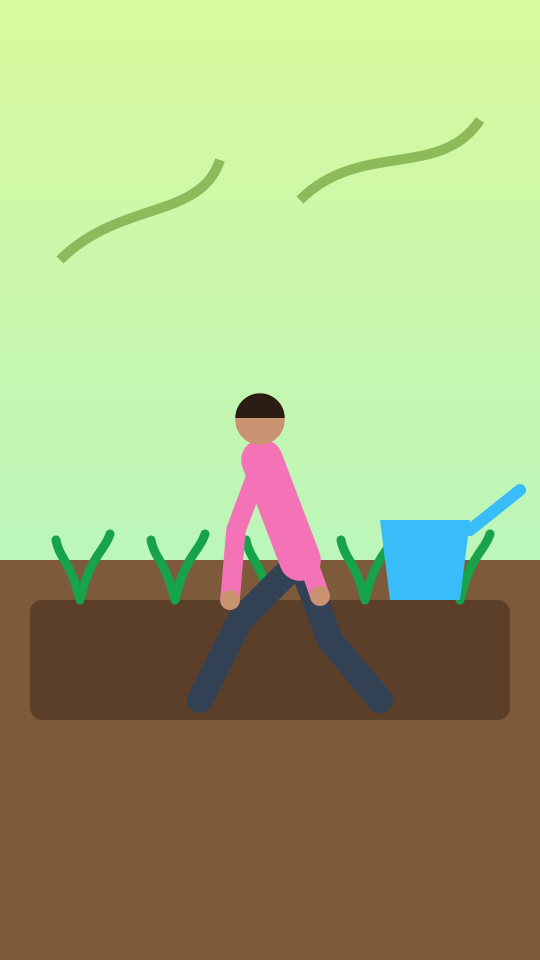
11:00
The main moment
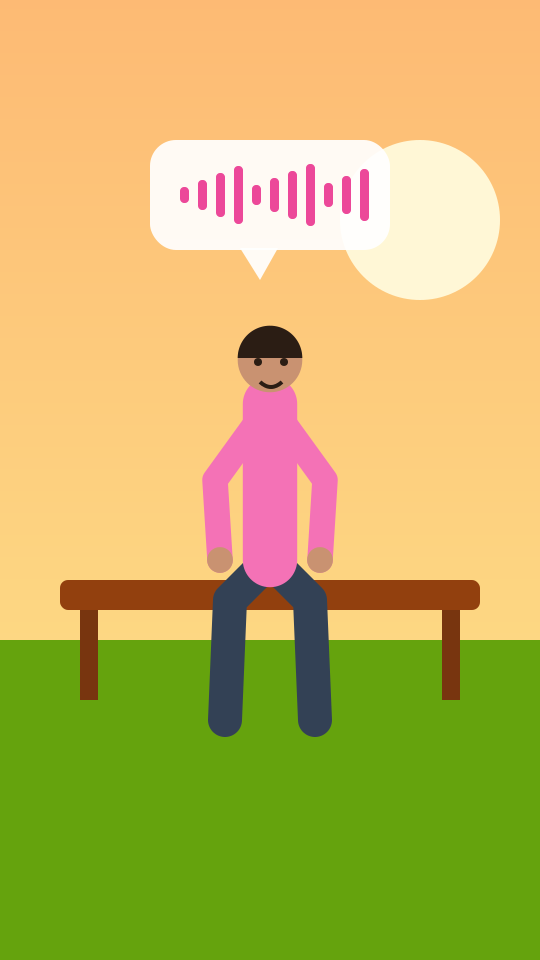
18:40
Spoken reflection
21:15
Ending
Kept whole: the spoken thought on the bench. Shortened: getting ready and the walk.
A plan for a fictional Saturday, from the first light at the window to the lamp at night. Each moment has one job in the diary. Anything that does not do a job can go.
A Saturday · six moments · fictional
08:101 · Opening
Says where and when the day starts, in one image.
Leave out: The alarm clip and a second window shot.
Example hold 0:02
09:002 · Getting ready
The day starting to move. One take is enough.
Leave out: The other four takes and the full routine.
Example hold 0:03
10:303 · Into the day
Gets the viewer from home to the main moment.
Leave out: The repeated walking and tram clips. Keep the shortest that still reads.
Example hold 0:03
11:004 · The main moment
Why this day is worth a diary. It gets the most time, with the action complete.
Leave out: Close-ups that repeat what the wide shot already shows.
Example hold 0:08
18:405 · Spoken reflection
The one moment in your own voice. Keep the whole sentence, from first word to last.
Leave out: The false start before it and the second take after it.
Example hold 0:09
21:156 · Ending
Closes the day at the same window it opened on. Let it hold.
Leave out: A goodbye wave after the thought has already ended the day.
Example hold 0:04
About 29 seconds in all. The main moment and the spoken thought take more than half; the walk and the getting ready take a few seconds each.
Illustration · an author-drawn, fictional day. Times of day and holds are editorial examples, not product limits, measured results or a Cubix-produced vlog.
Twenty-three clips came back from the fictional Saturday. Six make the diary. The decisions are the same whatever editor you use.
Keep the clips in the order the day happened. A diary that jumps from evening back to morning needs a reason the viewer can see.
1First request
“Make a compact diary from these clips; keep my closing thought.”
2Revision
“Restore the whole last sentence.”
An illustrative brief and revision, not an executed result. Typed requests go through Ask Cubix in the editor, which depends on your plan; you can make the same changes on the timeline yourself. Check what was actually applied.
Both start from your own clips. The difference is whether your voice is part of it.
Opens the app home, where you choose Edit with AI under Start from scratch and upload the clips.
Beat Edits times your selected clips to a song you pick from the library or upload.
Choose five or six clips from the day: where it started, a moment in between, the one that mattered, a thought you said to camera and how the day ended.
On the app home, choose Edit with AI under Start from scratch and upload the clips. The button on this page opens the app home; it does not upload anything for you.
Ask Cubix for a compact diary in the order of the day, or arrange it on the timeline yourself: one clip per moment, short transit, the whole spoken thought.
Watch it in the shape you will post. Check any text, your voice against any music, and the ending before you export.
Watch it through with sound in the shape you will post, then check each of these.
To change the sequence, drag clips into a new order, trim a moment shorter or longer, or bring back footage you cut. Play the diary again after each change.
Step by step: cut, trim and reorder clips · reframe for vertical
Clips from one day, filmed on your phone or camera: where it started, a few moments in between, the one that mattered, a thought you said to camera if you want your voice in it, and how the day ended. A handful of good clips is easier to shape than a whole camera roll.
A full vlog tells a longer story and can become montages and cutdowns; that is our vlog page. A travel montage cuts trip clips to music. A mini vlog is one compact diary of one day, often with a moment in your own voice and a clear ending.
Yes. Keep the clip with its own sound and make sure the whole sentence is there, from the first word to the last. If you add music, check that your voice stays clearly above it.
Yes. Reorder clips, trim a moment shorter or longer, or bring back footage you cut, on the timeline. You can also reframe the diary for a vertical post. Play it through again after each change.
No. A mini vlog in Cubix is made from your own clips. Cubix helps you choose, order and trim them; it does not generate a day you did not film.
You can open Cubix and explore the editor before choosing a plan. Current plans, trial availability, credits, export options and billing are on the pricing page.
Bring the clips from one day. Choose the moments in Cubix, keep your own voice, and review the diary before you export.
Make my mini vlog