
There is nothing worse than recording a perfectly clear, well-spoken software tutorial, only to realize the "free" software you used plastered a massive, transparent logo right across the middle of your video.
We have all been there. When you are looking for free screen recording software, the word "free" usually comes with a hidden cost: a giant watermark that makes your video look cheap and unprofessional. If you are sharing a presentation with a client, a student, or a team member, a watermark instantly lowers your credibility.
You need a tool that respects your content. But simply finding a recorder without a watermark is not enough. You also need to ensure the recording quality is high enough that your audience can actually read the screen. Here are the best free screen recorders in 2026 that let you keep your videos clean, professional, and entirely yours.

1. OBS Studio (The Open-Source Powerhouse)
When it comes to truly free, unrestricted screen recording, OBS (Open Broadcaster Software) Studio is the undisputed king. It is a completely free, open-source program used by professional live streamers and YouTubers worldwide.
Why it’s great:
- Zero Watermarks: Because it is open-source, there is no company trying to upsell you by branding your video.
- No Time Limits: You can record for hours without the software cutting you off.
- High Quality: It supports 4K recording and high frame rates, ensuring your video is crystal clear.
The Catch: OBS is incredibly powerful, but it is not user-friendly. Setting up your audio inputs, video canvas, and "scenes" can feel overwhelming if you just want to quickly record a five-minute tutorial. It also captures the raw screen, meaning you will need to manually edit the video later to add zoom effects or hide your desktop.
2. ShareX (The Windows Swiss Army Knife)
If you are a Windows user looking for a fast, lightweight, and completely free tool, ShareX is phenomenal. Like OBS, it is open-source and incredibly respected in the PC community.
Why it’s great:
- No Watermarks or Limits: Totally clean video files, forever.
- GIF Creation: It is amazing for recording quick, five-second tutorials as GIFs to drop into Slack or emails.
- Instant Uploads: It can be configured to automatically upload your recording to cloud services the second you finish.
The Catch: ShareX is a utility tool designed for power users. The interface looks a bit dated, and it does not have built-in video editing or advanced presentation features like auto-zoom. It is perfect for a quick, raw screen grab, but not ideal for a cinematic product demo.
Enjoying this read?
Get weekly insights on video editing, AI workflows, and creator growth straight to your inbox.
3. QuickTime Player (The Mac Default)
If you are on a Mac, the best free, watermark-free recorder is already installed on your computer. QuickTime Player is Apple's native media tool, and it handles screen capture effortlessly.
Why it’s great:
- Already Installed: No need to download anything; just hit
Command + Shift + 5. - No Watermarks: It outputs a completely clean, high-quality Apple ProRes or standard MP4 file.
The Catch: QuickTime is incredibly basic. It captures everything exactly as it is on your screen, including your messy desktop and the unfiltered, fast trackpad input you produce while working. Additionally, by default, Mac security settings prevent QuickTime from recording your internal system audio, meaning you can only record your microphone unless you install complex workarounds.
The Problem With "Raw" Free Tools
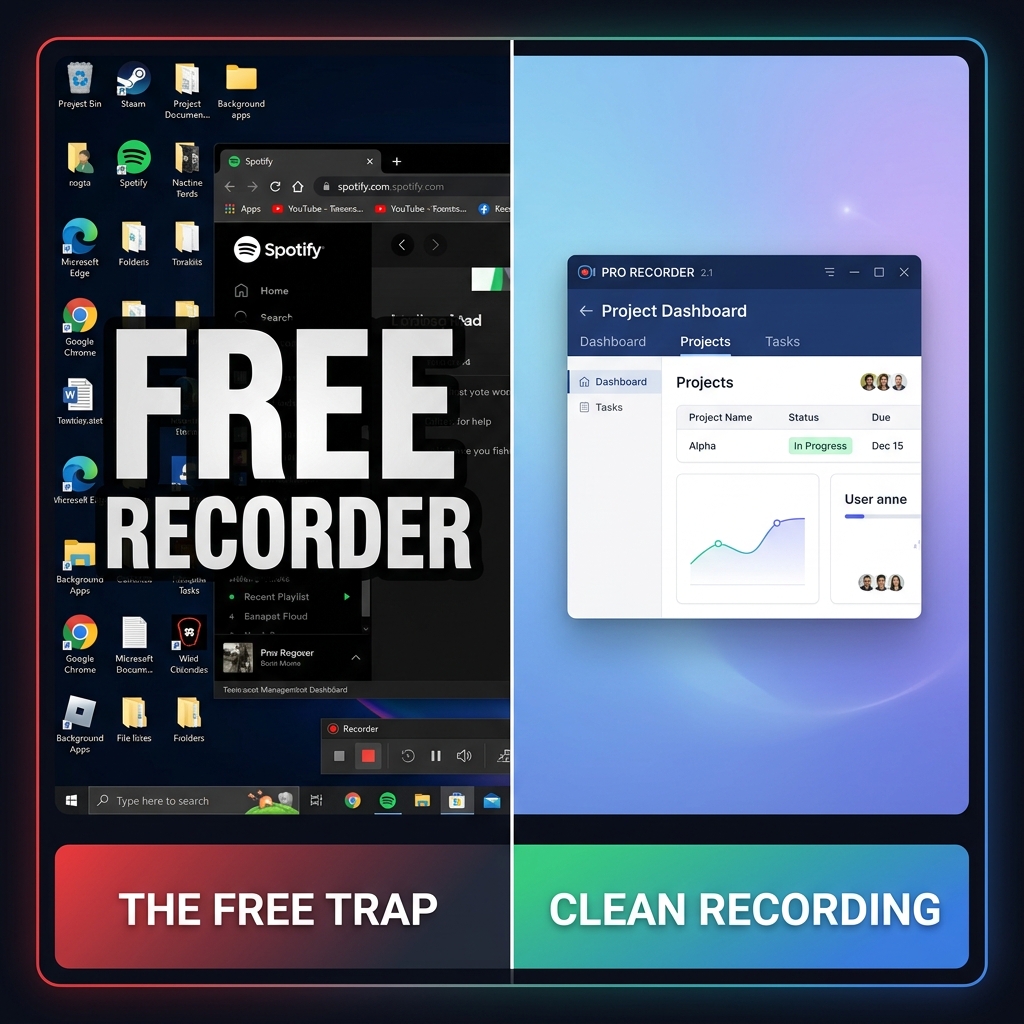
While tools like OBS, ShareX, and QuickTime provide watermark-free videos, they all share one major flaw: they only capture raw footage. When you capture your entire 4K monitor and your viewer watches it on a smaller laptop or phone screen, your software shrinks. The text becomes an unreadable blur. To make these free videos look professional, you are forced to download a separate video editing program and spend hours manually zooming in on your clicks and hiding your background clutter.
The Modern, "No-Edit" Upgrade
If you are tired of trading your valuable time for "free" software that requires hours of manual editing, it might be time to upgrade your workflow.
This is why professionals are moving toward automated tools like Cubix Capture. While it is a premium presentation tool, it completely eliminates the hidden cost of video editing.
When you record with Cubix Capture, the trade-off the free tools force on you—zero watermark, but also zero production polish—disappears. The output file is watermark-free and already framed: the camera tightens on whichever UI region you clicked into, the cursor moves at presenter pace instead of work-day pace, and the surrounding desktop is hidden behind a clean stage. The end of recording is the end of the project, not the start of an evening in CapCut.
Related reading:
- Best Screen Recorder for Remote Teams
- How to Record a Product Walkthrough on Windows in 2026
- How to Make Your Screen Recordings Look Professional (Without Any Skills)
Don’t miss the next one.
Join our newsletter for exclusive tips, product updates, and the latest from the Cubix team.