
Start with the correction, because both numbers in the question are out of date and they were the whole basis of the comparison.
Neither product sells a one-time licence to new customers. Camtasia moved to subscription-only in late 2024, retiring the perpetual licence that the ~$300 figure refers to. Screen Studio retired its one-time licences too. So "$149 versus $313" was a comparison between two purchases, and what you are actually choosing between now is two annual bills.
That reframes the decision entirely. A perpetual licence is a tool you own and can keep using when it stops earning its keep. A subscription has to justify itself every year, and the tool you use twice a quarter is a different proposition under that model. Here is what each now costs, what each is genuinely for, and the one question that settles it.
What Each One Actually Is
These are not competing implementations of the same idea. They are two different answers to "how do you get a watchable software video."
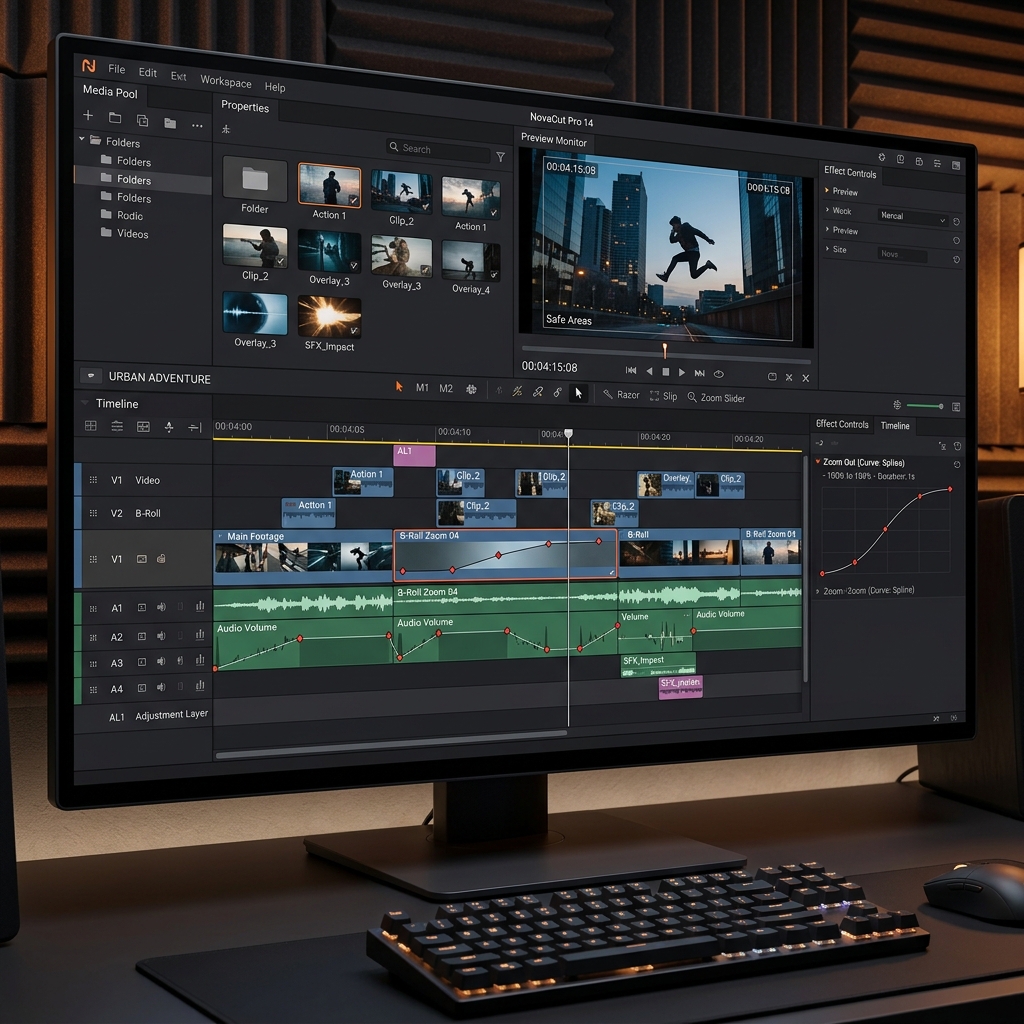
Camtasia is a video editor with a recorder attached. Multiple tracks, a timeline, cuts, transitions, callouts, annotations, an asset library, captioning, and — for training teams — quizzing and SCORM export for an LMS. The recorder is a way to get footage into the editor. Everything of value happens afterwards.
Screen Studio is a recorder that finishes the video for you. It applies zoom that follows your clicks, smooths the cursor path, and stages the window over a background while capturing. When you press stop, the video is essentially done. There is no multi-track timeline, because the product's premise is that you should not need one.
The Question That Decides It
Everything else is detail. Ask yourself: does the finished video need to contain something that was not on your screen while you recorded it?
If yes — B-roll, a second camera angle, cuts between separate sessions, an animated diagram, a quiz, a lower-third with someone's name, narration recorded on a different day — you need a timeline, and Screen Studio cannot give you one. Buy Camtasia.
If no — the video is you demonstrating software, in one pass, with your voice over it — then a timeline is a cost, not a capability. It is thirty to sixty minutes of keyframing per five minutes of finished video, and it is the reason most planned tutorials never get made.
Most people asking this question are in the second group and assume they are in the first, because "a proper video editor" sounds like the responsible choice.
What Only Camtasia Can Do
Worth being concrete, because these are real and Screen Studio has no answer to any of them:
- Multi-track editing. Layer B-roll, images, a separate audio track, a second screen recording.
- Cutting between takes. Record a demo in six pieces and stitch them. Screen Studio is a single-take tool.
- Quizzes and SCORM export. If your video has to live in an LMS and report completion, this is not optional and nothing else in this comparison offers it.
- Callouts, arrows, highlights and lower-thirds from a library rather than built by hand.
- Captions with an editor, including burnt-in styling.
- A shared asset and template library so a team's videos look consistent.
If two or more of those are requirements, the comparison is over — and the best free alternative to Camtasia for tutorial creators is the more useful page for you.
What Only Screen Studio Can Do
Equally concrete:
- Zoom that is already correct when you stop recording. Camtasia can zoom, but you place and keyframe every one by hand.
- Cursor path smoothing. Camtasia records the real cursor, jitter included.
- Automatic staging — padding, background, shadow, desktop clutter cropped — with no setup.
- A finished file in the time it takes to render, rather than the time it takes to edit.
The honest summary: Camtasia can produce anything Screen Studio produces, given enough of your time. Screen Studio removes that time and gives up everything the timeline was for.
Enjoying this read?
Get weekly insights on video editing, AI workflows, and creator growth straight to your inbox.
What They Cost Now
| Camtasia | Screen Studio | |
|---|---|---|
| Model | Subscription only (since late 2024) | Subscription only |
| Entry tier | Starter, around $39/year — exports carry a watermark | No functional free tier; the trial watermarks exports |
| Usable tier | Essentials, around $179.88/year | $9/month billed yearly — about $108/year |
| Higher tiers | Create around $249/year; Pro around $599/year | None — one product, all features |
| Monthly option | Annual commitment on all plans | Around $20/month |
| Platforms | Windows and macOS | macOS only |
Vendor pricing changes; confirm on each product's own page before buying. Two things in that table deserve attention:
- Camtasia's watermarked Starter tier is not a usable free plan. Budget for Essentials at minimum, which makes Camtasia roughly 1.7× the annual cost of Screen Studio.
- Screen Studio has no tiers at all. The single plan includes everything, which is refreshing and also means there is no cheaper entry point if you only need part of it.
And the constraint no price fixes: Screen Studio is macOS only. If anyone who needs to make these videos is on a PC, it is not a candidate. That specific problem is covered in Screen Studio for Windows: why it doesn't exist.
The Cost That Is Not on the Invoice
For a five-minute software walkthrough, manually keyframing zooms in a timeline editor is comfortably half an hour of work — placing each zoom, setting the scale, easing the curve so it does not read as mechanical, then re-doing the ones that landed on the wrong click.
At one video a week that is roughly 26 hours a year. Against a $72-a-year difference in subscription cost, the arithmetic is not close, and it stays not-close at any professional hourly rate.
That is the actual case for automated zoom, and it is why "Camtasia can do that too" is technically true and practically misleading. The counter-argument is real too: those 26 hours buy you control, and if your videos genuinely need cuts, B-roll and annotations, you were going to be in the timeline regardless.
If Neither Set of Trade-Offs Fits
The pattern in the table is that you are being asked to choose between cross-platform with manual work and automated with a platform restriction, plus a subscription either way. Those pairings are historical accidents rather than technical necessities.
Cubix Capture sits against that gap. It applies the automated-camera treatment — click-following zoom, cursor smoothing, background framing, webcam overlay — while recording, and it runs on Windows 10/11 and macOS, so a mixed team produces the same output regardless of laptop. It also covers two things neither product above does well: blurring for sensitive on-screen data before the file leaves your machine, and built-in trimming so a fumbled sentence does not send you to an editor.
The pricing is the other difference: a free Starter plan, $14.99 a month for Pro, or $49 once for Lifetime — the one-time option both of the tools in this comparison have withdrawn.
What it is not: a replacement for Camtasia's timeline. If you need quizzing, SCORM, multi-track B-roll or an asset library, Camtasia is the right purchase and this is not a close call. Camtasia vs Cubix Capture for tutorial makers covers that pairing directly.
The Verdict
- Building a course with modules, quizzes and LMS reporting? Camtasia. Nothing else here comes close.
- Editing multi-source video with B-roll and cuts? Camtasia.
- On a Mac, recording single-take software demos, publishing regularly? Screen Studio is excellent and worth the $108.
- On Windows, or a mixed team, and you want the automated look? Screen Studio is unavailable to you — look at Cubix Capture or FocuSee.
- Recording occasionally and resistant to another annual bill? A one-time licence is the only model here that does not keep charging you for a tool you use twice a quarter.
Keep Reading
- Screen Studio vs FocuSee — if automated zoom is the feature you actually care about.
- Screen Studio vs Tella — scripted, multi-clip recording as a third model.
- Is Screen Studio Worth $149? Honest Answer — the Screen Studio pricing decision on its own.
- Best Free Alternative to Camtasia for Tutorial Creators — if the Camtasia bill is the blocker.
- Screen Studio Too Expensive? 5 Cheaper Alternatives — the wider budget field.
Don’t miss the next one.
Join our newsletter for exclusive tips, product updates, and the latest from the Cubix team.