
You have an incredible piece of software to show off. You sit down at your desk, clear your throat, and deliver the perfect five-minute demonstration. You hit stop, upload the video, and wait for the praise to roll in.
But when you pull out your phone to watch your own video on Twitter or LinkedIn, you realize a terrible truth. The video looks like a static security camera feed. The text is microscopic, your mouse is darting nervously across the screen, and the viewer has no idea what part of the dashboard they are supposed to be looking at.
This happens because you are "recording raw."
Capturing a wide, unedited, static view of your desktop was acceptable ten years ago. But in 2026, viewer expectations have evolved. If you want to hold attention, sell a product, or teach a complex skill, you cannot just record raw pixels anymore. You need cinematic focus.
Here is exactly why the era of the static screen recording is dead, the hidden nightmare of manual editing, and why "Auto-Zoom" is the single most important feature you need to start using today.
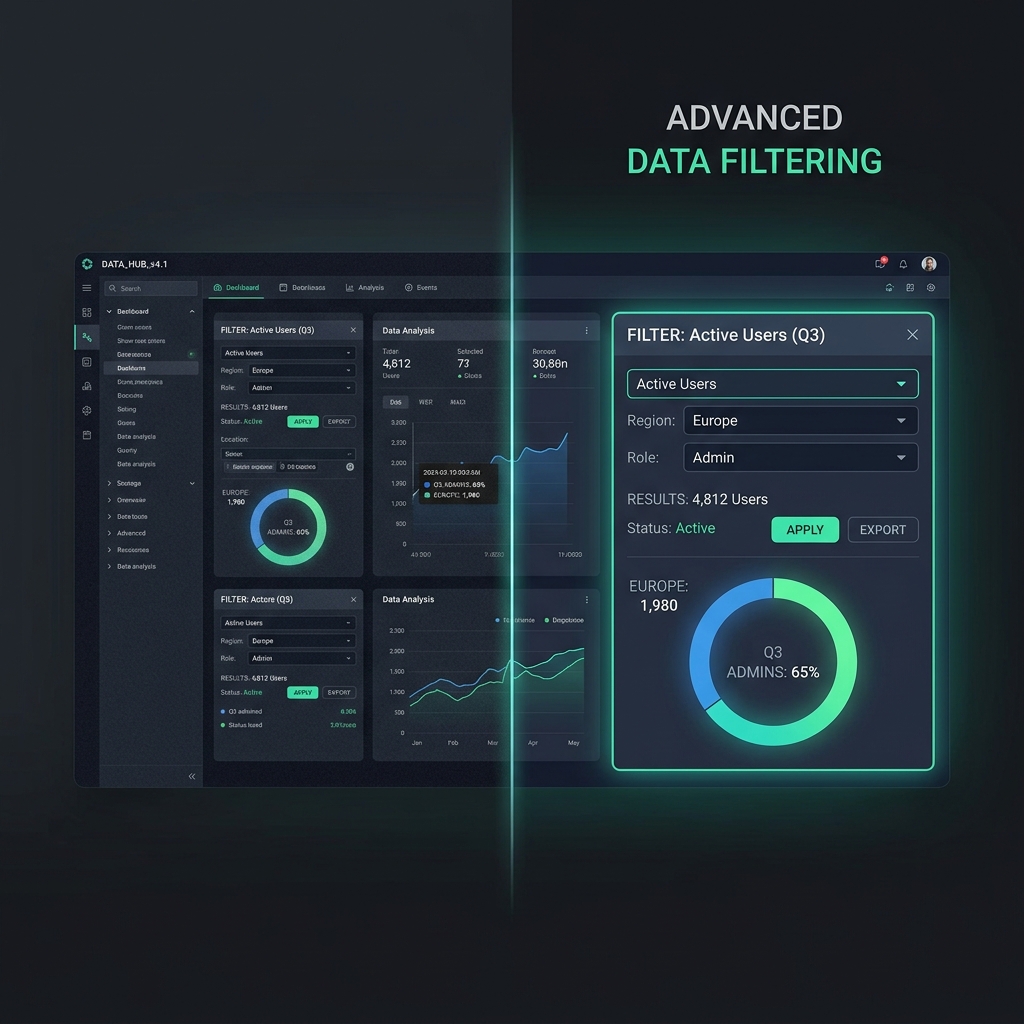
The Problem with "Raw" Video (The Mobile Tax)
When you design an app, write code, or build a presentation, you do it on a large computer monitor. Everything looks perfectly clear to you.
But you have to remember that over 60% of your audience will watch your tutorial or product demo on a mobile phone. When you record a raw, 16:9 desktop screen and compress it down to a 6-inch vertical glass display, you are forcing your viewers to pay a "mobile tax."
Buttons turn into invisible dots. Code syntax becomes a blurry gray line. If your viewer has to squint, rotate their phone, and scrub the timeline just to figure out what you clicked on, they will abandon the video. Your raw recording is actively pushing your audience away.
The Nightmare of "Fixing It In Post"
Many creators realize their raw recordings look bad on mobile, so they try to fix it.
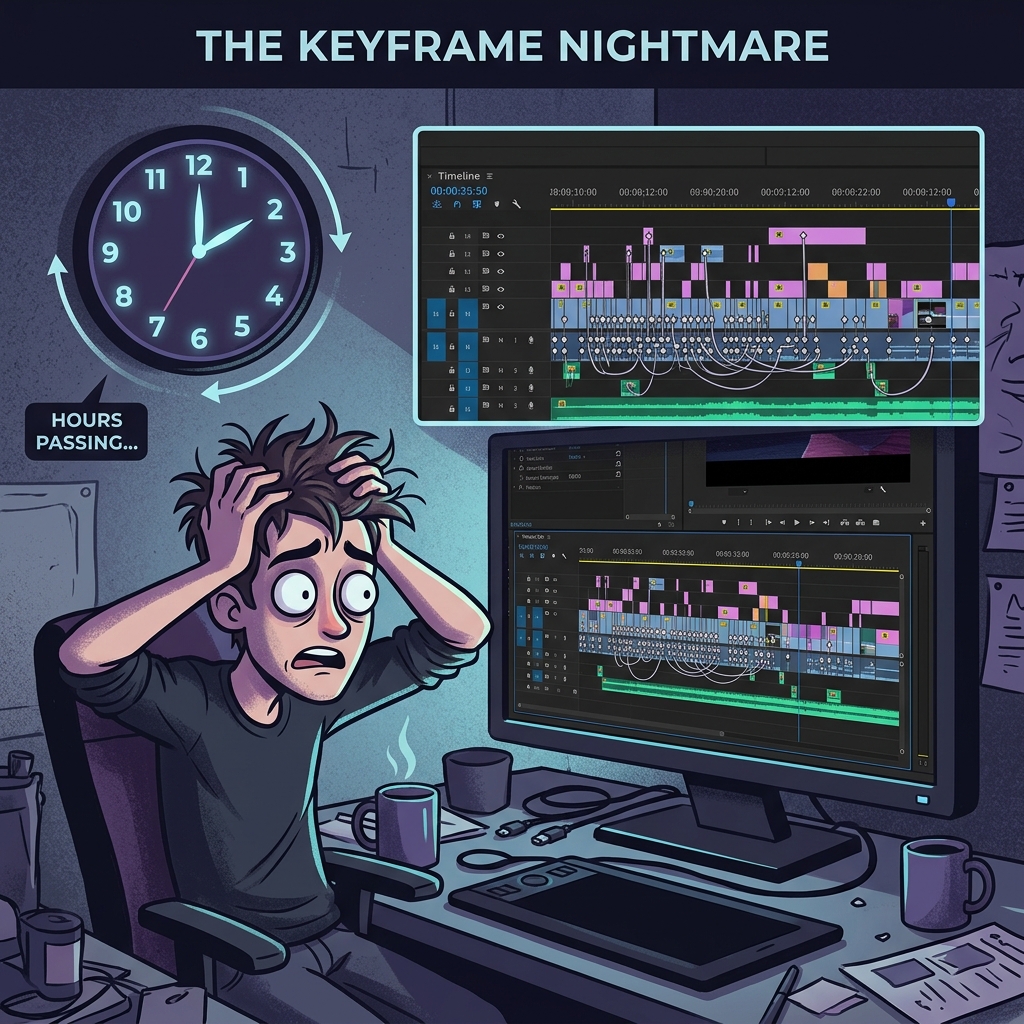
The traditional way to solve this is to open a heavy video editing program like Premiere Pro, DaVinci Resolve, or CapCut. You drop your raw video onto the timeline and spend hours manually adding "keyframes." You tell the camera to zoom in on the search bar at 0:15, pan over to the submit button at 0:22, and zoom back out at 0:30.
If you have a ten-minute tutorial, manually keyframing the zoom effects can easily take three to four hours.
This creates a massive bottleneck. If making a single video takes your entire evening, you will stop making videos. The manual editing process destroys consistency and leads straight to creative burnout.
Enter Auto-Zoom: The Paradigm Shift
What if you could get the highly edited, cinematic focus of a premium video without actually doing any video editing?
This is the magic of Auto-Zoom technology. It completely eliminates the need for manual keyframing. An intelligent auto-zoom feature acts as a virtual camera operator that lives inside your screen recorder.
As you talk and navigate your software, the technology actively tracks your mouse movements and your keystrokes. When you move to click a menu, it smoothly pushes the camera in. When you start typing in a terminal, it frames the text perfectly.
It instantly tells the viewer's brain exactly where to look. It guarantees that your content is massive, crisp, and readable on any device, completely automatically.
Enjoying this read?
Get weekly insights on video editing, AI workflows, and creator growth straight to your inbox.
The Missing Ingredient: The Smooth Cursor
There is one major rule to zooming in on a screen: You cannot zoom in on a shaky mouse.
If a camera zooms tightly onto your mouse cursor, every tiny nervous twitch of your human hand is magnified by ten. A fast, erratic mouse cursor combined with a tight zoom will actually make your viewers feel dizzy and anxious.
For auto-zoom to look like a million bucks, it must be paired with AI cursor smoothing. This technology intercepts your raw, shaky mouse movements and instantly translates them into an elegant, calculated glide.
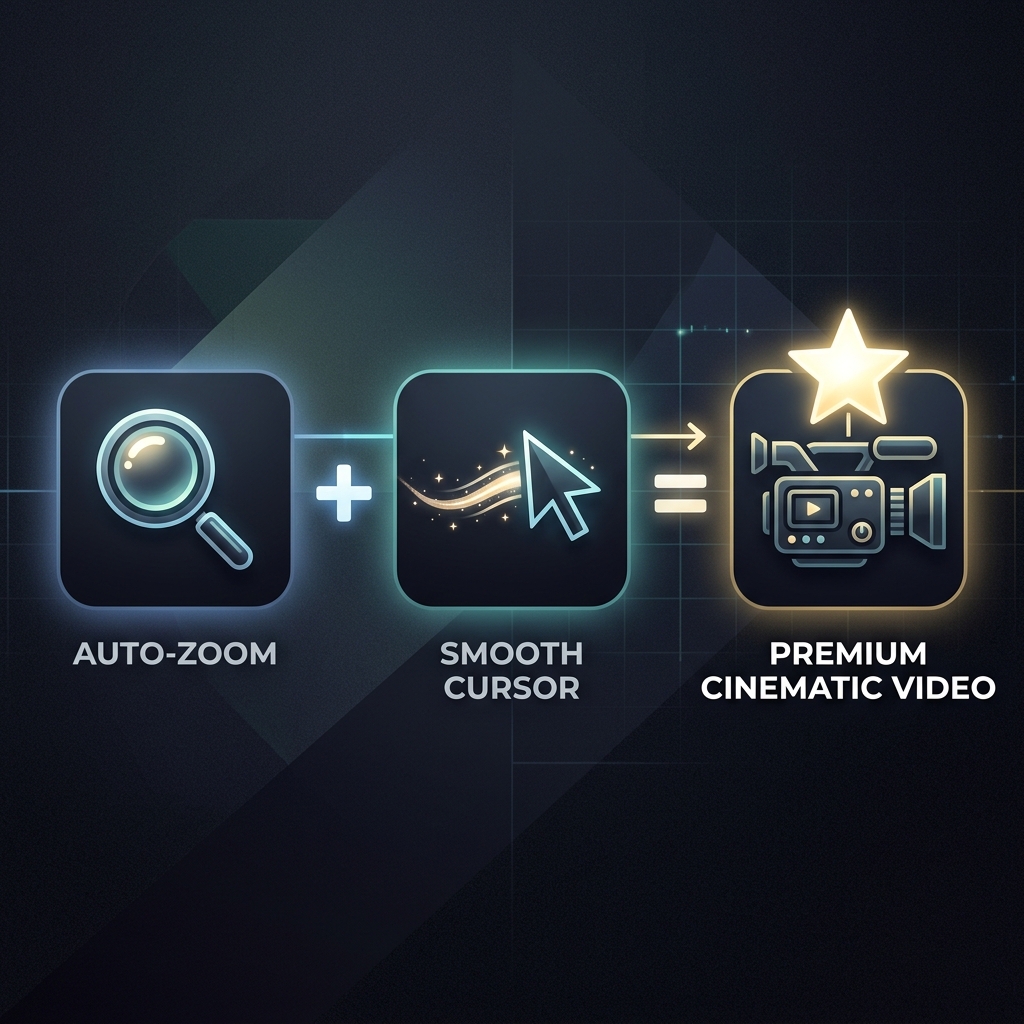
The Tool That Does It All for You
You should not have to choose between posting an unreadable raw video or spending four hours editing keyframes. You just need a tool that understands modern presentation.
This is why Cubix Capture has become a default for product marketers, developers, and educators who refuse to keyframe zooms by hand. It is built around the auto-zoom model from the ground up, not bolted on as a post-production effect.
When you record, the camera operator lives inside the app. It is reading your input stream in real time and making three decisions at once: where to point, how tightly to push in, and how to make the cursor feel like it has weight. Because it runs at capture time, the file you stop on is already framed, already smooth, and already mobile-readable—there is no separate "render zooms" step waiting for you on a Friday night.
You hit record. You demonstrate your product. You stop. The video is ready to ship.
Start Creating Cinematic Content
Your software is brilliant, and your tutorials are valuable. Stop hiding them behind a static, unreadable, unedited screen recording.
By utilizing auto-zoom, you guide your viewer's eyes, make your product look expensive, and keep your audience engaged from the first second to the last.
If you are ready to stop recording raw, ditch the exhausting editing timeline, and start creating cinematic presentations effortlessly, upgrade your workflow with Cubix Capture.
Related reading:
- How Auto-Zoom Technology Actually Works
- The Death of Manual Screen Editing: What Auto-Zoom Changes
- AI vs Traditional Screen Recorder (2026)
- How to Add Auto-Zoom to Screen Recordings (No Editing)
Don’t miss the next one.
Join our newsletter for exclusive tips, product updates, and the latest from the Cubix team.