
Gym video maker. Keep the movement, cut to the music.
Bring the workout clips you have chosen and a music track you can use. Beat Edits times the cuts to the track on an editable timeline, so you can check that every important movement stays whole before you export.
You bring: workout clips you filmed and chose, and a music track. You get: a montage on an editable timeline to review and refine. Nothing is generated; it is your real footage.
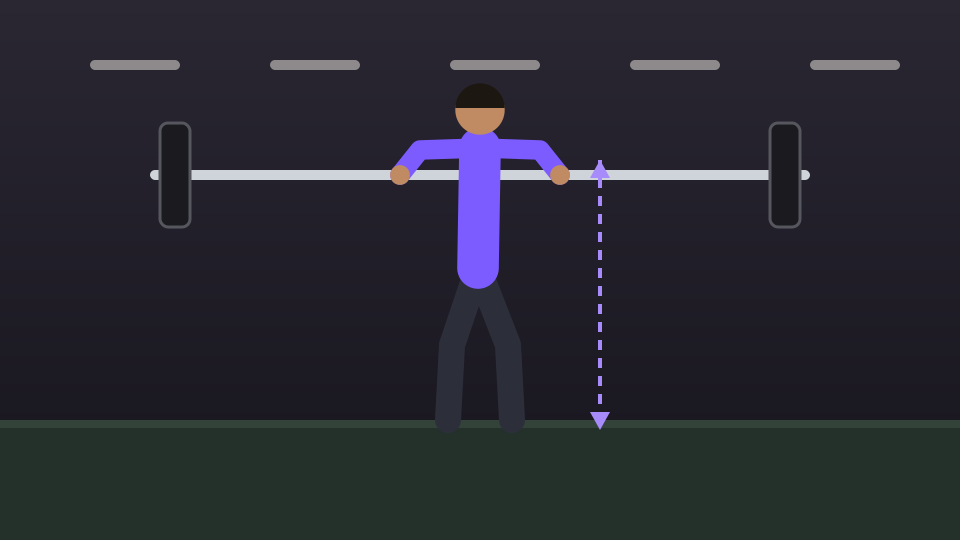
The main movement keeps all three on screen: 8 of 24 beats.
One session, six shots
An illustrated plan for one training session. The main movement gets the longest hold, because the start, the hardest point and the finish all need to be seen. Transitions can move quickly.
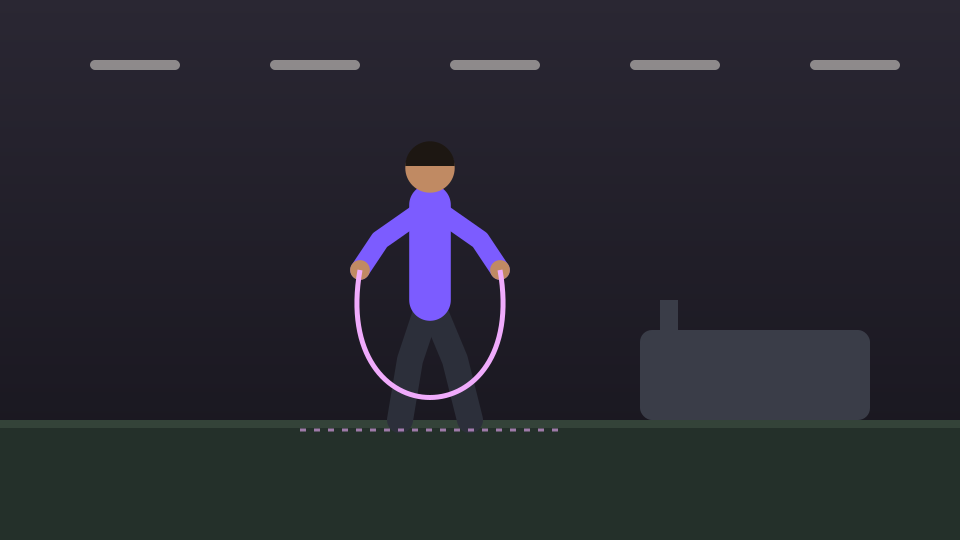 1 · Short
Warm-up · 3 beats
Skipping to get going
Sets the scene and the energy. A few beats are enough to show the session has started.
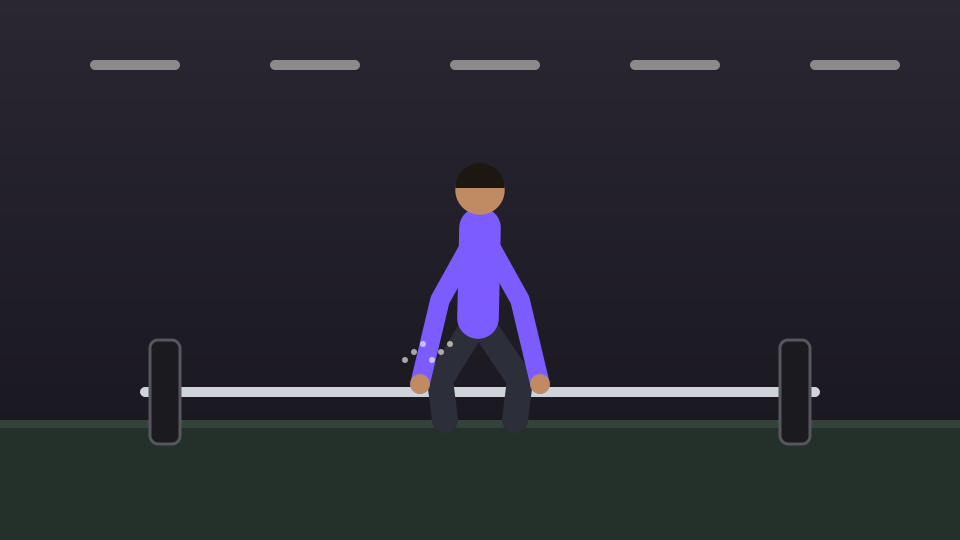 2 · Build-up
Setup · 3 beats
Chalked hands over the bar
The moment before the effort. It tells the viewer what is about to happen.
- 3 · Full movement
The main movement · 8 beats
The lift, start to lockout
The point of the montage. Keep the start, the hardest point and the finish on screen; cutting mid-rep to hit a beat loses the effort it was meant to show.
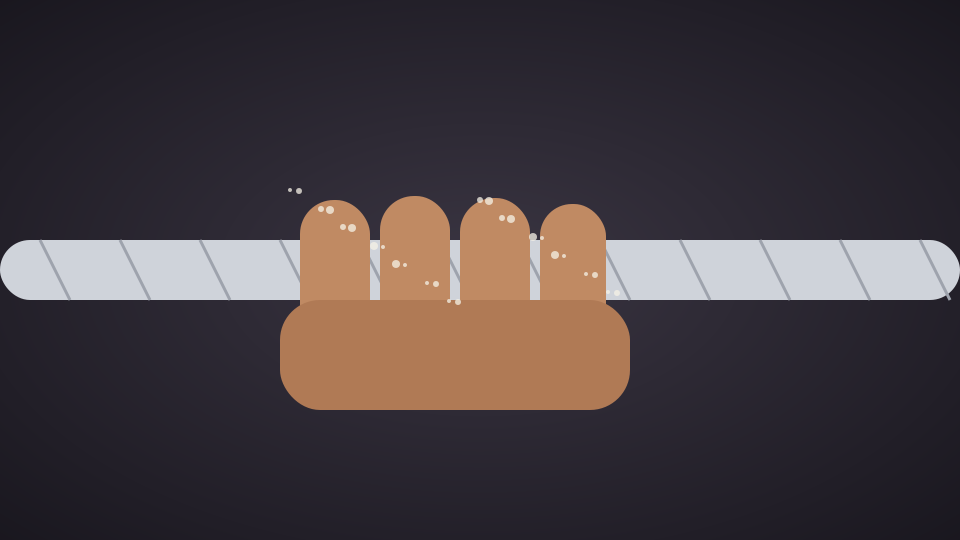 4 · Quick
Detail · 2 beats
Grip on the bar
A close detail changes the scale. It reads at once, so it can be the short beat between bigger shots.
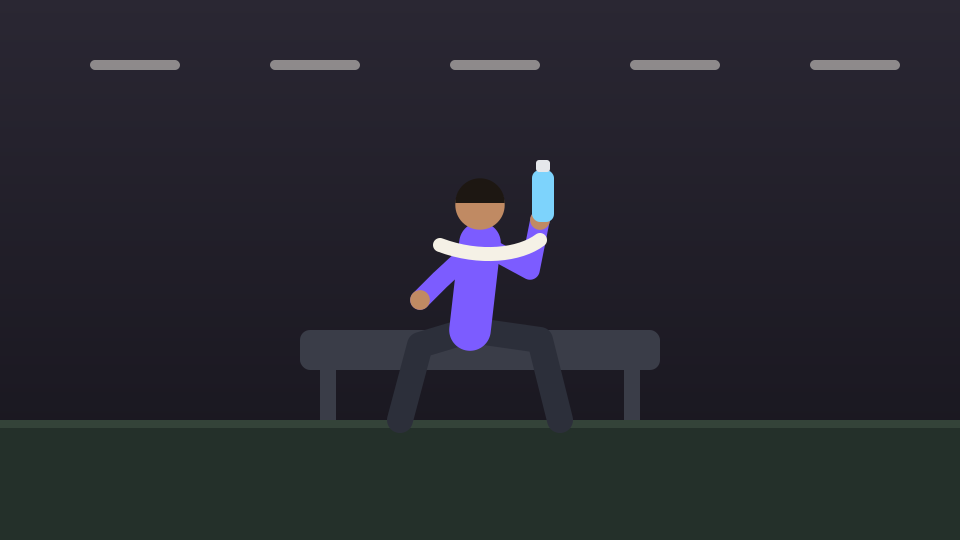 5 · Breather
Recovery · 3 beats
Water and a towel
A pause between efforts. It gives the rhythm somewhere to breathe before the finish.
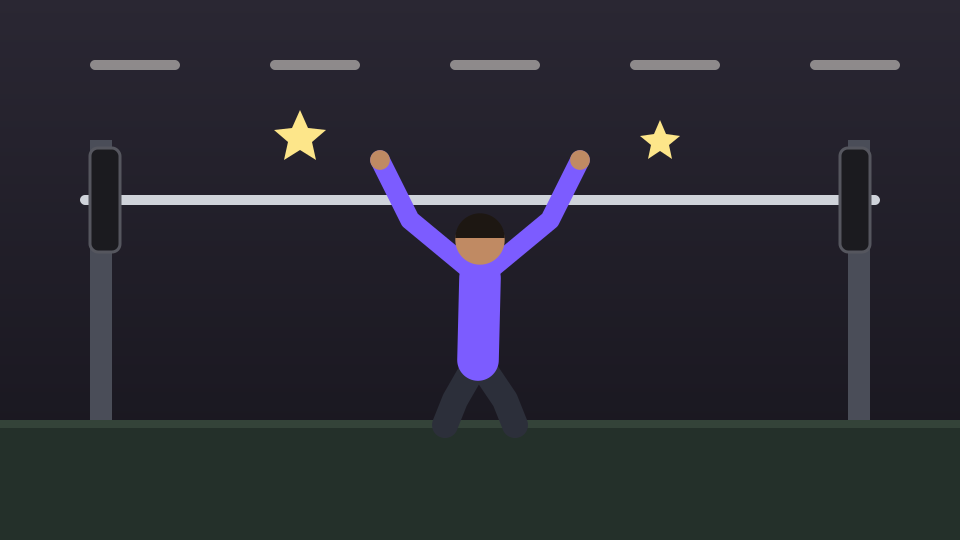 6 · Final hold
Finish · 5 beats
The last rep held overhead
End on a completed effort, held into the end of the track, not on a cut mid-rep.
The same plan as one 24-beat phrase
Beat counts are relative, to compare one shot with another. They are not a recommended duration, and nothing here is exercise or technique advice.
A cut between two shots
Illustration · an author-drawn, fictional session arranged as a plan. Not footage, a Cubix-produced montage or a customer result.
How to make a gym montage and review it
- 1
Choose your workout clips
Pick the warm-up, setup, the main movement, a detail, the recovery and the finish. Add at least two clips, in the order you plan them to play.
- 2
Choose the track
Upload music you are allowed to publish, or choose one from the built-in library. Listen for where it builds, so the main movement can land there.
- 3
Create the montage
Run Beat Edits. Cut on the hits is on by default; turn it off for a steady BPM grid. Style, Energy, Motion and Length change the result.
- 4
Review and refine
Play it with sound. Check each movement is complete, the crops keep hands and equipment in view, and the ending lands. Adjust cuts on the timeline before export.
Your plan is the clips you chose and the order you add them in. The montage is what Beat Edits returns. Check that the main movement kept its whole range before you refine anything else.
Every control in detail: Beat Edits · the beat editing guide
Check the crops and the movement
A gym montage only works if the effort is readable. Play it through with sound and check each of these.
- Every important lift or move keeps its start, its hardest point and its finish.
- Hands, the bar and other equipment stay inside the frame, especially in a vertical crop.
- Quick cuts sit on transitions and details, not in the middle of a rep.
- Energy accents and zooms do not hide the movement they are meant to emphasise.
- The montage ends on a completed effort.
- The music sits at the level you want over any sound recorded in the gym.
Whether a clip shows good technique is not something this workflow judges. It edits the footage you chose; you decide what is fit to publish.
Gym montage FAQs
What footage and music do I need?
Workout clips you filmed and chose, at least two, plus a music track you are allowed to publish or one from the built-in library. A mix of warm-up, setup, the main movement, a close detail and the finish gives the montage more to work with than many clips of the same angle.
Does this generate workout footage or transformation visuals?
No. This workflow edits real clips you recorded. It does not generate workout footage, body-transformation images or a gym advert.
Can the full movement stay visible?
Yes, if you make it a review priority. Check that each important lift or move keeps its start, its hardest point and its finish on screen, and extend the clip on the timeline where a cut lands too early. A cut can sit on a beat without the movement being cut short.
Can I change the timing after the first pass?
Yes. Switch between Cut on the hits and a steady BPM grid, change Style, Energy, Motion or Length and Cubix rebuilds the montage from its source shots, or adjust individual cuts on the timeline. Revert returns to the state before the Beat Edits pass.
Is this the right page for coaching or exercise lessons?
No. A lesson or demonstration needs explanation and complete instructions, not a music-led edit. Coaching and instructional videos have their own editing page.
What do I need to export my montage?
You can open Cubix and explore the editor before choosing a plan. Plans, trial availability, export options and billing details are listed on the pricing page.
Make the effort land on the beat.
Bring your workout clips and a track. Build the montage in Beat Edits, then check every movement before you export.
Make my gym montage