
Leaves the viewer guessing
Isolated peak
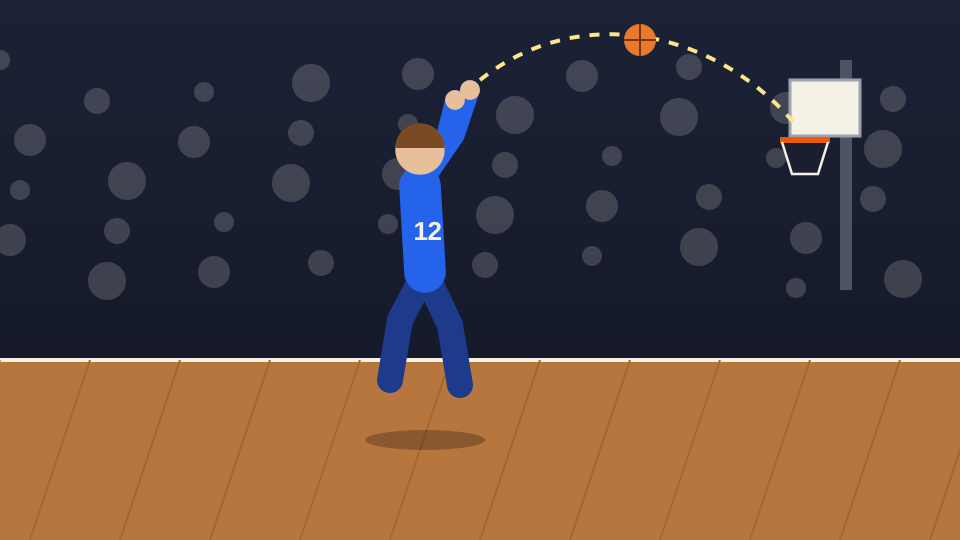
The shot
A jump shot with no approach and no result. Was it a good look? Did it go in? The cut on the beat answers neither.
Bring the plays you have already chosen and a music track you can use. Beat Edits times the cuts to the track on an editable timeline, so you can check that every play shows its approach, action and result before you export.
You bring: plays you have already selected, and a music track. You get: a montage on an editable timeline. It does not search a full match for highlights.
The shot · hold until the ball is away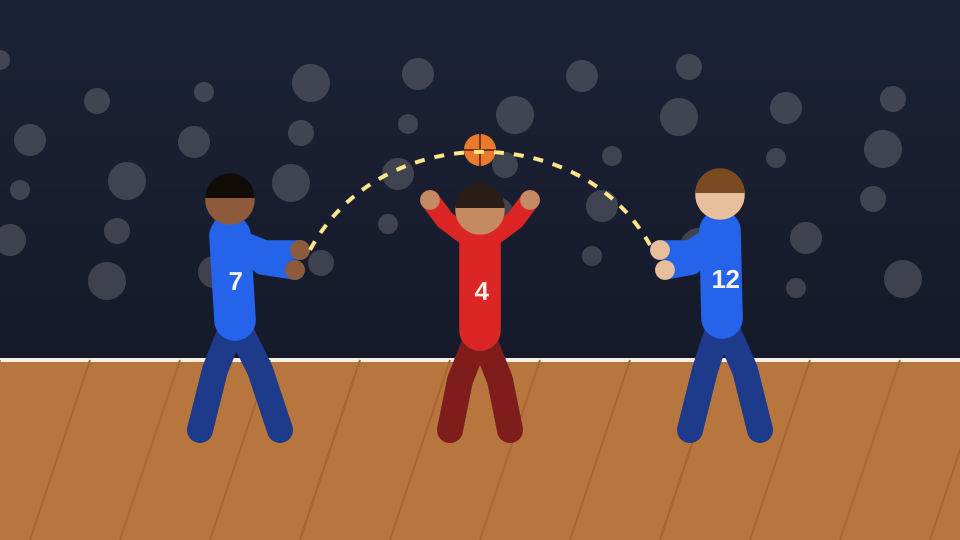
Approach
Action
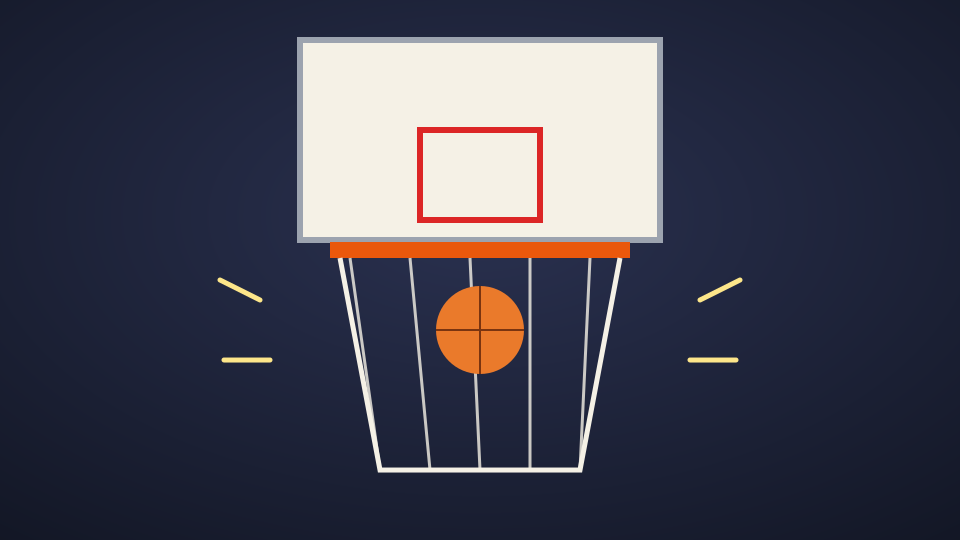
Result
The accent lands on the result
One fictional basketball play, from the approach to the moment after. A play reads when the viewer sees how it started and how it ended; the musical accent belongs to the result, not instead of it.
The play: approach, action, result
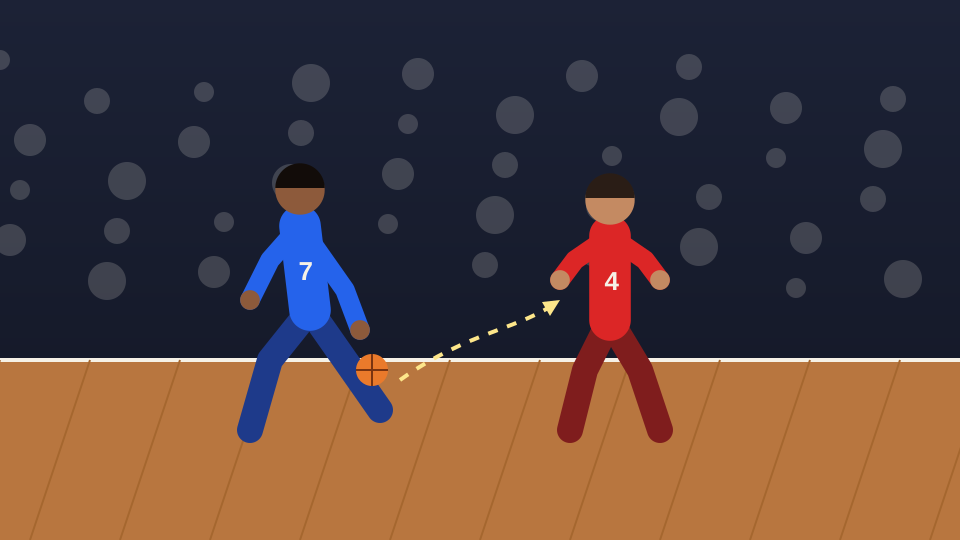 1
Approach
Shows who has the ball and where the play is going.
Set it up · 3 beats
2The move
The decision that creates the chance. Leave enough room around the ball to follow it.
Keep the ball in view · 3 beats
3The shot
The peak of the play. Hold it until the ball is clearly on its way.
Let it fly · 5 beats
4Result
Without the result, the play is a question. This is where the musical accent can land.
Show the outcome · 4 beats
After the play
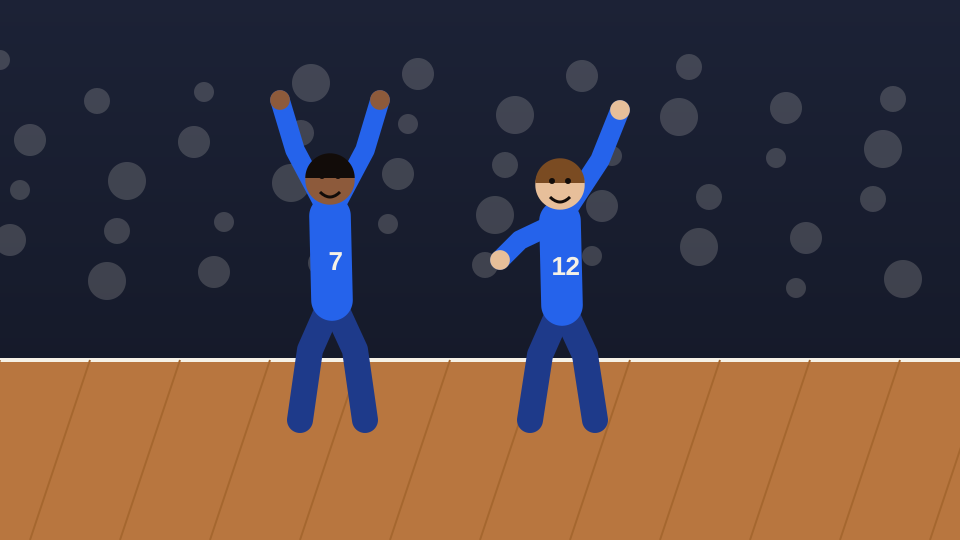 5
Reaction
Faces and numbers need time to register. This is not the place for the quickest cuts.
Time for faces · 4 beats
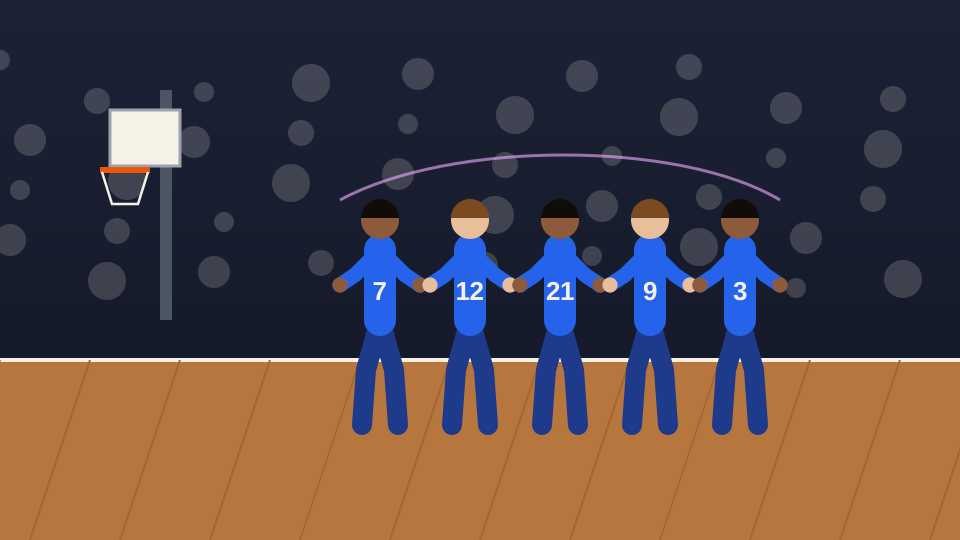 6
Closing moment
A wide shot after the play gives the montage a deliberate ending.
Room to end · 5 beats
Beat counts are a planning example. They show relative length, not the exact order or duration Beat Edits will produce.
A cut between two shots
Illustration · a fictional play drawn for this page, arranged as a plan. Not game footage, a Cubix-produced montage or a customer result.
Cutting straight to the most dramatic frame can feel energetic, but the viewer never sees how the play was built or whether it worked.
Leaves the viewer guessing
The shot
A jump shot with no approach and no result. Was it a good look? Did it go in? The cut on the beat answers neither.
Approach, action, result
The pass
The shot
The result
The pass that created it, the shot and the ball through the net. The accent lands on the result, and the viewer knows exactly what they saw.
Illustration · author-drawn frames from a fictional play.
Choose the plays you want and trim each one so it starts before the approach and ends after the result. Add them in the order you plan them to play.
Upload music you are allowed to publish, or choose one from the built-in library. Listen for a lift where the biggest play can land.
Run Beat Edits. Cut on the hits is on by default; turn it off for a steady BPM grid. Style, Energy and Length change the result.
Play it with sound. Check approach, action and result, faces and numbers, space around the ball, and what happened to commentary or crowd sound, then adjust on the timeline.
Your plan is the plays you chose and the order you add them in. The montage is what Beat Edits returns. Check that each play still shows its approach, action and result.
Every control in detail: Beat Edits · the beat editing guide
Play the montage with sound and look for these before you export.
This workflow edits the plays you chose. It does not analyse a game, track a player or judge which plays are best.
A music-led montage is built around the track, so the sound recorded on each clip may be changed, lowered or replaced. Do not rely on it to keep commentary or a call intact.
Choose the plays first. This workflow builds a music-led montage from clips you have already selected; it does not search a full match for highlights. Trim the plays out of the recording, or bring clips you already have, then add those.
You do. Decide which plays belong in the montage and in what order. Beat Edits then times the cuts to the music, and you review the result.
Yes, if you check for it. Make sure every play shows its approach, the action and the result, and extend a clip on the timeline where a cut lands before the ball or the athlete finishes the move.
Yes. The montage sits on an editable timeline: adjust individual cuts and framing there, switch between Cut on the hits and a steady BPM grid, or change Style, Energy and Length. Revert returns to the state before the Beat Edits pass.
No. This workflow edits clips you selected into a montage. It does not track players, produce game statistics, pick the best plays or make recruiting decisions, and a montage is not evidence that a full game was analysed.
You can explore the Cubix editor before choosing a plan. Current plans, trial availability, export options and billing are listed on the pricing page.
Bring the plays you chose and a track. Build the montage in Beat Edits, then check each approach, action and result before you export.
Make my sports montage