
Rejected: changes the meaning
08:17–08:29
Guest: “I’d do it before the redesign. It can show where people get stuck.”
No question, and no limit. A viewer hears “five-person tests tell you what to redesign”, which is not what the guest said.
Upload a recorded interview and Social Clips proposes candidate excerpts. For each one you keep, make sure the question is there, the guest’s answer and its conditions stay together, and the captions match what was said. Then export the finished clip.
Start with one interview video you have permission to edit and share.
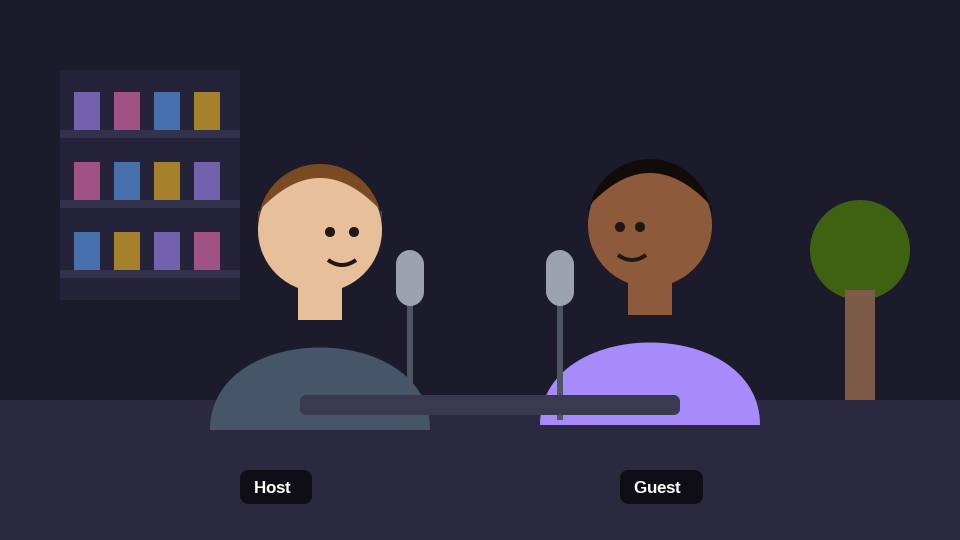
“When would you test checkout with five people?”
“I’d do it before the redesign. It can show where people get stuck.”
“That’s for finding usability problems. I wouldn’t use five sessions to forecast conversion.”
A useful interview excerpt gives a new viewer the context to understand the guest’s answer. Start with the recording and use each candidate to decide what the finished short needs.
One interview video file that you have the right to edit and share.
Social Clips proposes moments from it. Each one is a starting point, not a finished clip.
You check the question, the answer, any condition and the ending, then export the clip.
Editing the whole conversation, with pacing, audio and structure, is a different job. The interview editor covers that. Edit the whole interview.
Four decisions, in the order you make them.
Decision 1
If the guest opens with “that”, “it” or “for them”, the listener needs what was asked. Keep the host’s question in the sound.
Decision 2
A short on-screen question can replace the spoken one, but only if it says what was really asked and the guest’s answer still plays in full.
Decision 3
An exception or qualifier belongs to the sentence it limits. Cutting it makes the guest say more than they did.
Decision 4
Stop once the answer lands, not on “and the other thing is”, and not after the conversation has moved on.
A fictional product-design interview about testing a checkout. Source timecodes are illustrative.
Product-design interview · fictional · two speakers
“When would you test checkout with five people?”
Decision: Keep it in the sound, or use an accurate question card if the answer still plays as a full thought.
“I’d do it before the redesign. It can show where people get stuck.”
Decision: Keep the whole opening. On its own, “it” has nothing to refer to and the claim sounds broader than the question.
“That’s for finding usability problems. I wouldn’t use five sessions to forecast conversion.”
Decision: Keep the qualification and end after “conversion”.
“This is the other case,” pointing to a screen outside the frame.
Decision: Restore the setup if the source has it. Otherwise choose another excerpt.
Rejected: changes the meaning
08:17–08:29
Guest: “I’d do it before the redesign. It can show where people get stuck.”
No question, and no limit. A viewer hears “five-person tests tell you what to redesign”, which is not what the guest said.
Accepted: question, answer, qualification
08:12–08:37
Host: “When would you test checkout with five people?” Guest: “I’d do it before the redesign. It can show where people get stuck. That’s for finding usability problems. I wouldn’t use five sessions to forecast conversion.”
The viewer knows what was asked, who answered and the condition that changes the answer.
Alternative: a question card
08:17–08:37
Card: “When would you test checkout with five people?” Then the guest’s full answer, from “I’d do it” to “conversion”.
The start moves to 08:17 because the card replaces the host’s voice. The card has to match the question as it was asked.
The automatic caption at 08:35 reads:
Wrong: “…to forecast conversations.”
Corrected: “…to forecast conversion.”
Check the word against the recording before you correct it. The correction restores what the guest said about forecasting conversion.
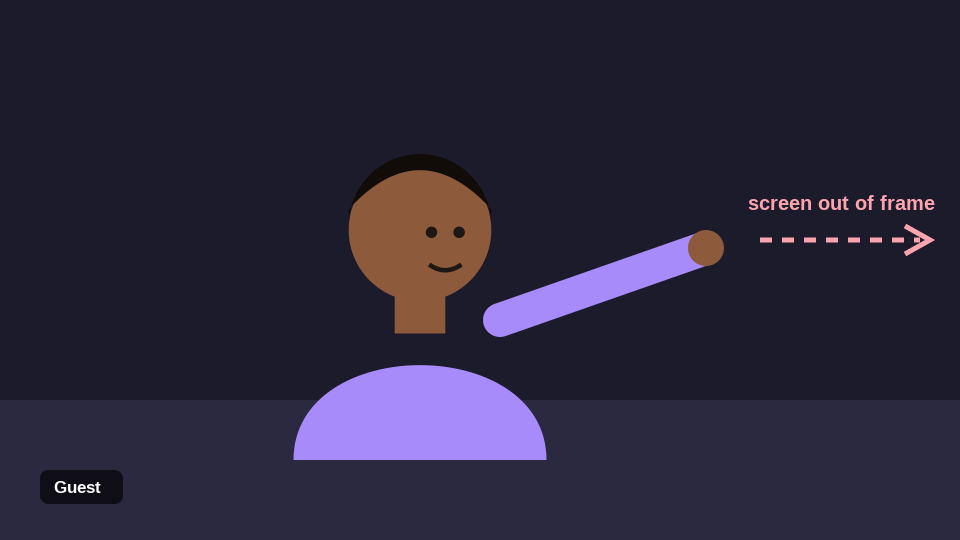
The guest says “This is the other case” and points at a screen the camera never shows. If an earlier moment in the source explains the case, extend the start to include it. If not, reject this candidate and pick another.
Illustration · Speaker labels are shown here to make the example readable. In your own clip, add a speaker label only where the recording makes clear who is talking.
How Social Clips works in Cubix today, applied to a recorded interview.
Choose Create clips on the app home and add the interview video. Select the recording from your computer.
Use Auto if you want to review what Cubix finds first. If you choose a clip length, leave room for the host’s question and any qualification at the end of the answer.
Watch each candidate from its first word to its last. Candidates are ranked; the score is an AI estimate that does not guarantee performance.
Quick edit sets the layout, headline and captions, and lets you edit each caption line. Use Continue in full editor to revise the boundaries on the timeline. If the material you need sits outside the available footage, return to the original recording and rebuild the excerpt there.
When export is available for your account, use Export clip on each reviewed clip. Watch the downloaded file once to check the opening question, the ending and the caption timing.
Social Clips makes vertical clips. Who should be on screen depends on what the clip needs.

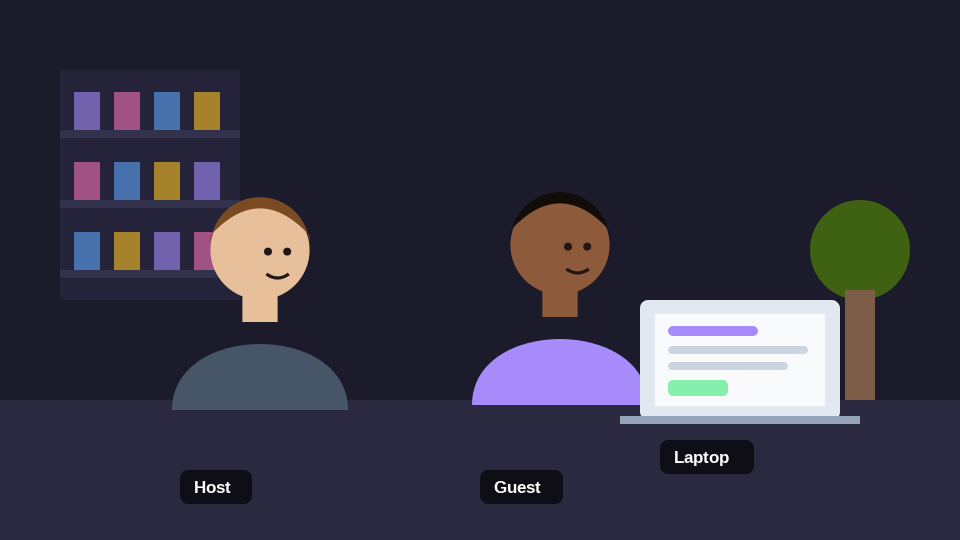
Work with what the source frame contains. A tight crop of a flattened two-person recording can lose the second person or the detail being shown, and no setting brings back what the camera did not record.
Before export, listen and read.
Play the clip to someone who has not seen the interview. If they can answer all three, it stands alone. Exporting and posting are separate steps; Cubix does not post for you.
Step by step: add and edit captions · cut, trim and reorder clips
A recorded interview as a video file you have the right to edit and share. Social Clips takes one video or audio file per run. Pasting a link is not available, and an accepted file type does not guarantee every encoding will process, so try the file before planning a batch.
It starts where the listener can follow it, keeps any exception or condition the guest attached, and ends once the point resolves. If a viewer would ask “what was the question?” or “so what?”, the clip is not finished.
Keep it when the answer refers back to it, as in “that” or “for them”. An on-screen question card can replace the spoken question if it says exactly what was asked and the answer still plays in full.
Split screen stacks two people, but only when both are in the source frame. For a quick exchange or a demonstration, Best fit keeps the wider picture under a headline. A crop cannot show what the camera did not record.
Edit caption lines in Quick edit. Use Continue in full editor to adjust the start or end on the timeline. If the question or qualification is outside the footage available there, reopen the original recording and rebuild the excerpt. Regenerate replaces the current batch and its clip edits.
Social Clips makes vertical clips. Choose the layout inside that frame: guest only for a self-contained answer, Split screen for two people, or Best fit when the wide picture matters. Check faces and on-screen text in the layout you choose.
Use Export clip on each finished clip and choose the resolution your plan allows. Clips export one at a time. Cubix does not post them; upload the file to each platform yourself.
Check the pricing page for current first-edit, AI and download terms. In Cubix, confirm which clip actions and export options are available for your account.
Upload the recorded interview, review the candidates, and keep the question, the answer and its condition together before you export.
Make clips from my interview