

Desktop alternative · after Quik desktop

A GoPro Quik desktop alternative for music-synced edits

Need a GoPro Quik alternative on Windows or Mac? Cubix Beat Edits turns your exported clips and music into an editable montage in a desktop browser. GoPro announced Quik desktop’s discontinuation in November 2024; Quik continues on iOS and Android.

You bring exported video files and a track; you get an editable montage. Cubix is not a GoPro product and does not connect to your camera, GoPro Cloud or Quik projects.

Illustrative ride6 clips · 1 track

Exported video files

Clip 3 is the descent: give it the longest hold.

  1. Exported clips + track
  2. Beat Edits
  3. Review the timeline
  4. Export

Quik desktop: discontinued, per GoPro’s November 7, 2024 announcement. Quik continues on iOS and Android.

Illustration · author-drawn ride, not GoPro footage or a Cubix result.

What happened to Quik desktop

Quik desktop is one GoPro tool among several. Here is what GoPro said about each, so you can tell which one you actually need to replace.

Quik desktop
Discontinued. GoPro’s November 2024 announcement set December 31, 2024 as the Mac App Store removal date and said the planned Windows version would not be released.
Quik mobile
GoPro said it is focusing on its mobile editing apps for iOS and Android.
GoPro Player + HyperSmooth Pro
A separate desktop app for macOS and Windows, available to GoPro Premium+ subscribers or HyperSmooth Pro license holders.
GoPro Cloud media library
GoPro subscribers can upload, review and share cloud-stored footage from a desktop browser on GoPro.com.
360 footage
GoPro planned updated 360 plug-ins for Adobe Premiere and After Effects for desktop editing.

Source: GoPro, “GoPro Sunsetting Quik Desktop App”, November 7, 2024, checked November 10, 2026.

One ride, cut to the track

An illustrated plan for an exported mountain-bike outing. The descent gets the longest hold: the rider has to enter the section, ride through it and come out the other side for the action to read.

  1. Illustration of a trail winding through green hills under a blue sky1

    Establishing shot

    The trail from above

    Shows where the ride happens. A wide view needs a moment.

    4 beats

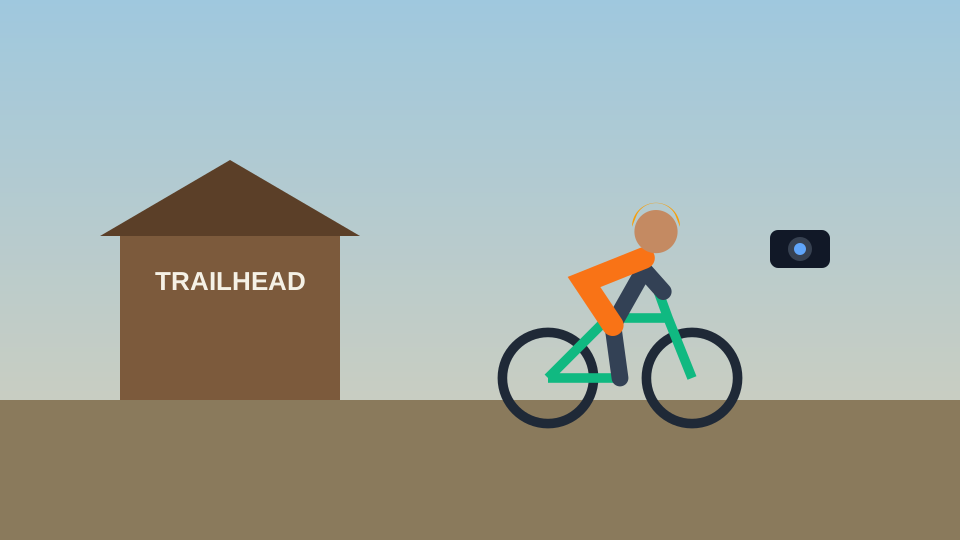
  2. Illustration of a rider on a bike beside a trailhead hut, an action camera nearby2

    Preparation

    At the trailhead

    Sets up the outing; a short shot is enough.

    3 beats

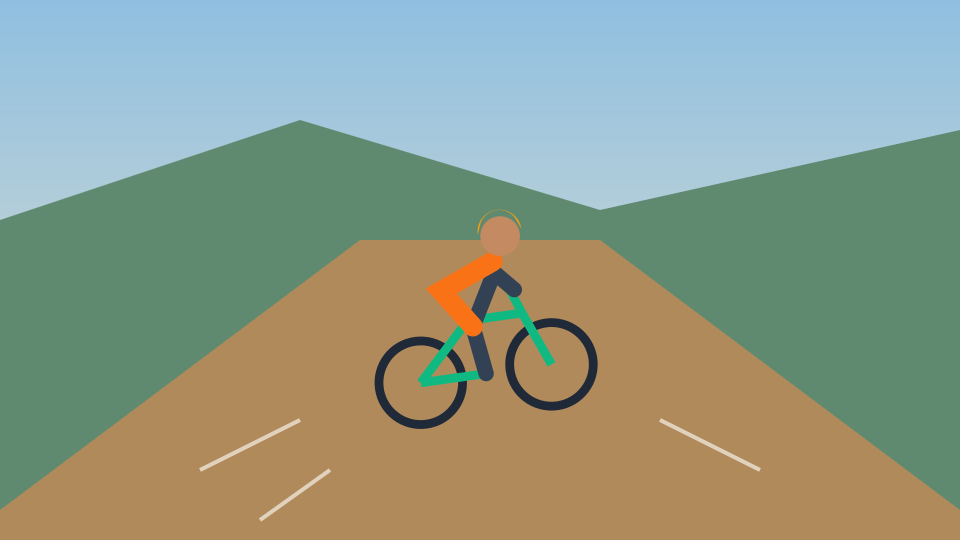
  3. Illustration of a rider descending a dirt trail towards the camera3

    Readable action

    The descent

    The point of the edit. Let the rider enter, ride through and exit; a cut mid-corner loses what made it good.

    8 beats · longest hold

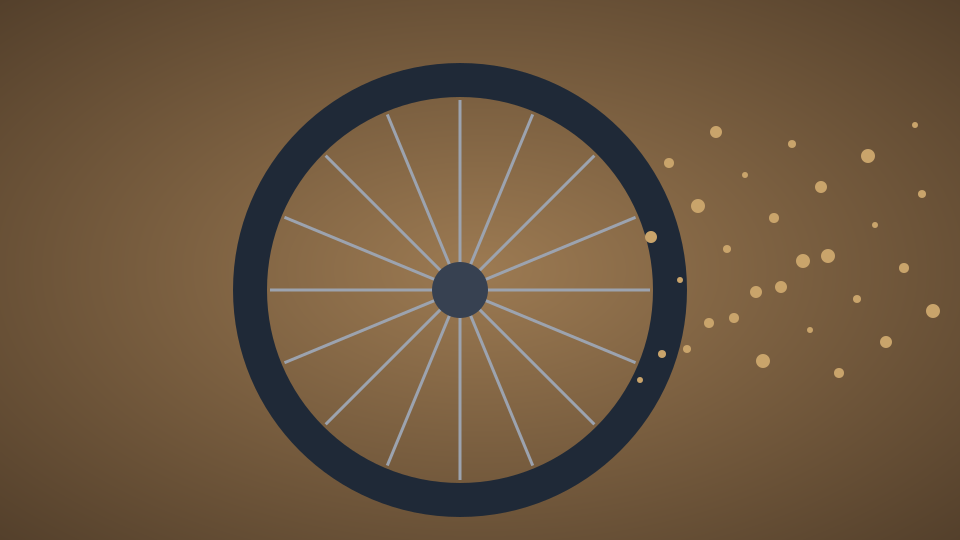
  4. Illustrated close-up of a spinning bike wheel throwing up dust4

    Detail

    Wheel and dust

    A quick detail between the bigger shots.

    2 beats

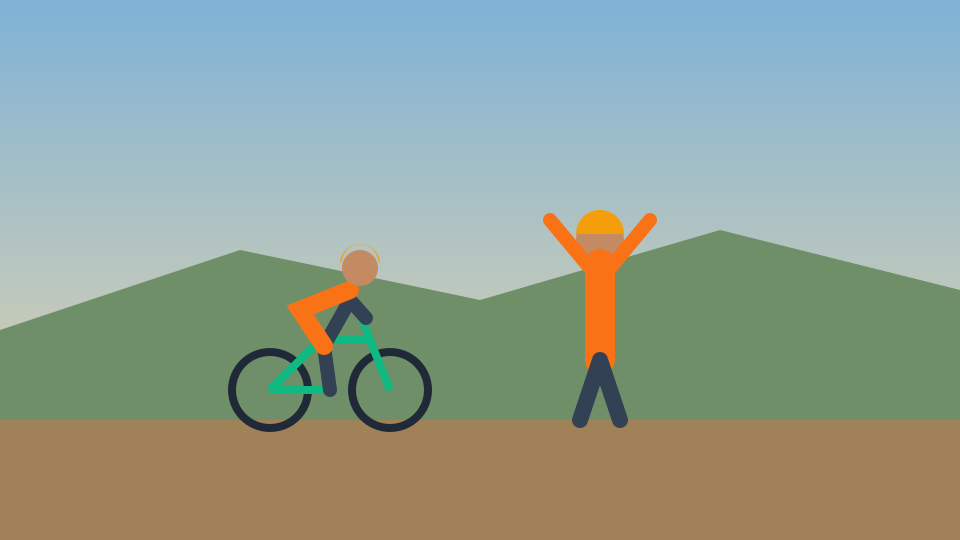
  5. Illustration of a rider and a friend with arms raised at a viewpoint5

    Result

    At the viewpoint

    The payoff of the climb.

    3 beats

  6. Illustration of a rider small on a trail at sunset6

    Closing view

    Sunset on the trail

    End on a view held into the end of the track.

    4 beats

24 beats in all. The descent takes 8 of them; the detail shot takes 2. After Beat Edits’ first pass, check that the action runs from entry to exit before tightening anything else.

Illustration · an author-drawn, fictional ride with illustrative beat counts. Not GoPro footage, a Quik edit or a Cubix-produced montage.

Compare the replacement decision

Quik desktop is discontinued, so this is not a test against a current app. Each row is a decision you face when you move a music-synced edit to another desktop workflow.

Swipe across the table to see both columns.

Cubix and After Quik desktop, with the basis for each statement
DecisionCubixAfter Quik desktop
Desktop availability

Runs in a desktop browser on a PC or a Mac; the full editor is designed for desktop and laptop browsers.

Cubix documentation

Quik desktop is discontinued. Quik continues on iOS and Android.

GoPro announcement

Getting your footage in

Upload exported video files. MP4, MOV and WebM are documented upload formats; test one file first.

Cubix help · documented

GoPro points desktop users to GoPro Cloud’s web media library, GoPro Player and its 360 plug-ins.

GoPro announcement

Timing to music

Beat Edits detects tempo and hits and times the cuts. Cut on the hits, or a steady BPM grid.

Cubix guide · documented

Depends on the tool you move to.

Not assessed

Revising the first pass

Change Style, Energy, Motion or Length to rebuild, adjust individual cuts on the timeline, or Revert.

Cubix guide · documented

Depends on the tool you move to.

Not assessed

Camera, 360 and project limits

Edits ordinary exported video. No Quik project import, 360 reframing, telemetry overlays or HyperSmooth stabilization.

Cubix scope

360 plug-ins for Premiere and After Effects; GoPro Player + HyperSmooth Pro for eligible subscribers.

GoPro announcement

Access

Explore the editor before choosing a plan. Plans, trial availability and billing are on the pricing page.

Cubix pricing page

GoPro Player + HyperSmooth Pro needs GoPro Premium+ or a HyperSmooth Pro license.

GoPro announcement

GoPro facts are from GoPro’s announcement; Cubix rows from Cubix feature, guide and help pages. Nothing here is a benchmark.

Sources checked November 10, 2026: GoPro: GoPro Sunsetting Quik Desktop App (November 7, 2024) · Cubix Beat Edits (Feature page) · How to edit video to the beat of music (Cubix guide) · Upload media to Cubix (Cubix help: upload formats)

From exported clips to a montage

  1. 1

    Export the clips you want

    Copy the clips you chose from your camera or library as ordinary video files: the establishing shot, the action and the ending.

  2. 2

    Add them with a track

    Open Beat Edits in Cubix and add at least two clips or photos and a music track you are allowed to use.

  3. 3

    Run Beat Edits

    Cubix analyzes the track and times the cuts. Compare Cut on the hits with a steady BPM grid.

  4. 4

    Review the action, then export

    Check that the main action runs from entry to exit, fix any cut that lands mid-move, and watch the ending before you export.

The controls and review checks are covered in the beat editing guide.

Which route fits your footage?

Cubix fits if…

  • You have exported clips and want a music-timed montage on a computer.
  • You want to compare detected hits with a steady BPM grid, then fine-tune the cuts.
  • You are happy to start from exported files rather than a camera or cloud connection.

Use GoPro’s own tools if…

  • You need to reframe 360 footage. GoPro’s 360 plug-ins for Premiere and After Effects are its desktop route.
  • You rely on HyperSmooth Pro stabilization through GoPro Player.
  • You edit on your phone and Quik mobile already does what you need.

Cubix is an independent editor, not a GoPro product. It does not import Quik projects or connect to GoPro Cloud.

GoPro Quik desktop alternative: FAQs

What happened to Quik desktop?

GoPro announced on November 7, 2024 that it was discontinuing the Quik desktop apps to focus on mobile. It set December 31, 2024 as the Mac App Store removal date and said the planned Windows version would not be released. Quik continues on iOS and Android.

Can I use Cubix on a PC and on a Mac?

Yes. Cubix runs in a desktop browser, so you can use it on a Windows PC or a Mac. The full editor is designed for desktop and laptop browsers.

Can I use exported GoPro files?

Yes, as ordinary video files. MP4, MOV and WebM are documented upload formats. Try one exported file first to check that it plays and edits as you expect.

Does Cubix import Quik projects or 360 footage?

No. Cubix does not import Quik projects, reframe 360 footage, add GoPro telemetry overlays or match HyperSmooth stabilization. Start from exported video files.

Can I change the cuts afterward?

Yes. Change Style, Energy, Motion or Length and Cubix rebuilds the montage from its source shots, switch between Cut on the hits and a steady BPM grid, or adjust individual cuts on the timeline. Revert returns to the state before the pass.

What access do I need to export?

You can explore the Cubix editor before choosing a plan. Plans, trial availability, export options and billing are listed on the pricing page.

Your clips, your track, on desktop.

Export the clips you chose, add a track to Beat Edits and review the montage before you export.

Make my music-synced edit
CUBIX