
If you make software tutorials, you have almost certainly watched a Screen Studio demo and felt a pang of envy. Those buttery cursor movements, the way the frame smoothly glides in to magnify a button the exact moment it is clicked, the clean gradient backdrop behind a floating app window — it single-handedly redefined what a "premium" screencast is supposed to look like.
Then you check the download page and hit the wall every PC user knows too well: Screen Studio is macOS-only. There is no Windows build, no web version, and no roadmap promise that changes that.
For Windows tutorial makers, course creators, and founders recording product walkthroughs, this is genuinely frustrating. You are expected to produce videos that look just as polished as your Mac-using peers, but the tool everyone raves about simply refuses to run on your machine.
The good news: the "Screen Studio look" is no longer exclusive to one app or one operating system. Several tools now bring capture-time motion design to Windows. Here is an honest breakdown of the best Screen Studio alternatives for tutorial makers on Windows in 2026.
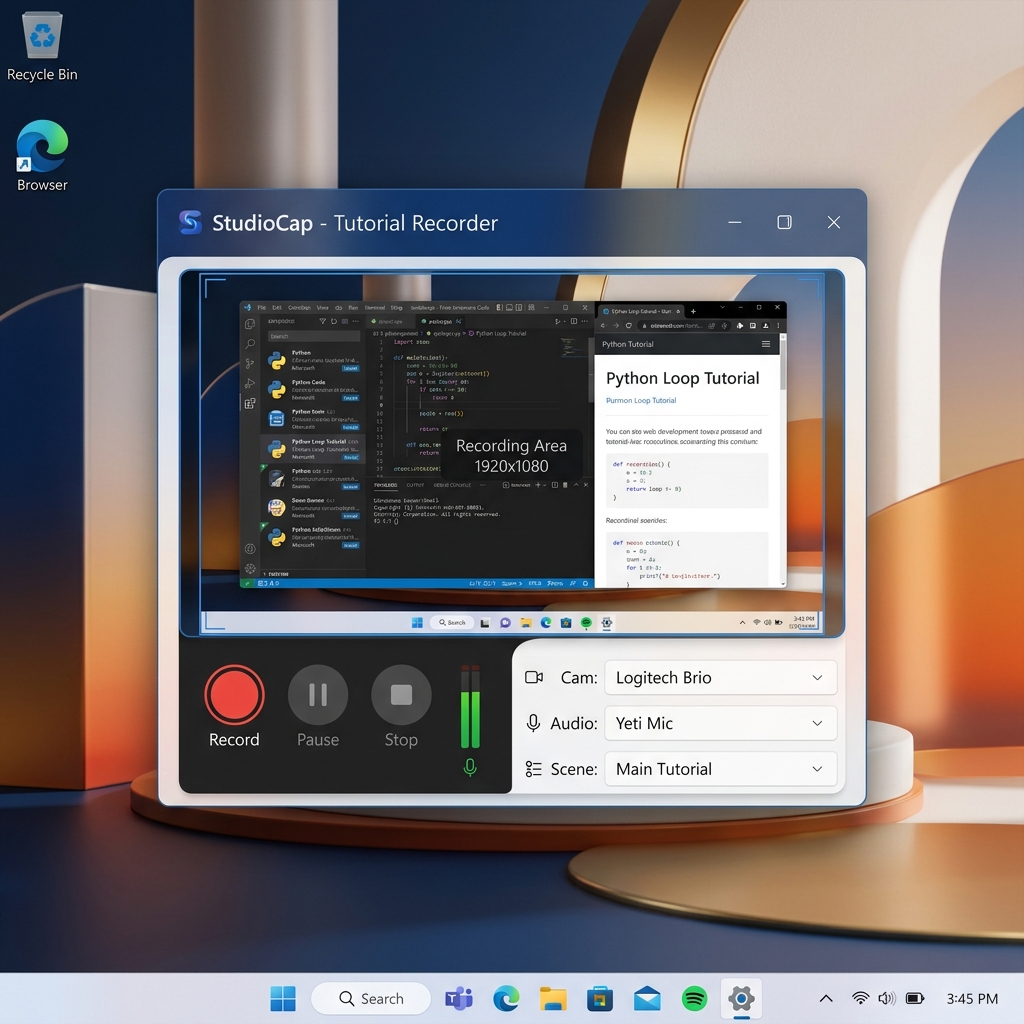
Why Screen Studio Isn't an Option on Windows
Before jumping into alternatives, it helps to understand why you cannot just wait for a Windows port. Screen Studio is built directly on top of native macOS frameworks — Apple's Metal rendering pipeline and ScreenCaptureKit — to achieve its smooth, GPU-accelerated camera motion. That deep reliance on Apple-only technology is exactly what makes it feel so fluid, and also exactly why porting it to Windows would mean rebuilding the engine from scratch.
So the real question for a Windows tutorial maker is not "When will Screen Studio come to my PC?" It is "Which tool actually delivers the same outcome — readable auto-zoom, smooth cursor motion, and a staged frame — natively on Windows?" These four answer that.
1. Cubix Capture – The Best Overall Windows Alternative
If your goal is to replicate everything creators love about Screen Studio without leaving Windows, Cubix Capture is the closest match available today. It runs natively on Windows 10 and 11, and instead of treating recording and editing as separate phases, it behaves like an automated director that styles your tutorial while you speak.
- Algorithmic Click-Based Auto-Zoom: This is the defining Screen Studio feature, and Cubix Capture handles it natively on PC. As you move through your app and click a menu, field, or button, the frame smoothly glides in and magnifies that exact region — so your interface text stays perfectly legible even for the majority of viewers watching on a phone. No manual keyframing required.
- AI Cursor Path Smoothing: Erratic mouse and trackpad movement is what makes most Windows recordings feel amateur. Cubix Capture intercepts your raw cursor input and converts it into a calm, deliberate sweep, giving your walkthrough the confident pacing Screen Studio users take for granted.
- Live Gradient Backdrops & Floating Webcam: It automatically isolates your app window and stages it against dynamic, on-brand backgrounds, then tucks your facecam into a clean floating bubble with hardware-accelerated blur — no green screen, no manual compositing.
- The Verdict: Screen Studio gives Mac users a cinematic tutorial the moment they stop recording. Cubix Capture gives Windows users that exact same finish line, for free to start, with zero editing timeline.
2. FocuSee – The Direct Cross-Platform Competitor
If you want a tool built specifically to chase the automated-motion trend and it must run on both Windows and Mac, FocuSee (by Gemoo) is a strong, dedicated competitor.
- Automatic Zoom & Motion: Like Screen Studio, FocuSee applies click-triggered zoom effects and animated backgrounds to your recording, and it exports cleanly to widescreen or vertical formats for Shorts and Reels.
- Preset-Driven Styling: It leans on a library of ready-made motion and background presets, so you can apply a consistent look across a tutorial series quickly.
- The Drawback: Its free tier stamps a watermark on exports, and because much of the styling is applied in a post-capture render step, high-bitrate 4K projects can take noticeably longer to process than a real-time tool.
3. Camtasia – The Traditional Windows Heavyweight
Long before Screen Studio existed, Camtasia was the Windows tutorial tool, and it is still a serious option if you want deep manual control over every frame.
- Full Manual Zoom & Animation Control: Camtasia lets you add zoom-and-pan keyframes, callouts, quizzes, and annotations by hand. Nothing is automatic, but nothing is off-limits either — you can achieve a Screen-Studio-style zoom if you are willing to place every keyframe yourself.
- Robust Course Features: Built-in quizzing and interactive hotspots make it a favorite for formal e-learning and LMS-hosted courses.
- The Drawback: It is a full editing suite, not a fast recorder. Every zoom, every cursor move, and every background is manual labor on the timeline, and the license carries a steep one-time cost. If your bottleneck is time, this is the opposite of Screen Studio's zero-edit promise.
Enjoying this read?
Get weekly insights on video editing, AI workflows, and creator growth straight to your inbox.
4. Tella – The Browser-Based Option
Because Tella runs entirely in Chrome, it sidesteps the operating-system problem completely — it works the same on Windows as it does on Mac.
- Clip-Based Course Structure: Rather than one perfect continuous take, Tella lets you record scene-by-scene and stitch clips together, which suits structured, multi-chapter tutorials.
- Layout Templates: You can shift your webcam between side-by-side and full-frame layouts and drop your recording onto styled background templates in post.
- The Drawback: It does not offer true real-time click-based auto-zoom or cursor smoothing, so your interface stays flat during the actual demonstration.
Head-to-Head Comparison for Windows Tutorial Makers
| Core Metric | Screen Studio | Cubix Capture | FocuSee | Camtasia | Tella |
|---|---|---|---|---|---|
| Runs on Windows | No (macOS only) | Yes, natively | Yes | Yes | Yes (browser) |
| Auto-Zoom | Automatic | Automatic, real-time | Automatic (post-render) | Manual keyframes | None |
| Cursor Smoothing | Yes | Yes (AI path) | Basic | Manual | Raw path |
| Editing Burden | Near-zero | Near-zero | Light render step | Heavy timeline | Light stitching |
| Starting Price | Paid only | Free tier | Free (watermark) | Paid license | Free tier |
What to Look for in a Screen Studio Alternative on Windows
Not every "screen recorder for Windows" will get you the polished result you are after. When you evaluate a tool as a Screen Studio replacement, check for these four things specifically:
-
Native Windows performance, not a workaround. Avoid tools that require a virtual machine or a browser hack to run. A native Windows recorder taps your GPU directly, which is what keeps the zoom motion smooth instead of stuttering.
-
Automatic zoom that triggers on clicks. This is the single feature that separates a "screen recorder" from a "tutorial studio." If you have to add every zoom by hand in an editor afterward, you have not actually replaced Screen Studio — you have just added homework.
-
A clean stage without a green screen. Look for automatic app-window isolation, gradient or live backdrops, and a floating webcam with built-in blur. These are what make a tutorial read as intentional rather than accidental.
-
A publish step, not a render marathon. The whole point of the Screen Studio workflow is that the video is basically finished when you stop recording. Prioritize tools that hand you a shareable file or cloud link immediately over ones that push you back into a lengthy editing timeline.
Summary: The Windows Tutorial Maker's Verdict
Being on Windows no longer means settling for flat, amateur-looking screencasts while Mac creators get all the cinematic tooling. If you want maximum manual control and you are building formal, quiz-driven courses, Camtasia remains a capable — if labor-intensive — choice. If you specifically want a cross-platform tool built to mimic the automated-motion trend, FocuSee is a fair pick, watermark aside. And if you would rather work entirely in the browser, Tella neatly avoids the OS question.
But if your real goal is simply to get the Screen Studio outcome — readable auto-zoom, smooth cursor motion, and a beautifully staged frame — running natively on your PC with no editing timeline and a genuine free tier, Cubix Capture is the most direct answer for Windows tutorial makers in 2026. For a deeper one-on-one breakdown, see our full Cubix Capture vs Screen Studio comparison.
Don’t miss the next one.
Join our newsletter for exclusive tips, product updates, and the latest from the Cubix team.