
If you search the internet for "best free screen recorder," the exact same answer pops up on every single forum, Reddit thread, and YouTube video: "Just use OBS!"
OBS (Open Broadcaster Software) Studio is undeniably a masterpiece of software engineering. It is free, open-source, and powers the biggest live streams on Twitch and YouTube. Because of this massive reputation, millions of everyday creators, teachers, and developers download it to record simple tutorials.
But within five minutes of opening the app, they usually realize they have made a terrible mistake.
For 99% of people who just want to record a clean, professional video of their computer screen, OBS is not the ultimate solution. It is a massive, frustrating hurdle. Using OBS to record a five-minute software demo is like booking a TV studio control room to record a voice memo—the equipment is real, the engineering is impressive, and you will spend most of your evening talking to it instead of recording the actual thing you sat down to record.
Here is exactly why OBS is completely overkill for modern creators, and why you should probably uninstall it today.
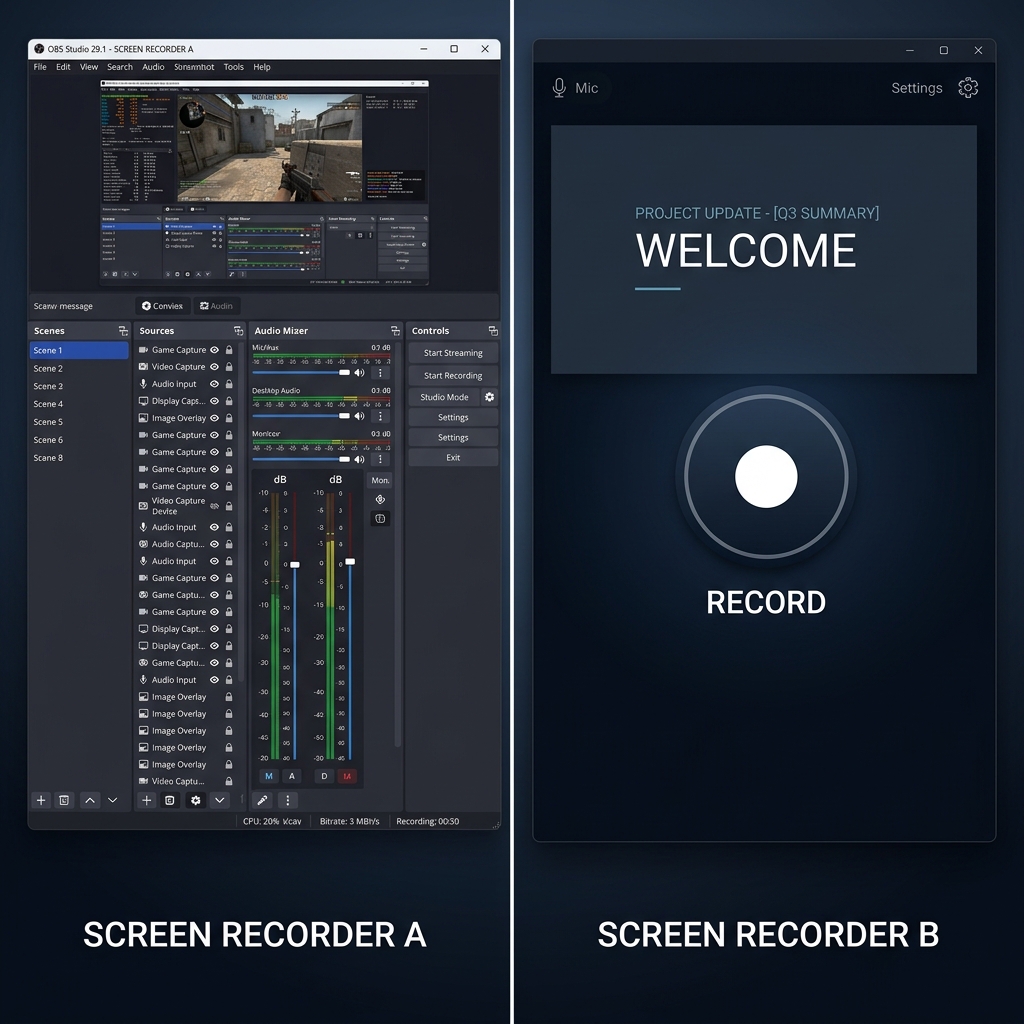
1. The "Broadcast Console" Interface
When you want to record a quick five-minute tutorial, you want to click a button and start talking.
When you open OBS, you are staring at a broadcast control surface—mixers, scene panels, source layers, encoder profiles. To even begin recording, you have to learn an entirely new vocabulary. You have to create a "Scene," then add a "Source," then choose between "Display Capture" or "Window Capture," and then manually configure your audio inputs.
If you make one wrong click, your screen goes black, or your microphone mutes, and you have to spend an hour watching YouTube tutorials just to figure out how to get your screen back. It is a steep, unnecessary learning curve for someone who just wants to share their knowledge.
2. The Settings Nightmare (And Dropped Frames)
OBS does not just "work" out of the box. Because it is built for thousands of different hardware configurations, it forces you to become a video engineer.
You have to navigate through complex settings menus to choose your Video Bitrate, decide between x264 Software Encoding or NVENC Hardware Encoding, and balance your frame rates.
If you get these settings wrong, which most beginners do, OBS will aggressively consume your computer's resources. Your PC will overheat, your software will lag, and your final video recording will look like a choppy, stuttering slideshow. You spend more time troubleshooting encoder overloads than actually creating content.
Enjoying this read?
Get weekly insights on video editing, AI workflows, and creator growth straight to your inbox.
3. The "Raw Video" Trap
This is the biggest reason creators eventually abandon OBS: It only captures raw pixels.
OBS is a broadcaster, not an editor. If you record your entire desktop, OBS will capture exactly that - a static, wide shot of your screen, complete with your messy taskbar, tiny text, and every micro-tic of your real cursor input mirrored at full fidelity.
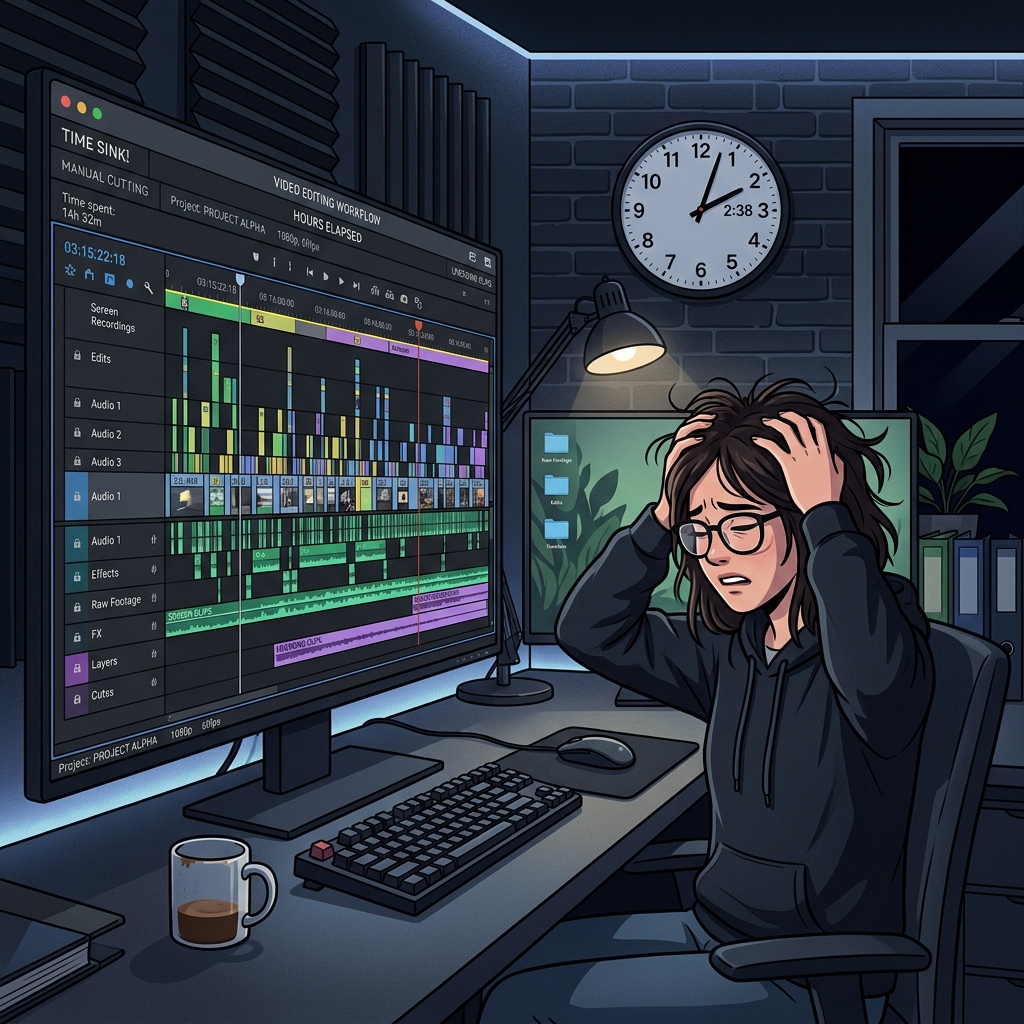
If you want your tutorial to look like a premium, modern presentation, you have to take that raw OBS file and drag it into a heavy video editing program like Premiere Pro. You then have to spend hours manually adding zoom keyframes so mobile viewers can read your text, and trying to cut out your nervous mouse twitches.
OBS forces you into an exhausting post-production workflow that leads straight to creative burnout.
What 99% of Creators Actually Need
Streamers who manage three cameras, live chat overlays, and complex audio routing need OBS.
But if you are a creator, developer, or educator recording a product demo, a coding tutorial, or a Notion walkthrough, you do not need a broadcasting studio. You need a Presentation Recorder.
You need software that removes the technical headaches and actively helps your video look expensive and professional without requiring manual editing.
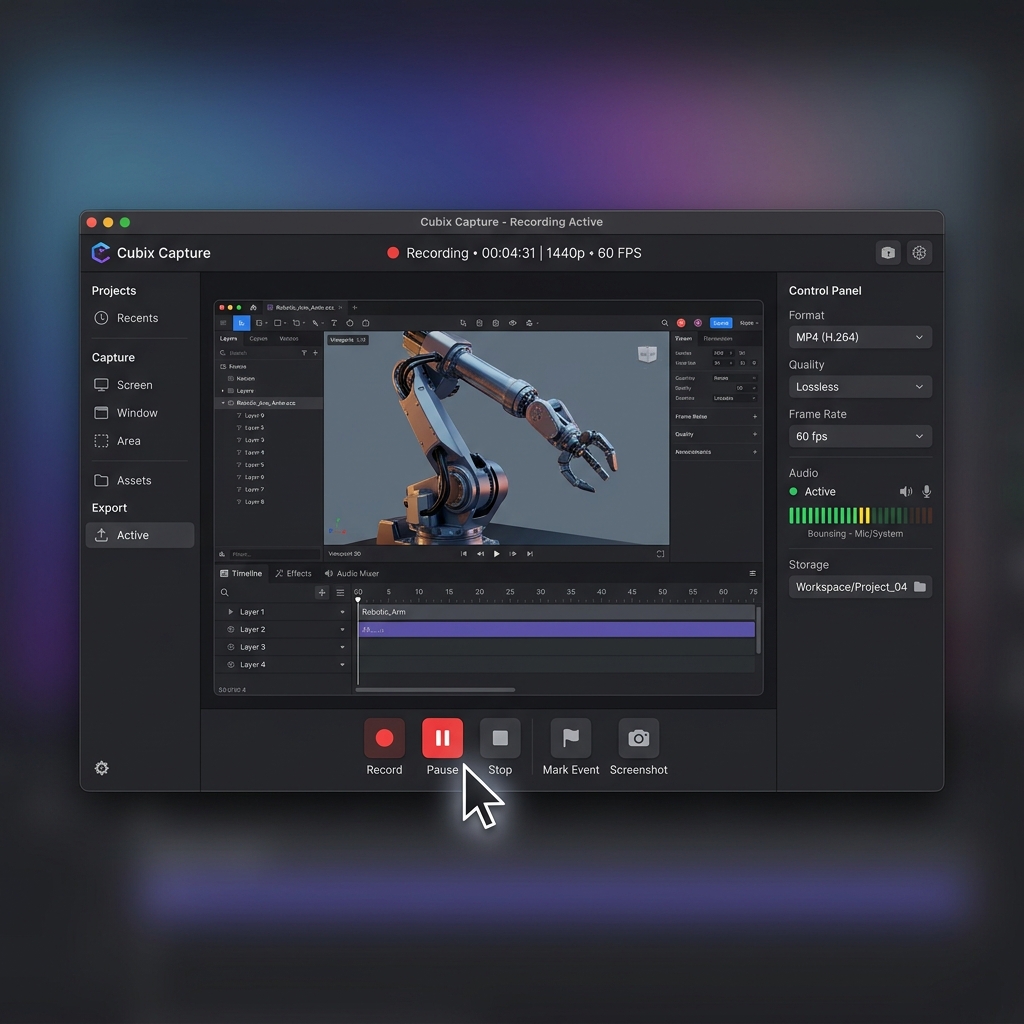
This is exactly why creators are leaving OBS behind for modern tools like Cubix Capture. It provides the high-end polish of a professional video editor, but it does it automatically while you record.
Here is how a dedicated presentation tool collapses the OBS workflow:
- No scenes, sources, or encoder configuration. You pick the window you want to record and hit record. There is no Scene Collection to manage, no x264 vs NVENC decision to make, no audio routing to debug.
- Editing happens during capture, not after. The visual moves a video editor would do later in Premiere—zooms, cursor smoothing, framing—are applied while you talk, so the file you stop on is already finished.
- A creator-shaped feature set, not a broadcaster's. No scene transitions, no chat overlays, no virtual camera, no streamkey field. Just the recording features that actually move the needle on a tutorial or a demo.
- Lightweight on your machine. Without sustained high-bitrate broadcast encoding running in the background, the app doesn't fight your CPU during a 20-minute lesson.
Stop Overcomplicating Your Content
Your time is your most valuable asset. Every hour you spend fighting with OBS settings or manually editing zoom keyframes is an hour you could have spent building a new product, writing a new script, or growing your business.
You do not need to be a video engineer to make breathtaking, high-retention tutorials. You just need the right tool for the job.
If you are ready to uninstall the overkill software, skip the video editing timeline entirely, and start instantly creating cinematic screen recordings, upgrade your workflow with Cubix Capture.
Related reading:
- OBS vs Cubix Capture (2026 Comparison)
- The Problem With OBS for Product Demos
- How to Choose a Screen Recorder (Buyer's Guide)
📖 Keep reading: how OBS Studio compares to every other screen recorder.
Don’t miss the next one.
Join our newsletter for exclusive tips, product updates, and the latest from the Cubix team.