
The Windows vs. Mac debate is as old as personal computing itself. But no matter which operating system you passionately defend, there has always been one specific area where Mac users undeniably won: screen recording.
For years, if a Mac user wanted to record a quick, polished software tutorial, they simply hit a keyboard shortcut and got a beautiful, high-quality video. If a Windows user tried to do the same thing, they were forced into a frustrating battle with gaming overlays, complex broadcasting software, or raw, unedited footage that looked terrible on mobile devices.
Windows creators, developers, and educators have suffered from a severe lack of premium presentation tools. But the landscape is finally shifting. Here is exactly why Windows users have historically had a terrible screen recording experience, and the new technology that is finally leveling the playing field.
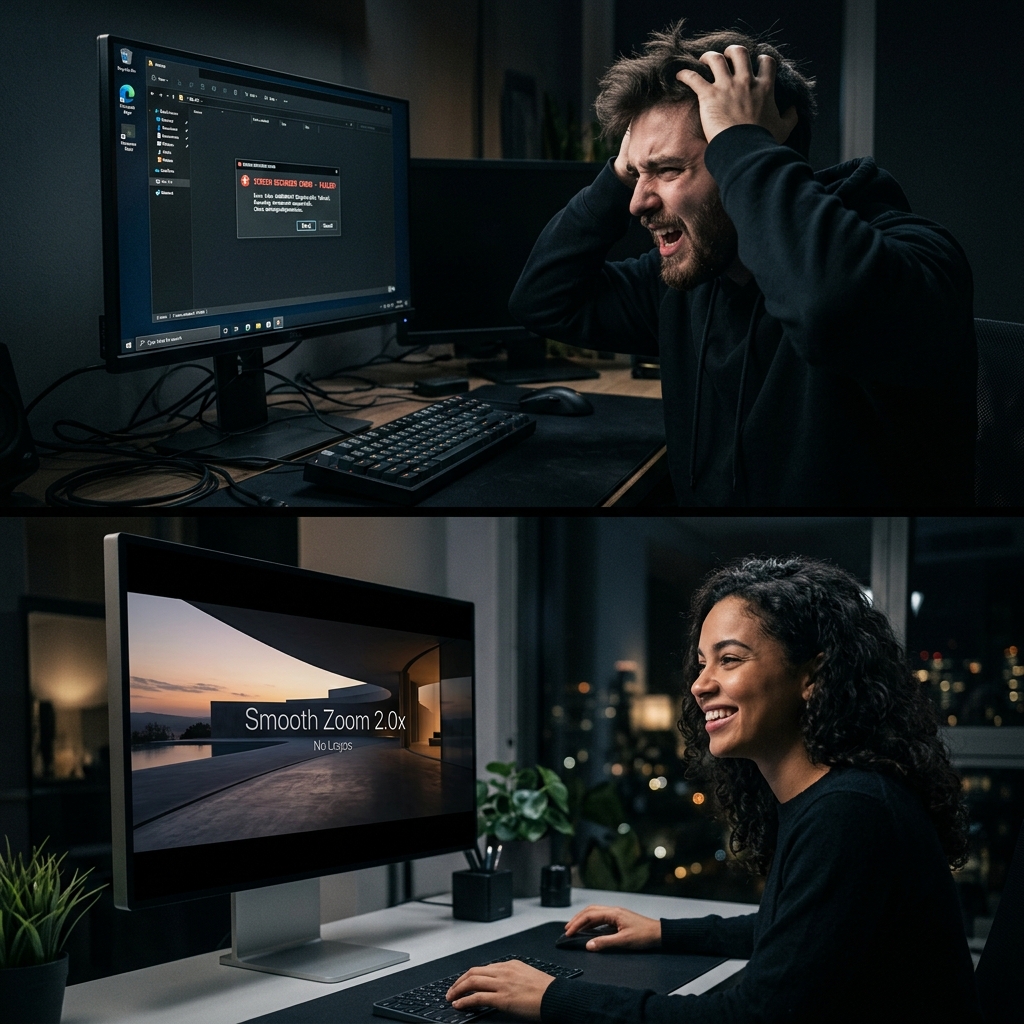
The Mac Advantage: Built for Creators
Apple has always positioned the Mac as the ultimate machine for creatives. This philosophy extended directly into how they built their screen recording software.
1. The Built-in Polish
Years ago, Apple introduced the Shift + Command + 5 shortcut. It instantly brings up a sleek, intuitive toolbar that allows Mac users to record their entire screen or a specific window with a single click. It natively captures system audio and microphone inputs without any complex setup. When the recording stops, a helpful thumbnail floats in the corner, allowing for instant trimming and sharing. It feels cohesive and professional.
2. The Third-Party Ecosystem
Because macOS handles video processing so efficiently, third-party developers flocked to the platform to build premium presentation tools. Mac users got exclusive access to apps like Screen Studio, which pioneered the "cinematic screen recording." It introduced features like auto-zooming on mouse clicks and smoothing out erratic cursors, allowing Mac users to create highly edited, studio-quality product demos without actually doing any video editing.
The Windows Struggle: Fragmented and Frustrating
While Mac users were creating beautiful, auto-zooming product demos, Windows users were left digging through forums trying to figure out how to capture their desktop without their PC crashing.
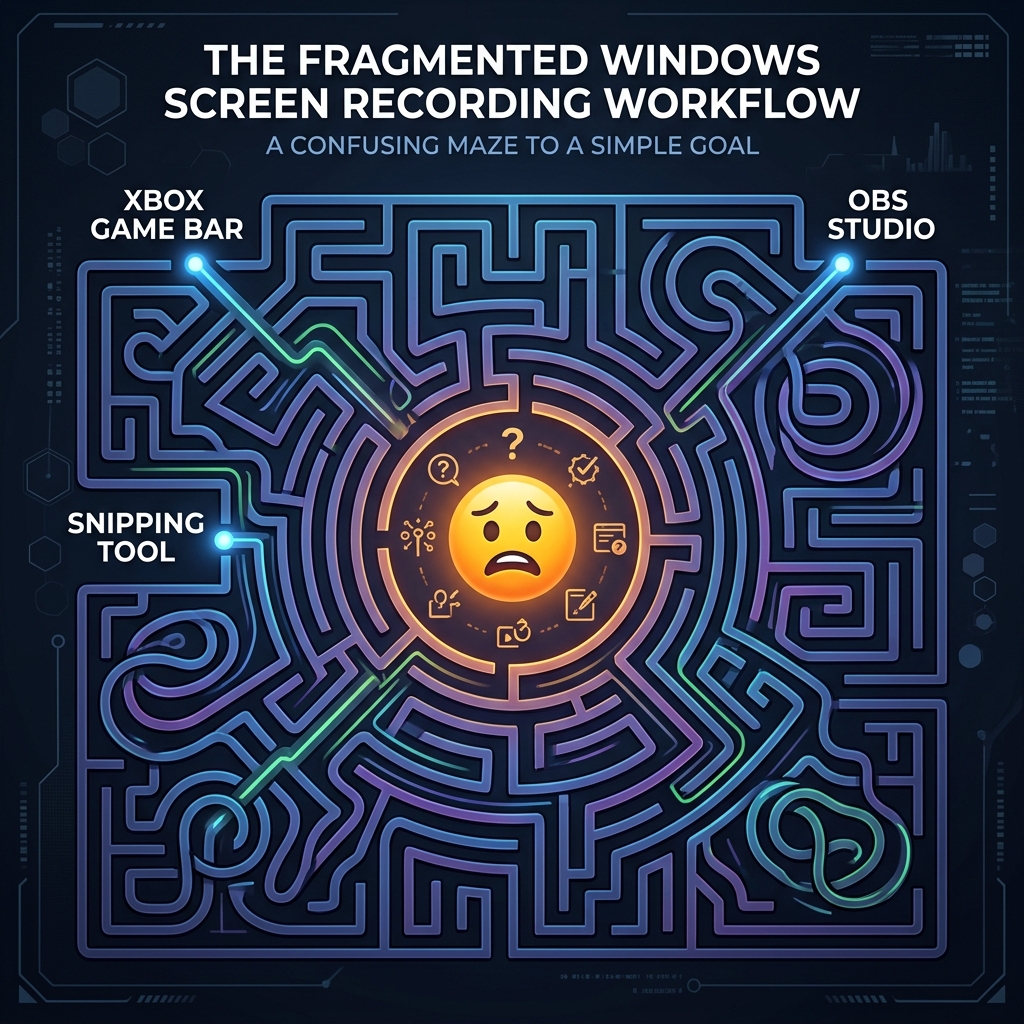
Microsoft’s approach to screen recording has historically been fragmented and frustrating.
1. The Xbox Game Bar Nightmare
For a long time, Microsoft’s official screen recorder was the Xbox Game Bar (Windows + G). As the name implies, it was built for video games. It is notorious for "single-window locking." If you are recording a browser tutorial and you open your file explorer or computer settings, the Game Bar often stops recording entirely because it thinks you closed the "game." It refuses to record the raw Windows desktop, forcing creators into a corner.
2. The Basic Snipping Tool
Microsoft recently updated the classic Snipping Tool to include video recording. While it finally allows you to record your desktop without the Xbox Game Bar, it is bare-bones. It captures raw, static pixels. There is no polish, no presentation aesthetic, and it does absolutely nothing to help your video look professional.
Enjoying this read?
Get weekly insights on video editing, AI workflows, and creator growth straight to your inbox.
3. The OBS Overkill
Because the built-in Windows tools were so bad, the internet's default advice for Windows users became: "Just download OBS Studio!" But OBS is a heavy broadcasting tool built for Twitch streamers, not everyday creators. It forces you to learn about bitrates, hardware encoders, and scene setups. Even if you get it working perfectly, it still only outputs a raw, static video that requires hours of manual editing in Premiere Pro to look good.
The Turning Point for Windows Creators
For a long time, if a Windows developer wanted to make a viral, high-retention coding tutorial, they had to spend three hours manually editing zoom keyframes just to match the quality that Mac users were getting automatically. Remote teams struggled because the Mac designers were producing beautiful product demos, while the Windows engineers were submitting raw, shaky OBS files.
But the era of the raw Windows recording is officially over. The industry has realized that Windows creators deserve the exact same cinematic quality as Mac users.
The Great Equalizer: Cubix Capture
The reason the narrative has changed in 2026 isn't because Windows finally fixed the Game Bar (they didn't). It's because the "Mac-style" philosophy has finally arrived on Windows through Cubix Capture.
Windows users no longer have to apologize for their screen recordings. The tools have finally caught up to the hardware.
Click-Tracking Camera Work for the PC
For a decade, Windows tutorials have been static, wide-angle screen captures—everything visible, nothing emphasized. On modern Windows, the camera can now follow your input. As you move between a code editor, a browser tab, and File Explorer, the frame tightens on whatever pane you are working in. The "mobile viewer" problem that buried Windows tutorials in YouTube watch time finally has a native solution that runs on your PC, not a remote MacBook.
Cursor Motion That Looks Edited
One of the hallmarks of a "Mac-style" demo is mouse movement that feels weighted and deliberate. On Windows, that effect used to require a paid Premiere plugin and a manual cleanup pass. Now it happens at capture time: raw input from your mouse or trackpad is interpreted into a deliberate, weighted motion path, and the result lands on disk already polished. Your DM video stops looking "recorded with Game Bar" and starts looking "shot in a studio."
Studio Staging Without iMovie
Windows desktops are cluttered by design—pinned tiles, OneDrive icons, antivirus widgets, half a dozen Edge tabs. Mac creators historically hid all of that with iMovie, Screen Studio, or a heavy Premiere project. On Windows, you can now float your active app over a clean gradient or live background while you record, so the deliverable looks like a brand asset without ever opening an editor. It is the single visual change that closes most of the "Mac envy" gap.
The Verdict: The Gap is Gone
The era of Windows users being "second-class citizens" in the content creation world is over. You no longer need to buy a MacBook Pro just to create a high-converting product demo or a viral coding tutorial.
Windows 11 is now a powerhouse for creators, provided you stop using the tools built for gamers and start using tools built for presenters.
If you're ready to experience what "Mac-quality" looks like on your PC, without the manual editing nightmare, move past the Game Bar and create your first cinematic Windows recording with Cubix Capture.
Related reading:
- 10 Best Screen Recorders for Windows in 2026
- How to Record a Screen on Windows 11 Without Xbox Game Bar
- Cubix Capture vs Screen Studio: Windows Alternative
Don’t miss the next one.
Join our newsletter for exclusive tips, product updates, and the latest from the Cubix team.