Wedding highlight video maker

Make a wedding highlight from the moments you chose

Bring the wedding clips and photos you have already chosen, and a song you may use. Cubix Beat Edits times them into a music-led highlight on an editable timeline. You then check that each moment is complete, any vow or toast you keep is heard, and the ending feels finished.

Cubix does not cull the whole day, sync several cameras or find the vows for you.

The couple moment, kept wholeSelected moments · 1 track
  1. Approach

  2. The rings

  3. Reaction

Keep all three: the peak alone is not the story.

Music-ledDetails, guests, celebration, ending

Keep it spokenA vow or toast, with its own sound

Illustration · one fictional garden wedding with illustrative beat counts. Not wedding footage or a Cubix-produced highlight.

One wedding, six moments

A plan for one fictional garden wedding: six roles, each with a job in the highlight. The ceremony gets the patience; the party gets the pace.

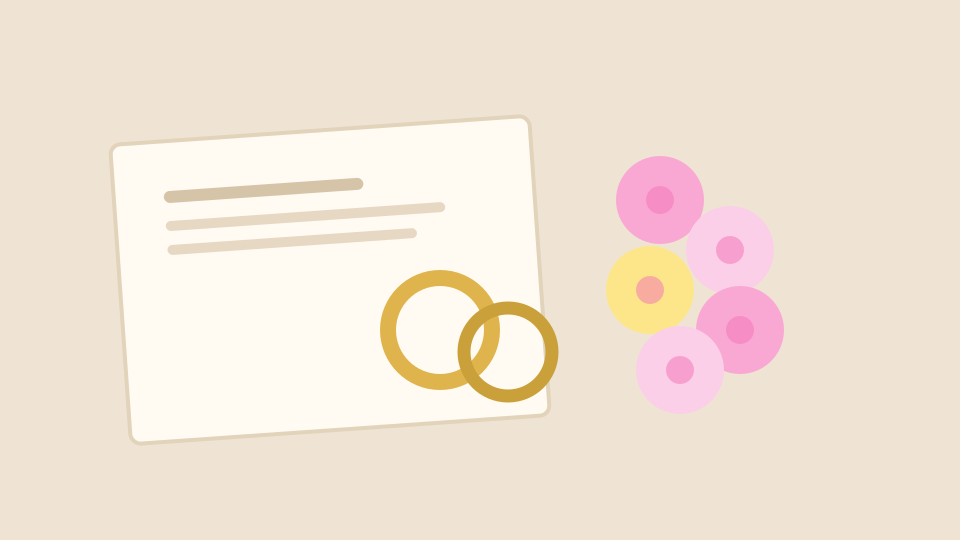
  1. Illustration of two gold rings resting on a cream order of service beside pink and yellow flowers

    1 · Preparation detailBrief · 2 beats

    The rings on the order of service

    Says whose day this is before anyone appears. One detail is enough; a second and third say the same thing.

    Keep visible:
    Both rings, and enough of the card to read as wedding stationery.
    Hold longer when:
    Rarely. Only if the detail is personal, such as a handwritten note.
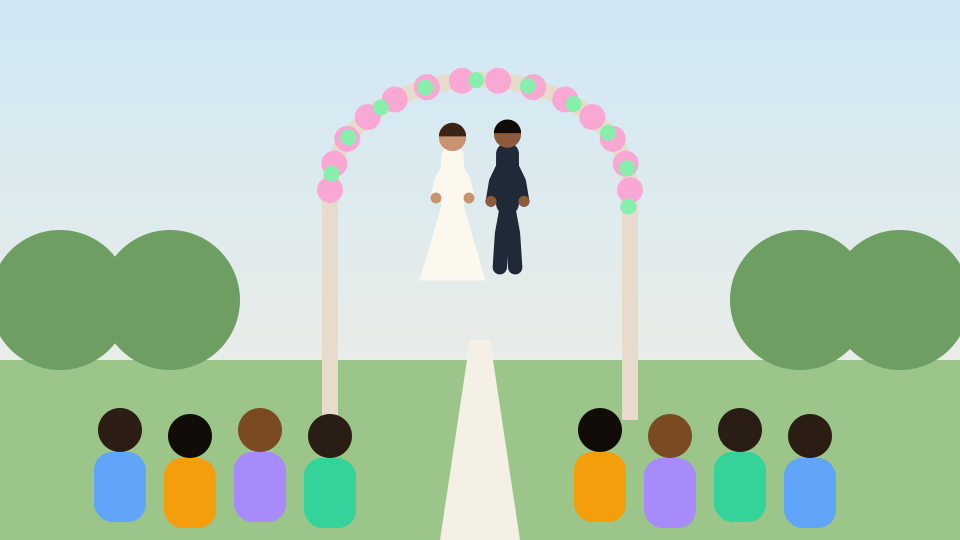
  2. Illustration of a garden ceremony seen from the aisle: the couple under a flowered arch, rows of guests on each side

    2 · Ceremony contextSet the place · 4 beats

    The arch, the aisle and the guests

    Shows where the ceremony happened and who was there, so the couple moment has somewhere to belong.

    Keep visible:
    The arch, the couple and at least one row of guests.
    Hold longer when:
    When it is your only wide shot of the venue.
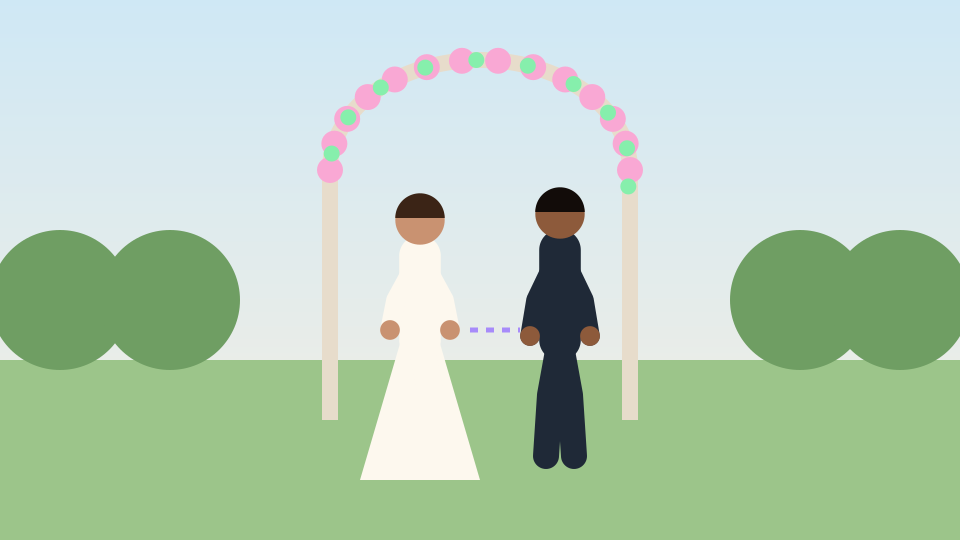
    1. Illustration of the couple turning to face each other under a flowered arch

      Approach

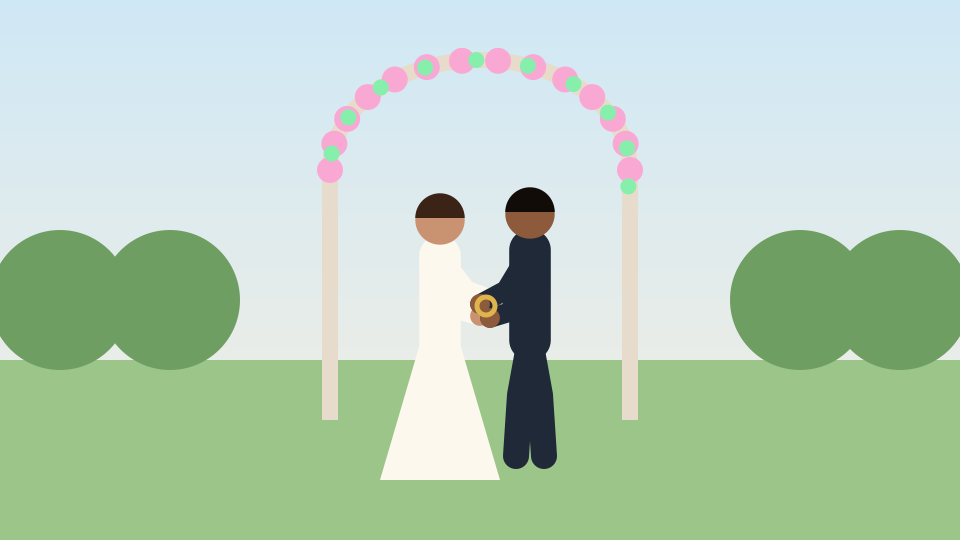
    2. Illustration of the couple exchanging rings under the arch, a gold ring between their hands

      The rings

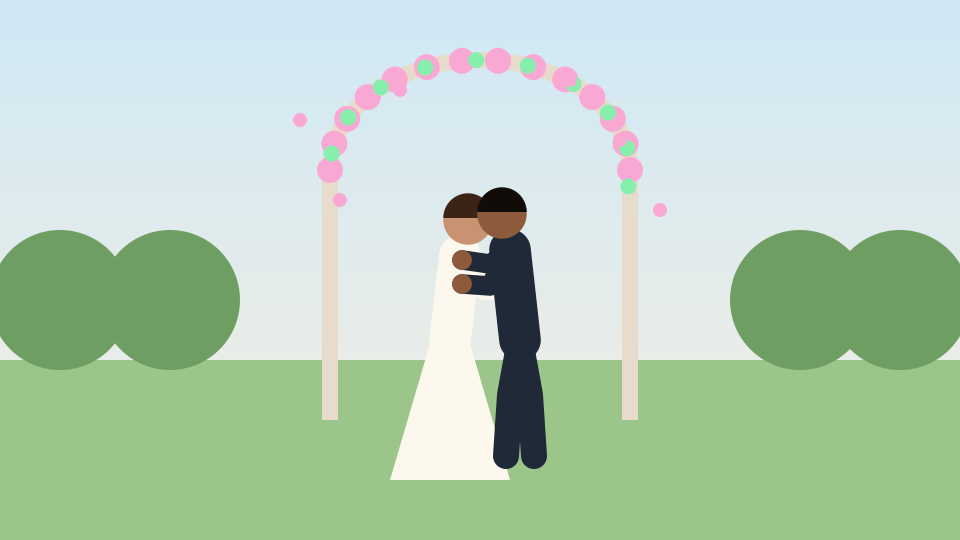
    3. Illustration of the couple kissing under the arch as petals fall

      Reaction

    3 · Couple momentKeep whole · 7 beats

    They turn to each other, exchange rings and react

    The heart of the highlight. The approach and the reaction are what give the rings their meaning; a cut on the beat that keeps only the peak leaves the viewer with a still image.

    Keep visible:
    Both faces and both pairs of hands, from the turn to the smile.
    Hold longer when:
    Always. This is the shot to protect from a fast cut.
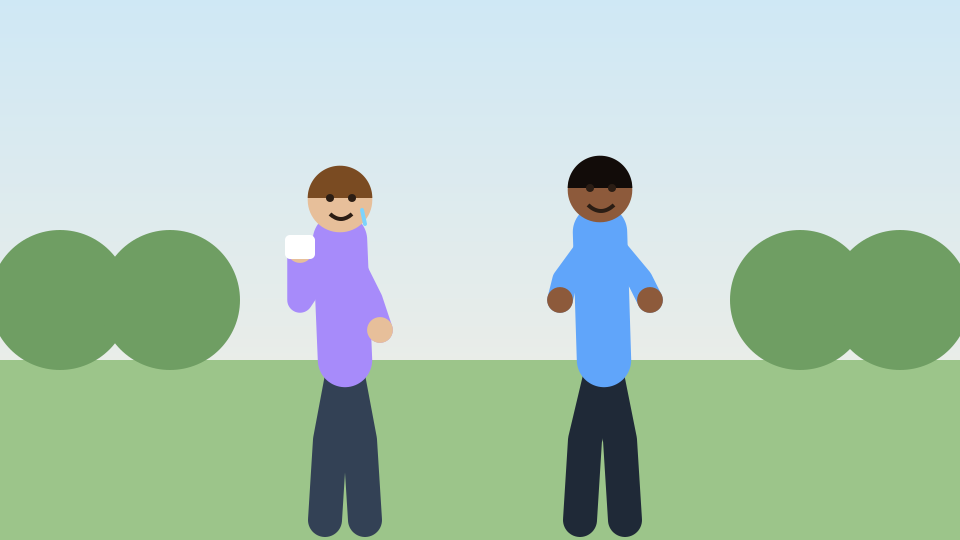
  3. Illustration of two smiling wedding guests in a garden, one holding a tissue

    4 · Guests’ reactionAnswer it · 3 beats

    Two guests smiling, one with a tissue

    Shows how the room felt, placed straight after the moment it reacts to.

    Keep visible:
    Faces, clearly. A reaction only reads when eyes and mouths are in the frame.
    Hold longer when:
    When the reaction belongs to a parent or someone the couple will want to see again.
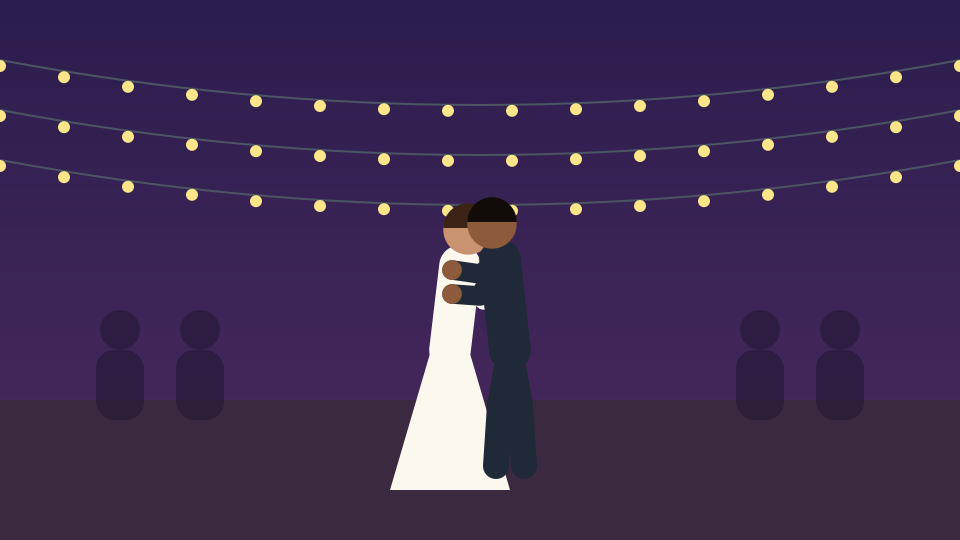
  4. Illustration of the couple dancing under string lights at night, guests in silhouette

    5 · CelebrationLift the pace · 4 beats

    The first dance under the string lights

    The change from ceremony to party. Here quicker cuts can follow the music.

    Keep visible:
    The couple. The guests around them can blur.
    Hold longer when:
    If the dance has a turn or a dip that needs to finish.
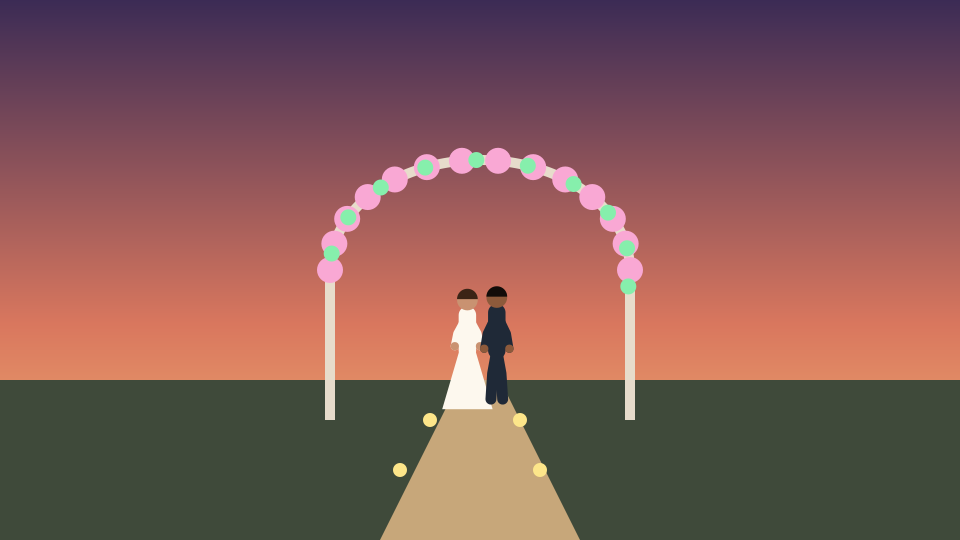
  5. Illustration of the couple small in the distance, walking down a lantern-lit path under the arch at dusk

    6 · ClosingRoom to end · 4 beats

    Walking away down the lit path

    A wide, quiet shot that tells the viewer the story is over.

    Keep visible:
    The couple and the path ahead, with space around them.
    Hold longer when:
    Into the last notes of the track. Ending mid-phrase feels cut off.

The same plan as one 24-beat phrase

Beat counts are a planning example. They show relative length, not the exact order or duration Beat Edits will produce.

A cut between two shots

Illustration · one fictional wedding drawn for this page and arranged as a plan. Not wedding footage, a Cubix-produced highlight or a customer result.

Choose before Beat Edits does

Beat Edits works with what you give it. Two inputs from the same fictional wedding were left out, and something better took their place.

Left out

A near-duplicate of the ring detail
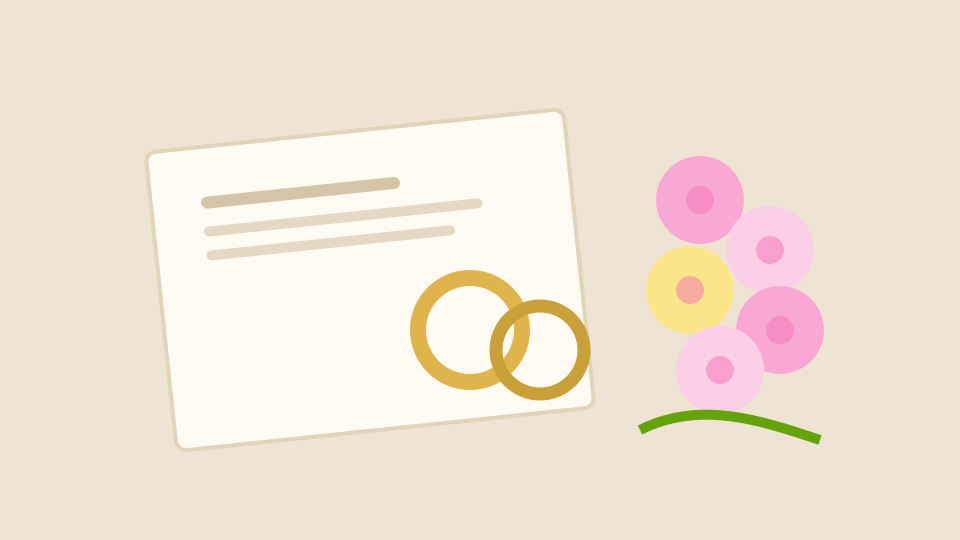
  1. Illustration of the rings and order of service, the kept version

    Kept

  2. Illustration of the same rings and card framed slightly further left

    Left out

Why: The same rings, card and flowers, a few centimetres to the left. In a short highlight a second copy takes time from the couple moment and reads as a repeat.

Instead: Keep the clearer of the two and give its beats to the moment that matters.

Left out

The ceremony clip that starts too late

  1. Illustration of the couple kissing, the first frame of a clip that began after the rings

    The clip starts here

Why: The recording begins after the rings were exchanged. Cut to the beat, it shows a kiss with no reason for it.

Instead: Use the clip that starts as they turn to each other, so the approach, the rings and the reaction are all there.

Upload the shots in the order you planned and choose Keep my order. Cubix still picks which part of each video plays, can take several shots from one long clip and drops shots the song has no room for, so check the first pass against your plan.

Illustration · author-drawn frames from the same fictional wedding.

Music-led highlight or spoken keepsake?

A highlight is built around a song. A vow, a toast or one sentence from a speech is built around words. Decide which each moment is before you build.

Music-led

Let the track carry it

Details, guests, the dance and the ending read without sound. Beat Edits times them to the song.

  • Use moments that make sense with the sound off
  • Cuts can follow the beat, but the couple moment still needs its full length
  • Beat Edits mutes each clip’s own sound so the song is what plays

Spoken

Keep the words and their timing

A vow or a line from a toast needs its original sound and its own timing. Inside a beat edit it would be muted and trimmed to the beat.

  • Keep the whole sentence, from the first word to the last
  • Edit it as its own clip with its original sound, or extend that clip on the timeline and raise its volume by hand, with the music low under it
  • Listen to every word before export; this page promises no automatic speech preservation

If the speeches are the heart of the film, a longer wedding edit may suit them better than a highlight.

Make the highlight and refine it

  1. 1

    Choose the moments first

    Pick a clip or photo for each role in the plan and leave the rest out. Beat Edits needs at least two shots, or one video of six seconds or more, and takes up to 24.

  2. 2

    Set up Beat Edits

    Add the shots, choose Keep my order if the sequence matters, then pick a song from the Cubix library or upload your own. Choose the shape you will share in and a style, then create the beat edit.

  3. 3

    Read the first pass

    Watch it with sound against your plan. Is the couple moment whole, does the reaction follow it, and does it end on the closing shot?

  4. 4

    Refine, then export

    Lengthen a cut, swap a shot or adjust framing on the timeline, and add any spoken moment separately. Downloading the result depends on your plan.

Your plan is the moments you chose and their order. The highlight is what Beat Edits returns: check that the couple moment is whole and the day runs from ceremony to celebration.

Every control in detail: Beat Edits · the beat editing guide

Check the highlight before you share it

Play it through with sound, then check these.

  • The couple moment runs from the turn to the reaction, with no cut through the rings.
  • Faces, hands and rings stay inside the frame in the shape you chose.
  • The ceremony leads into the celebration; nothing from the party lands before the vows.
  • Any names or dates you add as text are spelled exactly right.
  • Any spoken passage you kept is complete and clearly heard above the music.
  • If Length repeats your shots to fill the song, no repeated moment looks like a mistake.
  • The last shot holds into the end of the track, so the highlight feels finished.

One fix to prefer: when a meaningful moment feels cut short, lengthen that cut on the timeline. An effect over an abrupt cut leaves the moment just as short.

Illustration of two smiling guests, their faces clearly in frame
Illustration · reactions need their faces in frame

Wedding highlight FAQs

What footage should I choose for a wedding highlight?

One clip or photo for each role: a preparation detail, a wide view of the ceremony, the couple moment from approach to reaction, a guest reaction, the celebration and a quiet ending. Leave out near-duplicates; Cubix does not watch the whole day for you.

Can I mix photos with video clips?

Yes. Beat Edits takes photos and short clips together. Check the photos in the shape you export: a portrait photo in a landscape frame is cropped, and a slow zoom on photos can push a face or a ring out of frame.

How is a highlight different from a full wedding film?

A highlight is a few minutes or less, built around one song and the moments that tell the day at a glance. A full film keeps the ceremony, the speeches and more of the day in order. For that longer record, see the longer wedding edit page.

Will the vows or a toast keep their original sound?

Not inside a beat edit. Beat Edits mutes each clip’s own sound so the song plays, and trims clips to the beat. Keep a vow or toast as its own clip with its original sound, or extend that clip on the timeline and raise its volume by hand, then listen to every word.

Can I change the timing or a crop after the first pass?

Yes. Lengthen a single cut on the timeline, use Swap a shot to replace one moment, or adjust a clip’s framing. Style, Energy, Motion and Length re-plan the whole highlight, so use them for the overall feel, not one moment.

Which music can I use?

Pick a song from the Cubix soundtrack library or upload one you have the right to use. Permission for one use does not always cover every place you post, so check the terms of the track for where the highlight will go. This page is not legal advice.

Which shape should I export the highlight in?

Choose Vertical 9:16, Square 1:1 or Wide 16:9 at setup, to match where you will share it. Then check every shot in that shape: faces, hands and rings should stay inside the frame, and wide ceremony shots lose the most in a vertical crop.

What do I need to create and download the highlight?

See the pricing page for current first-edit eligibility and download access. Check what your account can do before you start, especially if you plan to share the edit and need a downloadable file.

Keep the moments that mattered.

Bring the clips you chose and a track. Build the highlight in Beat Edits, then check every moment, every word you kept and the ending before you export.

Make my wedding highlight
CUBIX