
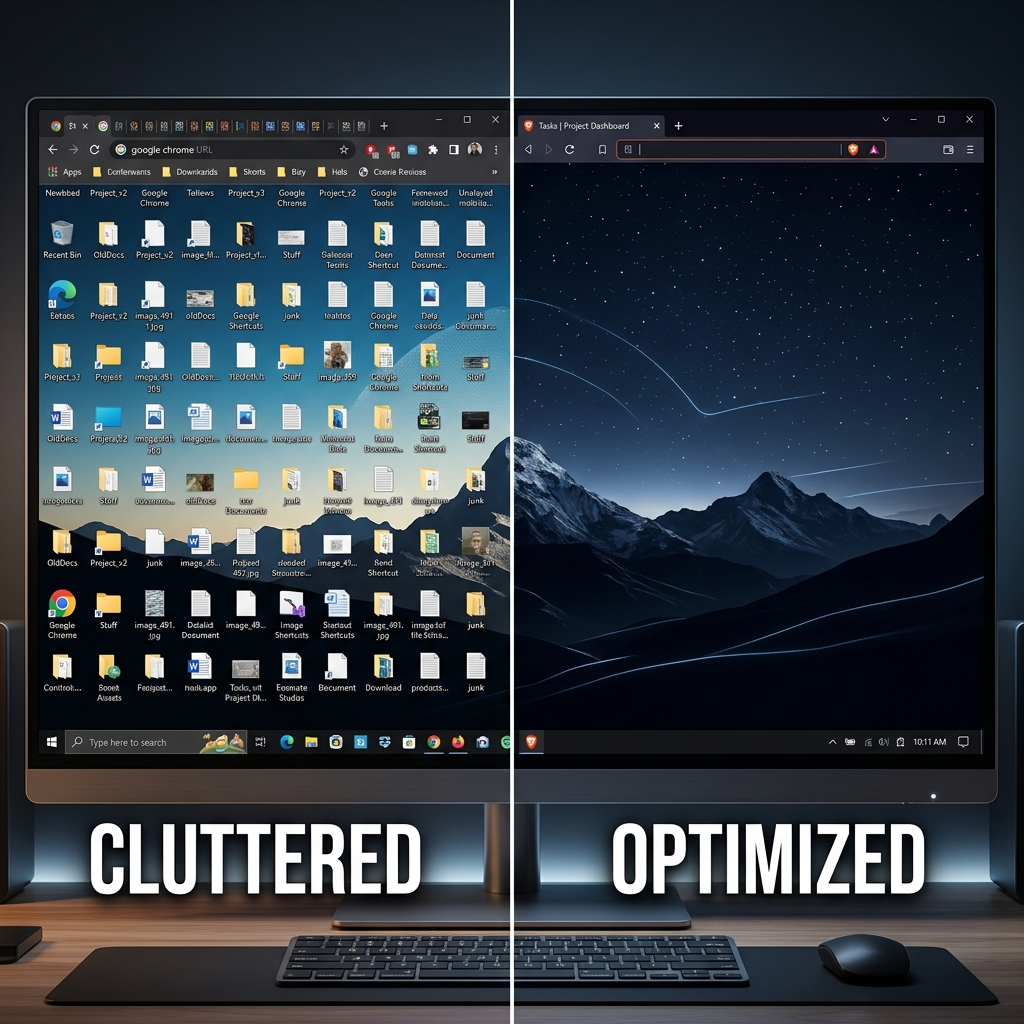
There's a funny second act to fixing your clipboard. You install a manager, the one-item limit disappears, and for a few weeks it feels like a superpower — nothing you copy is ever lost again. Then the list gets long. You go looking for an email template and scroll past a grocery list, six URLs, a tracking number, and a meme you copied on Tuesday before you find it.
You solved "I lost it." Now you have "I can't find it among everything I kept." That's the exact moment collections matter — the feature that turns one endless timeline into a set of tidy, purpose-built drawers.
History Recovers; Collections Organize
A chronological history is perfect for one job: getting back something you copied recently and didn't mean to lose. It's the wrong tool for the other job — reusing the same curated snippets over and over — because time-ordering scatters related items across the whole list.
Think about the different roles you switch between in a day. Design work has its hex codes and logos. Dev work has its terminal commands and snippets. Client work has its greetings and templates. Dumped into one timeline, those three worlds interleave into noise. Collections let you keep each world in its own labeled space, so when you're writing a client email you see only client templates — not last night's shell commands.
Search helps you find one thing fast (see how to search your clipboard history on Mac), and pinning keeps a few favorites on top (see how to pin clipboard items on Mac). Collections are the next level up: structure for whole categories of reusable content.
How to Build a Collection System That Sticks
The trick is grouping by task, not by file type — you reach for snippets when you're doing a thing, so organize around the thing:
- Make a few broad buckets. Start with three or four: "Client Replies," "Project Assets," "Code & Commands," "Personal & Forms." Resist over-splitting.
- Move the repeat offenders in. Anything you copy more than once a week — a signature, a standing link, a brand hex, a boilerplate paragraph — belongs in a collection, separated from your throwaway daily copies.
- Open the collection, not the firehose. When you start a task, jump straight to its drawer. You'll see a short, relevant list instead of scrolling your entire week.
Enjoying this read?
Get weekly insights on video editing, AI workflows, and creator growth straight to your inbox.
The Free Tool to Build Your Library
Cubix Clip is a free clipboard manager for Mac that pairs a full copy history with the organization layer on top — pin the essentials, group the rest, and keep your reusable snippets sorted instead of buried. It remembers text, links, images, and files, and lets you curate the items you use constantly into their own tidy spaces.
When you need this project's hex codes or that client's greeting, you open the right group and it's right there — no scrolling past memes and grocery lists. The throwaway copies stay in the timeline; the keepers live in their drawers. If you're just getting started, what a clipboard manager is and why Mac users need one is the place to begin.
The Takeaway
Keeping everything you copy is step one; being able to find it is what actually makes you faster. Collections turn a mile-long history into a curated library you can navigate on instinct. Set up a few drawers in Cubix Clip today, and your most-used snippets will always be exactly where you expect them.
Don’t miss the next one.
Join our newsletter for exclusive tips, product updates, and the latest from the Cubix team.