
When you need to record a quick software tutorial, a product demo, or a bug report, your first instinct is probably to Google "best free screen recorder."
It makes sense. Why would you pay a monthly subscription for software when you can just download an open-source tool like OBS Studio, or use the built-in Snipping Tool on your computer? Free is free, right?
On paper, using a cheap or free screen recorder feels like a smart business decision. But when you look a little closer at the actual process of creating high-quality, professional video content, the math starts to change rapidly.
There is a massive hidden cost to using basic screen recording tools, and it is quietly draining your most valuable resource. Let's break down the true cost of "free" software, the battle of Time vs. Money, and why upgrading your toolkit might actually save you thousands of dollars this year.
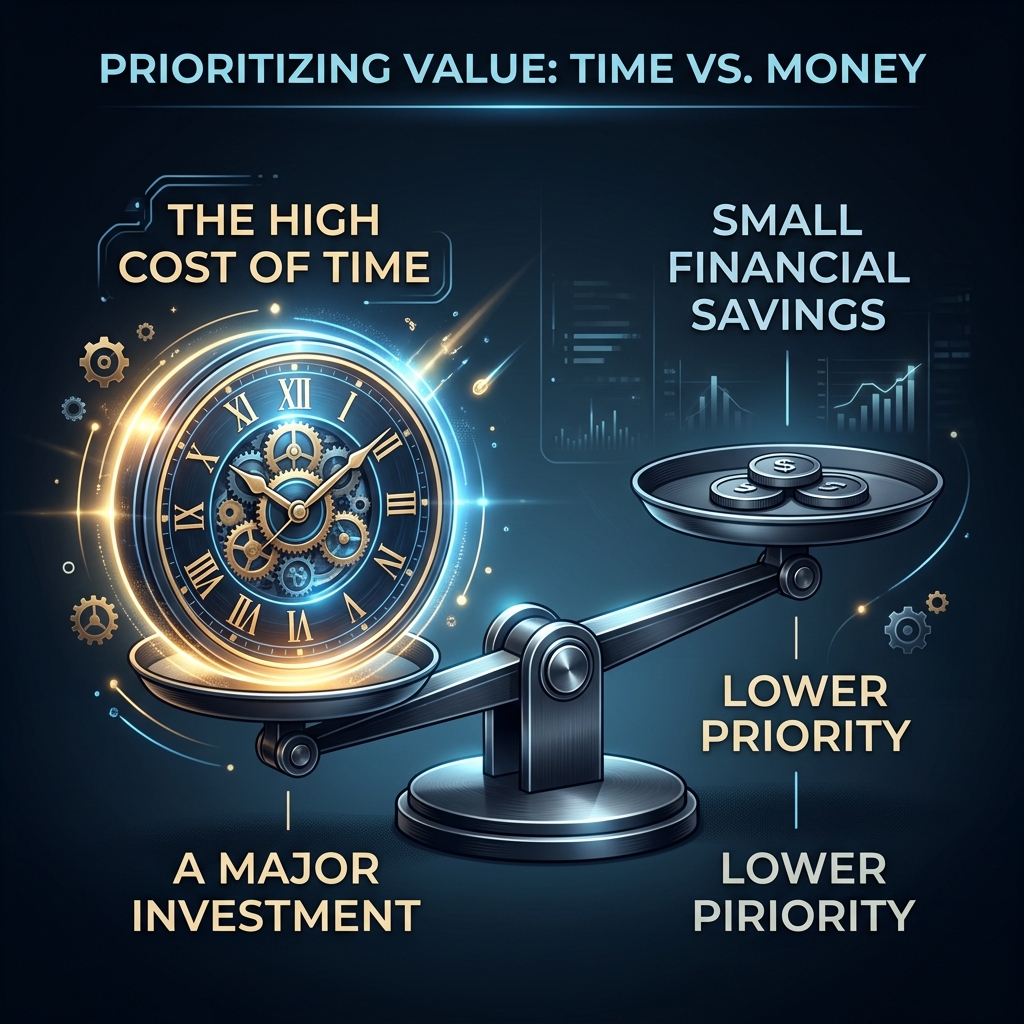
The Illusion of "Free"
When you download a free tool like OBS Studio, your financial cost is exactly $0.00. But what you save in cash, you immediately pay for in friction.
Free screen recorders are almost always basic capture tools. They record raw pixels. Whatever is on your screen, your messy desktop, your erratic mouse movements, your tiny, unreadable text, is exactly what gets recorded.
If you are just sending a video to a coworker to say, "Hey, the printer is broken," raw video is fine. But if you are recording a product demo for a potential client, creating a YouTube tutorial to build your personal brand, or launching a SaaS product, a raw video is a liability.
To make a raw screen recording look professional, you have to edit it. And this is where the hidden costs explode.
The "Fix It In Post" Trap (The Time Tax)
Let's say you record a five-minute tutorial using a free tool. To make it look good enough for modern viewers, especially those watching on mobile phones, you have to drag that raw video file into a heavy editing program like Premiere Pro, DaVinci Resolve, or CapCut.
Here is what your "free" workflow actually looks like:
- Manual Keyframing: You have to scrub through the timeline second by second, manually adding zoom keyframes every time you click a button so the viewer can actually read the text.
- Cursor Cleanup: You try to cut out the awkward moments where your mouse jittered or you clicked the wrong thing.
- Background Masking: You spend time cropping out your messy browser tabs and adding a branded background underneath the video.
- Rendering: You wait for the massive video file to export.
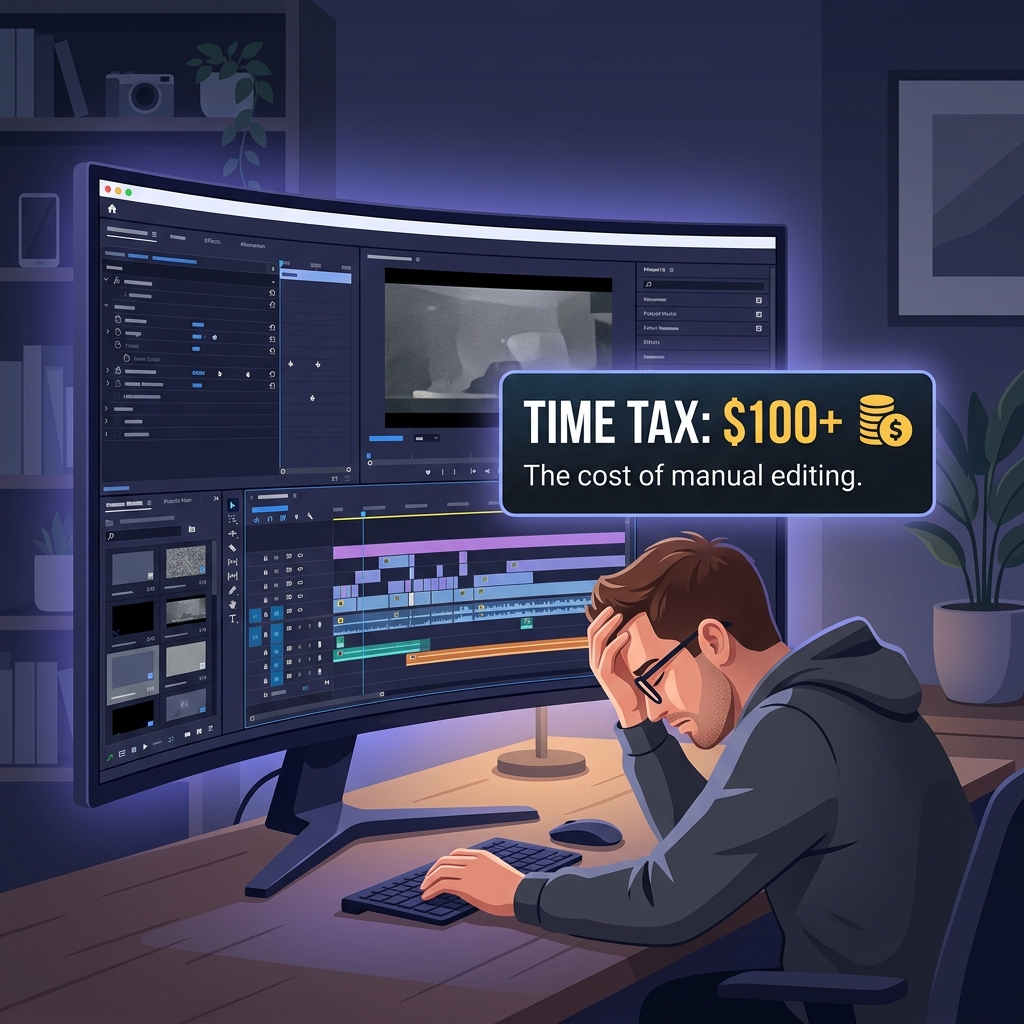
Editing a simple five-minute video this way can easily take two hours.
If you value your time at a modest $50 an hour as a professional, that "free" screen recording just cost you $100 in lost time. If you record just two videos a week, you are losing over $10,000 worth of productivity every year just doing manual video editing.
Enjoying this read?
Get weekly insights on video editing, AI workflows, and creator growth straight to your inbox.
The Quality Penalty (The Money Tax)
What happens if you simply refuse to pay the Time Tax? What if you decide you are too busy to edit, so you just upload the raw, unedited, static screen recording directly to your website or social media?
You end up paying the Money Tax.
In 2026, viewer expectations are incredibly high. If a potential customer lands on your website and watches a product demo where the text is too small to read and the mouse is darting all over the place, it creates visual anxiety. It makes your software look complicated, unpolished, and cheap.
- If a poorly recorded demo costs you one SaaS subscription a month, that is lost recurring revenue.
- If an unreadable coding tutorial causes viewers to click away after 30 seconds, the YouTube algorithm buries your channel, costing you growth and sponsorships.
Bad presentation actively kills conversions.
The ROI of Presentation Recorders
You shouldn't have to choose between burning hours of your life in video editing software or posting amateur-looking videos.
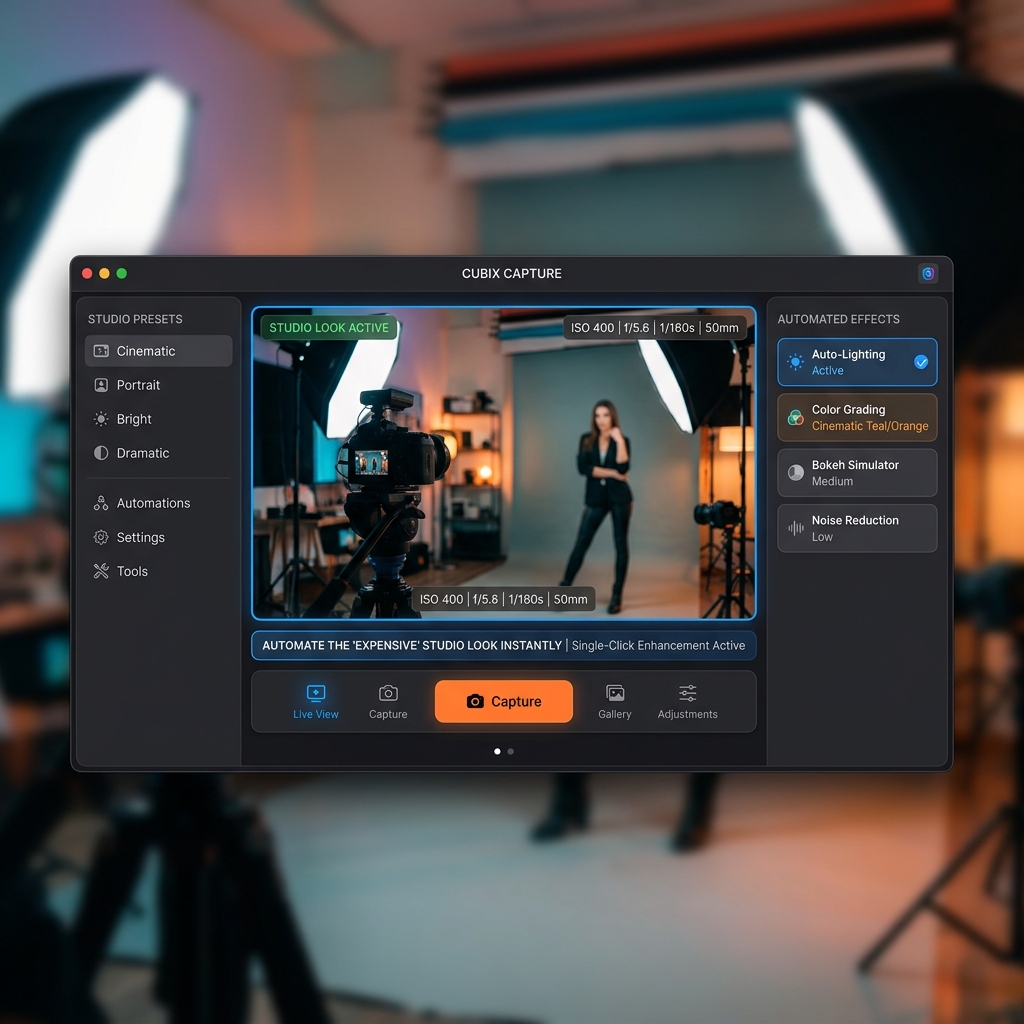
The industry realized this, which is why modern creators have abandoned basic recorders and moved to Presentation Recorders. The goal of a presentation recorder is to give you a highly edited, studio-quality video the exact second you hit the stop button, completely eliminating the editing phase.
This is the exact reason Cubix Capture has become a default for professionals who actually run the time-vs-money math.
For a small monthly cost (often less than the price of a couple of coffees), the app collapses your video pipeline from "record → import → edit → render → upload" down to "record → upload":
- Editing is built into capture. The keyframe pass you would normally do in Premiere—pushing in on a click, easing back out, tightening on a typed input—is happening live as you talk. There is no separate editing session waiting for you that night.
- Cursor cleanup is automatic. Your raw mouse movement is interpreted into a deliberate, weighted motion at record time, so you never have to mute a jitter in post.
- Branding without masking. Your software window is composited over a clean stage during capture, so you never have to crop the taskbar, blur a tab, or paint in a brand background later.
- The output is the deliverable. The file you stop on is the file you send. No render queue, no re-export when a client asks for a 720p version, no sigh-and-reopen-Premiere moment.
Stop Tripping Over Dollars to Pick Up Pennies
In the debate of Time vs. Money, time is the only asset you can never get back.
Using a cheap screen recorder might save you a few dollars a month, but it traps you in an exhausting, unscalable workflow that leads straight to creative burnout. If you want to grow your audience, scale your business, and present your ideas flawlessly, you need tools that empower you, not tools that create more work.
When you invest in software that automates the tedious stuff, you free yourself up to do what you actually do best: create, teach, and sell.
If you are ready to stop paying the hidden cost of free software and want to start generating breathtaking, high-retention cinematic videos instantly, explore the presentation toolkit at Cubix Capture.
Related reading:
- Best Screen Recorders That Don't Require Editing
- Free Screen Recorders Without Watermarks in 2026
- Best Screen Recording Tools for Startups on a Budget
Don’t miss the next one.
Join our newsletter for exclusive tips, product updates, and the latest from the Cubix team.