
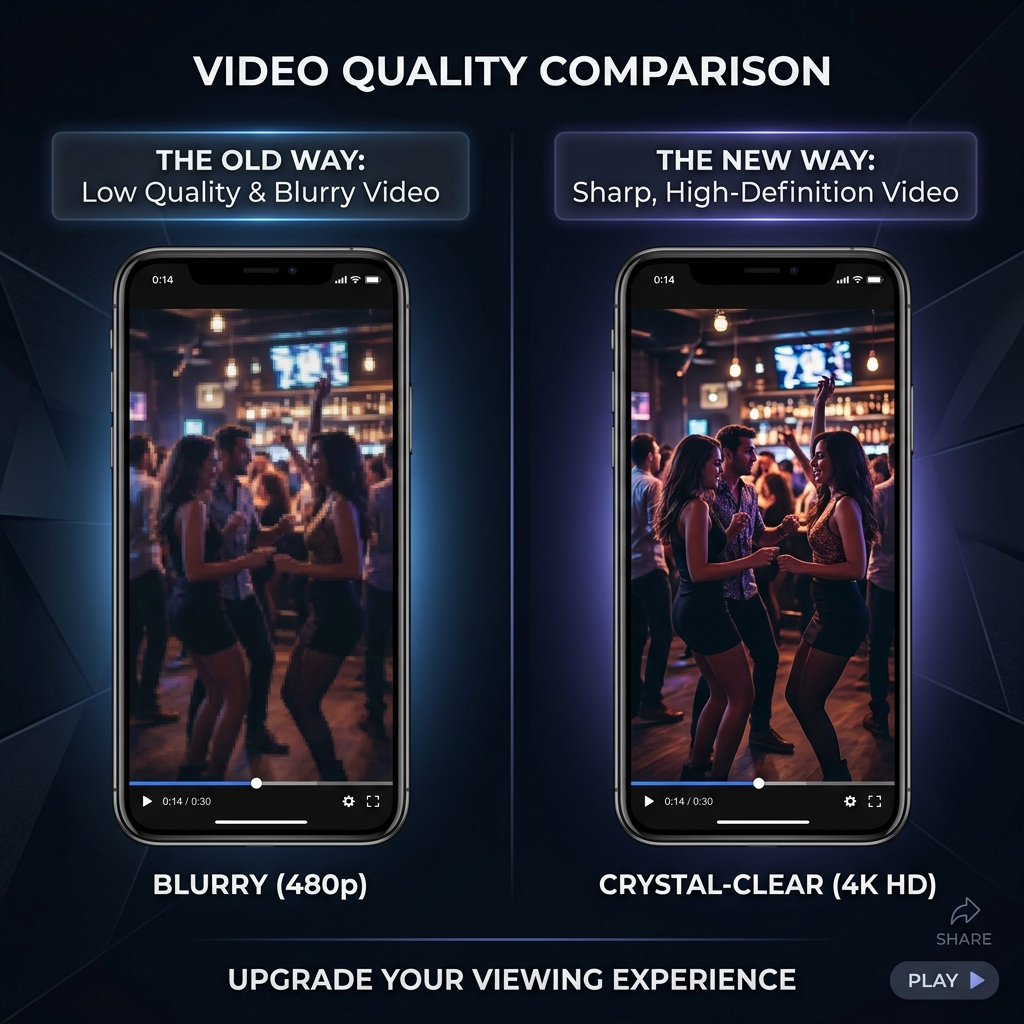
You just recorded a brilliant video. It looks perfect on your camera roll. The moment you upload it to Facebook — as a Reel, a Story, a Feed post, or an ad — the quality drops. Colors look washed out, edges turn blurry, and the final upload looks nothing like what you exported.
This is not your fault. Facebook serves more than 2 billion people across every kind of network, from gigabit fiber to a slow 3G connection in rural Brazil. To keep videos starting in under a second on every one of those connections, Facebook aggressively re-encodes every upload. If you hand it a file that is too heavy or formatted wrong, the re-encode has to do more work, and the more work it does, the worse your video looks on the other end.
The fix is not to fight Facebook's compression. The fix is to upload a file the platform barely has to touch. Here is the full guide — by surface (Reels, Feed, Ads), with the bitrate and resolution numbers that actually work in 2026.
Why Compression Matters More on Facebook Than Anywhere Else
Three things are true about Facebook that aren't true on YouTube or even Instagram:
1. The feed scores you on first-second playback. Over 80% of Facebook users watch from a phone, and the algorithm tracks how many people start the video versus scroll past it. If your file is heavy and takes 2 seconds to start playing, the algorithm scores it as a low-retention video and shows it to fewer people. A lightweight, well-compressed file plays the instant a thumbnail enters the viewport.
2. The double-encode tax is real. Facebook re-encodes every video, even short Stories. If you upload a poorly-compressed file, Facebook does its own compression pass on top of yours, and visual artifacts compound. A clean source = a clean output.
3. Sound is off by default. Roughly 85% of Facebook video views happen with audio muted. Visual clarity in the first three seconds is the entire game. Anything blurry in those first frames is a video the viewer will swipe away from before they realize what it was about.
Best Export Settings by Surface
Facebook is not one platform — it is at least four: Feed, Reels, Stories, and Ads. Each one has different ideal dimensions.
Feed Posts (the main scrolling timeline)
| Setting | Recommended |
|---|---|
| Resolution | 1080×1080 (square) or 1080×1350 (4:5 portrait) |
| Aspect ratio | 1:1 or 4:5 |
| Max length | 240 minutes |
| Video codec | H.264, High Profile |
| Audio codec | AAC stereo, 128 kbps |
| Bitrate | 8–10 Mbps |
| Frame rate | 30 fps |
Portrait 4:5 takes more vertical pixels on a phone than a square video, which makes it the better default for organic Feed reach.
Reels (the short-form vertical surface)
| Setting | Recommended |
|---|---|
| Resolution | 1080×1920 |
| Aspect ratio | 9:16 |
| Length | 3–90 seconds |
| Video codec | H.264 |
| Audio codec | AAC stereo |
| Bitrate | 10–12 Mbps |
| Frame rate | 30 fps (60 only if needed) |
Stories (the 24-hour vertical surface)
Same dimensions as Reels (1080×1920), but with two caveats. Keep critical content within the central 1080×1420 "safe area" — Facebook overlays the profile bar at the top and the reply field at the bottom. Stories also cap individual segments at 60 seconds; longer videos auto-split.
Enjoying this read?
Get weekly insights on video editing, AI workflows, and creator growth straight to your inbox.
Ads (the paid surface)
Ads have stricter rules than organic posts. Facebook Ads Manager will reject videos that don't fit, so this is the surface where compression actually matters most.
| Setting | Recommended |
|---|---|
| File size | ≤ 4 GB |
| Resolution | 1080×1080 (Feed) or 1080×1920 (Reels/Stories ads) |
| Length | 1 second to 241 minutes |
| Codec | H.264 progressive scan |
| Bitrate | 10 Mbps |
| Audio | AAC, 128+ kbps |
The single most common ad rejection is "file uses interlaced video." Always export progressive (sometimes labeled "p" rather than "i" — 1080p, not 1080i).
The Two App Toggles Almost Nobody Knows About
Even with a perfectly compressed file, the Facebook app will downgrade your upload to save user bandwidth unless you tell it not to.
On iOS and Android, the mobile app: Open Facebook → Menu → Settings & Privacy → Settings → Media. Toggle Upload Photos and Videos in HD to ON. Without this, every video you upload from the app is encoded to a lower bitrate before it even leaves your phone.
On desktop: When uploading from a browser, Facebook respects your file as-is, but it still re-encodes server-side. The HD setting on the desktop is exposed in the upload modal itself — make sure the HD checkbox is checked before posting.
Sound Strategy When 85% of Viewers Are Muted
If most viewers won't hear your audio, you have to deliver the message visually. Burned-in captions, on-screen text, and visual demonstrations carry the weight that voiceover usually would.
For ads specifically, Facebook's own data shows that captioned video ads see 12% longer view durations on average than uncaptioned ones. Facebook also auto-generates captions, but they often misspell brand names and proper nouns — burn in your own for anything that matters.
Mistakes That Tank Facebook Video Quality
- Uploading 4K. Facebook will downscale it on the server anyway, and the downscale adds an extra round of compression artifacts. Always export 1080p as your master.
- Exporting at 60 fps without a real motion reason. Doubles your file size, and Facebook will frequently downsample it to 30 fps server-side, wasting the bitrate.
- Mixing aspect ratios in a single carousel. Facebook crops to the lowest common ratio, often leaving black bars on otherwise-fine videos.
- Forgetting the safe area on Reels and Stories. Anything in the bottom 250 pixels gets covered by the comment / send UI. Anything in the top 220 pixels gets covered by the username bar.
- Letting bitrate spike above 12 Mbps for 1080p. Anything higher gets compressed harder by Facebook than a more moderate file would. The platform treats high bitrates as a signal that the file is overkill for mobile playback.
Capture Source Material That Compresses Cleanly
The best way to win on Facebook is to record material that compresses cleanly to begin with. Camera footage with mixed lighting and rolling-shutter wobble fights compression. Screen-based content with steady framing — a product demo, a tutorial, a software walkthrough — compresses 3–4x better at the same bitrate.
If your Facebook content is built around showing software, dashboards, or web products, Cubix Capture records natively at the bitrate envelope Facebook prefers. Its auto-zoom keeps the active region of your screen large enough to remain readable after Facebook's downscale, which is the single biggest reason desktop screen recordings underperform on mobile feeds.
For polishing or compressing an existing master, the Facebook video compressor targets Facebook's bitrate sweet spot automatically, and the general-purpose video compressor handles every other platform you might cross-post to.
Related reading:
- How to Compress a Video for Instagram Without Losing Quality — Meta's other surface plays by similar rules.
- How to Compress a Video for TikTok (Right File Size & Format) — the cross-post target most Reels creators also publish to.
- How to Compress a Video for YouTube Without Losing Quality — long-form versions of the same Feed content usually live here.
Stop letting Facebook's encoder ruin your work. Match the surface, match the bitrate, and the version your audience sees will look almost identical to the version on your hard drive.
Don’t miss the next one.
Join our newsletter for exclusive tips, product updates, and the latest from the Cubix team.