
First: respect what Loom is actually winning
Loom changed workplace communication because it optimized latency-to-link:
- record
- narrate
- share instantly
That is invaluable for internal coordination—engineering clarifications, sales micro-follow-ups, HR nuance.
The mismatch appears when teams treat Loom like a growth content studio. Public tutorials punish raw capture because viewers choose whether to keep watching.
Canonical comparison (bookmark this): Cubix Capture vs Loom: Which Is Better in 2026?.
“Better” depends on the job (quick matrix)
| If your priority is… | Start here |
|---|---|
| Instant cinematic tutorials without an edit bay | Cubix Capture |
| Mac-native premium motion styling | Screen Studio |
| Live streaming / scene routing | OBS Studio |
| Heavy corporate course authoring | Camtasia |
| Auto-zoom + structured post edits | FocuSee |
| Dialogue-first cutting via transcript | Descript |
| Screenshot-led documentation | Snagit |
The 7 best Loom alternatives for creators (2026)
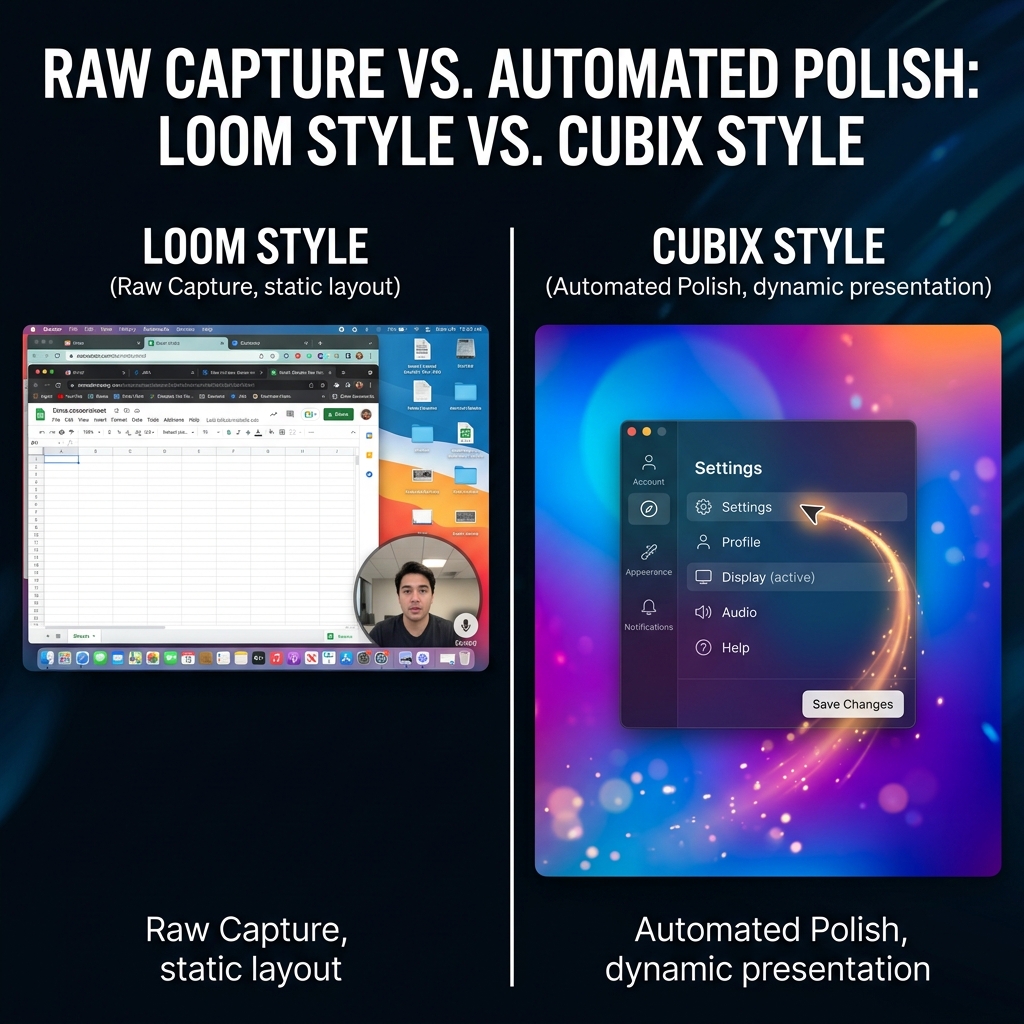
1) Cubix Capture — best for high-retention tutorials and demos
Why creators pick it: Cubix Capture targets the exact failure modes Loom-friendly workflows ignore on public channels—mobile readability, cursor credibility, and clean staging.
What you get: capture-time auto-zoom, smooth cursor motion, live backgrounds.
Best for: developer advocates, educators, SaaS marketing demos, anyone publishing weekly.
Pair with: Best Free Screen Recorders with Auto-Zoom in 2026.
2) Screen Studio — best premium Mac aesthetic
Screen Studio helped define capture-time polish for macOS-centric creators.
Tradeoffs: paid positioning + Mac-only—see Why Screen Studio Only Works on Mac.
Best for: Mac-first creators with budget for premium tooling.
Cross-roundup: Best Screen Studio Alternatives in 2026 — Full List.
3) OBS Studio — best broadcast engine (not a tutorial finisher)
OBS is elite when your output is live compositing: cameras, scenes, audio buses.
For polished on-demand tutorials, OBS frequently pushes labor downstream—see OBS vs Cubix Capture.
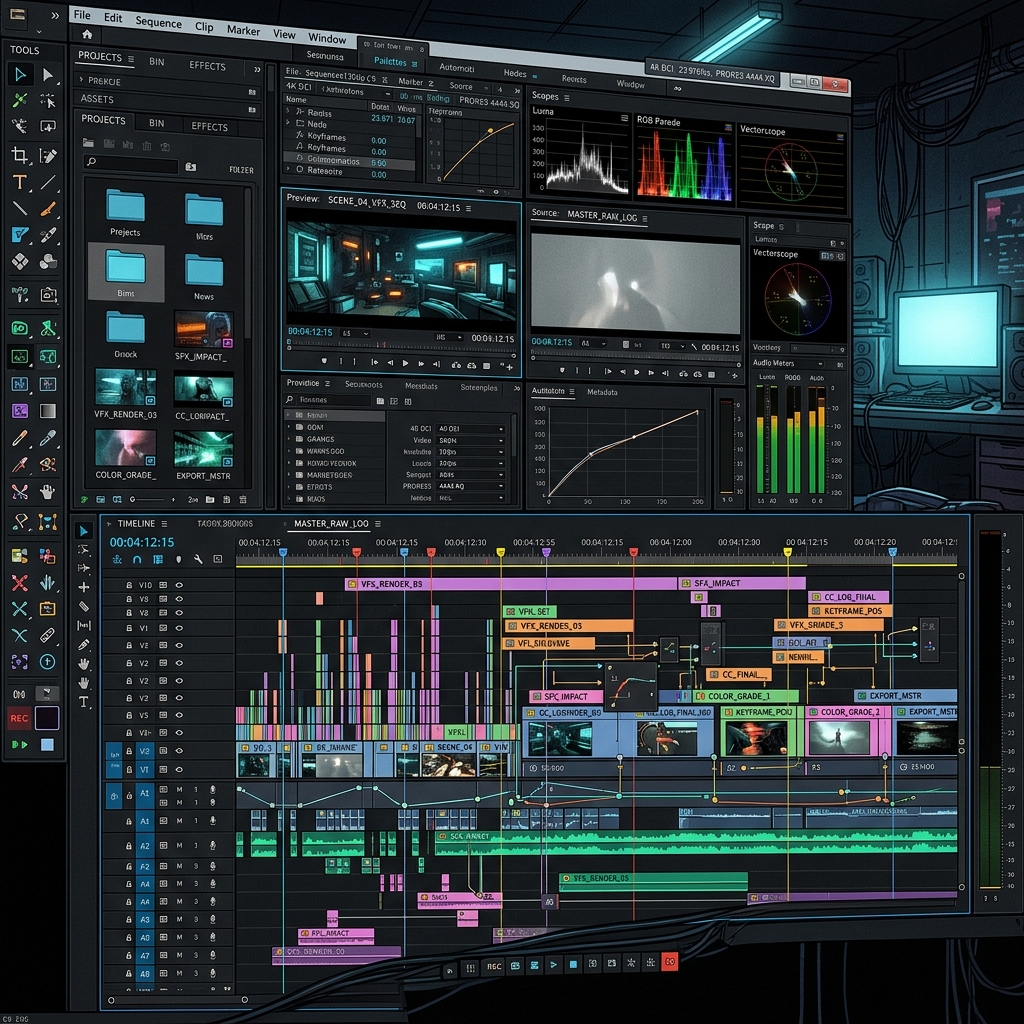
4) Camtasia — best traditional course factory
Camtasia shines when training teams need manual annotations, persistent templates, and institutional workflows—often paired with dedicated instructional design time.
Tradeoff: throughput cost per video can be high.
Enjoying this read?
Get weekly insights on video editing, AI workflows, and creator growth straight to your inbox.
5) FocuSee — best “record + refine” interactive lane
FocuSee fits when you want auto-zoom plus explicit post control (captions, structured edits, interactive layers depending on hosting constraints).
Compare lanes: Cubix Capture vs FocuSee.
6) Descript — best transcript-first storytelling
Descript is transformative when the edit is fundamentally speech-driven—cutting interviews, tightening narration, podcast-to-video.
Caveat: UI-heavy software demos still benefit from dedicated presentation capture tools.
7) Snagit — best documentation-first workflows
When the deliverable is steps, arrows, and clarity over retention-editing, Snagit remains a standard.
Caveat: not a replacement for cinematic tutorial motion—different category win.
FAQ
Should teams standardize on one recorder?
Often no. Many teams should keep Loom for internal speed and add Cubix Capture for customer-facing assets.
What is the simplest upgrade path from Loom for YouTube?
Usually capture-time zoom + staging, not “more bitrate.” Start with Cubix Capture and measure watch-through.
Where does Screen Studio fit if I’m on Windows?
You’ll be comparing alternatives, not Screen Studio directly—start at Cubix Capture vs Screen Studio.
Bottom line
Loom is not “bad”—it is optimized for a different scoreboard.
If your scoreboard is audience retention + comprehension, build with Cubix Capture.
Related reading
Don’t miss the next one.
Join our newsletter for exclusive tips, product updates, and the latest from the Cubix team.