
In a modern, distributed remote team, hardware diversity is inevitable. Your software developers might be running high-performance Windows 11 desktop rigs, your product managers are running on ultra-portable MacBooks, and your marketing team switches between both environments.
For a long time, this cross-platform mix worked flawlessly until you tried to standardize your video output.
You’ve likely seen the viral, hyper-polished software demos taking over social media and product launches. The cursor glides across the screen like cinematic silk, the camera dynamically zooms into dropdown menus, and the app window floats beautifully over a gorgeous gradient canvas with soft shadows. Nine times out of ten, these videos are built using Screen Studio.
Naturally, you want your entire team using this exact same high-retention style for your product walkthroughs, onboarding documents, and marketing clips. But when your team tries to implement it, you hit a massive wall: Screen Studio is built exclusively for macOS, and there is no native Windows version.
If half your team is locked out of the tool, standardizing your product demos becomes an operational nightmare. Windows users are left recording flat, giant, unmoving full-screens where text looks microscopic, forcing them to spend hours manually drawing keyframes inside complex video editors just to match the Mac team’s output.
So, what is the true, cross-platform Screen Studio equivalent that keeps your whole team in sync? Let's break down the absolute best solutions for mixed-OS teams.
The Unified Team Standard: Cubix Capture
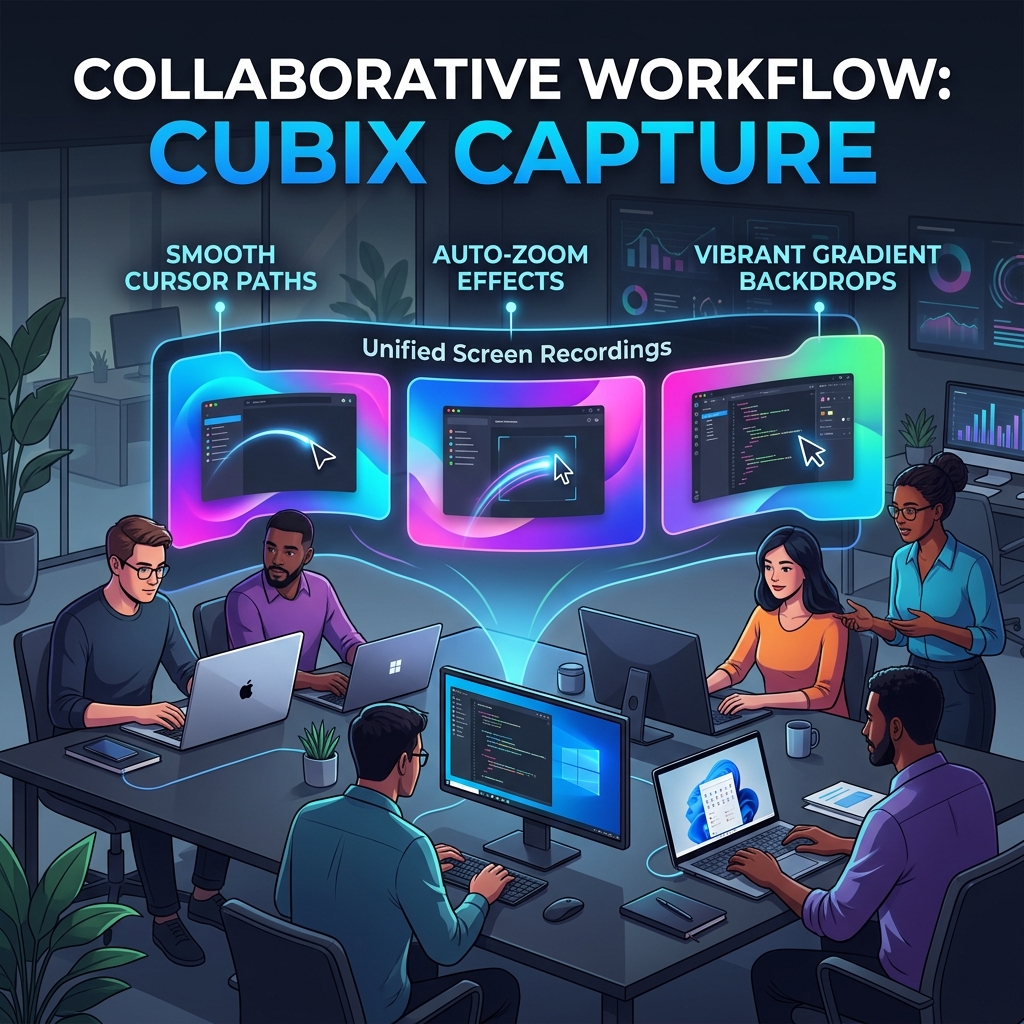
For teams whose core priorities are operational speed, premium brand design consistency, and a completely zero-edit production pipeline across both operating systems, Cubix Capture stands out as the premier functional equivalent to Screen Studio.
The reason it works as a team standard is simple: Cubix Capture behaves the same on macOS and Windows, so a demo recorded by someone on a MacBook is indistinguishable from one recorded by a colleague on a Windows desktop. There is no "Mac version does more" gap to manage.
What each teammate gets, on either OS, is the same short loop:
- Point it at the app, not the desktop. It crops out the taskbar, clutter, and private notifications and stages your window on a clean gradient background, so nobody has to tidy their screen before recording.
- Just talk and click. Every click or keystroke triggers a smooth zoom into that spot, keeping small UI legible on a phone without anyone drawing a single zoom keyframe.
- Hand-shake gets ironed out. Jittery cursor movement is smoothed into a steady glide automatically.
- Stop, and it is done. The finished file, webcam bubble and all, is ready immediately, so a colleague reviewing it never waits on an edit pass.
Because that loop is identical everywhere, onboarding a new hire is the same five-minute demo whether they are on Mac or PC.
The Cross-Platform Privacy Tool: Cap
For teams that prioritize open-source software architectures and minimalist design footprints, Cap has quickly grown into an excellent cross-platform competitor for both Windows and Mac environments.
- How it Works: Built under a clean open-source framework, Cap provides a lightweight desktop environment that works consistently across both operating systems.
- The Screen Studio Aesthetic: It allows your team to easily add canvas padding, pick background brand colors, and apply smooth click-based camera zoom scales post-capture.
- The Team Catch: The free tier imposes a localized 5-minute limit per recording clip. If your engineering team needs to capture long-form coding tutorials or extensive internal technical walkthroughs, you will need to invest in their upgraded commercial team packages.
The Interactive Alternative: FocuSee
FocuSee is another cross-platform utility explicitly engineered to bridge the gap between Windows laptops and macOS desktops.
- How it Works: Like Screen Studio, it tracks mouse interactions and automatically generates post-capture camera pans and zoom cuts over active UI components.
- The Screen Studio Aesthetic: It handles automatic window styling, interactive zoom sequences, and clean cursor highlights across both operating systems.
- The Team Catch: FocuSee leans heavily into its internal cloud timeline ecosystem rather than immediate local file outputs. Additionally, the free tier applies a brand watermark to video exports, meaning your business will need to budget for paid licenses for every team member to keep branding clean.
Enjoying this read?
Get weekly insights on video editing, AI workflows, and creator growth straight to your inbox.
Mixed-OS Team Recording Capability Matrix
| Feature Set | Cubix Capture | Cap | FocuSee |
|---|---|---|---|
| OS Compatibility | Windows & macOS Natively | Windows & macOS Natively | Windows & macOS Natively |
| Auto-Zoom Engine | Live Algorithmic Tracking | Click-Triggered Zooms | Post-Capture Click Cuts |
| Cursor Path Smoothing | Yes (AI Vector Stabilization) | Basic Tracking | Yes (Basic) |
| Staging Canvas Aesthetics | High-End Custom Gradients | Standard Solid Fills | Multi-Preset Templates |
| Production Workflow | Instant (Zero Post-Edit) | Fast Local Review | Cloud Sync Processing |
The Bottom Line for Cross-Platform Teams
The real cost of a Mac-only tool is not the licence; it is the inconsistency. When your Mac users ship polished, zoomed, gradient-staged demos and your Windows users ship flat full-screen captures, your product's videos stop looking like they came from one company. Standardising on a tool that behaves identically on both operating systems is what stops that split from happening.
That is the entire case for Cubix Capture here: one tool, one output style, the same auto-zoom and cursor smoothing whether a teammate is on a MacBook or a Windows desktop, so nobody is stuck keyframing by hand to match everyone else. Cap and FocuSee are viable cross-platform picks too; the point is to choose one and give the whole team the same starting line.
Keep Reading
- I Switched From Mac to Windows: What Replaces Screen Studio? for the solo-switcher version of this question.
- Screen Studio for Windows: Why It Doesn't Exist and What to Use Instead for the underlying platform reason.
- Screen Studio Linux: Is There a Version? if part of your team is on Linux too.
- Screen Studio Windows Alternative: Free Options in 2026 for budget-conscious teams.
Don’t miss the next one.
Join our newsletter for exclusive tips, product updates, and the latest from the Cubix team.