
Ask a Mac user which capture app to buy and you will be handed both of these names, usually in the same sentence. They do overlap, and comparing them purely on features misses what actually decides it.
The clearer split is frequency. CleanShot X is a tool you reach for dozens of times a week for ten seconds at a time: grab this, mark it up, send it. Screen Studio is a tool you open when you have something to present and twenty minutes to spend on it.
That difference explains almost every design decision in both, including the ones that look like missing features.
CleanShot X
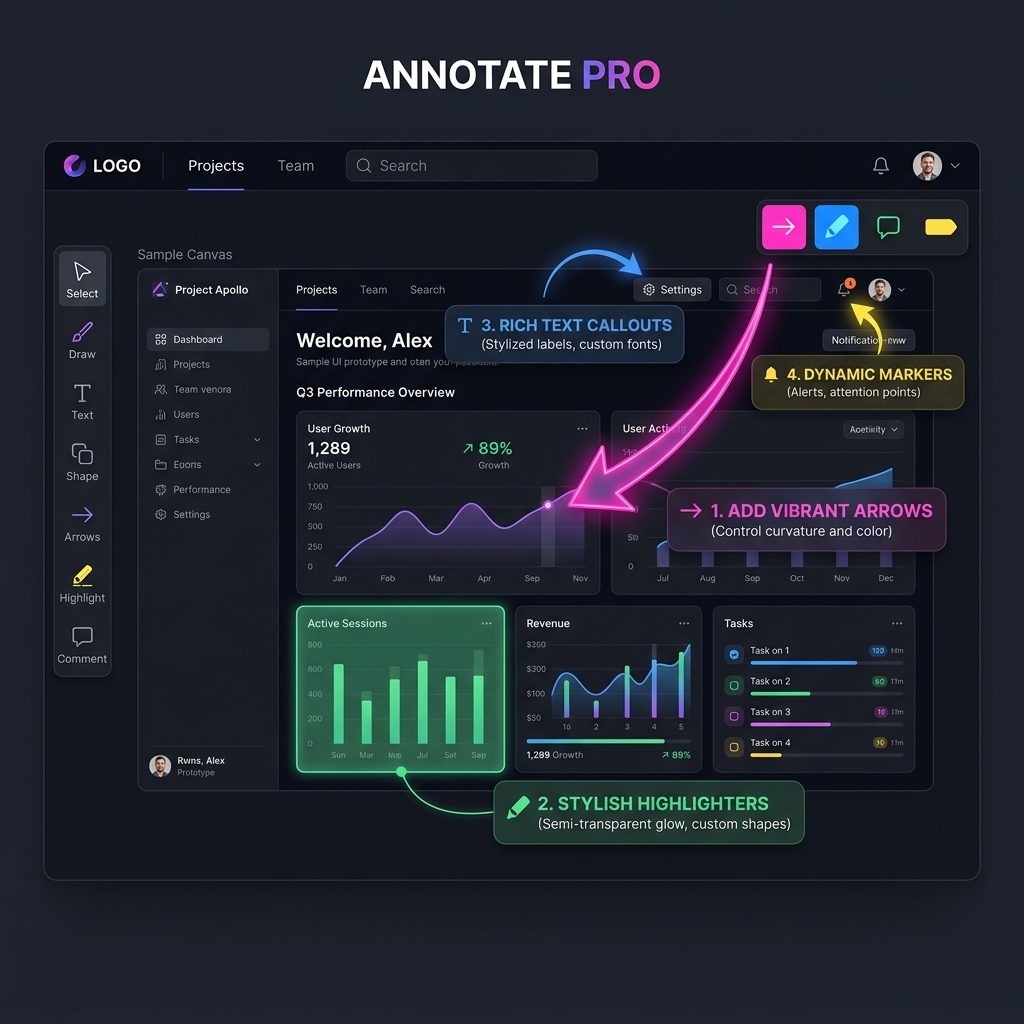
What it is. A capture utility that replaces the macOS screenshot shortcuts and then keeps going. Scrolling capture stitches a long page into one image. OCR pulls text straight out of a screenshot. The annotation layer opens immediately after every capture, so arrows, highlights, blur and text are one keystroke away rather than a round trip through another app. It hides your desktop icons and notifications while you capture, which sounds trivial until you have shipped a screenshot with someone's message preview in the corner.
Its cloud side turns any capture into a link with password protection, expiry and an optional custom domain.
Where it stops. It records video, and the video is a plain recording. No camera moves, no cursor smoothing, no framing. For a bug report that is correct and desirable. For a demo on your homepage it looks like exactly what it is, a screen recording.
Screen Studio
What it is. A recorder that handles the direction for you. Clicks trigger camera moves with easing borrowed from how a person operates a camera, the pointer is re-drawn on a smoothed path, and the captured window sits framed on a backdrop. One pass, and the polish is already there when you hit stop.
Where it stops. It is not a daily driver. There is no scrolling capture, no OCR, no instant annotation layer, and reaching for it to send a colleague a quick screenshot is absurd. It requires macOS 13.1 or later and exists on no other platform.
Where They Actually Overlap
The overlap is narrower than the marketing suggests, and it is worth being precise, because this is the part that decides whether you can skip one.
Both record the screen. Both can produce a shareable link. Both handle a webcam overlay in some form.
What CleanShot X does not do is make a recording look designed. What Screen Studio does not do is get a still image out of your head and into Slack in four seconds with an arrow on it. There is no configuration of either that turns it into the other.
If your work is genuinely one of those two things, you need one app. If it is both, keep reading past the tables.
Head to Head
| CleanShot X | Screen Studio | |
|---|---|---|
| Bought for | Everyday capture and markup | Presentable demo video |
| Scrolling screenshots | Yes | No |
| OCR from a capture | Yes | No |
| Instant annotation after capture | Yes | No |
| Automatic zoom and cursor smoothing | No | Yes, best in class |
| Background framing and padding | No | Yes |
| Hide desktop icons while capturing | Yes | Not applicable |
| Shareable links | Yes, via CleanShot Cloud | Yes |
| Platforms | macOS only | macOS only |
Enjoying this read?
Get weekly insights on video editing, AI workflows, and creator growth straight to your inbox.
Pricing, as of Writing
| Price | |
|---|---|
| CleanShot X | $29 once for one Mac, including a year of updates. Updates after that are optional at about $19 a year, and the app keeps working either way |
| CleanShot Cloud Pro | About $8 a month, or $80 a year, for unlimited uploads, link controls and a custom domain |
| Screen Studio | $108 a year on annual billing, or $20 if you pay monthly. Exports are not free at any tier |
| Both | Roughly $137 in year one, then $108 a year afterwards |
The retired one-time Screen Studio licence comes up in every version of this comparison, because the gap between these two prices used to look completely different. That history, and whether the subscription is worth it is covered separately.
Prices here move. Verify on each vendor's own site before buying.
Choosing By What Your Week Looks Like
| What you do most | Pick |
|---|---|
| Report bugs and annotate UI all day | CleanShot X |
| Capture long pages or documentation screenshots | CleanShot X |
| Ship product demo videos to a marketing site | Screen Studio |
| Send quick recordings to colleagues | CleanShot X, the polish is not the point |
| Record a walkthrough where the UI must be readable | Screen Studio |
| Need one tool for both, on a budget | See below |
| Work on a team with Windows users | Neither, see below |
Do You Need Both?
A lot of people buy both, and for a Mac-only designer shipping marketing video regularly, that is a defensible $137.
It is worth being honest about when it is not. If you make a polished demo four times a year, Screen Studio's annual subscription is expensive per video and CleanShot X's own recording is probably adequate for everything else you send. The subscription runs whether you open it that month or not, which is the calculation that changed when the one-time licence went away.
Going the other direction is harder. Nothing in Screen Studio substitutes for a fast capture and markup tool, and the macOS built-in shortcuts are a real step down from CleanShot X once you are used to it. If you only buy one, buy the one that matches what you do daily rather than what you do occasionally.
The Thing Neither Solves
Both are single-platform apps, so the moment a colleague on Windows needs to produce the same assets, the workflow does not travel. That is not a criticism of either, it is a scope decision, but it decides this comparison for a lot of teams.
There is a second gap. Recording a real product means customer names, invoice totals and API keys on screen. CleanShot X blurs them in a still image well; neither tool blurs them live in a recording, so a video needs frame-by-frame masking in an editor afterwards.
Cubix Capture answers both. Click-driven zoom, smoothed pointer motion and framed backgrounds in the same house style, plus still capture, plus the ability to obscure private regions of the screen while recording so they never reach the exported file. It exists on Windows as well as macOS. A free Starter tier, $14.99 monthly for Pro, or a one-off $49 Lifetime licence, which comes in under twelve months of Screen Studio by itself.
If you are Mac-only and your work really is those two separate jobs, buying both of these is a reasonable answer and this page is not trying to talk you out of it.
Keep Reading
- Everything macOS already does for free, before you pay for anything.
- Built-in recording against paid apps on the video side of that question.
- Still or moving: deciding which one a given task actually needs.
- The shortcut everyone forgets versus a dedicated capture tool.
- The platform limit explained, if a mixed team is what decides this.
Don’t miss the next one.
Join our newsletter for exclusive tips, product updates, and the latest from the Cubix team.