
Executive summary: three invoices vendors rarely add together
When people compare Screen Studio to free alternatives, they usually compare only subscription price.
The real cost model has three hidden lines:
- Hardware fit (Mac-only vs your fleet)
- Labor fit (minutes in Premiere/Resolve vs minutes to publish)
- Refresh fit (how often your UI changes—demos age fast)
This article is an educational framework—not a dunk on Screen Studio. Screen Studio can be the right purchase when your constraints match its design.
Canonical reads: Cubix Capture vs Screen Studio · Free Screen Studio Alternative for Windows.
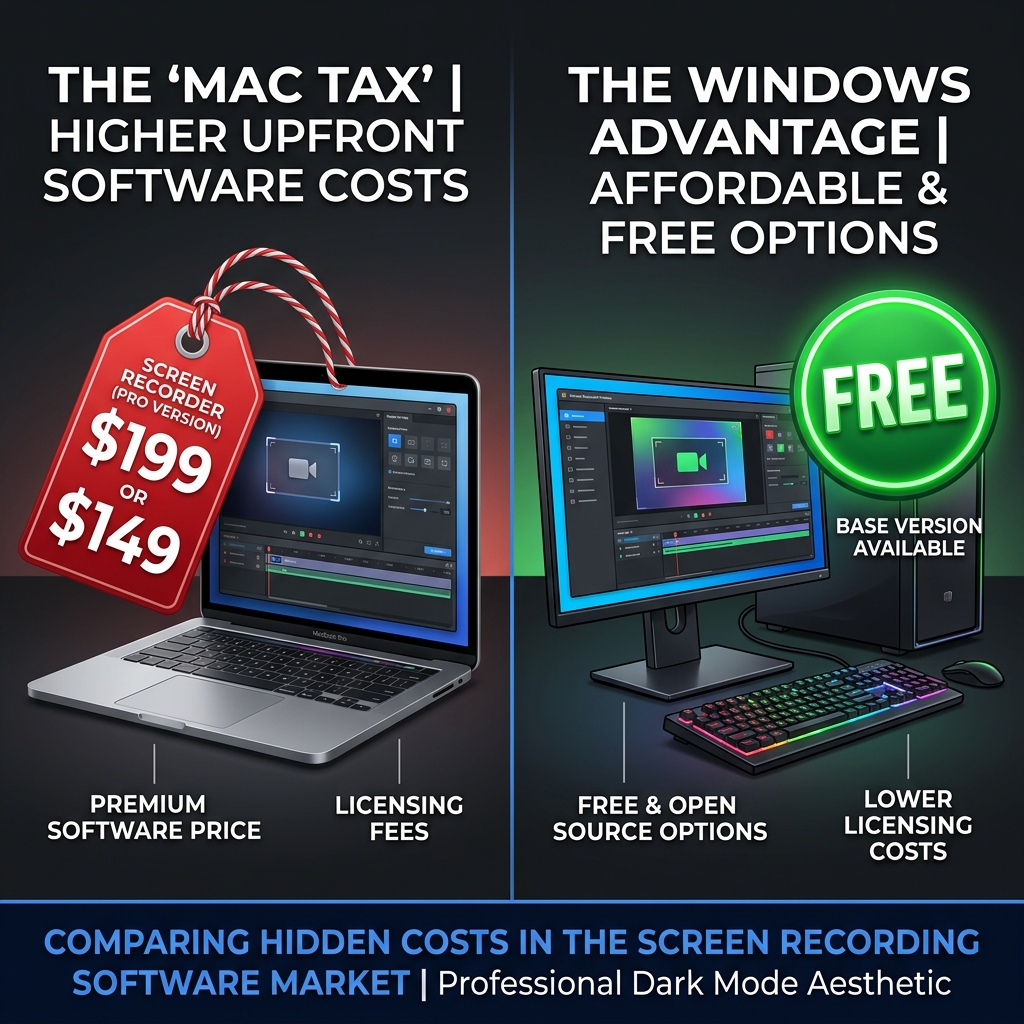
What “Screen Studio cost” really includes
A) Sticker + licensing reality
Premium tools can be totally rational—if the purchase maps to volume, revenue, or brand standards.
Always evaluate per-video economics, not vibes.
B) The hardware constraint cost (when it applies)
Screen Studio is Mac-first. For mixed fleets—or PC-heavy teams—the “cost” can include:
- buying compatible hardware
- standardizing capture pipelines across OS ecosystems
- friction when collaborators can’t run the same stack
Context: Why Screen Studio Only Works on Mac (And What Windows Users Should Do).
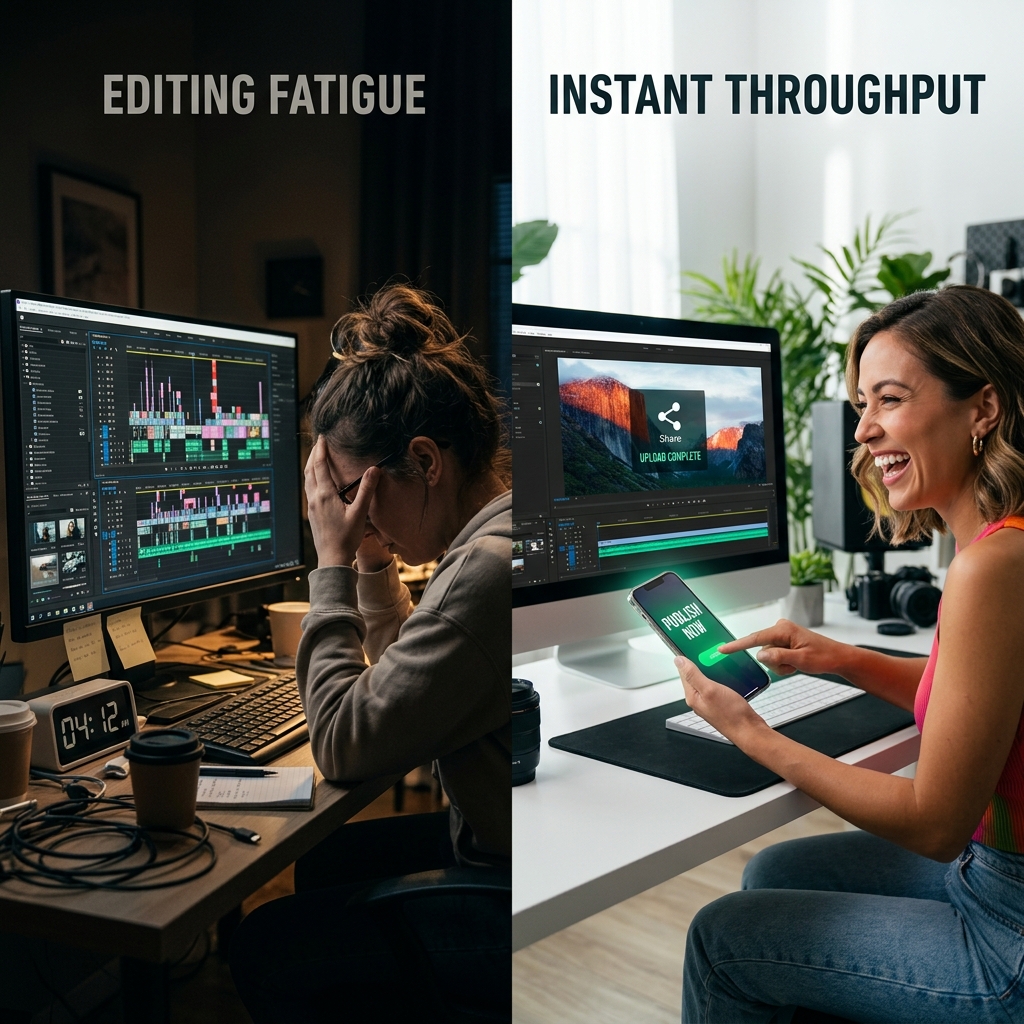
C) The “free tool” time invoice (often the biggest)
The classic stack:
OBS (free) → DaVinci Resolve (free) → your evening (not free)
You pay with:
- keyframes
- reframes
- masking / backgrounds
- re-renders on every UI tweak
That’s why “free” is often expensive—it bills calendar.
Deep dive: OBS vs Cubix Capture: Why Most People Should Switch · The Problem With OBS for Product Demos.
Comparison table: how teams should model the decision
| Cost bucket | Screen Studio (typical fit) | OBS + NLE “free” stack | Cubix Capture (typical fit) |
|---|---|---|---|
| Up-front cash | Premium software purchase | Often $0 software | Positioned for broad access |
| Hardware lock-in | Mac ecosystem | Cross-platform | Cross-platform capture |
| Time-to-publish | Low vs manual edit | Often high | Optimized for capture-first finish |
| Refresh pain on UI changes | Depends on workflow | Often high (re-edit) | Often lower (re-record fast) |
Enjoying this read?
Get weekly insights on video editing, AI workflows, and creator growth straight to your inbox.
When paying for Screen Studio is rational
- You’re Mac-standardized end-to-end
- You publish polished tutorials at volume inside that ecosystem
- Procurement aligns with premium tooling
When a free alternative stack becomes rational
- You’re Windows-first or mixed-platform
- You must publish frequently without hiring editors
- You measure total cost as software + labor
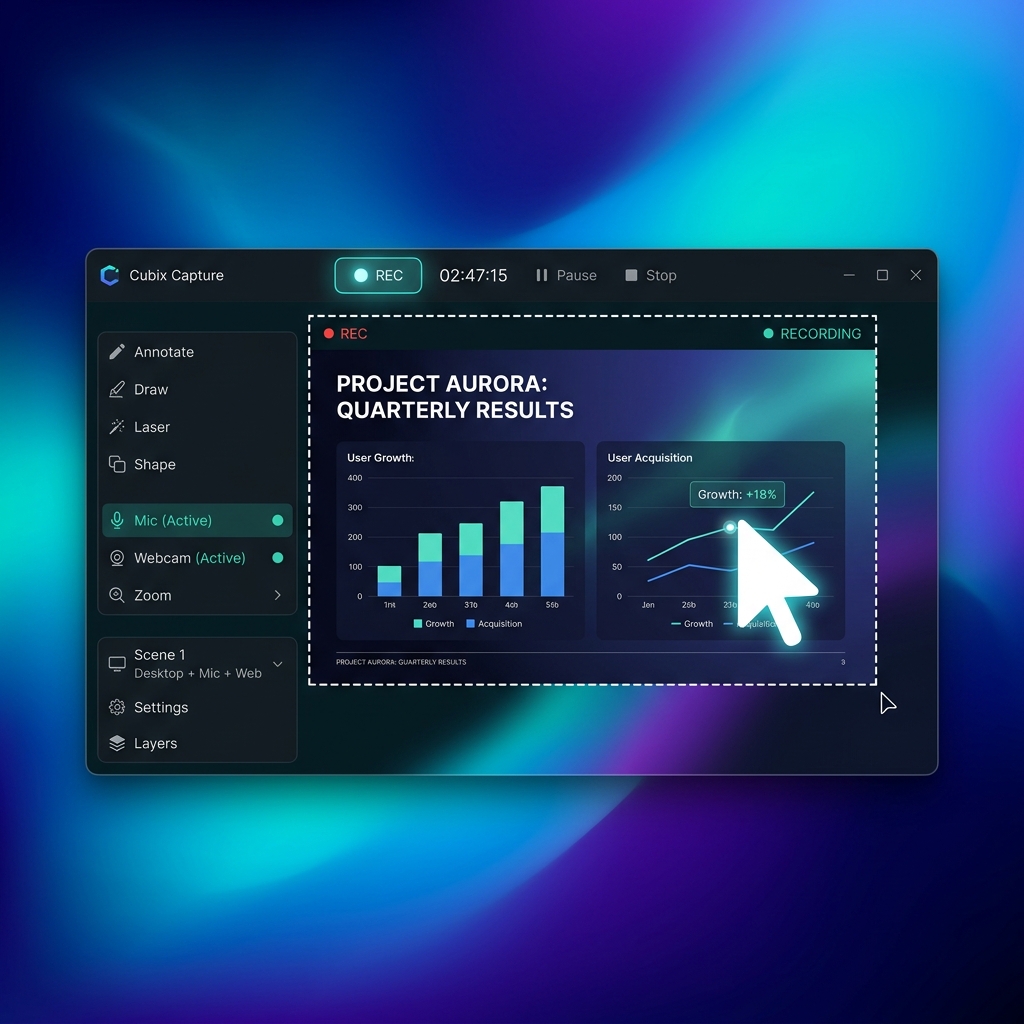
Cubix Capture targets the second world: Screen Studio–class presentation outcomes without forcing Mac fleet economics—or Resolve nights.
FAQ
Is Cubix Capture “the same” as Screen Studio?
Same genre: guided tutorials with capture-time motion design. For an ecosystem map, see Best Screen Studio Alternatives in 2026 — Full List.
What if I need heavy post-production?
You may pair tools—editor-first workflows exist for a reason. Compare lanes: Cubix Capture vs FocuSee.
Where should I start on pricing psychology?
Read Best Free Screen Recorders with Auto-Zoom in 2026.
Bottom line
Price isn’t the input. Throughput is.
If your demos must ship weekly across Windows-heavy reality, start here: Cubix Capture.
Related reading
- Free Screen Studio Alternative for Windows — Does One Exist?
- Why Loom Recordings Look Cheap (And What to Use Instead)
Don’t miss the next one.
Join our newsletter for exclusive tips, product updates, and the latest from the Cubix team.