
Short answer
Yes—if you define “Screen Studio alternative” correctly.
A real alternative is not “any screen recorder.” It is software that produces Screen Studio–like outcomes on Windows:
- Readable UI on phones (guided zoom to clicks and typing)
- Calm cursor motion (not raw hand jitter)
- Intentional staging (backgrounds that look designed, not accidental)
That recipe is why Screen Studio blew up: it moved polish into capture, not post.
If you want the head-to-head positioning against Screen Studio itself, read Cubix Capture vs Screen Studio: Free Alternative for Windows.
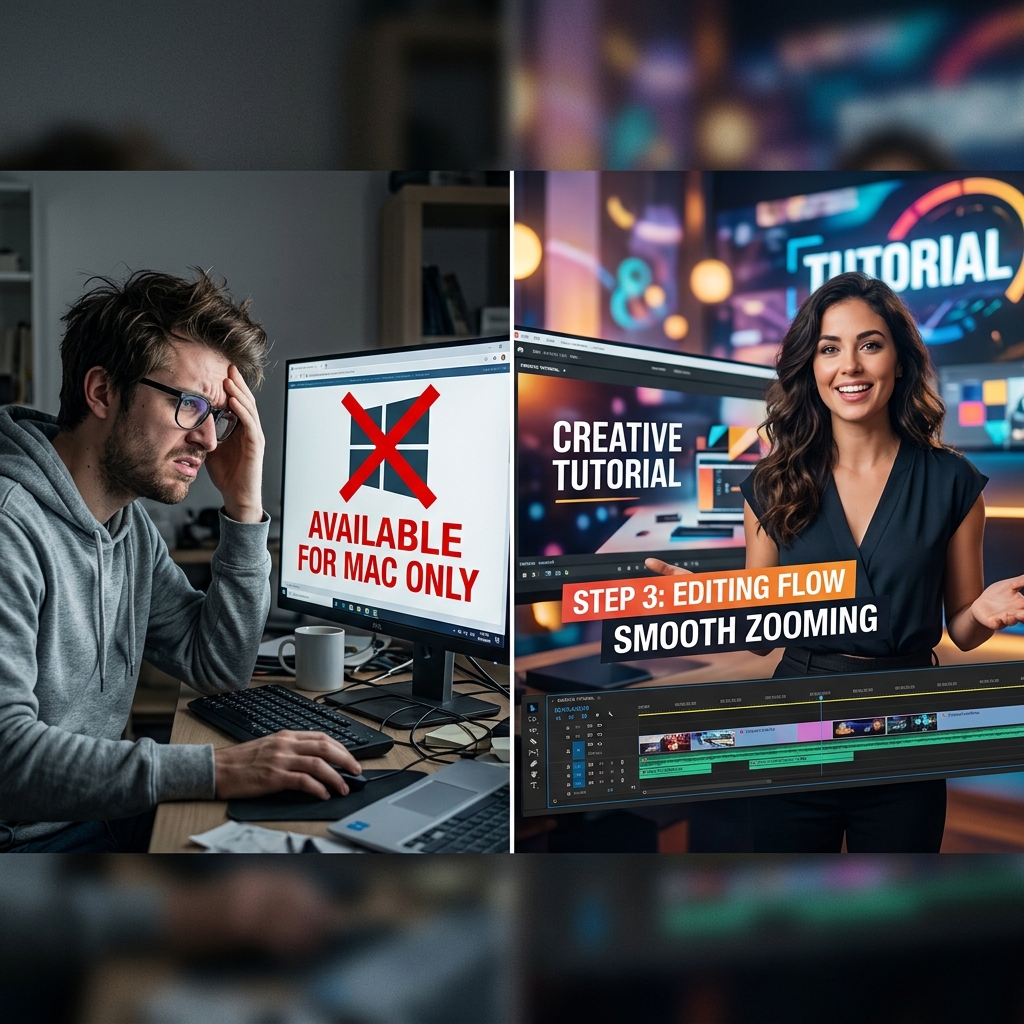
Why “OBS is free” is the wrong mental model
OBS Studio is free in dollars and expensive in hours.
The hidden invoice looks like this:
- Record a wide desktop at full resolution.
- Discover mobile viewers cannot read your UI.
- Import into Premiere / Resolve / Final Cut.
- Keyframe zooms, crop, maybe mask backgrounds.
- Re-render, re-watch, fix pacing.
That is not “free”—it is deferred cost paid to your calendar.
For a focused critique of OBS for product demos specifically, see The Problem With OBS for Product Demos. For a broader switch narrative, see OBS vs Cubix Capture: Why Most People Should Switch.
The three-ingredient recipe (what you should demand from a Windows tool)
1) Intelligent zoom is not a novelty—it is accessibility
Most tutorial viewers are not sitting at a 27-inch monitor. If your capture never reframes, your content is effectively inaccessible on small screens.
This is the core idea behind modern auto-zoom education: treat zoom as comprehension infrastructure, not spice.
Deep dive: What Is Auto-Zoom Screen Recording? (Complete Guide).
2) Smooth cursor paths reduce cognitive load
Viewers do not consciously think “cursor,” but they feel it. Chaotic motion reads as unstable software—even when your product is great.
3) Staging is brand hygiene
Messy desktops leak context you did not intend to share: filenames, tabs, notifications. Professionals stage the frame.
What people get wrong when shopping for “Screen Studio for PC”
-
Wrong: Choosing the recorder with the highest resolution.
-
Right: Choosing the recorder that preserves intent per pixel on the viewer’s device.
-
Wrong: Assuming “I will fix it in post” scales with weekly publishing.
-
Right: Choosing capture-time automation if your throughput matters.
For Mac-specific constraints that drive Windows demand, read Why Screen Studio Only Works on Mac (And What Windows Users Should Do).
Enjoying this read?
Get weekly insights on video editing, AI workflows, and creator growth straight to your inbox.
Cubix Capture: a Windows-native answer that matches the recipe
Cubix Capture is built for creators who want Screen Studio–class output without purchasing a Mac—or an editor’s salary.
What that means in practice:
- Auto-zoom that tracks interaction so viewers land where you explain.
- Smooth cursor presentation so motion reads as deliberate.
- Live backgrounds so your tutorials look consistently branded.
Install path for PC-first workflows: Download Cubix Capture for Windows.
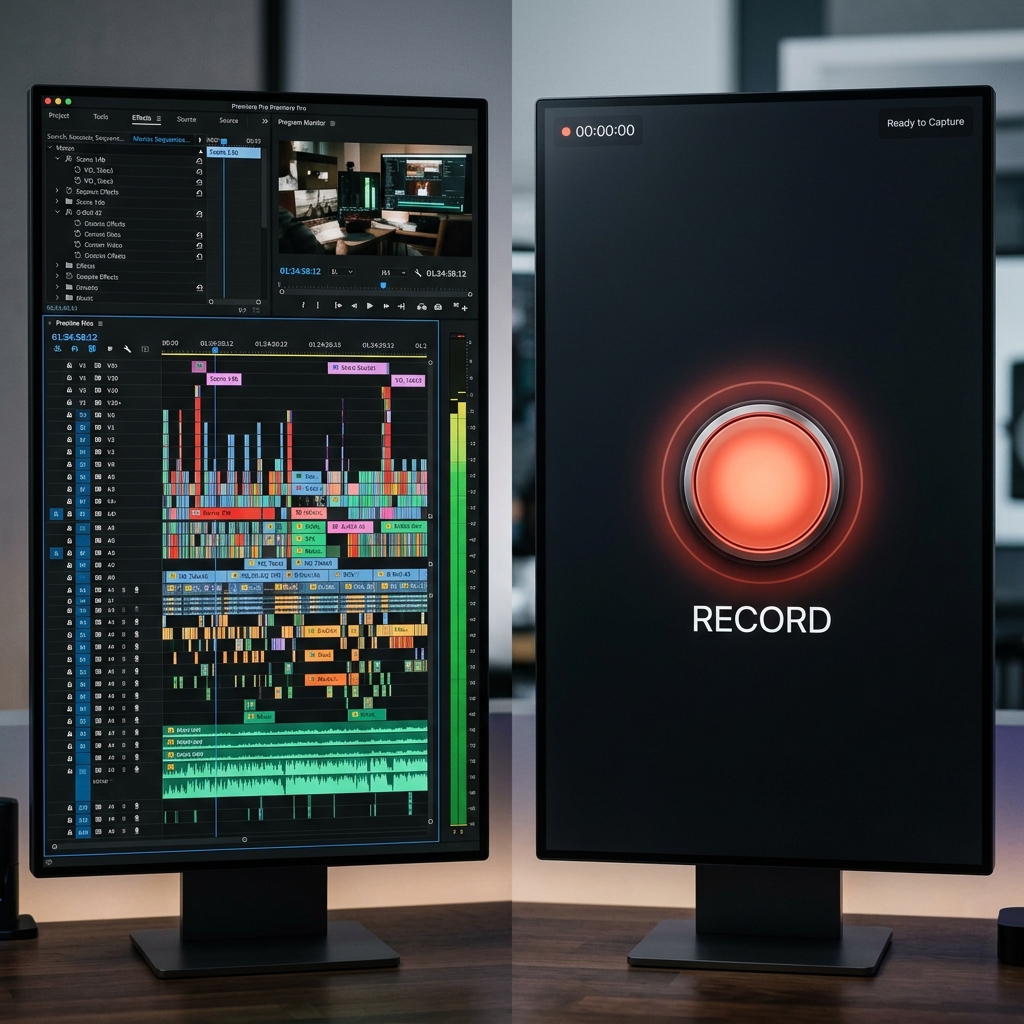
Educational interlude: how to evaluate alternatives like an editor
When you compare tools, score them on time-to-publish, not feature count:
| Question | Why it matters |
|---|---|
| After recording, how many minutes until a shareable file? | Measures real throughput |
| Does zoom require timeline work? | Separates capture-time tools from NLE workflows |
| Does the cursor need cleanup? | Predicts hidden labor |
| Is staging automatic? | Determines brand consistency |
If you want a broader competitive map, bookmark Best Screen Studio Alternatives in 2026 — Full List.
FAQ
Is Cubix Capture actually free?
Cubix Capture is built so creators can access presentation-grade capture without funding an editing pipeline out of pocket—especially important on Windows where historically “polish” lived behind Mac-only tools or paid suites.
Will a browser extension replace Screen Studio?
Often no—if you need desktop apps, IDEs, settings panels, or installers. Browser-only tools can be great for narrow workflows; they are not a universal Screen Studio replacement.
What about Descript / Camtasia / traditional editors?
They can be excellent—if your content strategy includes editing time. If your strategy requires weekly shipping with minimal post, prioritize capture-time polish: How to Add Auto-Zoom to Screen Recordings (No Editing).
Bottom line
You do not need permission from an ecosystem to publish tutorials that look modern. You need a Windows workflow that bakes legibility and staging into capture.
Start here: Cubix Capture.
Related reading
Don’t miss the next one.
Join our newsletter for exclusive tips, product updates, and the latest from the Cubix team.