
"Best screen recorder for Chromebook" doesn't have one answer — it has the right answer for what you're doing. The tool that's perfect for firing a 20-second clip to a coworker is the wrong tool for a course lesson, and vice versa. So instead of a ranked list that ignores your situation, here's each strong option, what it's genuinely best at, and where it falls down — so you can match the tool to the job.
At a Glance
| Tool | Best for | Watch out for |
|---|---|---|
| ChromeOS Screen Capture | Quick, private, free clips | No webcam, no sharing, raw footage |
| Loom | Instant shareable links | 5-min free cap, lives on the cloud |
| Screenity | Free annotation & long recordings | Manual setup, no auto-polish |
| Cubix Capture | Tutorials & client-ready video | It's a step up from "just capture" |
Best Free & Private: ChromeOS Screen Capture
Built into every Chromebook, no install, no watermark, no time limit — and your file never leaves the device. It's the right default for a fast, low-stakes clip. The full step-by-step lives in the complete Chromebook recording guide, and if you specifically need narration, recording with audio covers the toggles. Its limits: no webcam bubble, and you'll share the file manually.
Best for Instant Sharing: Loom
Loom's whole point is the link. One click records screen, webcam, and voice; the second you stop, a shareable URL is on your clipboard — ideal for async updates to a team. The catch is the free tier's ~5-minute cap and the fact your video sits on Loom's servers, which some schools and companies block.
Enjoying this read?
Get weekly insights on video editing, AI workflows, and creator growth straight to your inbox.
Best Free Annotation: Screenity
Open-source and genuinely capable, Screenity lets you draw on the screen mid-recording and doesn't cap your length — great for teachers marking up student work or designers giving feedback. You trade some convenience for it: more manual setup, and nothing polishes the footage for you.
Best for Tutorials People Actually Follow: Cubix Capture
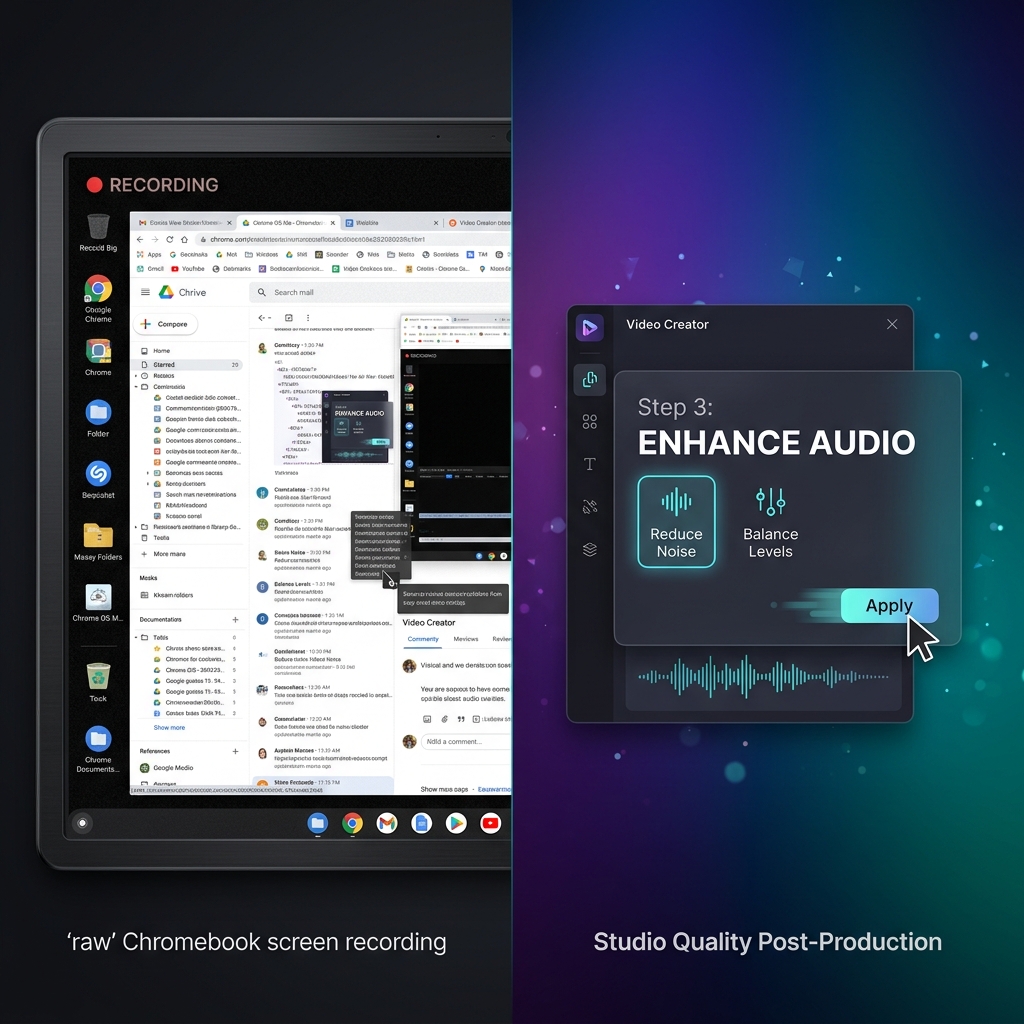
Every option above captures your screen exactly as it is — full size. That's the shared blind spot: watched back on a phone, a full Chromebook screen shrinks until the text is unreadable, and trackpad movement looks jittery. For a quick clip that's fine; for a lesson or a client demo it quietly fails.
Cubix Capture is the pick when the video has to teach. It records and polishes at the same time — auto-zooming to whatever you're clicking so it stays legible anywhere, smoothing the cursor into a steady pointer, and keeping the frame clean — with no editing step afterward, which matters because Chromebooks aren't built for heavy post-production.
How to Choose
- Fast and private → ChromeOS Screen Capture
- Needs a shareable link right now → Loom
- Free, with drawing, any length → Screenity
- A tutorial, course, or client video that has to look right → Cubix Capture
Pick by the job in front of you, and "best" stops being a debate.
Don’t miss the next one.
Join our newsletter for exclusive tips, product updates, and the latest from the Cubix team.