
You can build a product that is fast, elegant, and genuinely useful, then make it look confusing in the first thirty seconds of your demo.
That is the expensive mistake.
Not bad positioning. Not weak copy. Not a missing feature.
A bad product demo.
For early-stage founders, product demos and onboarding videos often become an afterthought. The team spends months refining the product, then records a quick walkthrough with a generic screen recorder because the landing page needs a video by Friday.
The recording technically shows the product. But it does not sell the product.
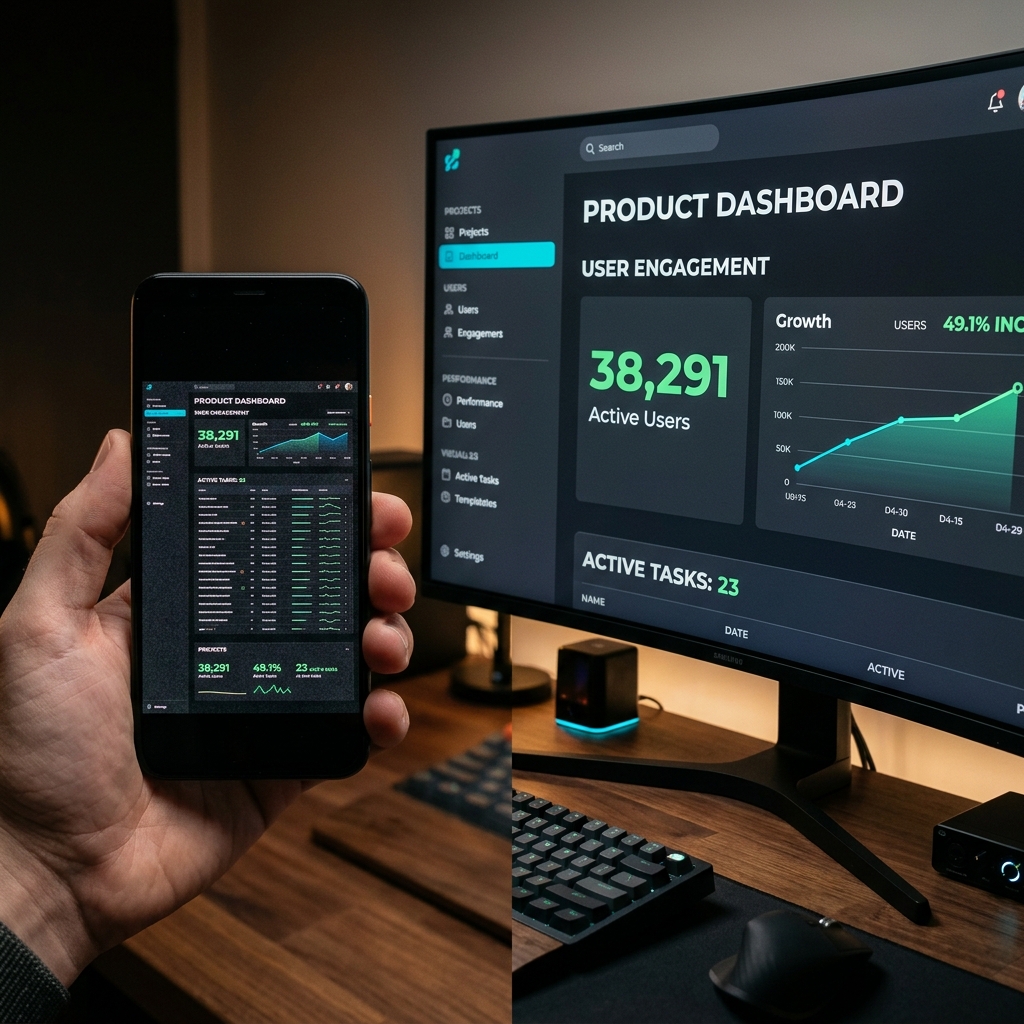
It shows the entire desktop. The UI is tiny. The cursor moves too fast. The demo jumps between screens without visual focus. The browser tabs, bookmarks, and window chrome make the product look less polished than it is.
The founder thinks: "Good enough. At least we have a demo."
The prospect thinks: "This looks complicated."
That gap is expensive.
Your Demo Is Not Documentation. It Is a Sales Asset.
A product demo video is not just a recording of your interface.
It is a conversion asset.
It shapes how a buyer feels about your product before they ever start a trial. It influences whether a user understands the value proposition. It can reduce support burden, improve activation, shorten sales cycles, and help investors understand why the product matters.
That means the demo has to do more than show features.
It has to create belief.
A strong SaaS product demo answers four questions quickly:
- What problem does this solve?
- How fast can I understand it?
- Does this product feel trustworthy?
- Can I imagine myself using it?
Raw screen recordings usually answer those questions poorly, even when the underlying product is excellent.
The Three Ways Raw Product Demos Hurt Conversion
Most founders underestimate how much presentation quality affects perceived product quality.
That does not mean your demo needs expensive animation, studio voiceover, or a production agency. It means the recording has to be clear enough that the viewer can understand the product without working for it.
Raw screen recordings create three conversion problems.
1. They Make the UI Feel Smaller Than the Value
Founders often record on large monitors because that is where they work.
The problem is that prospects do not watch demos in the same environment. They watch on laptops, phones, tablets, Slack previews, LinkedIn feeds, embedded landing page players, and email thumbnails.
If your interface was recorded as a full desktop capture, the important UI becomes tiny in every compressed viewing context.
That matters because buyers do not buy what they cannot understand.
If they cannot read the button, field, modal, chart, or step you are explaining, the product demo becomes background noise. The narration may be good, but the visual proof disappears.
2. They Make the Product Feel Harder Than It Is
You know your product too well.
That is not a criticism. It is the founder's curse.
You move through the app quickly because the navigation is obvious to you. You know where every setting lives. You know which dropdown matters. You know why the chart changed. You know what state the user is supposed to notice.
A new viewer does not.
When the cursor moves quickly across a dense UI, the product feels more complex than it really is. The viewer is not just watching the feature; they are trying to decode your motion.
This is why cursor smoothing and auto zoom are not "nice visual effects." They reduce cognitive load. They make the product feel easier to learn.
3. They Lower Perceived Quality
A raw recording captures everything around the product.
Browser tabs. Bookmarks. Desktop wallpaper. Notification icons. Random extensions. The system clock. Menu bars. Window edges. Other tools.
None of those things matter to the demo, but they all enter the frame.
The viewer may not consciously think, "This founder used a low-quality screen recorder." But they do feel the difference between a focused presentation and a messy capture.
In SaaS, perceived quality becomes trust.
Trust becomes trial starts.
Trial starts become revenue.
The Onboarding Version of the Same Mistake
The mistake does not end on the landing page.
It continues inside the product.
A user signs up. They are motivated. They want the "aha" moment. Then the onboarding video opens and shows a zoomed-out dashboard with a fast cursor and no visual guidance.
The user gets through the video, maybe. But they do not feel confident.
That is dangerous because onboarding is not just education. It is momentum.
A good onboarding video should make the user feel:
- "I know what to do first."
- "This product is simpler than I expected."
- "I can get value quickly."
- "The team behind this product is thoughtful."
A bad onboarding video creates the opposite feeling:
- "There is a lot going on."
- "I missed that step."
- "I should come back later."
- "Maybe this is not for me."
That "come back later" moment is where activation dies.
For a tactical version of onboarding production, read How to Record Onboarding Videos for Your SaaS in 30 Minutes.
Why Founders Keep Shipping Bad Demos
Founders are not shipping weak demo videos because they do not care.
They ship them because the traditional workflow is hostile to their schedule.
The old workflow looks like this:
- Record a full-screen walkthrough.
- Watch it back and realize the UI is too small.
- Open a video editor.
- Add manual zooms around clicks.
- Crop the browser.
- Smooth cursor movement.
- Cut awkward pauses.
- Export.
- Notice a mistake.
- Repeat.
That is not a five-minute marketing task. That is a production workflow.
When the founder is already handling product, sales, hiring, fundraising, support, design, and engineering, the demo gets squeezed. The team either ships the raw recording or delays the video entirely.
Both options cost money.
The Real Cost of a Bad Product Demo
The cost is not just "the video looks bad."
The cost shows up across the funnel.
Lower Landing Page Conversion
A landing page demo should reduce uncertainty. If the demo creates confusion, visitors leave with more doubt than they arrived with.
Weaker Sales Follow-Up
If you send a prospect a product walkthrough and the video is hard to follow, the prospect may not forward it internally. That kills internal champion momentum.
Slower Activation
If onboarding videos do not clearly show the first successful workflow, users need more support and take longer to reach value.
More Support Tickets
Poor visual guidance creates repeated questions: "Where do I click?" "What screen are you on?" "Which setting is that?" "How did you get there?"
Lower Perceived Product Quality
This is the quiet one. The product may be polished, but a messy video makes it feel less premium.
The 5-Minute Fix: Record Like the Viewer Is on a Phone
The fastest way to improve your product demo is to stop recording for your monitor and start recording for the viewer's attention.
That means:
- make the important UI readable
- zoom to the exact area being explained
- smooth the cursor path
- isolate the product from desktop clutter
- keep the camera focused on the current step
- capture clean microphone and system audio
- export a video that is ready to embed or send
You can do this manually in a video editor, but the faster fix is to use a screen recorder built for presentation capture.
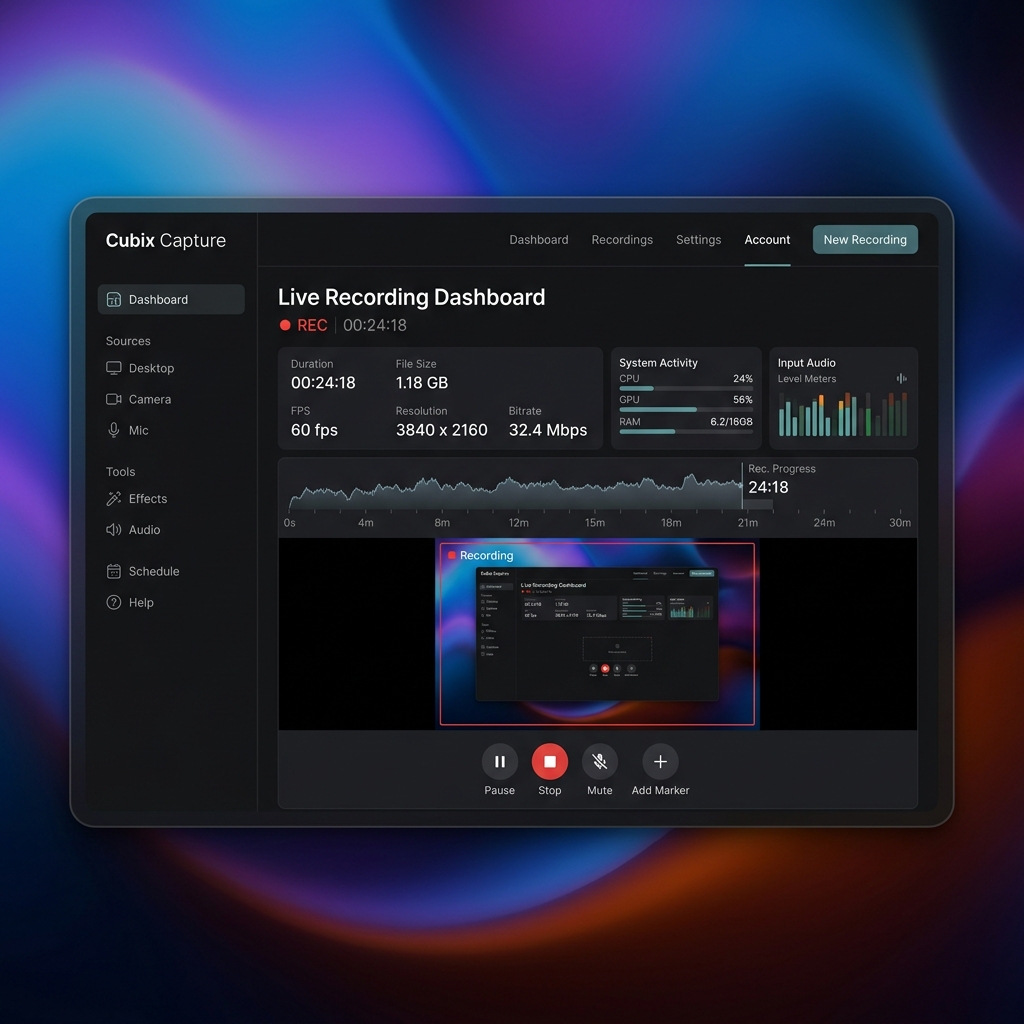
That is where Cubix Capture fits naturally. It is designed for founders and teams who need polished screen recordings without becoming editors.
Enjoying this read?
Get weekly insights on video editing, AI workflows, and creator growth straight to your inbox.
A Better 5-Minute Product Demo Workflow
Here is the workflow we recommend for founders.
Minute 1: Pick One Viewer and One Outcome
Do not record a tour of everything.
Pick one viewer:
- a first-time trial user
- a buyer evaluating the product
- an investor reviewing the workflow
- a new teammate learning a process
- a customer trying to solve one problem
Then pick one outcome:
- create a project
- import data
- invite a teammate
- publish a result
- connect an integration
- understand the dashboard
The tighter the outcome, the better the video.
Minute 2: Clean the Environment
Close irrelevant tabs. Hide notifications. Use sample data. Start from the screen the viewer would actually see.
If your recorder supports app-window framing and backgrounds, use them. The goal is not to decorate the demo. The goal is to remove everything that is not the product.
Minutes 3-4: Record Naturally
Explain the workflow like you are talking to one customer.
Do not over-script every sentence. A demo should feel clear, not robotic. Move through the product at a human pace, but do not worry about perfect cursor motion or manual zooming if your recorder handles that during capture.
This is where a screen recorder with auto zoom changes the workflow. The recorder can follow clicks and keep the viewer oriented while you focus on explaining the value.
Minute 5: Export and Place It Where It Sells
Do not bury the video.
Use it where it reduces friction:
- above the fold on a feature page
- inside an onboarding email
- in a help doc
- in a sales follow-up
- in an in-app checklist
- as a changelog walkthrough
- as a trial activation guide
The point of the video is not to exist. The point is to move someone forward.
What a High-Converting Product Demo Needs
A high-converting product demo usually has five traits.
It Starts With Context
Do not begin with "Here is the dashboard."
Begin with the user's problem.
"If you are trying to understand which trial users are ready for sales outreach, this workflow shows you how to find them in under a minute."
That gives the viewer a reason to care.
It Shows One Workflow, Not Every Feature
Feature tours feel exhaustive. Workflow demos feel useful.
Instead of showing every button, show the path from problem to outcome.
It Keeps the UI Readable
If the viewer has to squint, the demo is failing.
Use auto zoom, tighter framing, or shorter clips to keep the relevant interface readable.
It Uses Motion to Guide Attention
The cursor should not feel like a fly trapped in a window.
Smooth movement and zooms help the viewer understand sequence: first this, then this, then this result.
It Ends With the Next Step
The end of a product demo should tell the viewer what to do next:
- start a trial
- import data
- invite a teammate
- book a call
- complete onboarding step one
- watch the next video
If a demo ends without direction, it wastes some of the trust it just created.
What a Strong Onboarding Video Needs
Onboarding videos are different from sales demos.
A demo creates desire. Onboarding creates momentum.
A good onboarding video should:
- start from the user's current state
- show the first meaningful action
- avoid advanced edge cases
- keep the recording short
- make each click obvious
- reinforce the success moment
- point to the next step
The most common onboarding video mistake is trying to teach the entire product at once. That overwhelms new users.
Record short videos around activation milestones instead:
- "Create your first workspace"
- "Connect your first integration"
- "Invite your team"
- "Publish your first report"
- "Record your first demo"
Each video should make the next action feel easy.
Founder Checklist Before Publishing a Demo
Before you publish a product demo or onboarding video, watch it once on your phone and ask:
- Can I read the UI without zooming manually?
- Do I always know where the cursor is?
- Does the video show one clear outcome?
- Is the desktop clean and distraction-free?
- Does the product feel easier after watching?
- Is the audio clear?
- Does the video tell me what to do next?
If the answer is no, the video is not ready to sell.
Where Cubix Capture Fits
This is a subtle but important point: the tool should not become the hero of your demo.
Your product should.
The screen recorder's job is to disappear into the workflow while making the product look easier to understand. That is why Cubix Capture focuses on auto zoom, cursor smoothing, webcam, system audio, and clean presentation backgrounds. Those features are not there to show off the recorder. They are there to remove friction between your product and the viewer.
If you are recording on Windows, start with the Windows screen recorder page. If your team records on Mac, use the Mac screen recorder guide. If your demo needs narration and product sound, the screen recorder with audio page explains that workflow.
The Takeaway
The expensive mistake is not making a product demo.
It is making a demo that under-sells the product you worked so hard to build.
Raw screen recordings feel fast in the moment, but they often create hidden costs later: weaker conversion, slower activation, more confusion, and lower perceived quality.
The fix is not a giant production process. It is a better recording workflow.
Record one outcome. Keep the UI readable. Guide attention. Capture clean audio. Remove clutter. Give the viewer a clear next step.
That is how a five-minute recording becomes a real growth asset.
Don’t miss the next one.
Join our newsletter for exclusive tips, product updates, and the latest from the Cubix team.