
We have all been there. You record a hilarious video of your dog, capture a beautiful concert moment, or record a quick software tutorial for a coworker. You open WhatsApp, select the video, and hit send.
Suddenly, you are stopped in your tracks by the dreaded error message: "The media file that you have selected is larger than 16 MB."
In an era where our smartphones record in massive 4K resolution, hitting WhatsApp's strict file size limits happens constantly. If you want to share a video without it getting blocked, you have to compress it.
Whether you need to shrink your file to fit under the strict 16MB standard limit, or under the 64MB WhatsApp Web limit, here is the ultimate guide on how to compress a video for WhatsApp without destroying its visual quality.
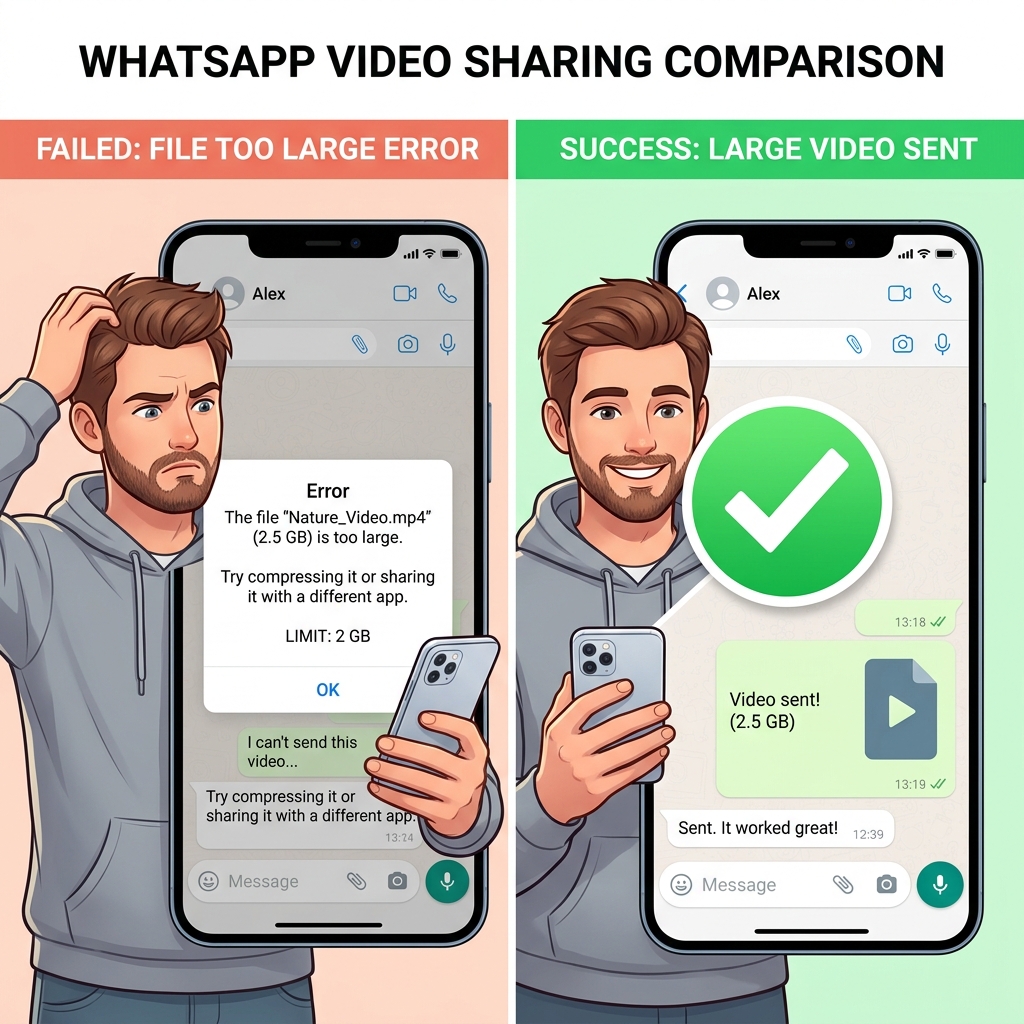
Understanding WhatsApp's Limits
Before you compress anything, it is important to know the rules of the platform:
- The 16MB Limit: This is the standard limit for all videos sent normally through the mobile app chat, or uploaded to your WhatsApp Status. For most modern phones, 16MB only gives you about 60 to 90 seconds of video.
- The 64MB Limit: If you are using WhatsApp Web on your computer, the standard video sending limit is slightly higher at 64MB.
Here are the best ways to get your video under these limits so you can finally hit send.
Method 1: Use a Free Online Compressor (Best for Exact Sizes)
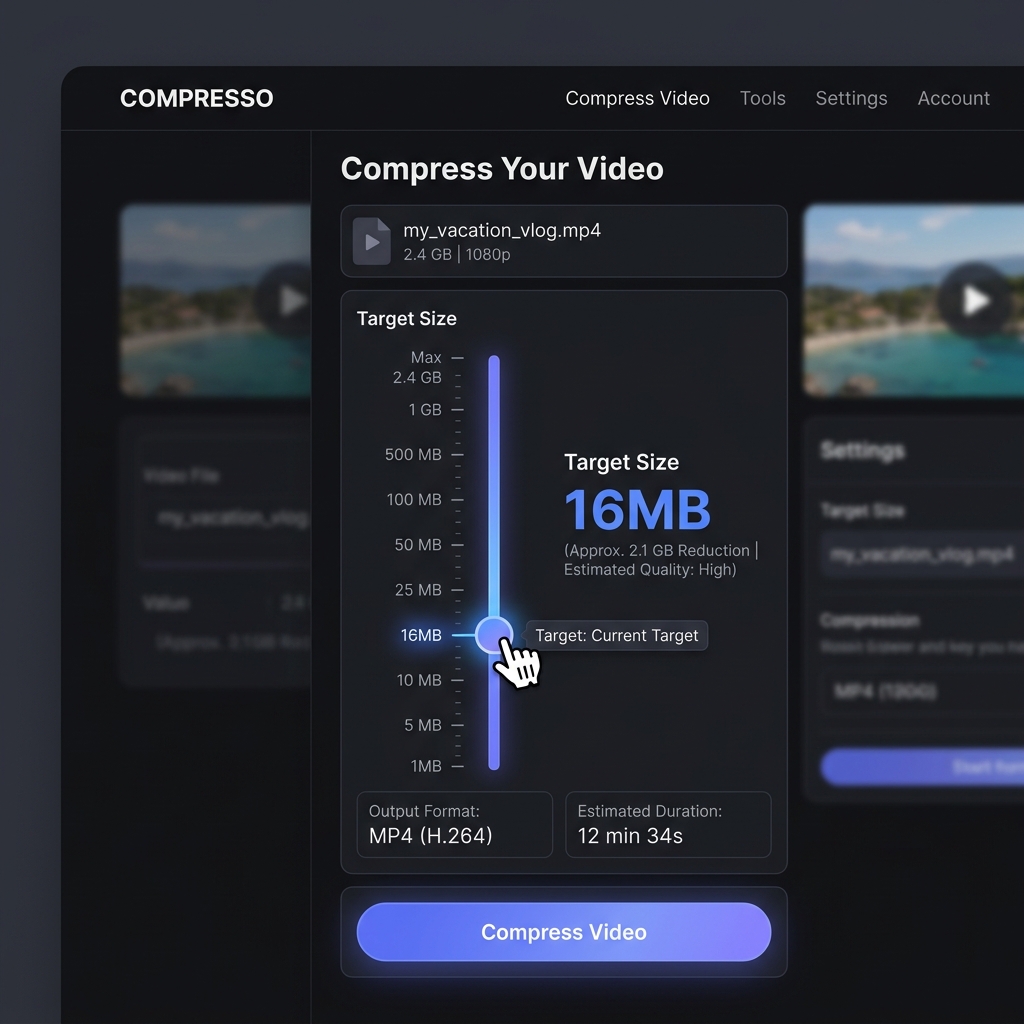
If your video is too long or recorded in a very high resolution, the best way to shrink it is by using a free online video compressor. This is perfect because it works on both your phone's browser and your computer, requiring no app downloads.
How to do it:
- Open your web browser and go to a free tool like FreeConvert.com, 8mb.video, or our own WhatsApp video compressor.
- Upload your heavy video file.
- Look for the "Target Size" or "Compression Level" settings. You can specifically type in 16MB or 64MB as your target.
- Hit "Compress." The website will automatically adjust the bitrate and resolution to guarantee the final file fits within your chosen limit.
- Download the compressed video and send it perfectly on WhatsApp.
Method 2: The WhatsApp Built-In Trim (Best for Quick Fixes)
If you do not want to use an external website, WhatsApp actually has a basic compression tool built right into the chat window—but it requires you to sacrifice the length of your video.
How to do it:
- Open your WhatsApp chat and select the heavy video you want to send.
- At the top of the screen, you will see a video timeline slider.
- Drag the edges of the slider to trim out the beginning or the end of the video.
- As you drag the slider to make the video shorter, watch the file size indicator at the top left of the screen. Once that number drops below 16MB, you are allowed to hit send.
Note: This does not actually shrink the file size of the full video; it simply deletes parts of your video until it is short enough to pass the test.
Enjoying this read?
Get weekly insights on video editing, AI workflows, and creator growth straight to your inbox.
Method 3: The "Send as Document" Trick (No Compression Needed)
What if you absolutely refuse to lower your video quality? What if you are sending a highly detailed, 10-minute 4K video and you cannot afford to compress it to 16MB?
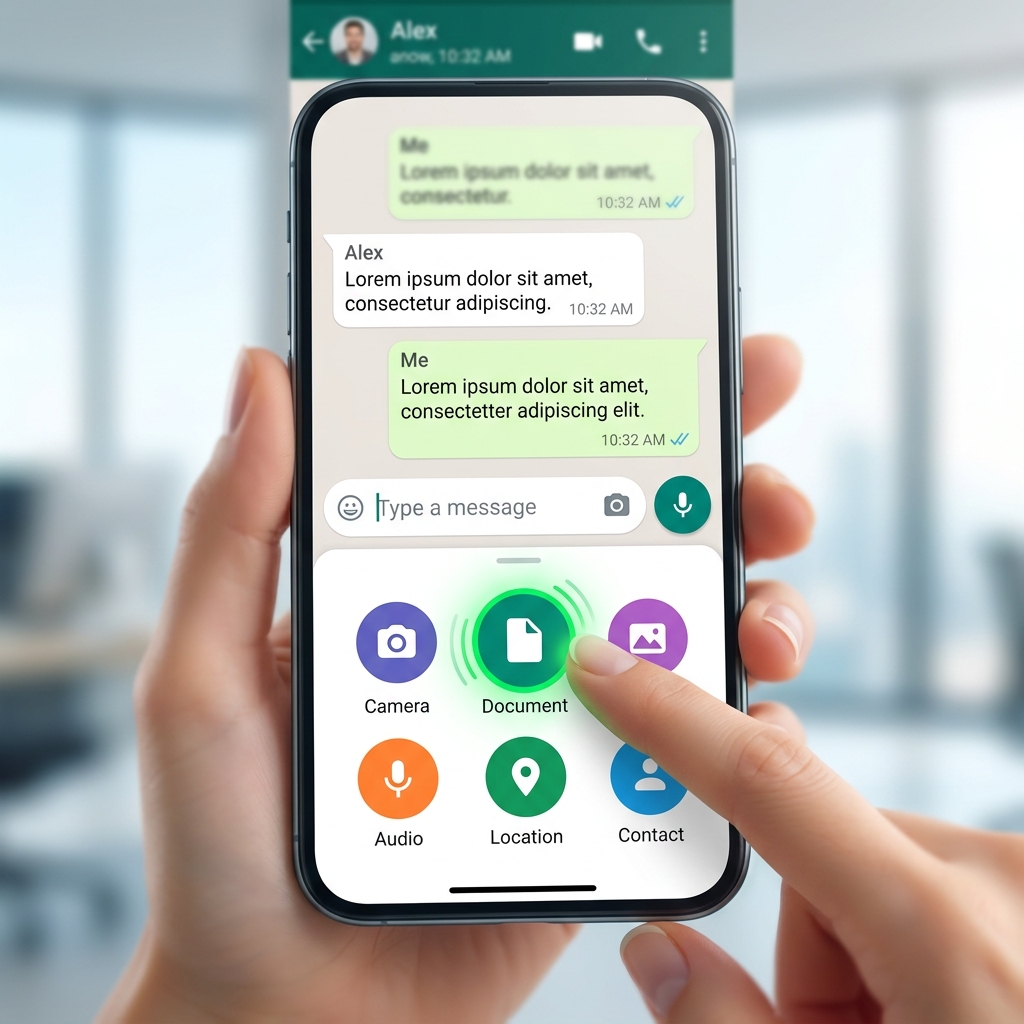
There is a secret workaround. WhatsApp recently upgraded its system to allow users to send "Documents" up to 2GB in size. You can send your heavy video as a document, completely bypassing the 16MB limit.
How to do it on iPhone/Android:
- Instead of tapping the "Gallery" or "Photos" icon in the chat, tap the "+" or Paperclip icon.
- Select Document.
- Choose the option to browse your phone's files or photos.
- Select your large video file.
- Send it. It will arrive in the chat as a downloadable file rather than an instantly playable video, but it will retain 100% of its original, uncompressed quality.
A Smarter Way for Desktop Creators
If you frequently record screen tutorials on your computer to send to your coworkers or clients on WhatsApp, you might notice that standard screen recorders create massive, heavy files that always trigger the 16MB error.
Instead of recording a raw video and then spending extra time running it through a compressor website every single day, you should use a smarter recorder.
A practical fix is to record at a lower bitrate target in the first place. A purpose-built screen recorder like Cubix Capture lets you cap export bitrate so a 60-second tutorial typically lands well under 16MB out of the box—no second compression pass needed before pasting it into a WhatsApp chat. You still get readable UI thanks to its tighter, click-following framing.
Never Hit a Limit Again
Video file sizes do not have to be a headache. Whether you are using a free web compressor to squeeze your file down to 16MB, trimming off the boring parts inside the app, or bypassing the rules entirely with the Document trick, you now have the tools to share your moments freely.
If you compress videos for chat platforms often, our video compressor and platform-specific WhatsApp video compressor make the workflow even faster.
Related reading:
- How to Compress a Video for Instagram Without Losing Quality
- How to Compress a Video for TikTok (Right File Size & Format)
Don’t miss the next one.
Join our newsletter for exclusive tips, product updates, and the latest from the Cubix team.