
If you ask the internet for a screen recorder recommendation, one name will relentlessly dominate the comment sections: OBS Studio.
Open Broadcaster Software is a legendary piece of software. It is completely free, open-source, features zero watermarks, and has no arbitrary time limits. For high-end Twitch streamers, competitive gamers, and professional live-television broadcast engineers, OBS is an absolute masterpiece.
But here is the truth that nobody wants to admit: For 95% of people who just need to record their screen, OBS Studio is complete overkill.
If your goal is to record a quick software tutorial, walk a client through a proposal, document a bug for a development team, or build an asynchronous product demo, downloading OBS is like buying a commercial airliner when you just need to drive down the street. Here is why OBS is the wrong tool for everyday screen recording, and what you should be using instead.
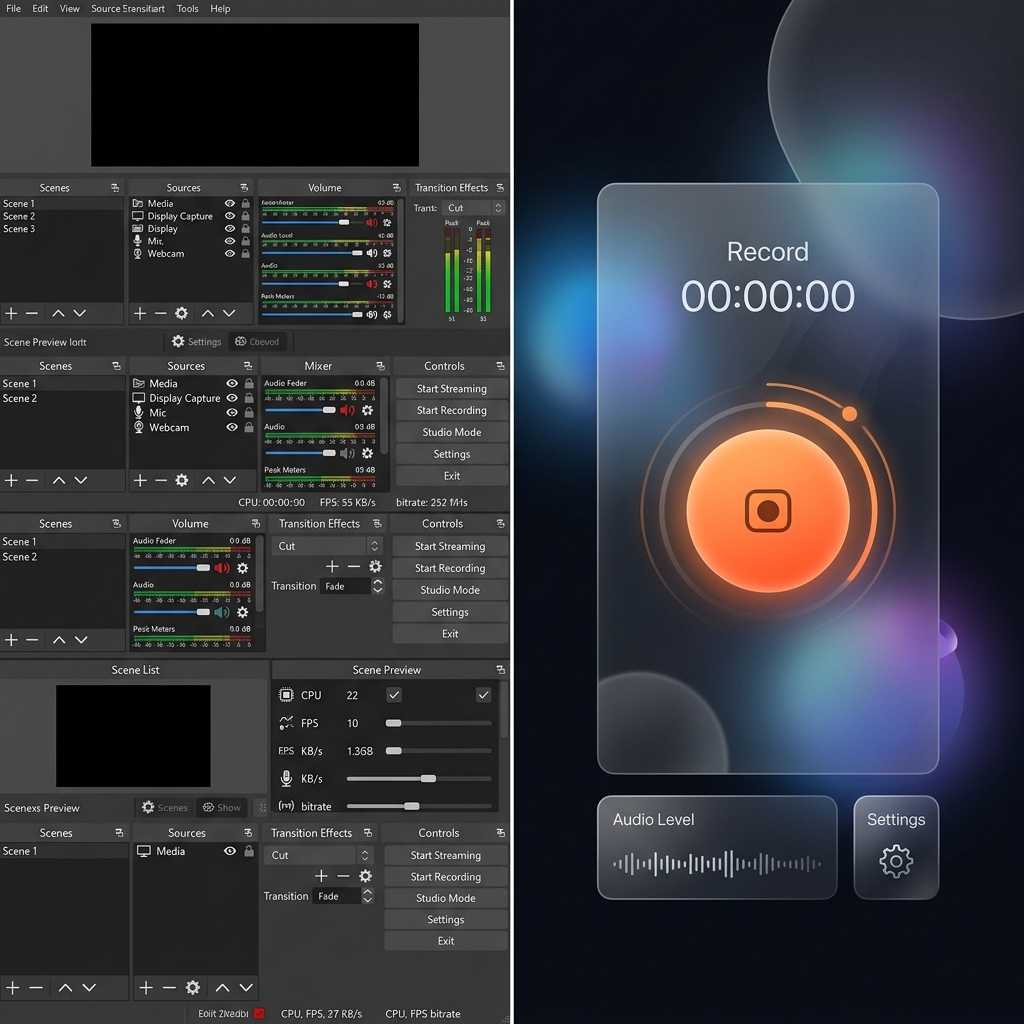
1. The Aviator Cockpit Problem (The Learning Curve)
When you download and open OBS for the first time, you are not greeted by a friendly, intuitive "Record" button. Instead, you are met with a stark, intimidating black dashboard packed with technical modules: Scenes, Sources, an Audio Mixer, Scene Transitions, and advanced Control panels.
To capture a simple video of your web browser, you have to manually build the environment:
- Create a Scene.
- Manually add a Display Capture source.
- Configure an Audio Input Capture source to fetch your microphone.
- Tweak canvas resolutions, downscale filters, and sample rates.
If you make a single mistake in this manual routing, you will end up recording a completely black screen or a video with no audio. Most professionals don't have the time to become amateur broadcast technicians just to send a five-minute video update to a colleague.
2. The "Raw Security Camera" Dilemma
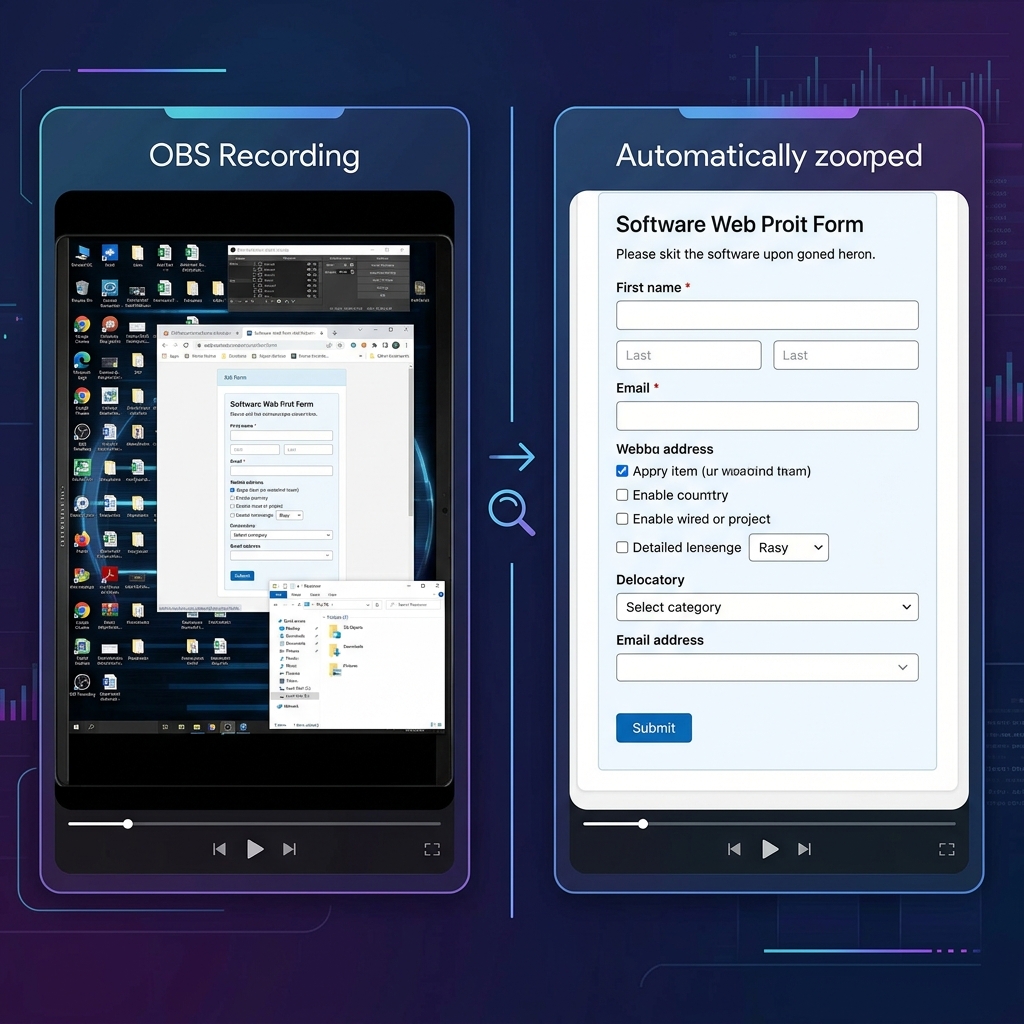
The biggest fundamental flaw of OBS for everyday professionals is its core philosophy: OBS is a passive recorder. It captures a raw, flat image of exactly what is on your monitor, pixel for pixel.
This creates a massive visual problem for tutorials and presentations:
- The Microscopic Text Crisis: If you record your entire high-resolution desktop monitor, everything looks perfectly legible to you. But when you send that raw video to a client or upload it to YouTube, and someone watches it on their smartphone, the entire interface shrinks aggressively. The text becomes unreadable, forcing viewers to squint just to see what you are doing.
- The Shaky Mouse Syndrome: Moving a physical mouse or tracking on a laptop pad naturally translates into jittery, erratic, and frantic movements on video.
To fix these issues using OBS, you are forced to take your heavy video file, drop it into a complex editor like Premiere Pro or DaVinci Resolve, and spend hours manually adding zoom keyframes and transitions. OBS gives you perfect raw pixels, but it forces you to become a professional video editor to make those pixels watchable.
Enjoying this read?
Get weekly insights on video editing, AI workflows, and creator growth straight to your inbox.
The Frictionless, Modern Alternative
In 2026, you shouldn't have to choose between a complicated broadcast tool and hours of tedious video editing. The modern solution is to use an intelligent recording platform that automatically handles the visual editing for you while you talk.
This is exactly why professionals are moving away from heavy desktop recorders and upgrading to Cubix Capture. Instead of acting like a passive security camera, Cubix Capture acts as an automated digital director designed specifically for clarity:
- Algorithmic Screen Panning: It completely eliminates the "tiny text" problem. As you click and type, the software dynamically tracks your intent and smoothly magnifies your active windows, ensuring your presentation is beautifully legible on any mobile device without manual zooming.
- Frictionless Cursor Fluidity: It intercepts the natural, nervous shakes of a physical mouse or trackpad, translating your movements into a cinematic, elegant glide that naturally anchors your viewer's focus.
- Instant Studio Aesthetics: You don't have to configure complex layers. Cubix Capture automatically frames your application window against gorgeous, dynamic backgrounds and drops your webcam into a clean floating bubble with automatic background blurring.
- Zero-Render Instant Export: Because the visual polish is applied in real-time, there is no heavy rendering process. The moment you hit stop, a polished, professional cloud link is instantly copied to your clipboard.
The Verdict
OBS Studio is an incredible piece of open-source engineering, and if you are streaming a multi-camera live event or broadcasting competitive gameplay, you should absolutely use it.
But if you are a founder, educator, product manager, or creator whose job is to share information, teach a workflow, or guide a client, your software should save you time, not create extra work. Stepping up to a platform built for automated visual clarity ensures your audience actually absorbs your message without forcing you to spend your day in a video editor.
📖 Keep reading: The best OBS settings for screen recording in 2026, OBS vs Cubix Capture — which should you use?, and the best screen recorder for tutorial videos.
Don’t miss the next one.
Join our newsletter for exclusive tips, product updates, and the latest from the Cubix team.