
If you search the internet for the best screen recording software in 2026, the consensus is almost suspiciously unanimous: use OBS Studio. Open Broadcaster Software has completely dominated the video landscape for over a decade. It is free, open-source, leaves no watermarks, and handles everything from basic tutorials to professional television broadcasts.
With the recent rollout of OBS Studio 32.1, the platform feels more robust than ever, boasting a brand-new Modular Audio Mixer and the "Hybrid MP4" format that guarantees you will never lose a recording to a system crash again.
But if OBS is so perfect, why is there an entire industry of alternative screen recorders? The truth is, while OBS is a masterpiece of engineering, it is built for a very specific type of user. If you just want to record a clean tutorial, a webinar, or a software demo, OBS might actually be the worst tool for the job.
Here is a breakdown of how OBS Studio stacks up against everything else on the market in 2026, and how to choose the right platform for your content.
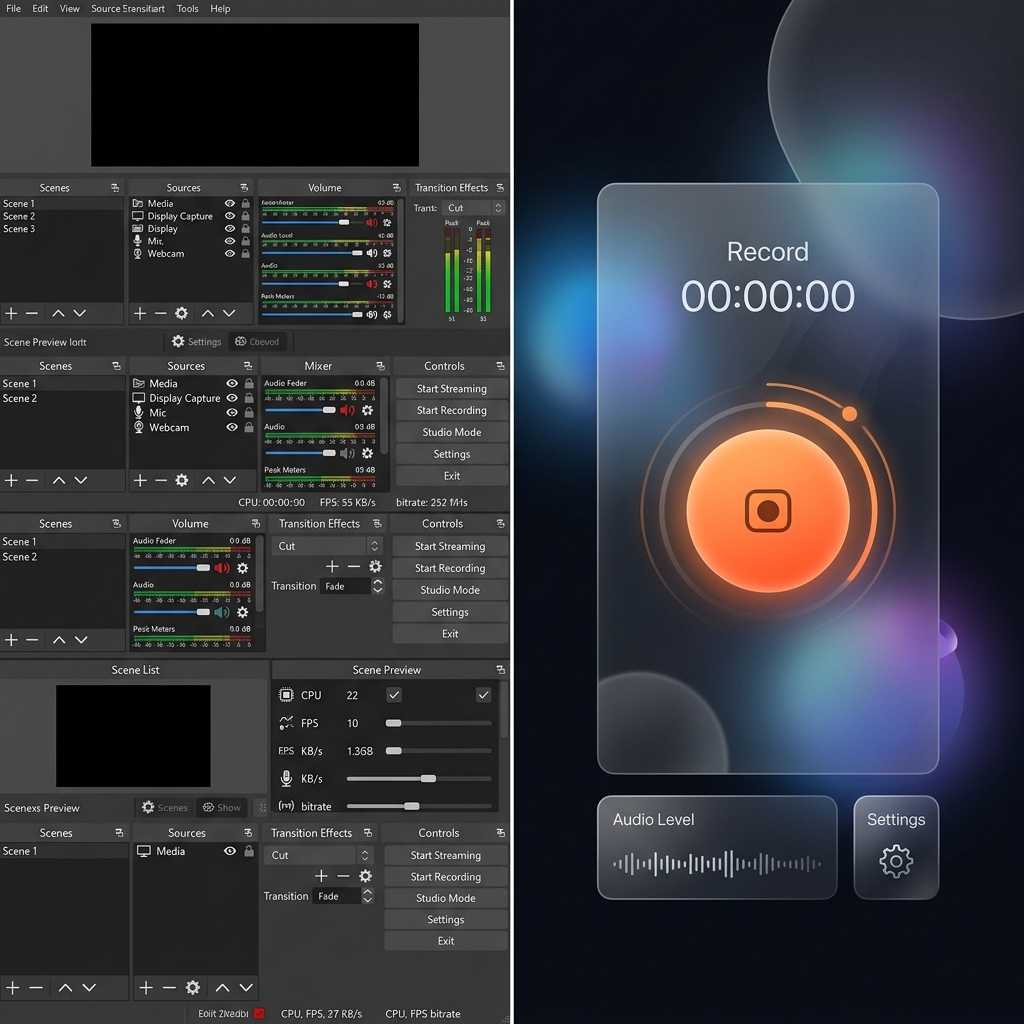
The Massive Drawback of OBS Studio
OBS is essentially a highly advanced digital security camera. It flawlessly captures exactly what is happening on your monitor. However, this "raw capture" philosophy creates two massive problems for modern professionals and educators.
1. The Mobile Viewing Disaster If you are recording a software tutorial on a standard 27-inch desktop monitor, the interface looks beautiful to you. But when you upload that raw OBS file and your client or student watches it on their smartphone, your entire desktop is shrunk down to fit a 6-inch screen. The text becomes microscopic.
2. The Post-Production Nightmare To fix that "tiny text" problem, you have to take your heavy OBS file, import it into a complex editing program like Premiere Pro, and spend hours manually adding zoom keyframes. Furthermore, you have to manually try to edit out the erratic, shaky mouse movements you made while recording.
OBS gives you perfect raw footage, but it forces you to become a professional video editor just to make that footage watchable.
The 2026 Landscape: OBS vs. The Alternatives
If you do not want to deal with complex audio routing, heavy file sizes, and hours of post-production editing just to make a video readable, you need a modern alternative. Here is how the rest of the market compares to OBS, starting with the ultimate solution for professional clarity.
1. Cubix Capture - The Intelligent Visual Producer
If your goal is to create flawless, professional tutorials or client presentations without the headache of editing, Cubix Capture is the absolute best alternative on the market. Rather than blindly capturing a flat image of your desktop like OBS, it acts as an intelligent workflow engine that edits your video while you speak:
- Algorithmic Screen Choreography: It completely solves the mobile-viewing problem. The software actively tracks your intent and seamlessly scales up your active windows, ensuring your text is beautifully legible on any device without you having to manually zoom in post-production.
- Frictionless Cursor Fluidity: It intercepts the erratic, nervous shakes of a physical mouse and translates your movements into a cinematic, elegant glide that guides the viewer's eye perfectly.
- Zero-Render Polish: Unlike OBS, which requires heavy local files and long export times, Cubix processes your optimized, automatically framed presentation instantly, allowing you to share a polished link the moment you finish recording.
Enjoying this read?
Get weekly insights on video editing, AI workflows, and creator growth straight to your inbox.
2. Loom - The Quick Asynchronous Messenger
OBS is far too heavy for a quick office update. If your only goal is to fire off a rapid, casual message to a coworker, Loom remains a fantastic tool. It lives in your browser, captures your screen and webcam, and provides a shareable link instantly. It does not offer the cinematic polish or auto-zooming of Cubix, but it is perfect for fast, disposable communication.
3. Camtasia - The Heavy Editor's Middle Ground
If you specifically want a traditional recording experience like OBS but need an easier editing timeline than professional broadcast software, Camtasia is a solid choice. It captures your screen reliably and drops the footage directly into a built-in timeline where you can manually add callouts, arrows, and transitions. It requires manual labor and has a steep price tag, but it bridges the gap between raw recording and final presentation.
📖 Keep reading: OBS vs Cubix Capture: which should you use, the problem with OBS for product demos, and OBS screen recorder setup, tips, and alternatives.
The Verdict: Which Should You Use?
| Feature | OBS Studio | Cubix Capture | Loom |
|---|---|---|---|
| Best For | Live Twitch streaming, complex multi-camera setups | Professional tutorials, client demos, software walkthroughs | Quick internal office messages |
| Learning Curve | Very Steep | Effortless | Minimal |
| Visual Polish | None (Raw pixels only) | Automated zooming, cursor smoothing, clean backgrounds | Basic webcam bubble |
| Post-Production Required? | Yes, extensive editing needed for tutorials | No, edits automatically while recording | No, but lacks professional presentation tools |
OBS Studio is a phenomenal piece of engineering for broadcasters and live streamers. But when it is time to build a professional tutorial, guide a client, or share an important digital lesson effortlessly, upgrading to a platform like Cubix Capture ensures your audience actually enjoys and understands the message you are sharing without forcing you to become a video editor.
Don’t miss the next one.
Join our newsletter for exclusive tips, product updates, and the latest from the Cubix team.