
The thesis in one sentence
If viewers cannot read your UI, nothing else in your video matters.
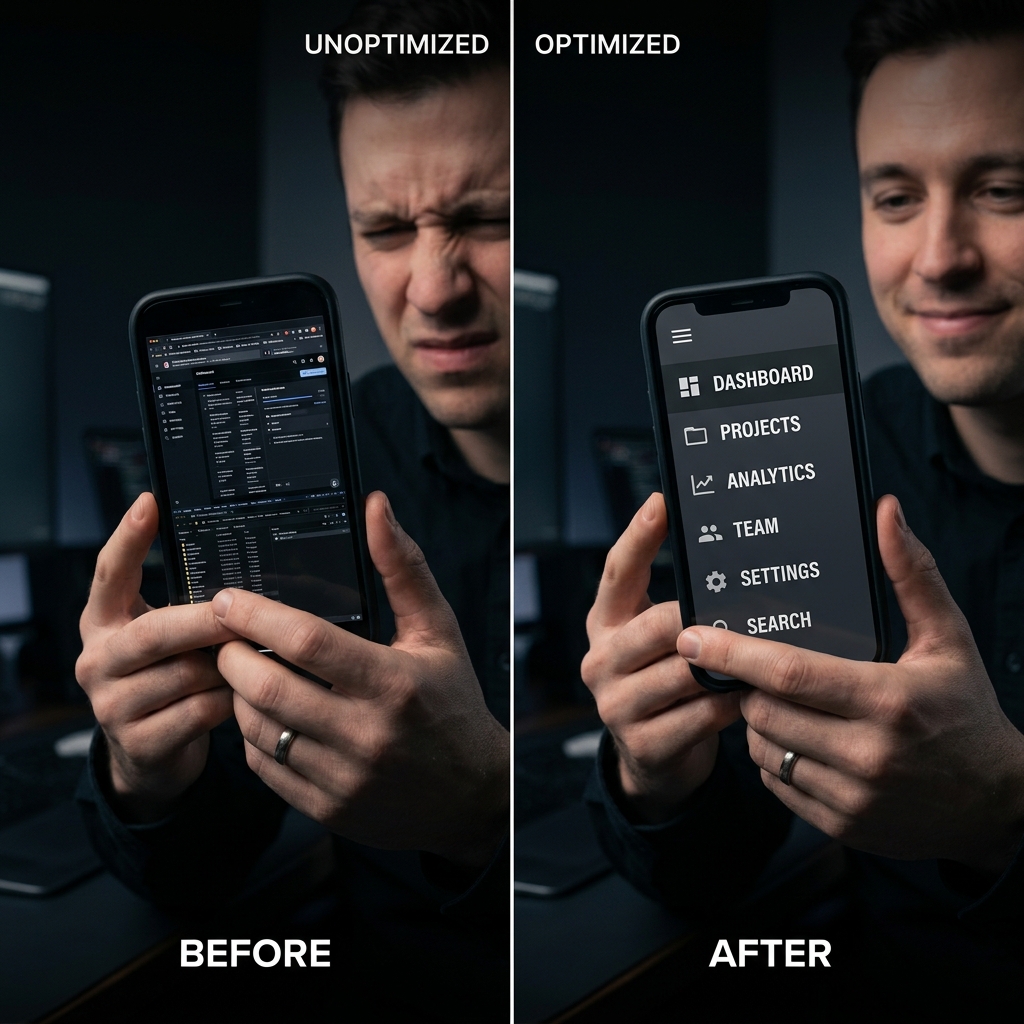
Microphones, stream bitrate, and “4K” branding feel productive—but the dominant failure mode for tutorials is simpler: tiny text on small screens.
That is why auto-zoom is not a stylistic flourish; it is comprehension infrastructure.
Why creators underweight zoom (and overweight resolution)
Resolution increases pixel count.
Zoom increases meaningful pixels per intent.
On a phone, a wide desktop capture distributes detail across the entire canvas—so interactive targets shrink below human comfortable parsing.
For the psychology of attention (why this drives retention), read The Psychology of Zoom: Why It Matters for Viewer Retention.
What auto-zoom actually does (plain English)
Auto-zoom is attention routing:
- When interaction happens (click, drag, type), the frame moves to the locus of intent.
- The viewer’s eyes get a continuous answer to: “Where should I look next?”
Technical intuition: How Auto-Zoom Technology Actually Works.
Canonical definition article: What Is Auto-Zoom Screen Recording? (Complete Guide).
Manual zoom in post: the “free” trap that bills your calendar
Premiere / Resolve workflows can absolutely produce gorgeous results.
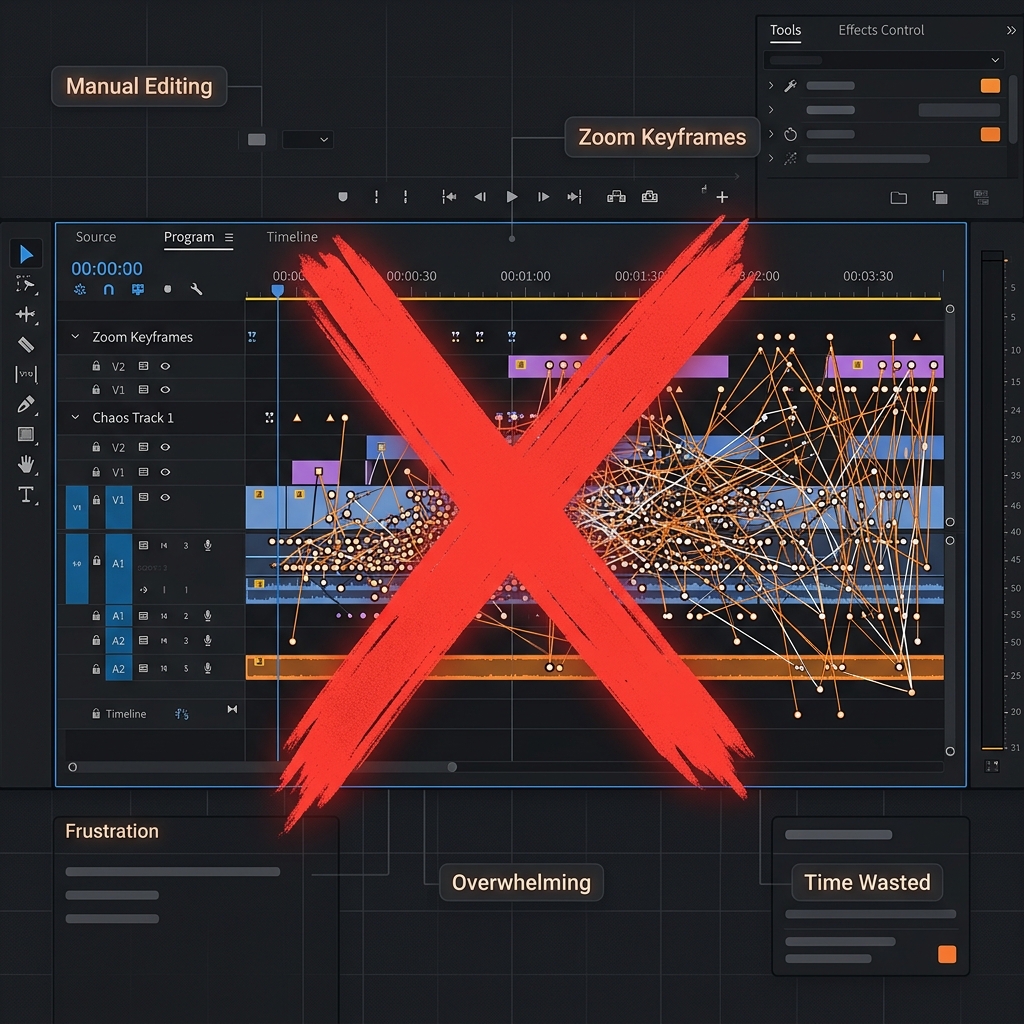
But for frequent publishing, manual keyframing becomes a tax:
| Cost | What it feels like in real life |
|---|---|
| Time | 2 hours of editing for 5 minutes of teaching |
| Consistency | Every video drifts in pacing |
| Updates | UI changes restart the clock |
If you are comparing stacks, read OBS vs Cubix Capture.
Why auto-zoom must pair with smooth cursor motion
Zoom magnifies motion.
If the pointer jitters, zoom makes viewers feel visually unstable—so “premium zoom” almost always implies calm cursor paths.
That combo is what separates guided tutorials from nausea-inducing magnification.
Enjoying this read?
Get weekly insights on video editing, AI workflows, and creator growth straight to your inbox.
Where Cubix Capture fits (capture-time presentation)
Cubix Capture is built for creators who need followability without funding an edit bay:
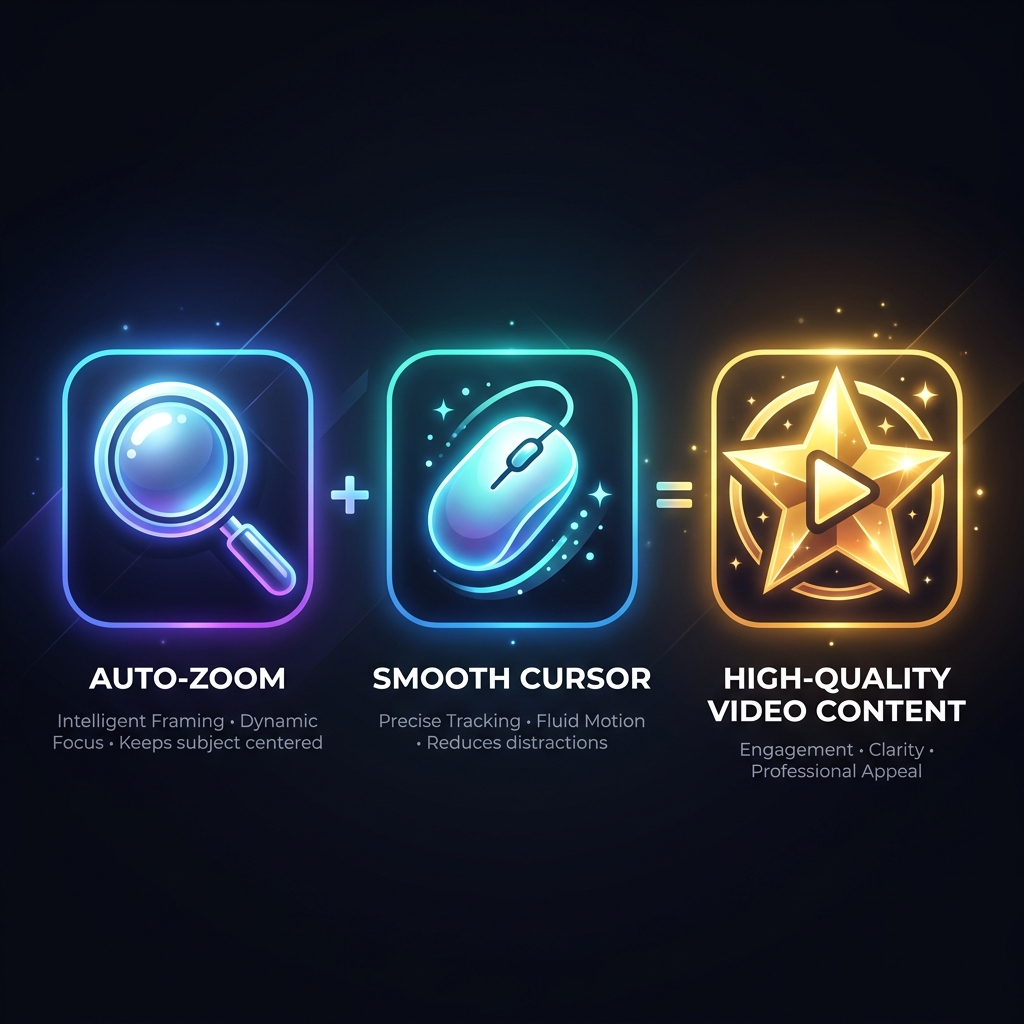
- Auto-zoom tracks interaction for mobile readability
- Smooth cursor keeps motion credible under magnification
- Live backgrounds stage the product consistently
FAQ
Is auto-zoom only for YouTube?
No—any public explanation layer: sales demos, onboarding, CS macros, documentation.
Does auto-zoom replace scripting?
No—it makes scripts legible. Narrative still matters—see 5 Screen Recording Mistakes That Kill Your SaaS Demo Conversions.
What about Screen Studio–class outcomes on Windows?
Start at Cubix Capture vs Screen Studio.
Bottom line
Talk about auto-zoom publicly—because your viewers already feel its absence as bounce.
Automate focus with Cubix Capture.
Related reading
Don’t miss the next one.
Join our newsletter for exclusive tips, product updates, and the latest from the Cubix team.