
You export a two-minute bug repro and the file is hundreds of megabytes. Slack, Discord, and Gmail bounce it. You are not doing anything wrong—most defaults optimize for fidelity on disk, not bytes per second of useful UI.
Structural fix (not just compression): Cubix Capture frames the active UI during capture—so you are not storing millions of irrelevant desktop pixels every frame. Smaller files at the source, share-ready MP4 when you stop. Get started free
Below: under-two-minute triage for the giant file on disk right now, then settings so it does not happen again.
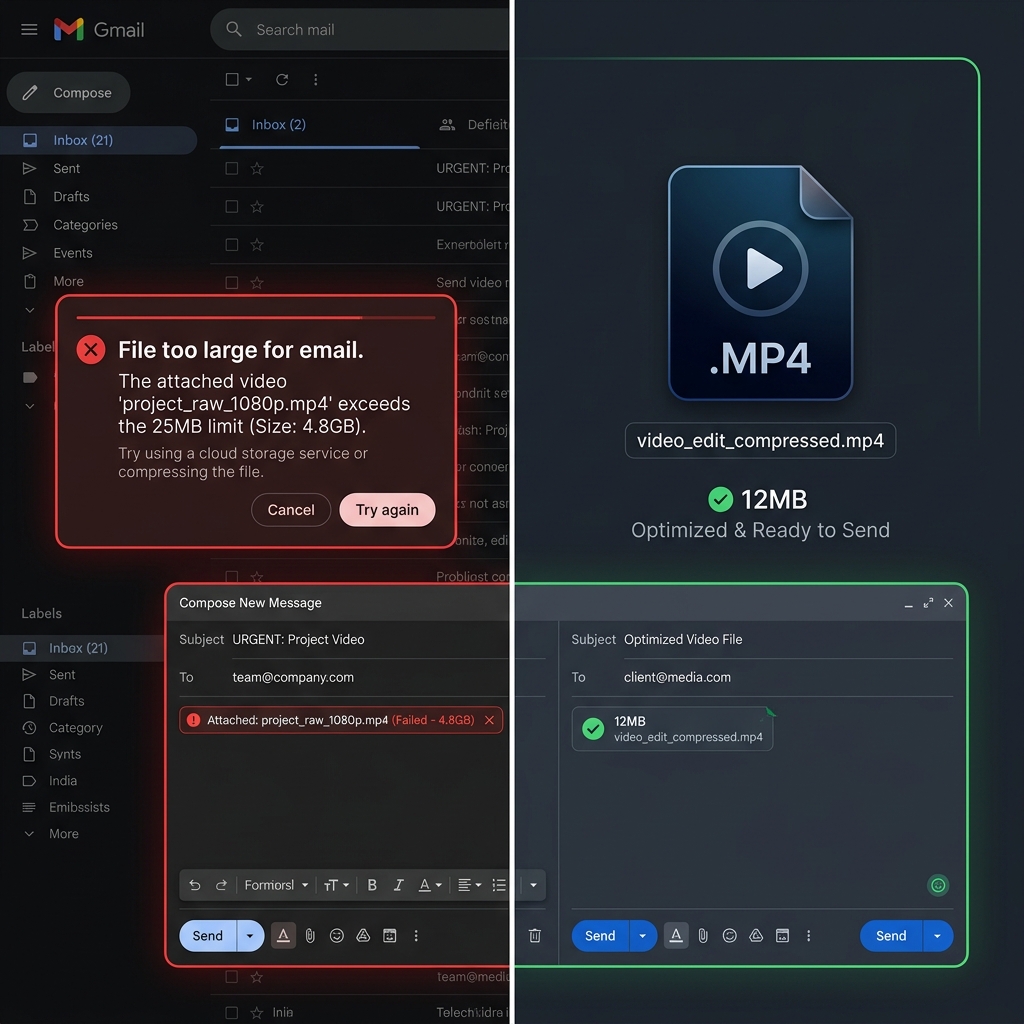
Why screen recordings balloon (four multipliers)
| Multiplier | What it does |
|---|---|
| Resolution | 4K = 4× pixels vs 1080p |
| Frame rate | 60fps = 2× samples vs 30fps |
| Codec | ProRes / "max quality" >> H.264 for UI |
| Bitrate | Encoder allowed to spend freely on static desktops |
Screen content is visually simple—you can push all four down before quality looks "bad."
Minute 0: pick the fastest re-encode path
| Situation | Fastest fix |
|---|---|
| Mac, file already on disk | QuickTime → File → Export As… → 720p (often 5–10× smaller for UI video) |
| Windows 11, no installs | Clipchamp → import → Export → 720p |
| Any OS, OK uploading | Video compressor with an explicit target MB if the tool supports it |
| You live in terminals | ffmpeg -i in.mov -c:v libx264 -crf 28 -preset veryfast -vf "scale=-2:720" -c:a aac -b:a 96k out.mp4 |
Do not rely on ZIP for H.264/H.265 MP4 files - video is already compressed; zipping often saves under 3% and never turns a 200MB clip into an email-safe attachment.
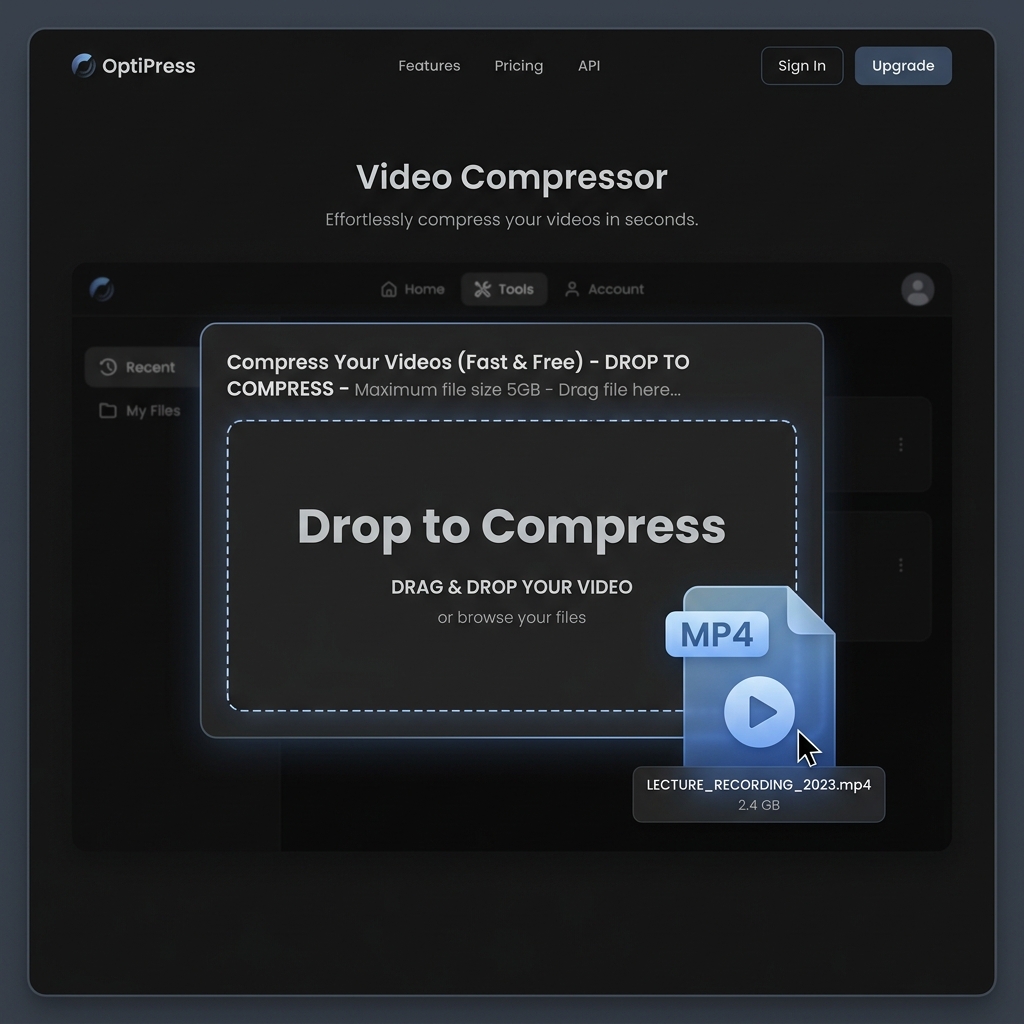
Minute 1: QuickTime (macOS) without installing anything
- Open the giant file in QuickTime Player.
- File → Export As… and choose 1080p first; if still too big, export again at 720p.
- For email, pair a smaller frame with a shorter clip - trim dead air first (Edit → Trim…) because length is linear cost in the bitrate budget.
For Finder-based encoding (no QuickTime UI), see How to Reduce Video File Size on Mac (No Software Needed).
Enjoying this read?
Get weekly insights on video editing, AI workflows, and creator growth straight to your inbox.
Minute 1–2: Clipchamp (Windows 11, built in)
- Start Clipchamp → new project → drop the file on the timeline.
- Export → 720p (or 480p only if it is a talking-head or tiny UI proof).
- Save to Downloads and retry your upload.
For VLC / HandBrake power paths, see How to Reduce Video File Size on Windows 11 (Free Methods).
Why the recorder inflated the file (so it does not happen again)
- Full-screen 4K at 60fps captures four times the pixels per second vs 1080p30 - before bitrate even enters the chat.
- ProRes or "high quality" intermediate exports from editing tools are correct for mastering, wrong for Slack.
- OBS CRF too low / bitrate too high for static UI - the encoder happily burns disk because you told it to.
If you want the actual mental model for shrinking without trashing quality, read How to Reduce Video Size Without Losing Quality - The Actual Answer.
Tomorrow: record fewer pixels (best fix)
Re-encoding fixes today. Re-framing fixes every day.
If your recorder forces a full 4K desktop to show a modal, you will always fight megabytes—even after compression.
| Approach | Effect |
|---|---|
| Export whole canvas → compress | Reactive, recurring |
| Cubix Capture — zoom on active UI at capture | Fewer pixels encoded per frame |
| Record 4K "for zoom headroom" in post | Huge files + lag (Screen Recording Lag) |
Troubleshooting cluster: No Audio · OBS Black Screen · Lag · Blurry · Xbox Game Bar
Related reading:
- How to Compress Video for Email
- 60fps vs 30fps Screen Recording
- 4K Screen Recording: When It Is a Mistake
Shrink once so you can ship today—then capture what matters, not the whole monitor.
Don’t miss the next one.
Join our newsletter for exclusive tips, product updates, and the latest from the Cubix team.