
You have the deck. Traction looks good. Then someone says: "Can we see the product?"
Every founder knows the Demo Curse—staging timeouts, rate limits, wrong tab, Wi-Fi gremlins. Momentum dies; partners check email.
Simulated live beats prayer: a pre-recorded walkthrough you play confidently, with optional live backup for Q&A.
Investor-readable UI on iPad: Cubix Capture auto-zooms metrics and controls, smooths cursor motion, stages the app—so partners on phones see the Aha moment clearly. Get started free · Windows · Mac
Founder demo fundamentals: How to Record a SaaS Product Demo That Converts · Best Screen Recorder for SaaS Founders.
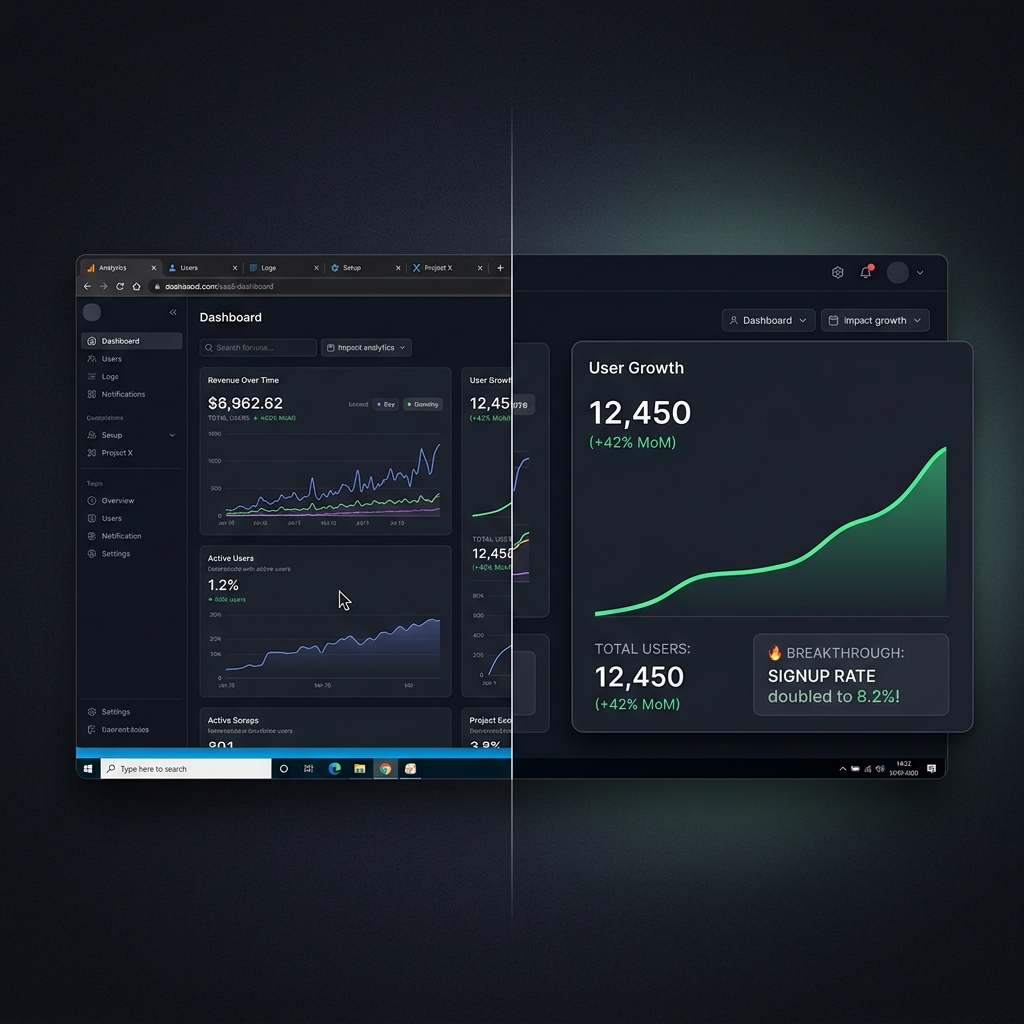
The 3 Fatal Sins of Founder Demos
When VCs review your recorded demo (either as a pre-read before the meeting or as a backup during the pitch), they are evaluating two things: the actual utility of the product, and your team's standard of excellence.
Most founders completely sabotage their perceived standard of excellence by committing these three visual sins:
| The Sin | What The VC Actually Sees | The Subconscious Verdict |
|---|---|---|
| Microscopic Text | A wide desktop view squeezed onto a 13-inch laptop screen. | "The UX is crowded. I can't even read the core value proposition." |
| The "Founder Twitch" | A hyper-fast, erratic mouse cursor darting across the screen. | "This interface is confusing and requires too much effort to navigate." |
| Digital Clutter | Visible browser tabs, Slack notifications, and a messy desktop. | "This team lacks attention to detail and polish." |
The Million-Dollar Demo Recipe
To record a demo that commands a premium valuation, you must treat your software like an Apple product launch. It needs to be punchy, visually pristine, and effortlessly smooth.
1. Script the "Aha!" Moment (Not a Feature Tour)
VCs do not care about your password reset flow or your settings page. They care about the delta between the old way of doing things and your new way. Your video should be under 3 minutes and focus entirely on the core workflow that makes your product 10x better or cheaper.
2. Guide Their Eyes with Cinematic Focus
If you are pointing out a specific AI-generated output or a revolutionary data dashboard, the camera must zoom in on that exact element. VCs are often reviewing materials on iPads while traveling. If they have to squint to see your UI, you have lost them. Tightly cropping the action forces them to look exactly where you want them to.
Enjoying this read?
Get weekly insights on video editing, AI workflows, and creator growth straight to your inbox.
3. Smooth the Motion
Your cursor is your digital presenter. It needs to exude confidence. Instead of capturing your adrenaline-fueled, rapid hand movements, your cursor should glide deliberately from one interaction to the next. Smooth motion translates to an "intuitive" and "easy-to-use" product in the viewer's mind.
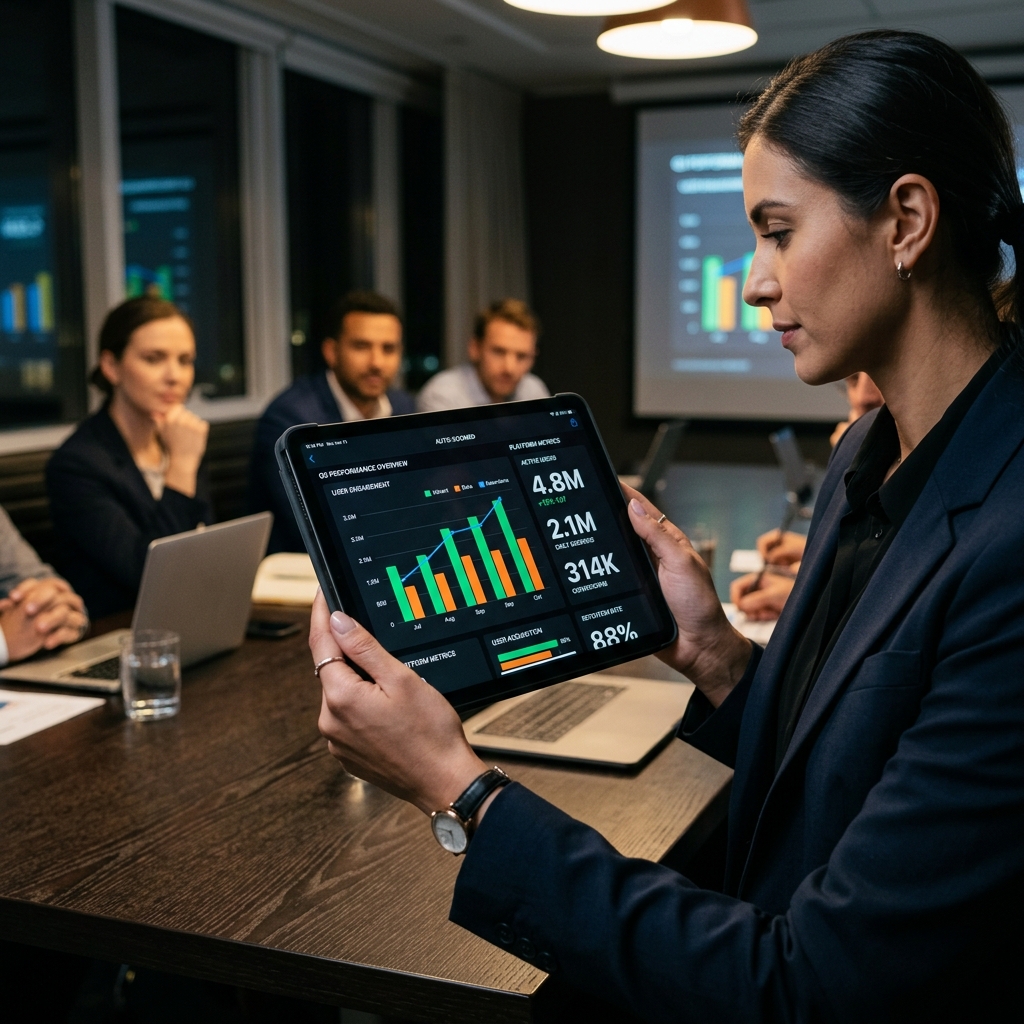
The Founder's Dilemma: Time vs. Polish
Knowing that your demo needs cinematic zooms, smooth cursor motion, and a clean background is easy. Actually creating it is the hard part.
Historically, achieving this level of polish meant recording a raw video and handing it off to a freelance video editor, or spending your entire weekend inside Adobe Premiere Pro manually adding keyframes. As a founder actively raising capital, your time is your most constrained asset. You cannot spend 10 hours editing a 3-minute video.
This is why modern founders raising Seed and Series A rounds are abandoning raw screen recorders and switching to automated presentation studios.
Record the simulated-live asset
- Script 2–3 minutes: problem → Aha workflow → why now.
- Staging data that looks real (no placeholder@test.com unless intentional).
- Record with Cubix Capture—one clean take beats ten shaky lives.
- Meeting: play video full-screen; offer live only for deep technical Q&A.
- Data room: attach MP4 + 3-bullet caption of what they saw.
Pitch demo checklist
- No feature tour—one 10× workflow only
- Readable on iPad (preview export on tablet)
- No notifications or personal bookmarks in frame
- Backup clip if live fails (OBS black screen fix if you must stream)
Use-case cluster
- How to Create an App Explainer Video
- How to Make an Onboarding Video for New Customers
- The Real Cost of Screen Studio vs Free Alternatives
Related reading:
Don’t miss the next one.
Join our newsletter for exclusive tips, product updates, and the latest from the Cubix team.