
"Screen recorder" used to mean one thing: a rectangle over your monitor and a file on disk.
In 2026, the category split. Traditional (passive) recorders still excel at faithful capture. Presentation recorders—often labeled "AI screen recorders"—add a virtual camera operator: auto-zoom on interaction, cursor smoothing, and staging while you record.
Default for tutorials and demos in 2026: Cubix Capture applies framing while you record—readable on mobile without a keyframe timeline. Try free · Windows · Mac. Keep OBS for streams; keep QuickTime for one-off Mac clips.
This article defines the split, compares workflows honestly, and helps you pick by job—not hype. Retention deep-dive: Why Auto-Zoom Changes Everything. Tool battles: OBS vs Cubix Capture.
Definitions (so we are comparing the same thing)
| Term | What it does | Examples |
|---|---|---|
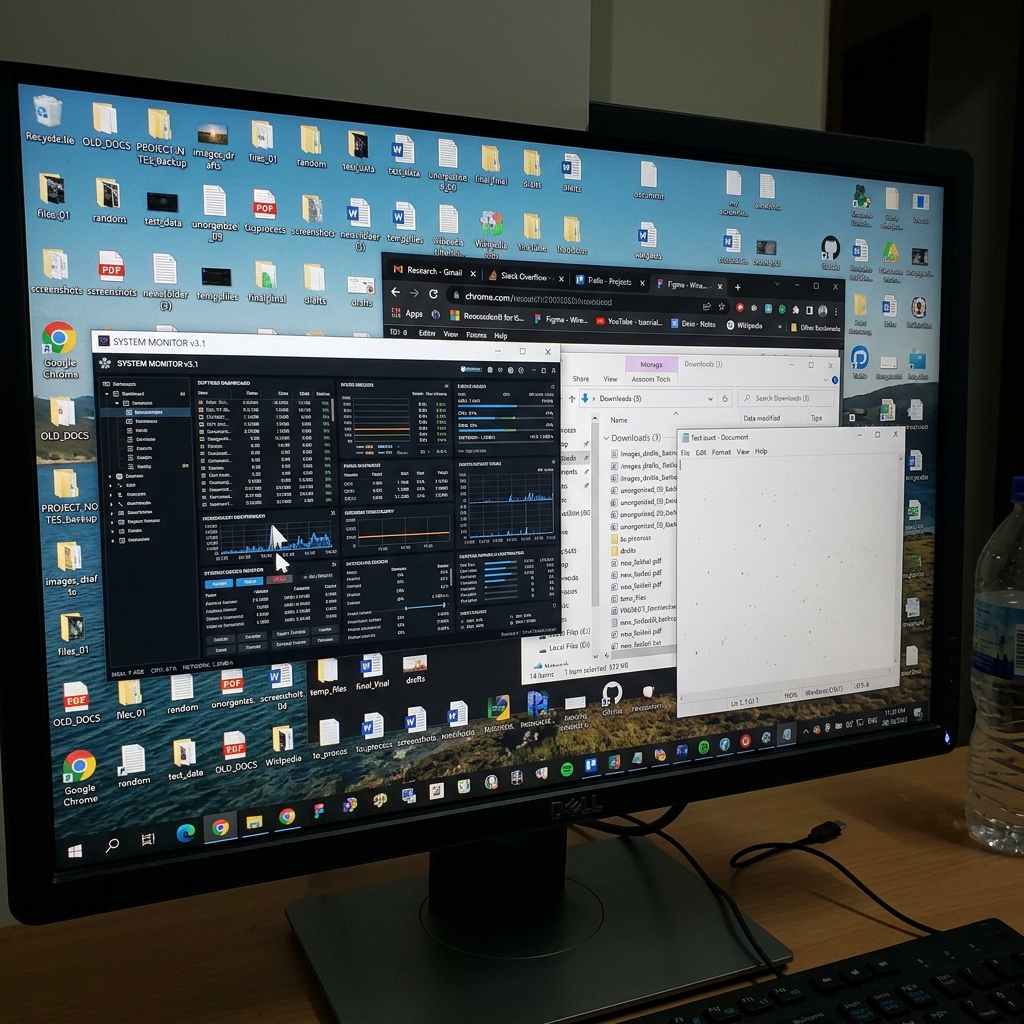
| Passive / traditional | Records pixels in a region; no interpretation of intent | QuickTime, Xbox Game Bar, OBS (default tutorial path), many free web recorders |
| Presentation / "AI" | Tracks clicks, typing, and cursor paths to frame the story at capture time | Cubix Capture, Screen Studio (Mac), similar auto-zoom tools |
Important: "AI" here means automated production decisions (crop, easing, cursor path)—not "this tool writes your script." Silence removal, filler-word cuts, and caption styling live in editors like Cubix, often after capture.
Side-by-side: passive vs presentation (2026)
| Dimension | Traditional / passive | Presentation / AI-assisted |
|---|---|---|
| Primary output | Raw canvas of the capture region | Framed, zoom-aware tutorial |
| Mobile readability | Requires manual zoom in an editor | Designed in at capture time |
| Cursor feel | Exactly what your hand did | Smoothed path for calm motion under zoom |
| Background | Your real desktop | Often staged (live backgrounds / window isolation) |
| Best operator skill | Editor or stream tech | Presenter / teacher / founder |
| Typical time to publish | Record + long edit | Record → light trim (optional) → publish |
| When it shines | Streaming, archival, max control | Product demos, courses, YouTube tutorials |
When traditional recorders still win
Passive capture is not "outdated"—it is specialized:
- Live streaming and multi-scene shows — OBS scene graphs, audio buses, and plugins remain unmatched for broadcasts. See OBS Is Overkill for Screen Recording for when that power hurts tutorial throughput.
- You already employ an editor — Agencies delivering bespoke motion may prefer raw plates.
- Compliance / forensic capture — "Exactly what was on screen at 14:03" with no automated reframing.
- Lossless archival — e.g. grabbing generative AI playback at high bitrate (How to Record AI-Generated Video Outputs Without Losing Quality).
If none of those apply and your audience watches on phones, passive-only workflows usually hide a hidden edit tax—documented in The Hidden Cost of Cheap Screen Recorders.
What presentation recorders actually automate
Auto-zoom as comprehension, not decoration
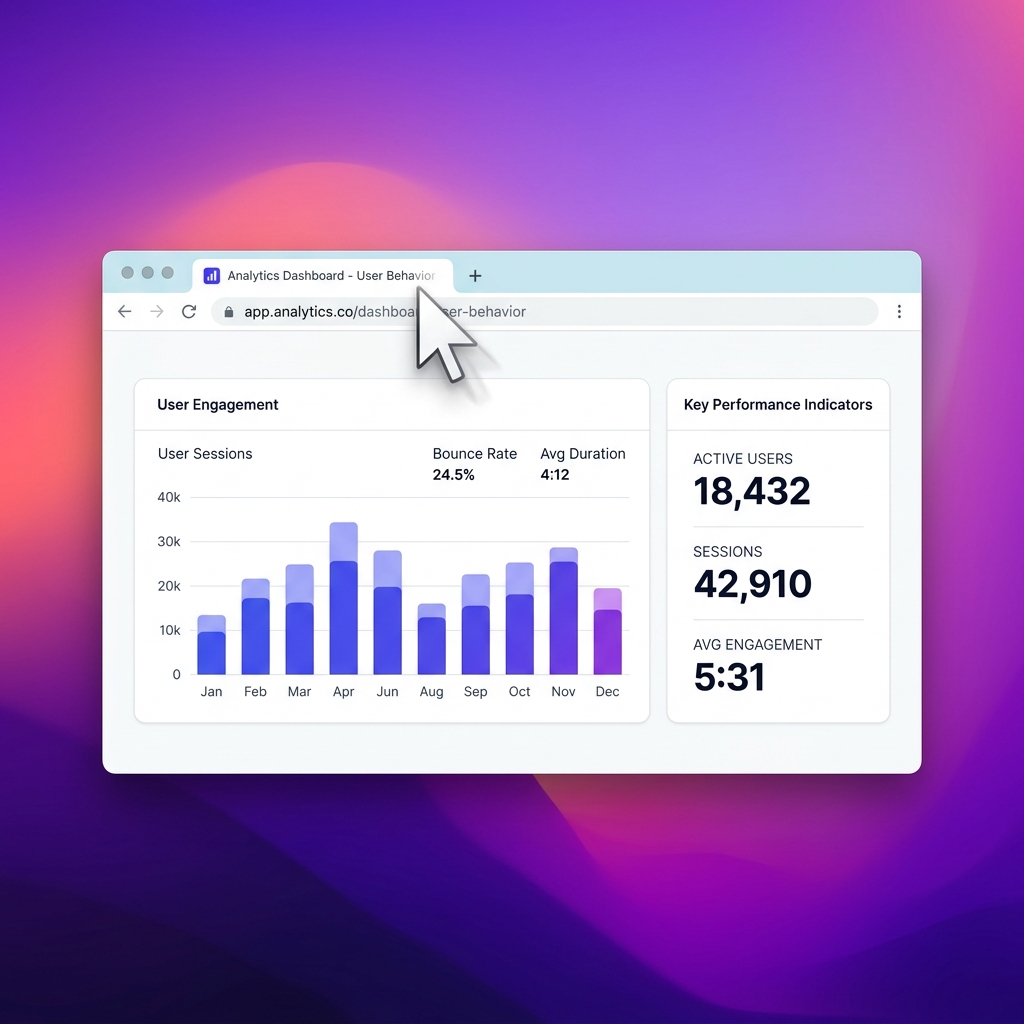
The camera pushes toward click targets and text entry so UI survives a 6-inch screen. Mechanism: How Auto-Zoom Technology Actually Works.
Enjoying this read?
Get weekly insights on video editing, AI workflows, and creator growth straight to your inbox.
Cursor smoothing as trust signal
Tight zoom magnifies hand jitter; smoothing keeps motion deliberate. Pairing matters—see the formula in Why Auto-Zoom Changes Everything.
Staging without a green screen
Isolating the app window plus live backgrounds signals intent—useful for founders and educators publishing weekly. Deeper workflow: How to Create Cinematic Screen Recordings Without a Video Editor.
Buyer matrix: who should switch stacks?
| Role | If you use passive only today | Consider presentation when… |
|---|---|---|
| SaaS founder | Loom for async, OBS for rare streams | Public demos must read on mobile without an editor |
| YouTube educator | Record wide → keyframe in Premiere/CapCut | You publish more than 1–2 tutorials per month |
| DevRel / engineer | Raw capture for internal bugs | External walkthroughs represent the product brand |
| Support lead | Quick snippets are enough | Customer education is a revenue lever |
Lists to shortlist tools: Best Screen Recorders That Don't Require Editing, State of Screen Recording in 2026.
Hybrid stack (common in 2026)
Many teams use both:
- Cubix Capture for customer-facing tutorials and demos (capture-time polish).
- OBS for live streams or odd capture constraints.
- Cubix when a recording needs silence cuts, captions, or social clips—not because Capture failed, but because editing is a different phase.
That split keeps claims honest: presentation recorders are not full NLE replacements.
Bottom line
- Traditional = faithful pixels, maximum control, editing burden on you.
- Presentation / AI-assisted = automated framing for tutorial clarity and mobile survival.
- Choose by publish cadence and viewer device, not by whether the app says "AI" on the tin.
AI & capture cluster:
- How Creators Use AI Screen Recording in 2026
- The Death of Manual Screen Editing
- Record AI Video Without Losing Quality
Related reading:
- Chrome Extensions vs Desktop Apps for Screen Recording
- How to Choose a Screen Recorder in 2026
- Best Screen Recorders That Don't Require Editing
Don’t miss the next one.
Join our newsletter for exclusive tips, product updates, and the latest from the Cubix team.