
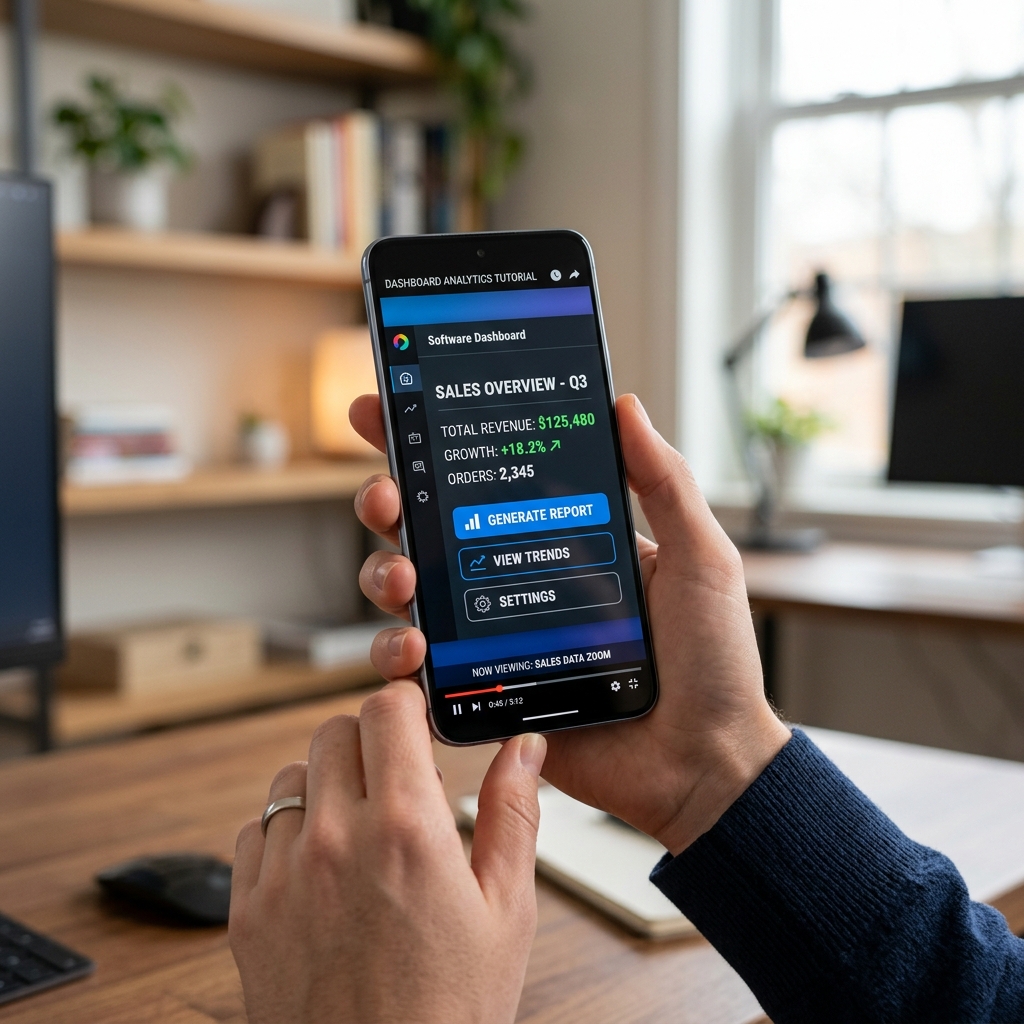
For years, screencasts were two jobs: record, then survive Post-Production Purgatory—hundreds of zoom keyframes so a phone viewer could see which button you clicked.
That second job is dying, not because editors disappeared, but because framing moved earlier.
Publish when you stop: Cubix Capture applies auto-zoom, smooth cursor, and live backgrounds during recording—so teams skip the keyframe timeline for everyday demos. Try free · Windows · Mac
This piece covers the organizational and economic shift. Viewer retention: Why Auto-Zoom Changes Everything. Under the hood: How Auto-Zoom Technology Actually Works.
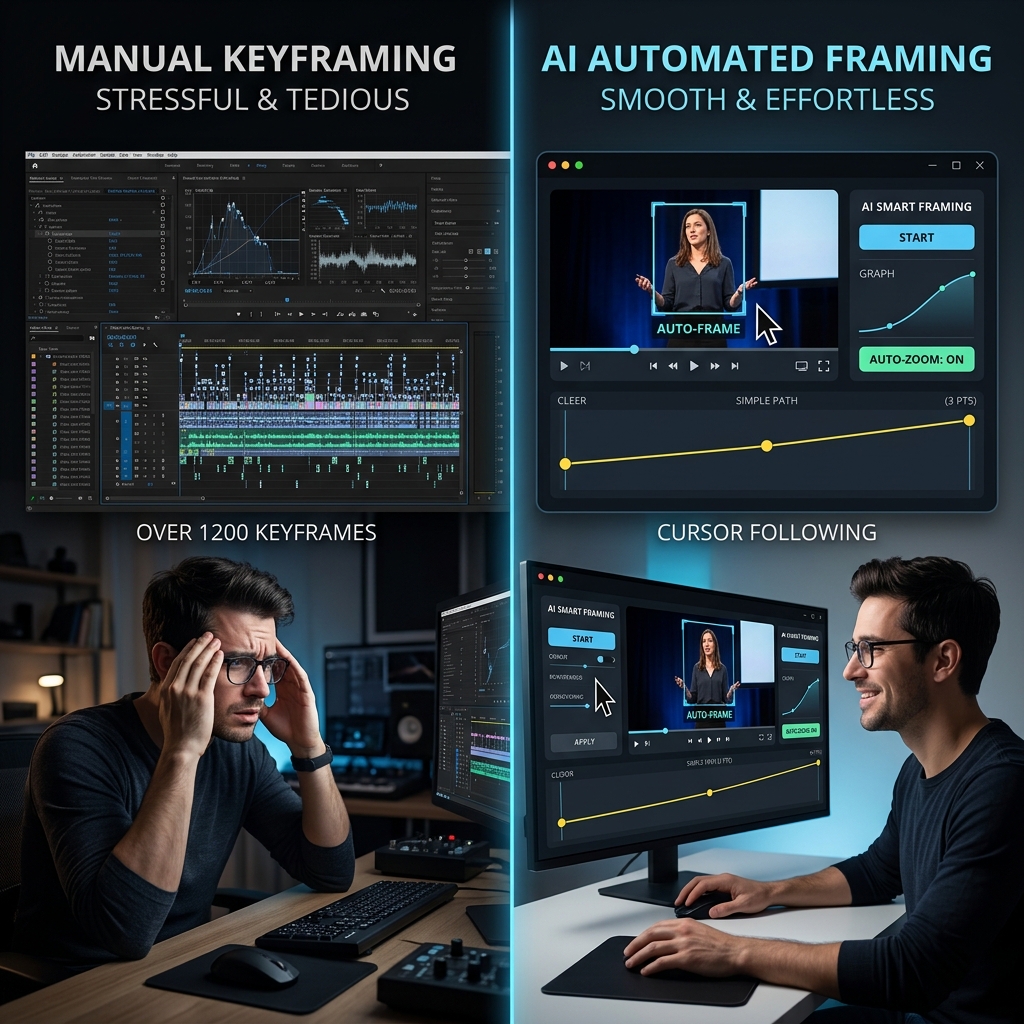
A brief history: why manual zoom became mandatory
| Era | Viewer context | Creator response |
|---|---|---|
| 2010s | Mostly desktop | Wide capture was "good enough" |
| Late 2010s | Mobile social rises | Tiny UI on phones |
| 2020s | Tutorial economy explodes | Keyframes in Premiere/CapCut become default |
| 2024–26 | Capture-time zoom tools mature | Keyframes optional for many workflows |
The mobile tax was real: 10 minutes recording, 120 minutes zooming—teams either hired editors or stopped publishing.
What changes when zoom happens at capture time
1. Throughput becomes a competitive moat
If polished demos take three days, competitors who ship twice weekly win mindshare. Auto-zoom removes the director role from the timeline for standard tutorials. Workflow comparisons: How Creators Use AI Screen Recording in 2026, AI vs Traditional Screen Recorder.
2. Brand consistency stops depending on who edits
Five people recording demos used to mean five zoom styles. Capture-time rules (same easing, same staging) standardize output—critical for customer education teams and remote onboarding.
3. The skill floor drops; the expertise ceiling stays
Junior PMs can publish readable walkthroughs; senior producers still use NLEs for hero films. Manual editing is not dead—it is specialized, like motion graphics for launch day.
Enjoying this read?
Get weekly insights on video editing, AI workflows, and creator growth straight to your inbox.
4. Total cost is software + labor, not sticker price
A "free" recorder plus 4 hrs/editor-week is expensive. Presentation capture reframes ROI—see The Hidden Cost of Cheap Screen Recorders.
Manual vs capture-time zoom (2026)
| Dimension | Manual keyframes | Auto-zoom at capture |
|---|---|---|
| Labor per 5-min tutorial | Often 1–3 hours | Minutes (optional trim only) |
| Skill | Editor literacy | Presenter literacy |
| Mobile outcome | Good if editor remembers | Default if tool is presentation-first |
| Best for | Bespoke motion, filmic pacing | Weekly demos, courses, support libraries |
| Failure mode | Inconsistent team output | Over-trusting zoom without script clarity |
Psychology of focus (why zoom retains): The Psychology of Zoom.
What manual editing still owns
Auto-zoom does not replace:
- Narrative surgery — reordering sections, cutting wrong takes
- Accessibility layers — captions, translations (auto-generate captions in post)
- Audio repair — room tone, music beds
- Generative AI exports — lossless capture of model output (Record AI Video Without Losing Quality)
Cubix Capture handles framing; Cubix handles edit intelligence when you need it—two phases, one pipeline.
Implementing the shift on a team (30-day sketch)
- Audit last 10 demos: hours in NLE vs hours recording.
- Pilot presentation capture on one public-facing series.
- Template backgrounds + intro length so outputs match brand.
- Measure time-to-publish and mobile completion (where available).
- Keep OBS for streams; do not force one tool for every job.
Buyer's guide: How to Choose a Screen Recorder in 2026.
Bottom line
Manual screen editing is not a moral failure—it was the best available fix for mobile readability. Auto-zoom makes that fix upstream, which changes how fast teams teach, sell, and support.
You did not start a company to be a keyframe animator. The death of manual screen editing—for everyday screencasts—is the birth of publish-when-you-stop clarity.
AI & capture cluster:
- AI vs Traditional Screen Recorder (2026)
- How Creators Use AI Screen Recording in 2026
- Record AI Video Without Losing Quality
Related reading:
- Why Auto-Zoom Changes Everything
- How to Add Auto-Zoom to Screen Recordings (No Editing)
- What Is Auto-Zoom Screen Recording?
Don’t miss the next one.
Join our newsletter for exclusive tips, product updates, and the latest from the Cubix team.