
A five-minute software tutorial used to cost an afternoon: record wide, then keyframe zooms, cut dead air, and pray the cursor looked calm on mobile.
In 2026, high-volume creators rarely do all of that in one editor pass.
The 2026 default stack: Cubix Capture for capture-time auto-zoom, cursor smoothing, and staging—publish-ready when you stop. Add Cubix only for captions, silence cuts, or clips. Get started free · Windows · Mac
They split the job:
- Capture-time intelligence — framing lives in Capture
- Optional post-AI — speech and accessibility live in the editor
Passive vs presentation recorders: AI Screen Recorder vs Traditional (2026). Why zoom matters: Why Auto-Zoom Changes Everything.
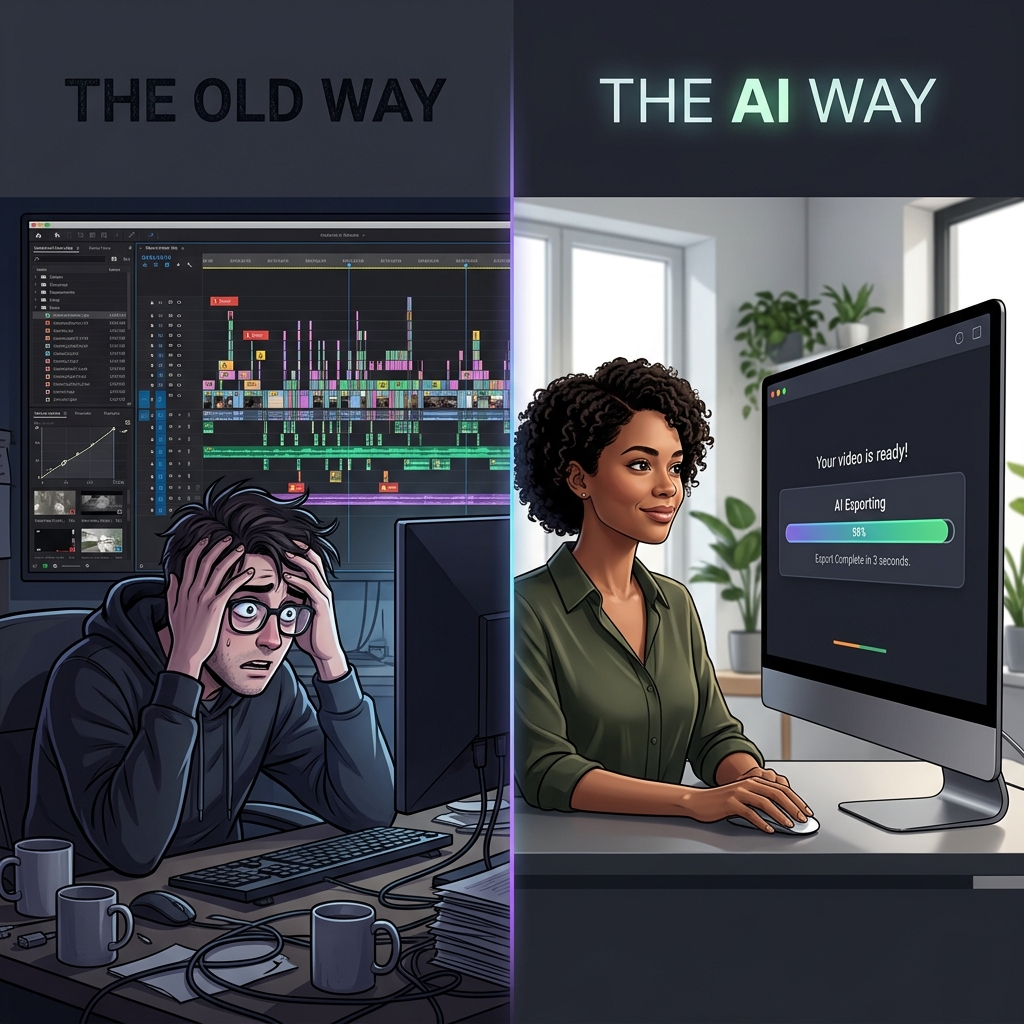
The 2026 throughput equation
| Phase | Old default (2022) | 2026 high-volume default |
|---|---|---|
| Record | Static full-screen | Presentation capture (framed) |
| Polish | 2–4 hrs keyframes + cuts | 0–20 min optional trim/captions |
| Publish | Weekly if lucky | 2–4× per week for many niches |
The gain is not "AI magic"—it is moving production decisions earlier so editing stops being the bottleneck. Industry context: State of Screen Recording in 2026.
Workflow A: YouTube educator (tool tutorials)
Goal: Ship 2–3 videos per week; majority of views on mobile.
Stack:
- Script bullet steps (no word-for-word essay)
- Cubix Capture for capture-time zoom + smooth cursor
- Optional: import to Cubix only for auto-captions (muted autoplay) or a tight intro clip
Why it works: Educators lose the most time on mobile readability, not color grading. Auto-zoom replaces hundreds of keyframes. Deeper niche guide: Best Screen Recorder for YouTube Tutorial Creators, Grow Your YouTube Faster with Better Screen Recordings.
Rule of thumb: If you are keyframing zoom on every upload, you are subsidizing a passive recorder with your calendar.
Workflow B: DevRel / engineer (code walkthroughs)
Goal: Crisp syntax on GitHub UI, terminal, and IDE—often in one take.
Stack:
- Terminal font bumped before record
- Capture with click-following zoom (readability beats 4K wide canvas)
- Internal bug clips may stay raw OBS; public docs use presentation capture
Pair with: How to Record a VS Code Tutorial for Developers, How to Record Terminal Command Line Tutorials Clearly.
Honest limit: Auto-zoom follows interaction, not automatic code understanding—you still structure the demo (one concept per clip).
Workflow C: Course creator (LMS modules)
Goal: Consistent module length; students rewatch months later.
Stack:
- Template: intro face cam (optional) + staged app capture
- Same background + zoom behavior every lesson (brand consistency without an editor)
- Post only for accessibility: captions via AI editor
See Best Screen Recorder for Online Course Creators and Online Course Video Workflow for Higher Completion.
Enjoying this read?
Get weekly insights on video editing, AI workflows, and creator growth straight to your inbox.
Workflow D: SaaS founder (demo + changelog video)
Goal: Friday ship: feature demo + 60s changelog for email/social.
Stack:
- Record feature in staging with presentation capture
- One optional pass in AI editor to cut "let me find the tab" moments
- Async internal updates may stay on Loom; public demos get framing
Related: How to Record a SaaS Product Demo That Converts, Best Screen Recorder for SaaS Founders in 2026.
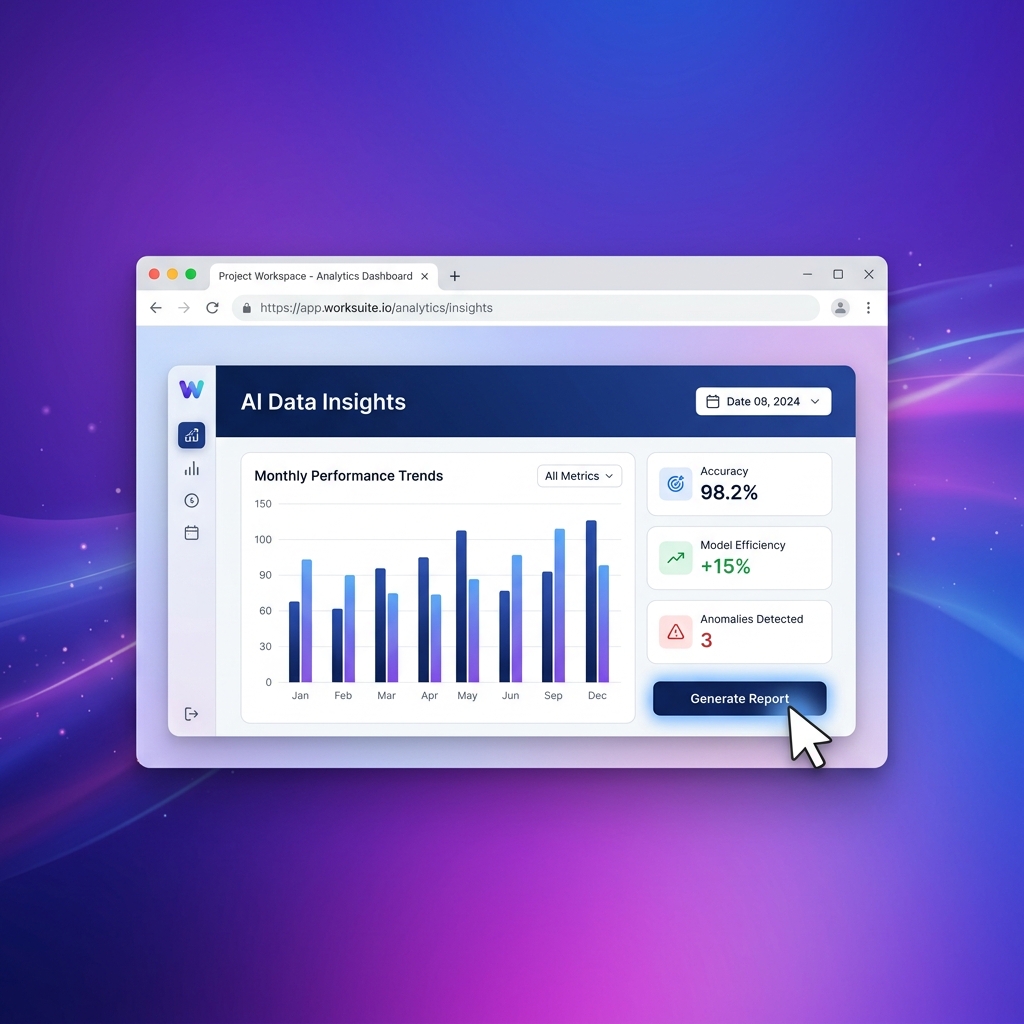
What creators moved out of the edit bay
| Task | Moved to capture-time | Still in post (when needed) |
|---|---|---|
| Zoom for mobile | Auto-zoom | Hero manual punch-in for launch films |
| Cursor anxiety | Smooth cursor | — |
| Desktop clutter | Live backgrounds / staging | — |
| Filler words / silence | — | AI editing agent |
| Captions | — | AI subtitle generator |
| Shorts from long video | — | AI clip finder |
Claiming one app does everything blurs buyer trust. Capture and edit are different phases.
Mistakes we see in "AI workflow" migrations
- Recording passive, then buying an AI editor — you still pay the keyframe tax; you just moved it.
- Over-editing presentation captures — re-zooming a file that was already framed fights the tool.
- Skipping captions — capture-time polish does not replace accessibility; budget 10 minutes in an editor.
- Confusing generative AI video with AI screen recorders — saving Sora/Runway output is a different playbook: Record AI-Generated Video Without Losing Quality.
Bottom line
Creators are faster in 2026 because they stopped treating every recording like raw footage. They frame at capture, edit only when speech or platform needs demand it, and keep OBS/Loom where those tools actually win.
AI & capture cluster:
- AI vs Traditional Screen Recorder (2026)
- The Death of Manual Screen Editing
- Record AI Video Without Losing Quality
Related reading:
- How to Record a Software Tutorial in Under 10 Minutes
- Best Screen Recorders That Don't Require Editing
- Screen Recording Lag — How to Stop It
Don’t miss the next one.
Join our newsletter for exclusive tips, product updates, and the latest from the Cubix team.