
A developer searching at 11pm is not browsing—they are stuck. They will close your video in under ten seconds if they cannot read the syntax or if you spend three minutes on your channel intro.
Readable code at capture time: Cubix Capture zooms on typing and clicks, smooths cursor motion, and stages your IDE—so syntax survives YouTube compression on laptops and phones. Try free · Windows · Mac
Deeper VS Code walkthrough: How to Record a VS Code Tutorial for Developers. DevRel stack: Best Screen Recorder for Developer Walkthroughs.
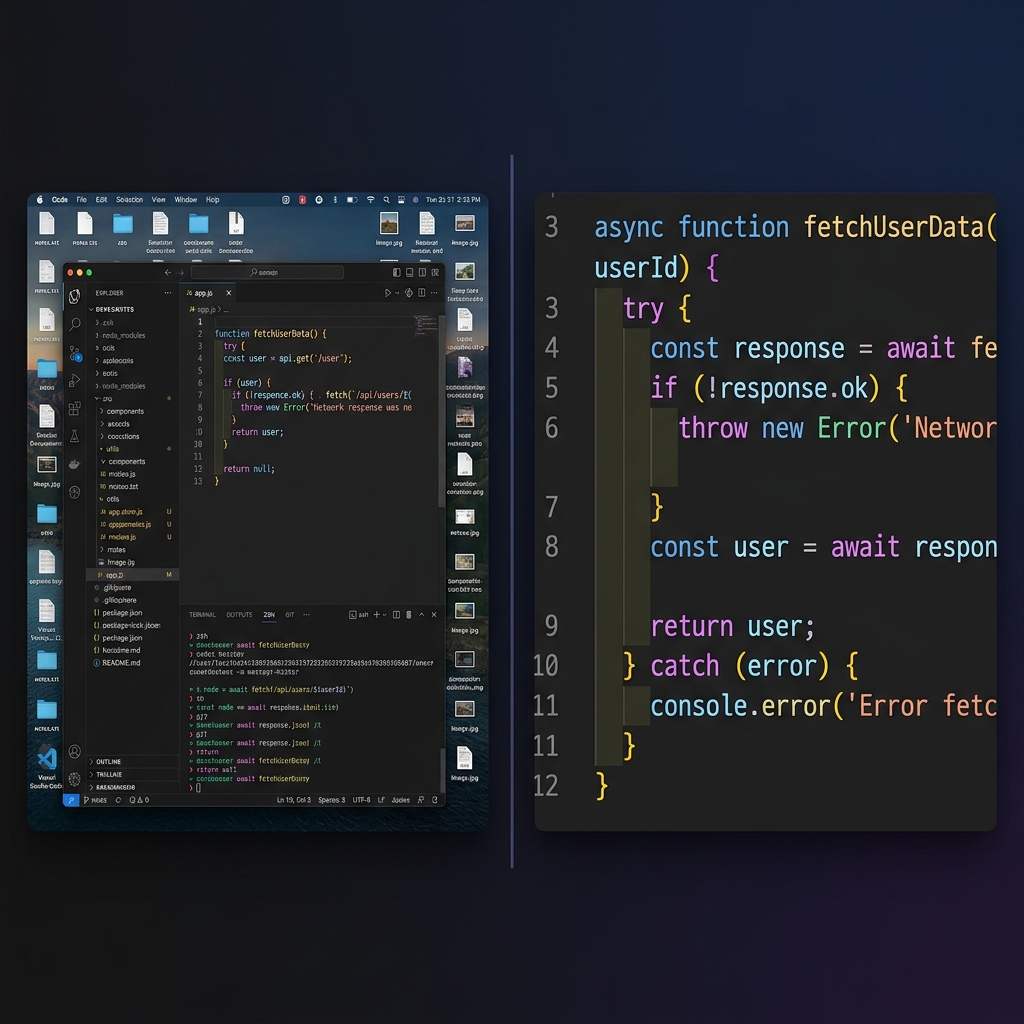
Pre-flight: IDE settings (5 minutes)
| Setting | Recommendation |
|---|---|
| Font size | 16–18px minimum in editor; test on your phone after export |
| Theme | High-contrast dark theme (not low-contrast gray-on-gray) |
| Distractions | DND on; hide Slack/Discord; close unrelated tabs |
| Terminal | Bump font; limit line width; one concept per clip |
| Length | One bug/feature per video—split series beat 40-minute marathons |
Rule 1: Kill the squint factor
Your 27" monitor is not your viewer's screen. After platform compression, 14px code becomes gray mush on a 13" laptop.
Fix: The active line or block should dominate the frame. That used to mean hundreds of Premiere keyframes; now it means auto-zoom at capture (How Auto-Zoom Technology Actually Works).
Rule 2: Calm cursor, calm lesson
Flow-state coding = fast, twitchy pointer. On video, that reads as chaos.
Fix: Presenter-paced cursor smoothing under zoom. Tight zoom + jittery hand = nausea (Why Auto-Zoom Changes Everything).
Enjoying this read?
Get weekly insights on video editing, AI workflows, and creator growth straight to your inbox.
Rule 3: One star on stage
Teach React hooks—not your bookmark bar, taskbar, or second monitor of memes.
Fix: Window isolation + live backgrounds so only IDE/browser are visible.
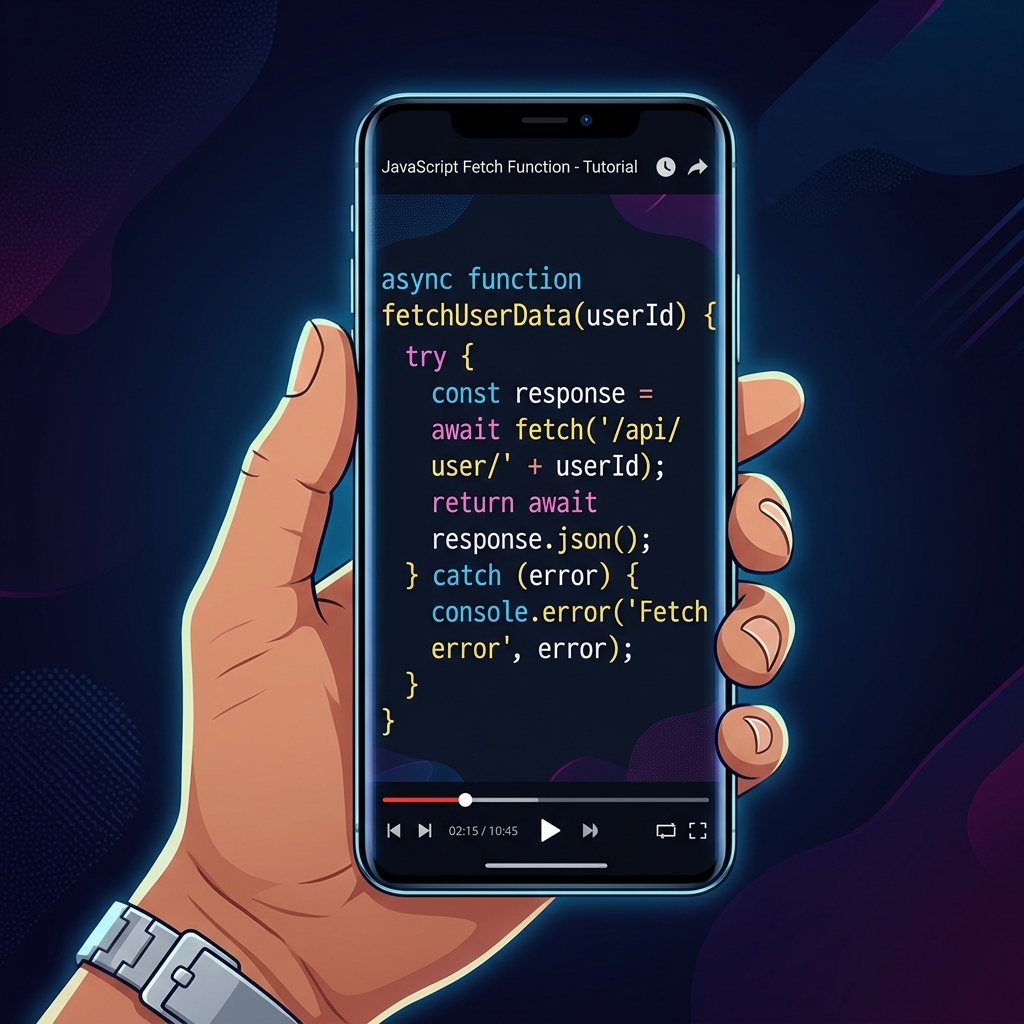
Recording recipe (one take)
- Cold open: state the error or goal in one sentence (no channel trailer).
- Show broken/skeleton state (5–15s max).
- Type the fix with pauses between logical steps.
- Show result in browser/terminal.
- Out: link to repo branch or next video in series.
Internal bug repros can stay raw OBS; public tutorials are presentation capture.
What not to do
| Mistake | Effect |
|---|---|
| 4K full desktop "for zoom later" | Lag + huge files (lag fix) |
| No captions on YouTube | Muted mobile viewers bounce |
| Re-zooming a Capture export | Fighting the tool |
Optional: auto-captions in Cubix after capture.
Use-case cluster
- How to Record Terminal Tutorials Clearly
- How Creators Use AI Screen Recording in 2026
- How to Record Your Workflow as a Video SOP
Related reading:
Don’t miss the next one.
Join our newsletter for exclusive tips, product updates, and the latest from the Cubix team.